About the Pokemon Red template
Pokemon Red cartridges the 90s into now—nearly-white backgrounds (#fef2f2) stamped with Pokéball scarlet (#dc2626) and deep crimson text (#7f1d1d) that transport you directly to Game Boy screens and Pallet Town nostalgia. Built for gaming communities, Pokemon-adjacent projects, and retro-aesthetic brands, this palette radiates Pokédex-era charm. Track which generational cohorts (Millennials, Gen Z) drive your strongest signups with Qubed's real-time analytics.
What the demo shows
The live demo on this page launches Tallgrass Co., a made-up product we wrote to show the template with realistic copy: the headline reads “Catch the pins before they scatter” and the subhead says “Small-batch enamel pins and binder sleeves inspired by 90s monster-collecting games, drawn by indie illustrators and dropped in tiny runs.” Below it you see the signup form, a demo launch countdown and the share-to-climb referral panel exactly as a visitor would. Try the form: in the demo nothing is stored. When you use Pokemon Red, you replace Tallgrass Co. with your own product name, headline, subhead and logo; the palette and motion come with it and every colour stays editable.
Design details
Pokemon Red is a light template: a red-tinted white background (#fef2f2), dark red type (#7f1d1d) and a red accent (#dc2626) on the join button, the countdown and the referral highlights. Body text sits at a 9.2:1 contrast ratio against the background, comfortably past the WCAG AAA threshold. Behind the copy the page animates with grass swaying in the wind, clearly visible; visitors who ask their device for reduced motion get a still frame instead. Structurally it uses the Bold layout, shared with 59 other templates, but the palette, the motion and the demo copy are Pokemon Red's own.
- Background
- #fef2f2
- Accent
- #dc2626
- Text
- #7f1d1d
How it compares
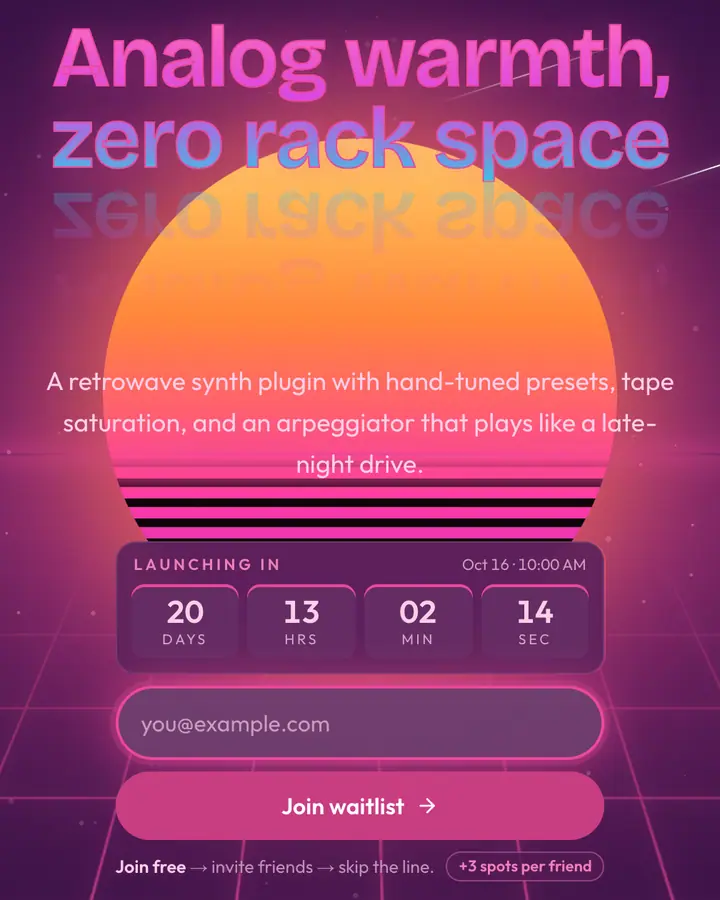
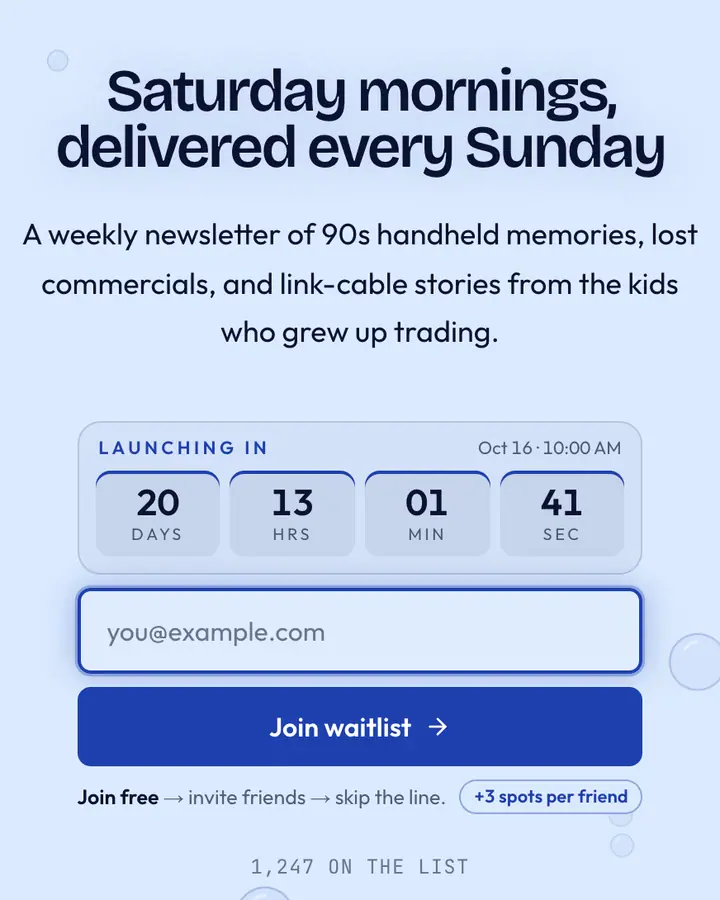
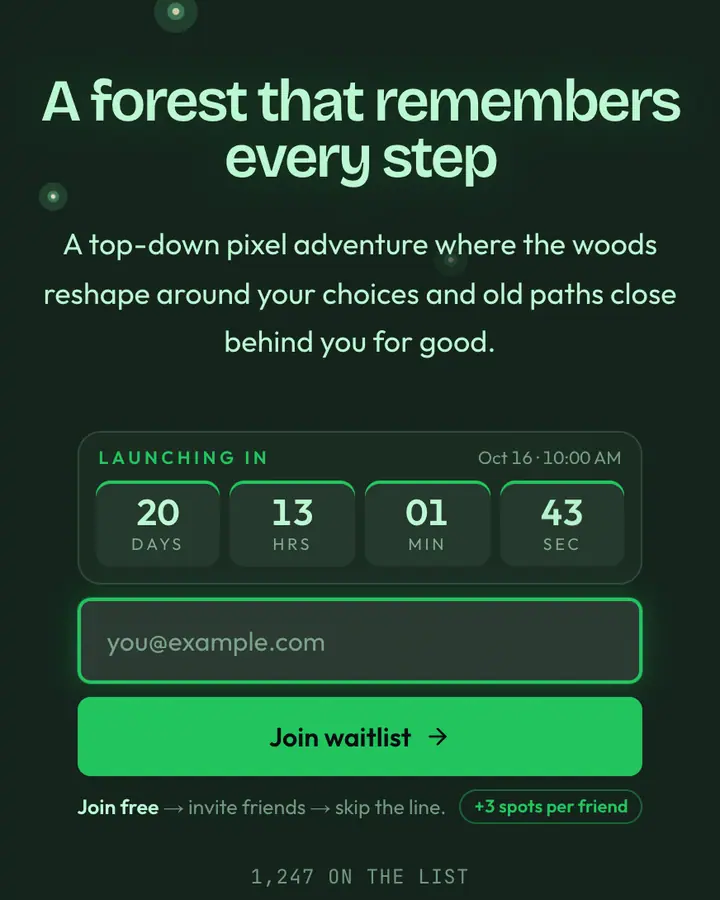
Within Retro / Gaming, Pokemon Red stands out for its red accent on a red-tinted white ground. If it is not quite right, Synthwave Sunset flips to a dark deep violet canvas with a vivid pink accent and the odd shooting star (“Neon grid into the horizon”). Pokemon Blue is also light but leans on a blue accent and bubbles rising to the surface (“Squirtle blue, gym badge”). Zelda Green flips to a dark deep emerald canvas with an emerald accent and fireflies blinking in the dark (“Tunic green, Hylian crest”). All of them share the same signup, referral and analytics features, so switching later only changes the look.
Launch with Pokemon Red in three steps
- Click “Use this template” and create a free account; Pokemon Red is preselected in the page wizard.
- Replace the Tallgrass Co. demo copy with your product's headline and one-line pitch, pick a URL, and optionally set a launch date to show a real countdown.
- Publish and share the link. Every subscriber gets a personal referral link, and you watch signups and top referrers arrive in the dashboard.