
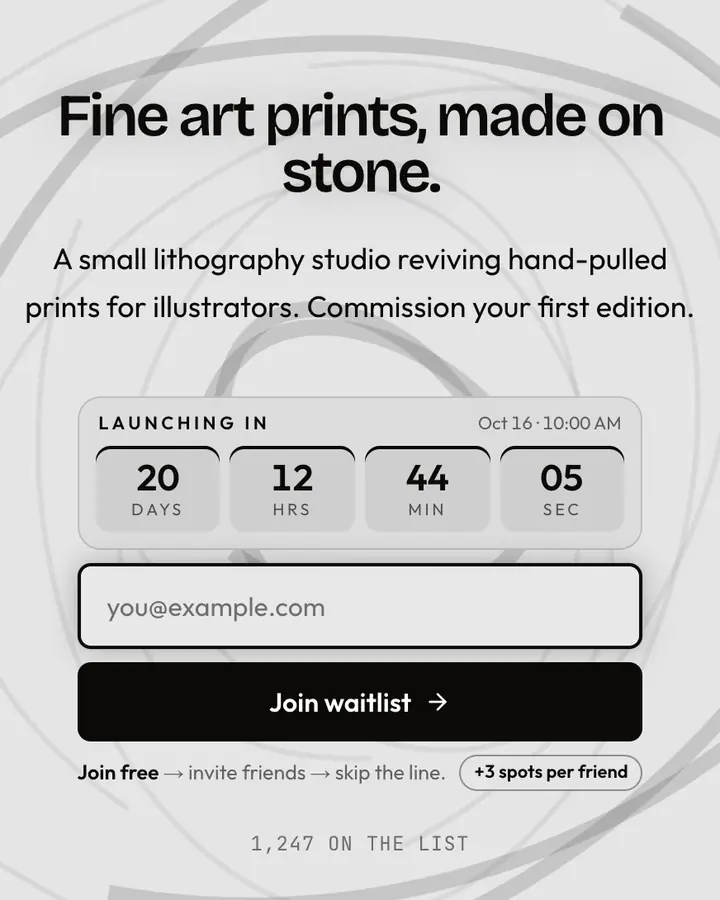
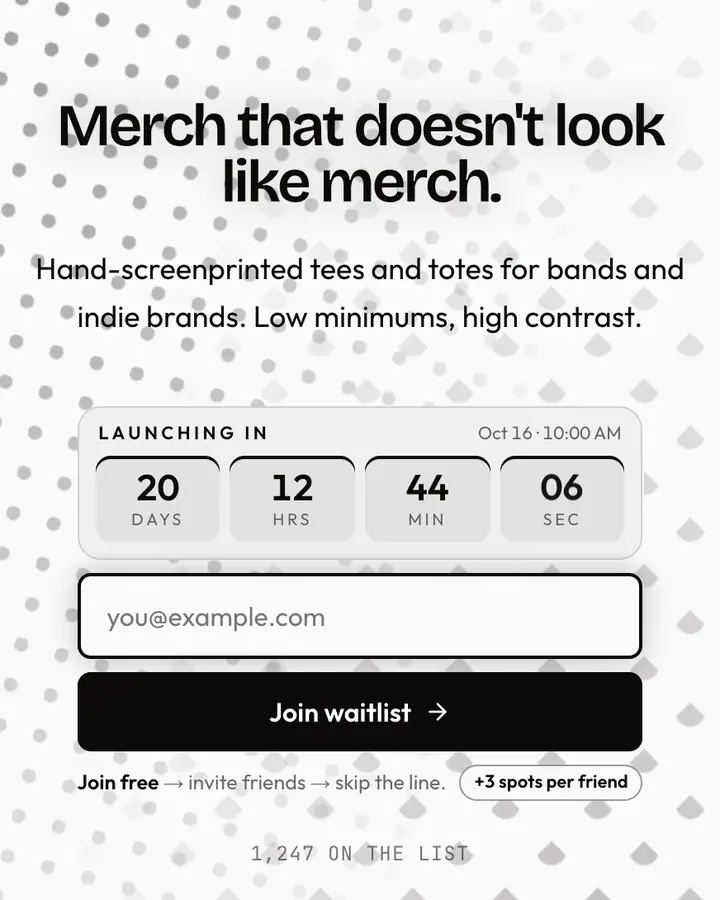
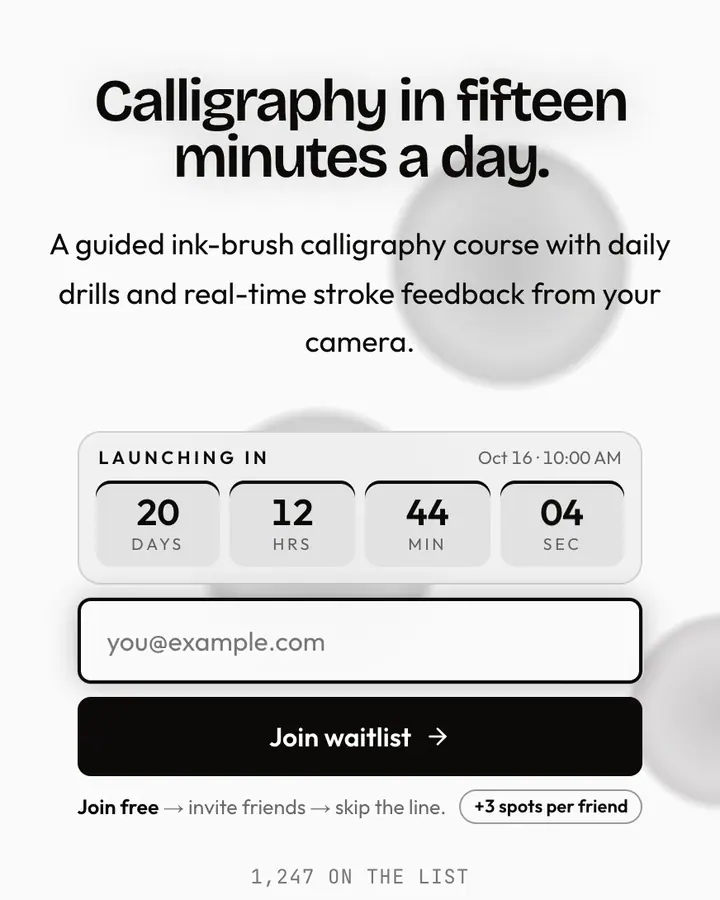
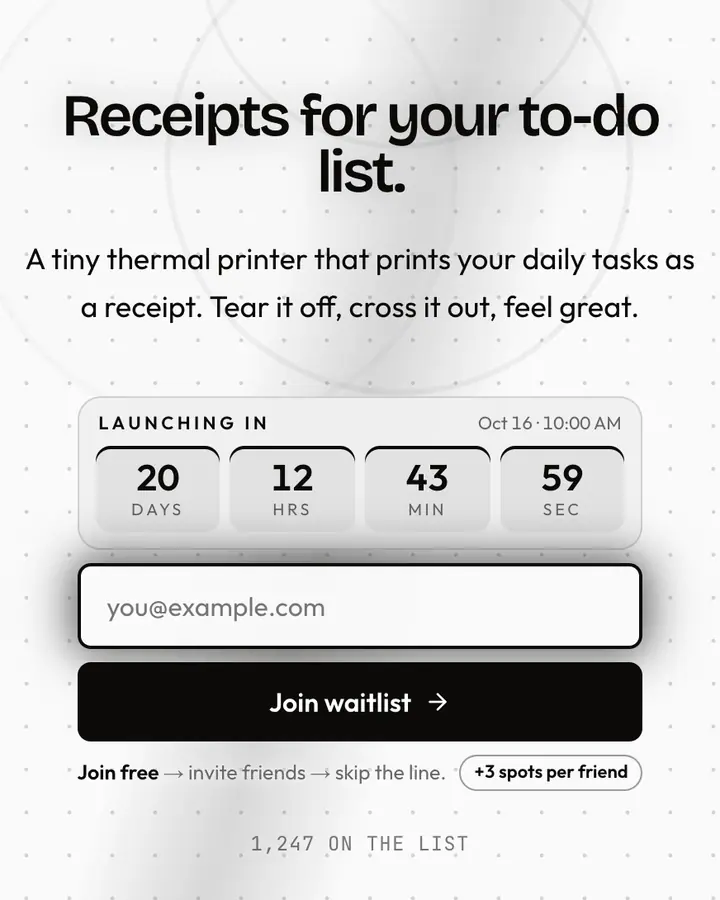

What makes a good black & white launch page
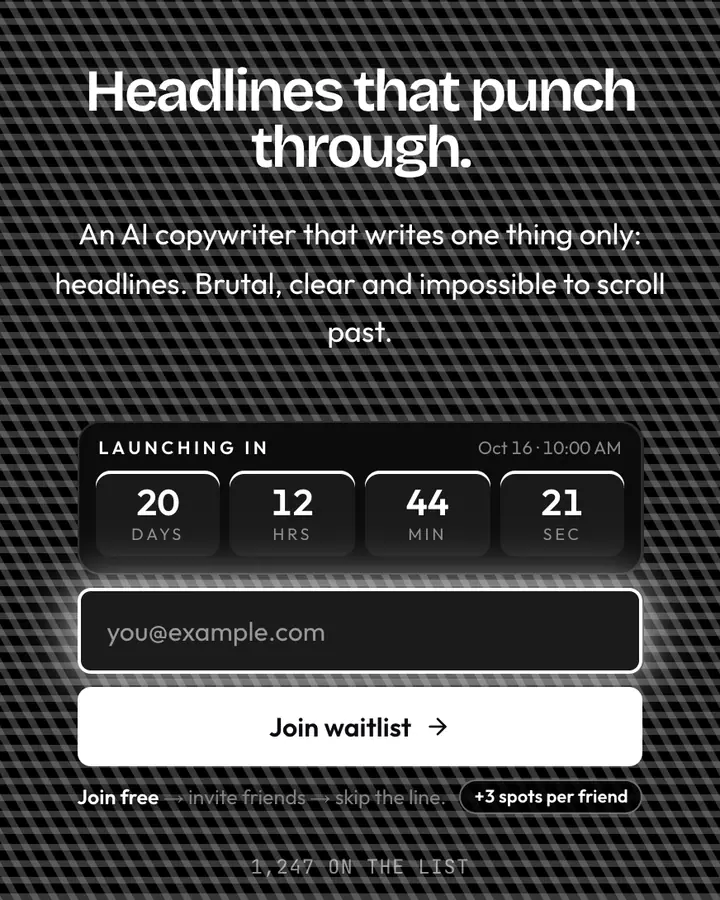
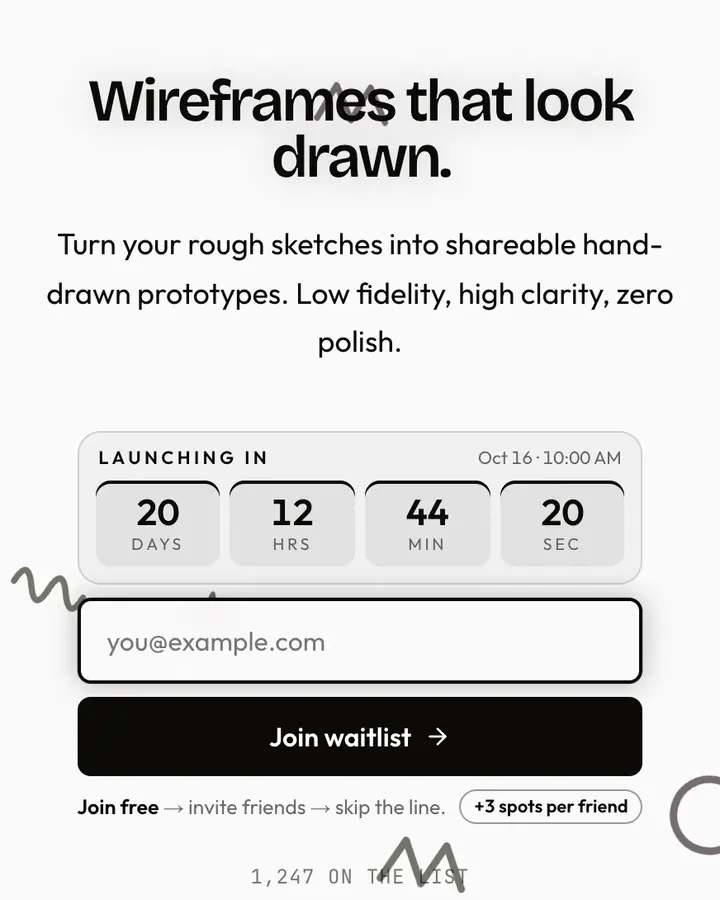
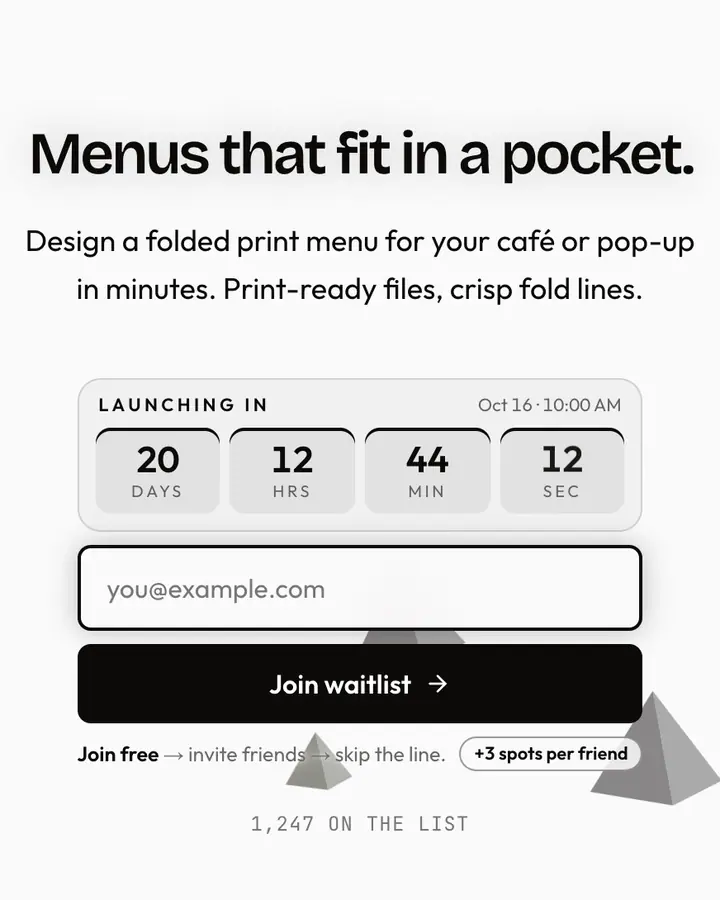
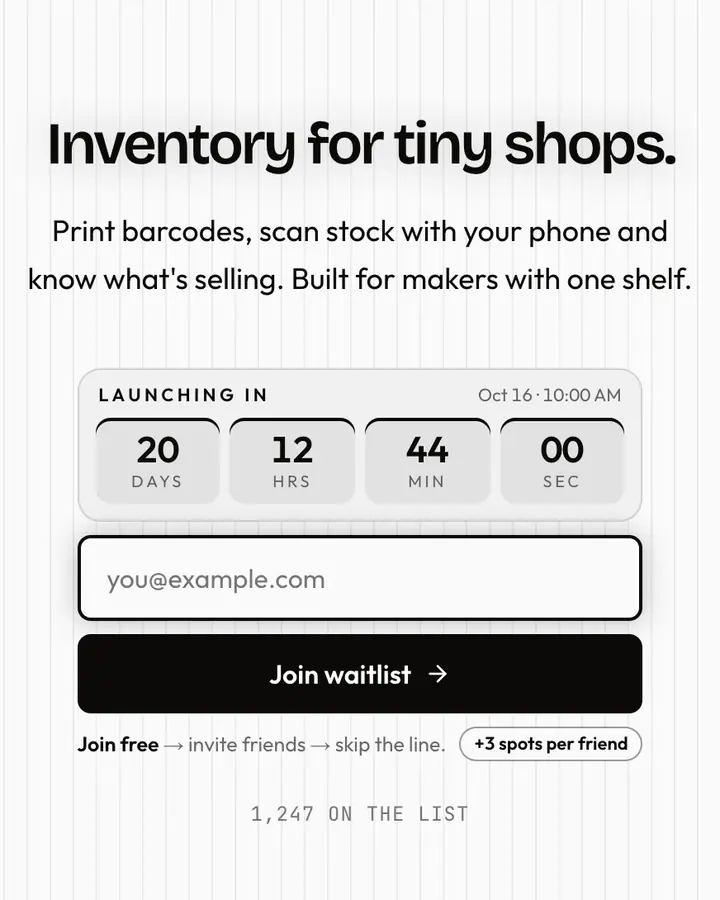
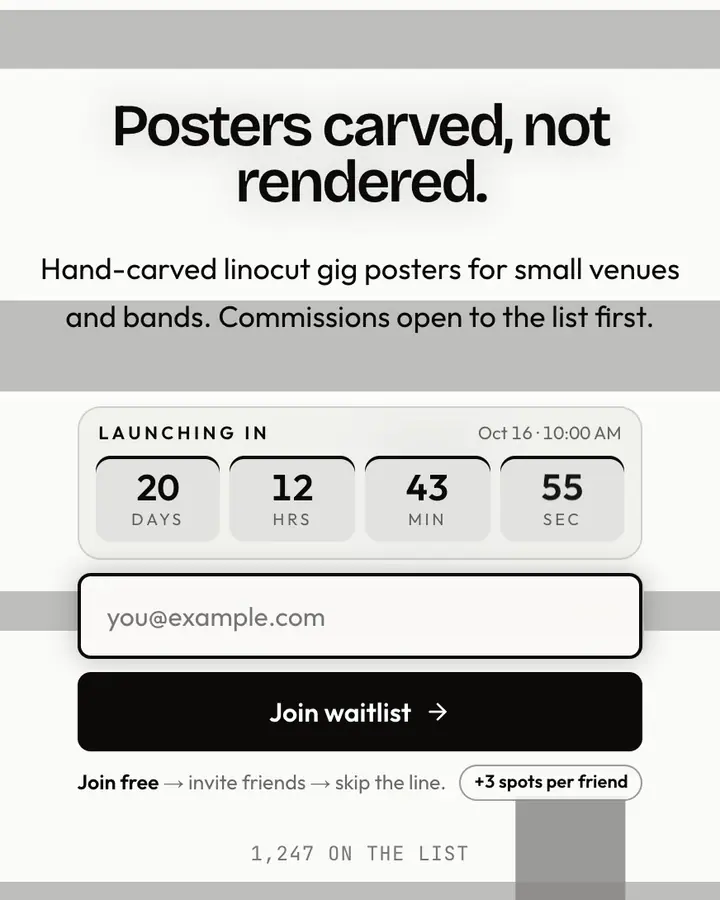
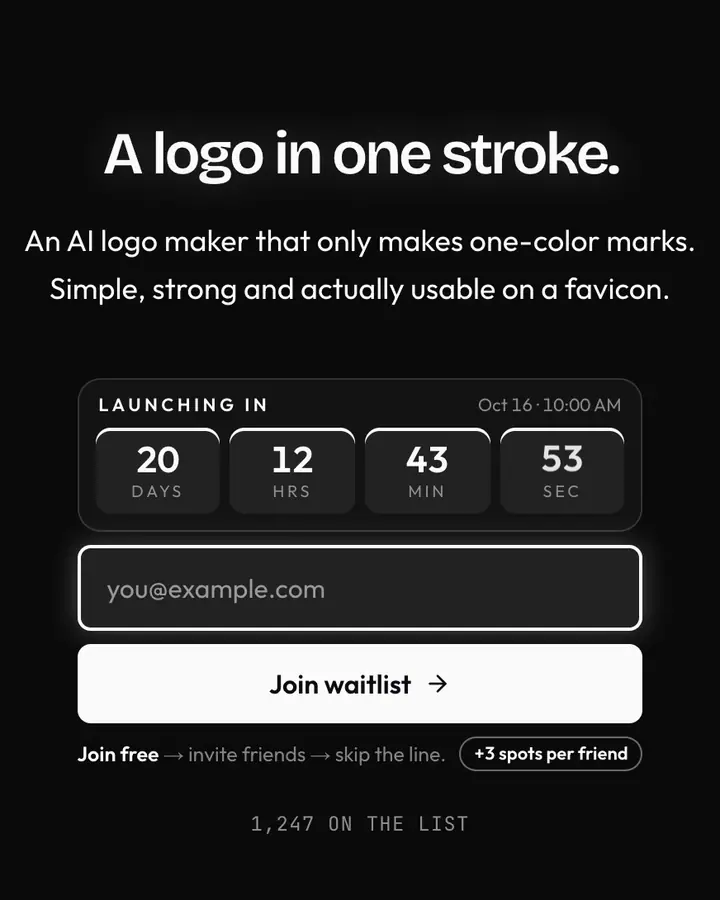
Without color, contrast and type do everything. A good black-and-white launch page picks one typographic voice (typewriter, grotesk or serif) and sticks to it. Black on white has the strongest possible contrast, so your copy will be read. Make sure it deserves to be.
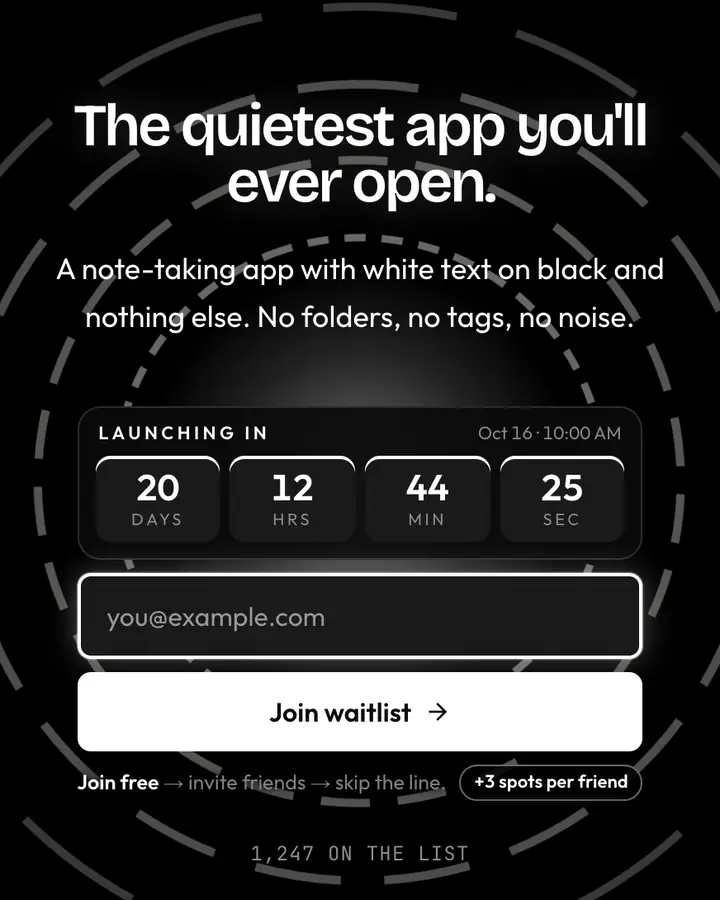
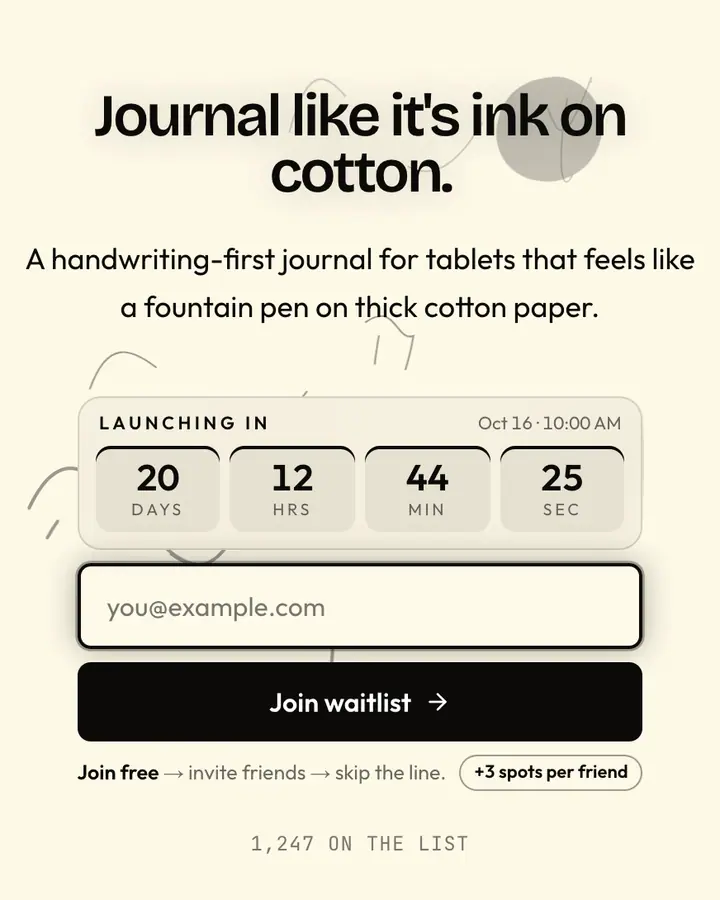
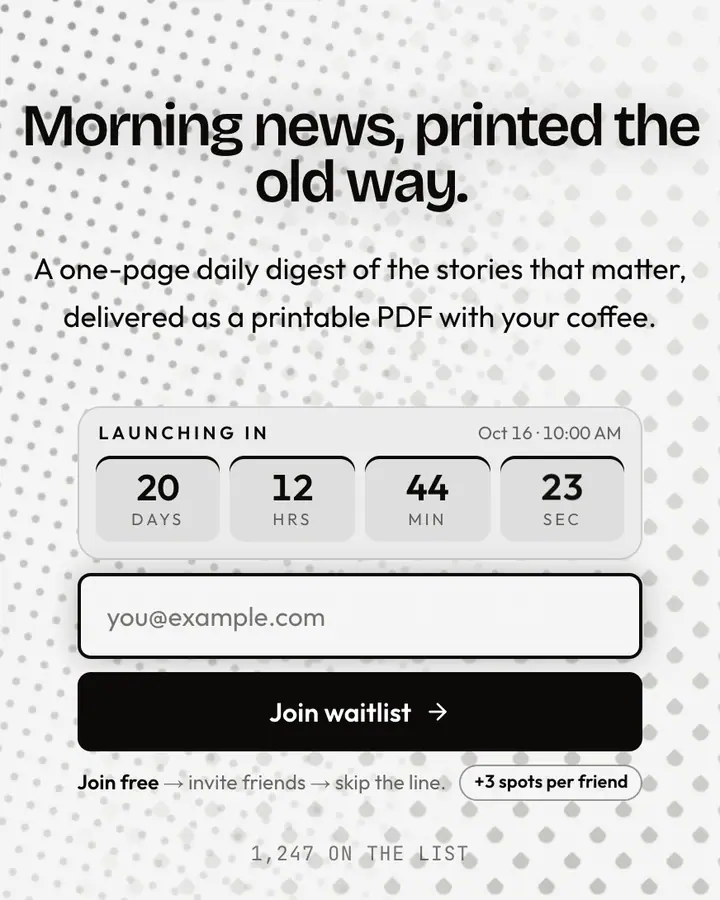
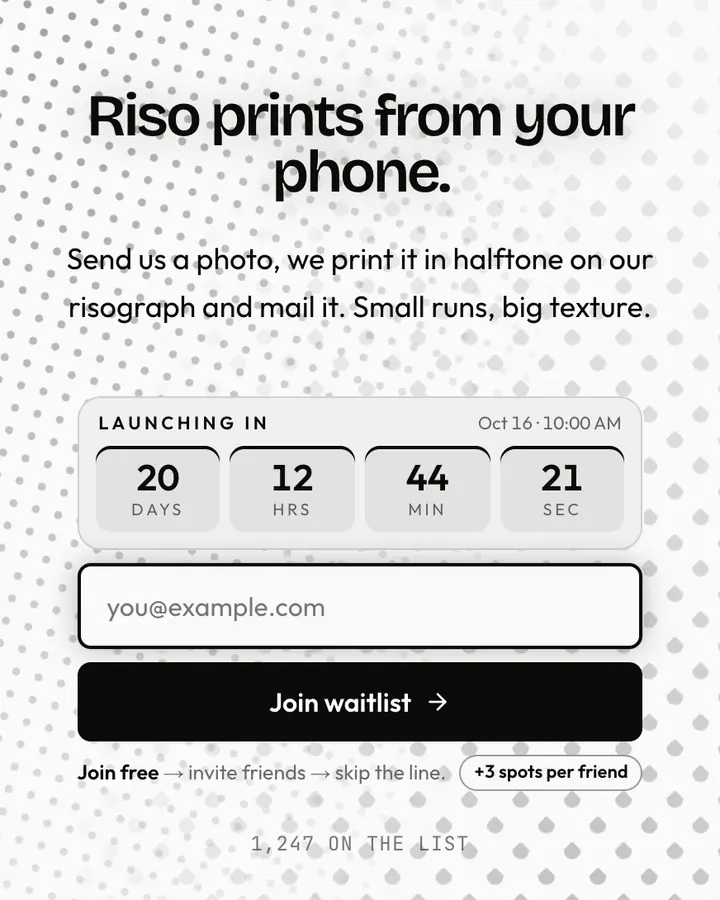
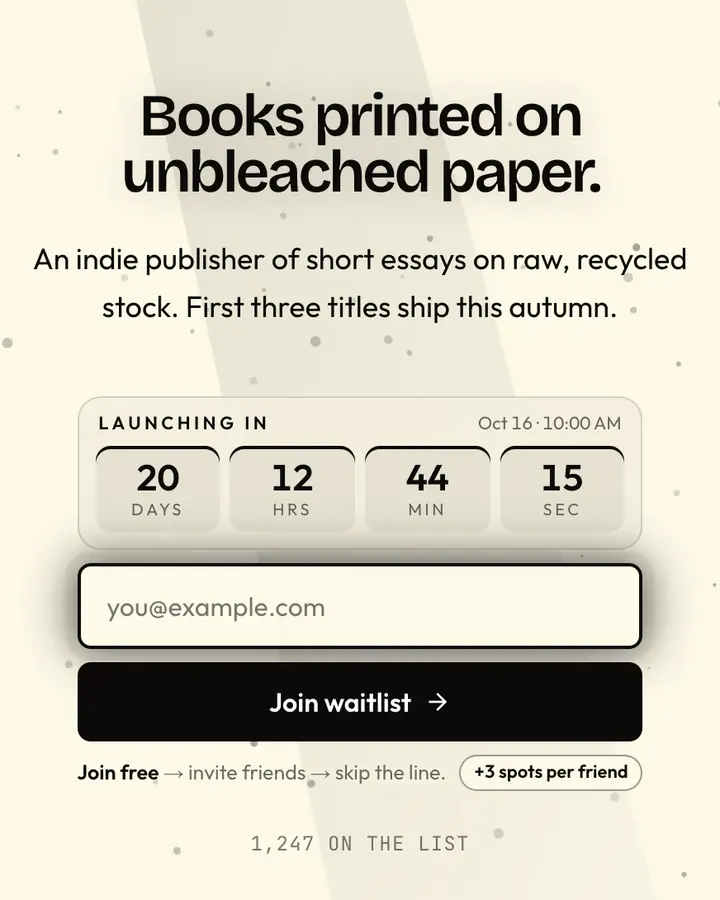
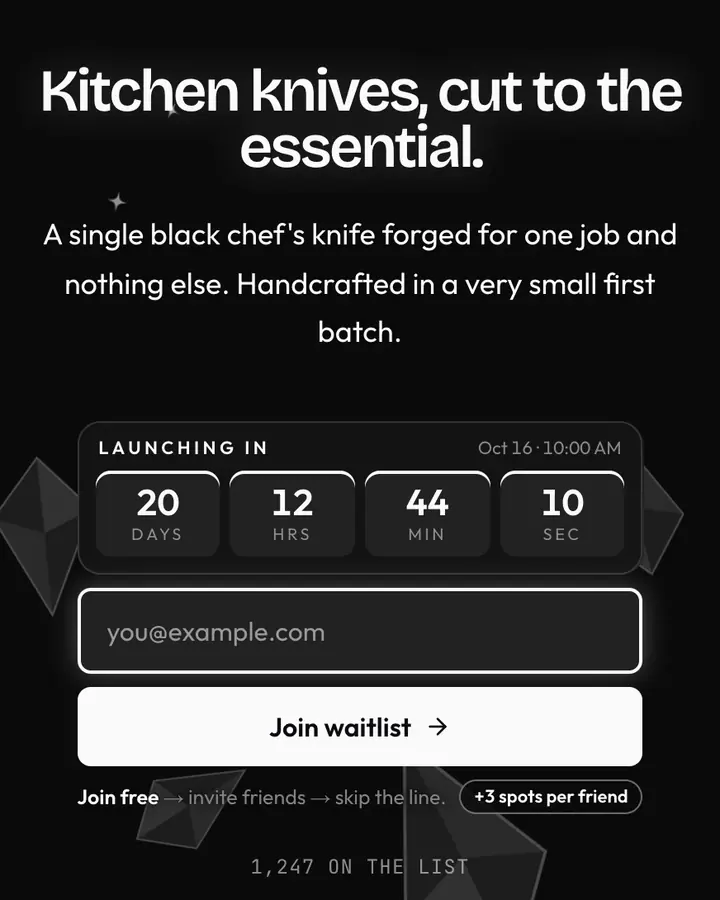
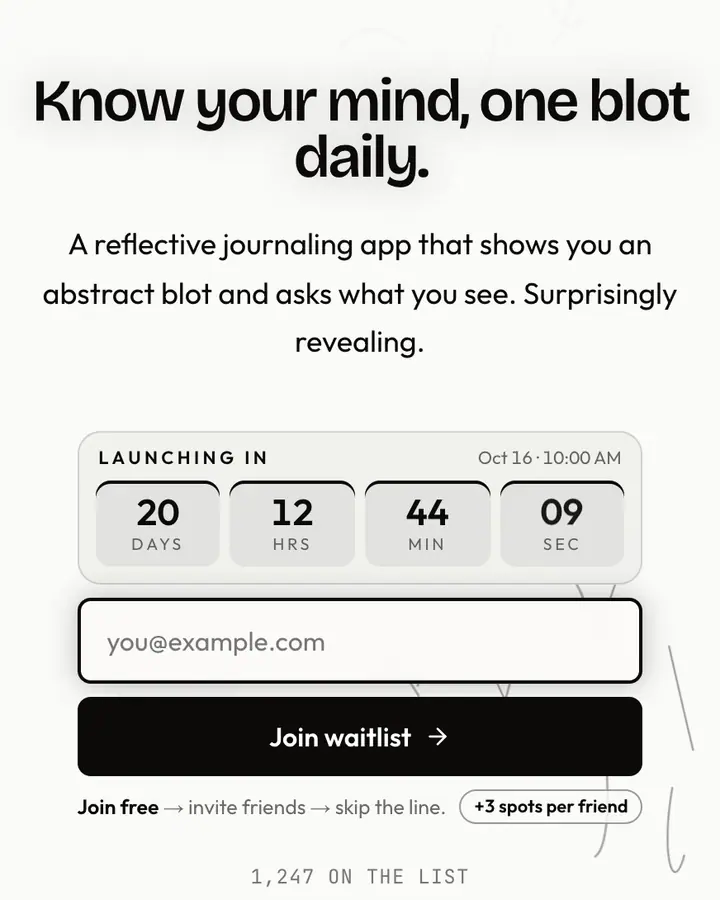
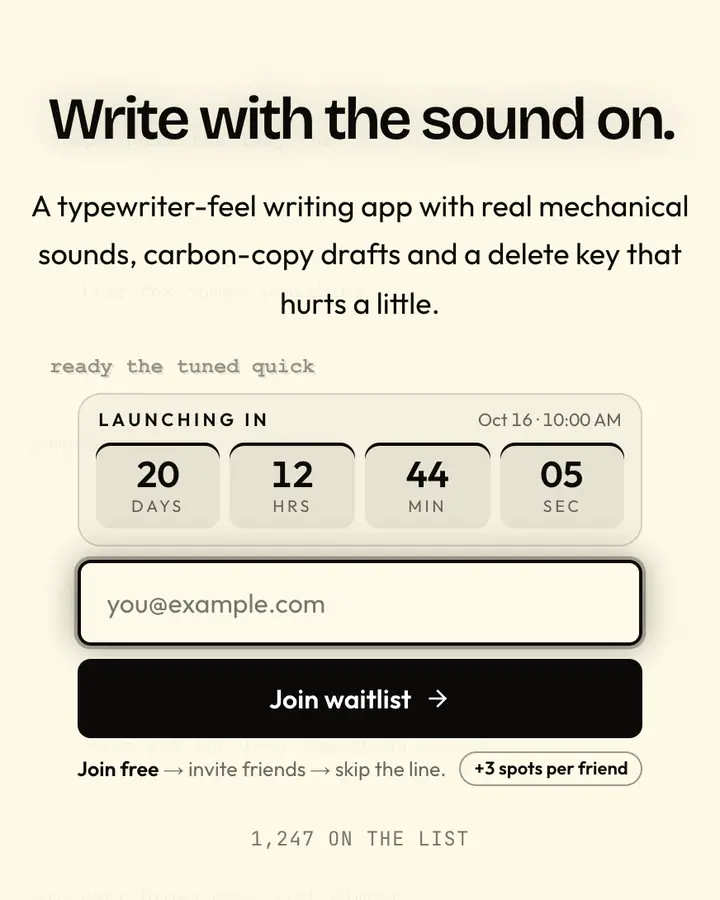
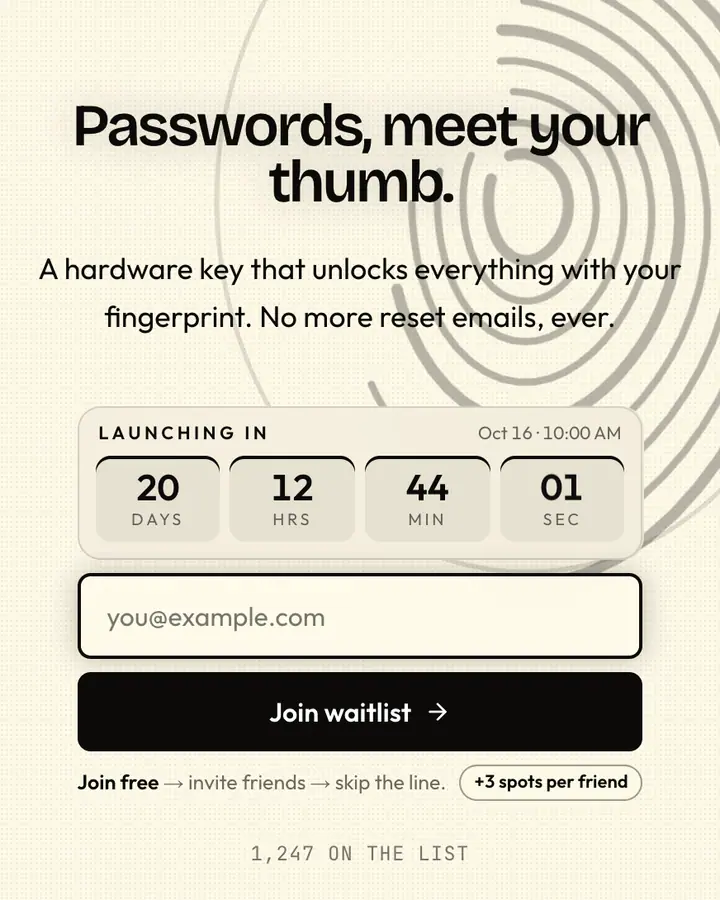
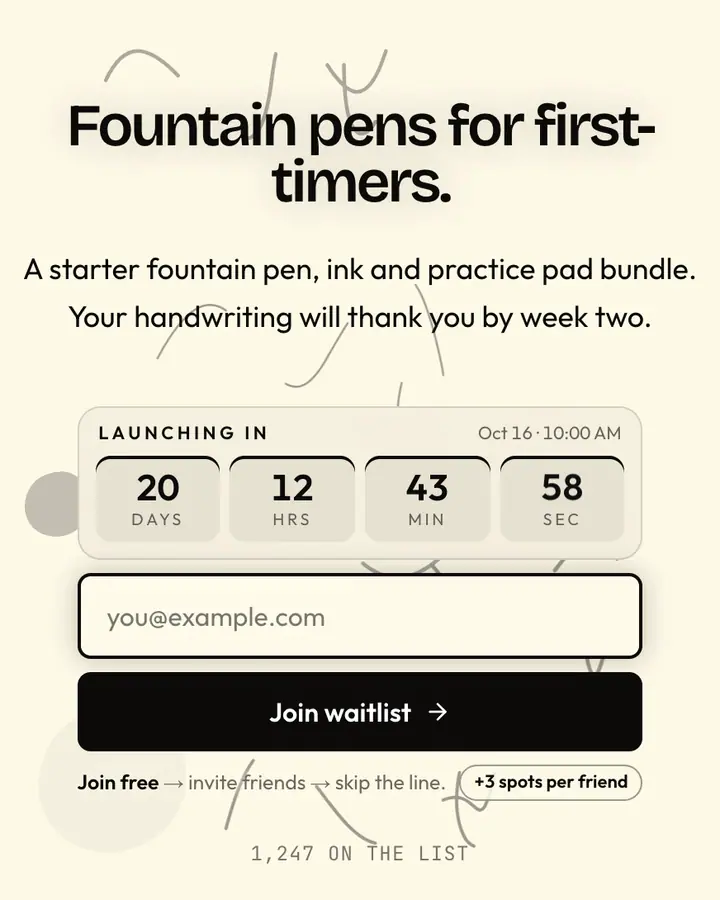
Texture keeps monochrome from feeling empty. Halftone, paper grain and ink bleed give the page a physical, printed quality that plain white lacks. Use the button as the only solid black block on a light page (or solid white on a dark one), so the action is unmissable. This style is especially good for newsletters, books and editorial products, where the page should feel like the first page of the thing you're making. Add a line about when the first issue or edition arrives, so the restraint reads as confidence rather than silence.
Best black & white templates for…
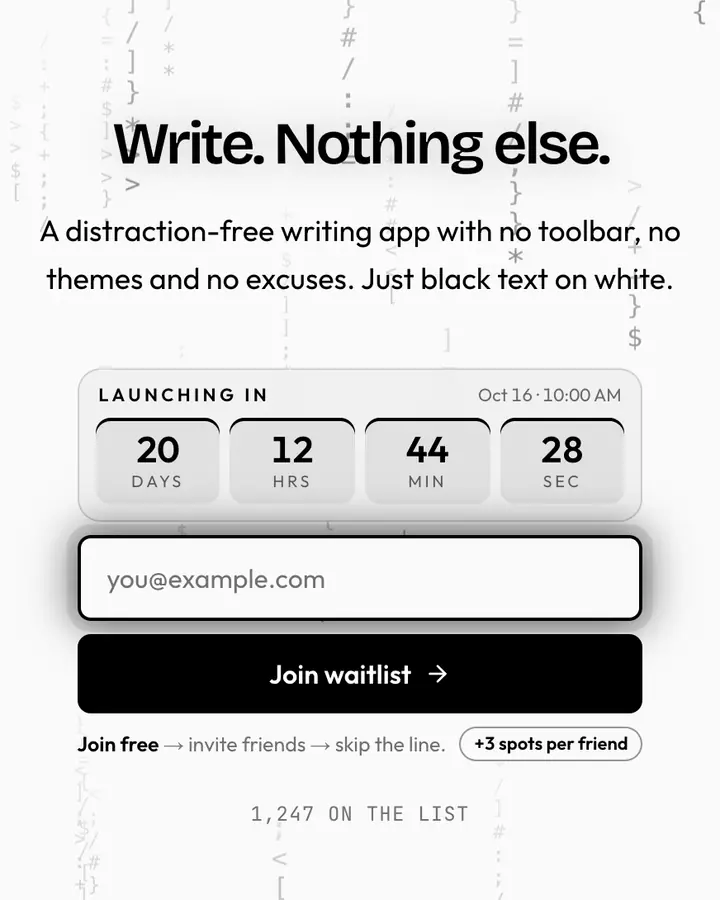
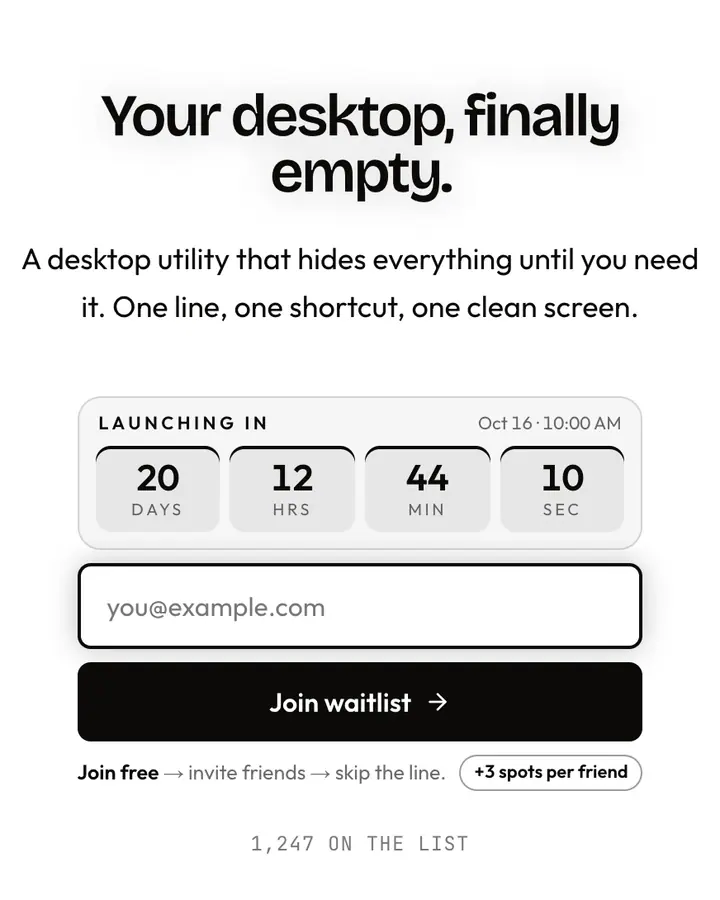
- For writing and productivity tools: Pure Black, black on white, nothing else.
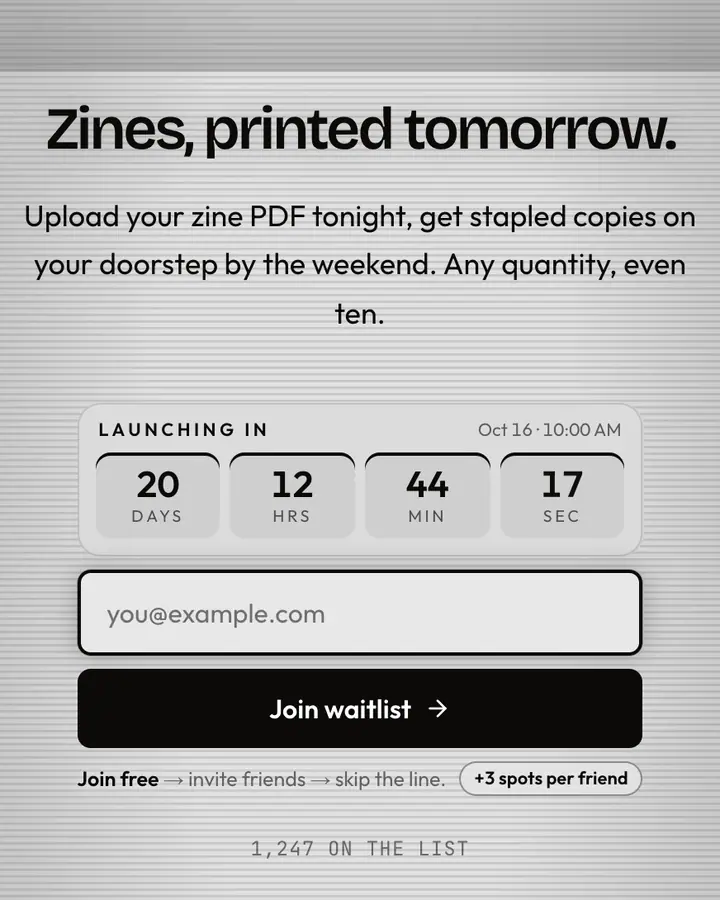
- For zines and print projects: Halftone, a dot-screen print effect on a magazine layout.
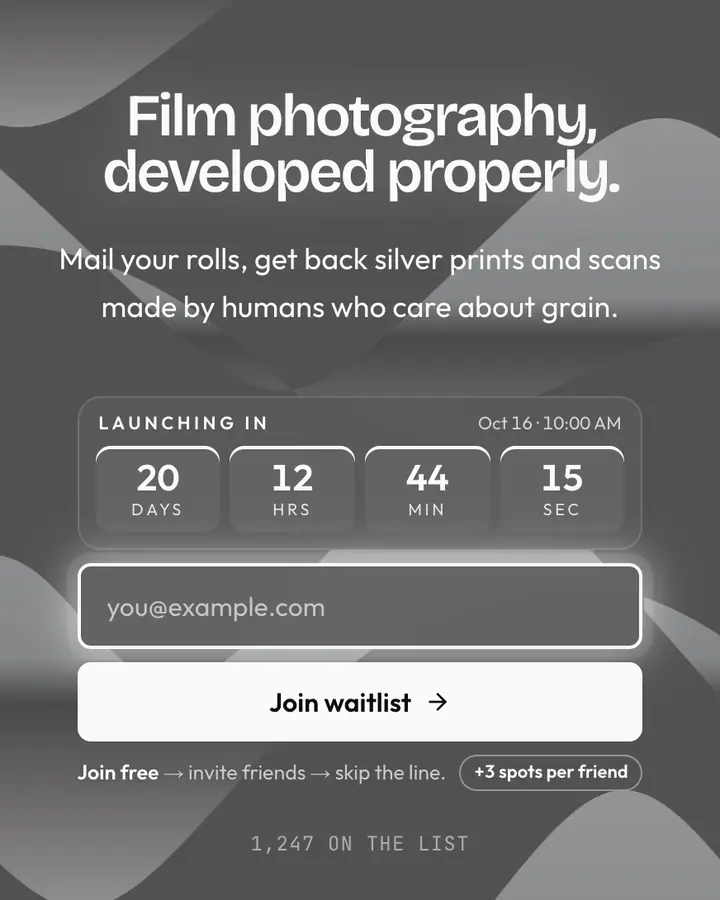
- For photography launches: Silver Print, darkroom silver on deep black.
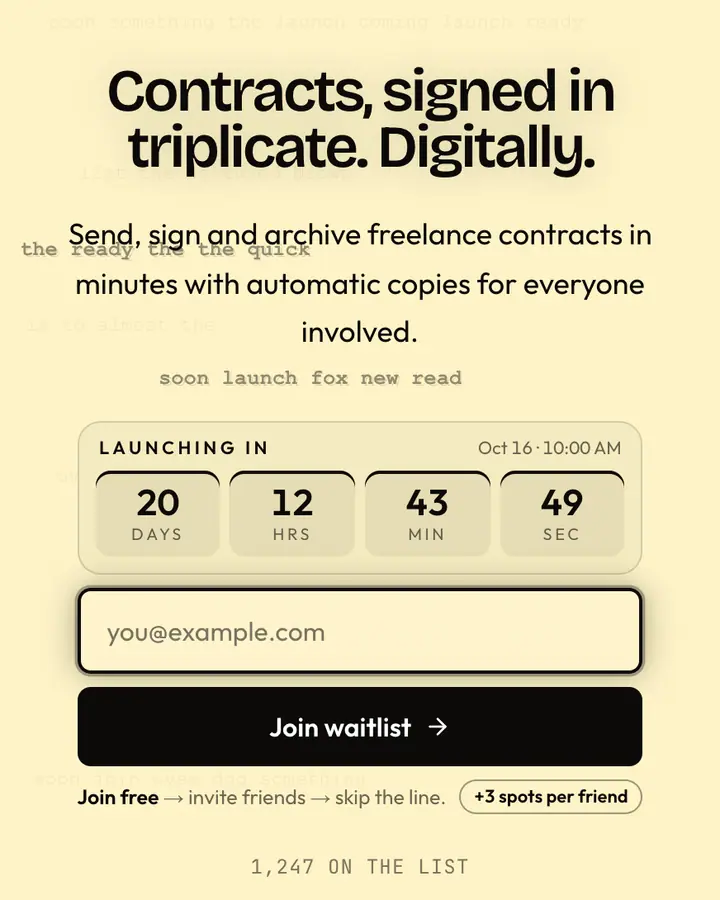
- For personal essays and letters: Carbon Paper, a triplicate purple ghost on a letter layout.
Black & White templates FAQ
Can I add a single accent color to a black-and-white template?
Yes. Every color is editable, so you can keep the monochrome page and change only the button to your brand color.
Is black and white more accessible?
Pure black on white gives the highest possible text contrast (21:1), well past WCAG AAA. Textured versions are slightly lower; each template page lists its ratio.
Which monochrome template is darkest?
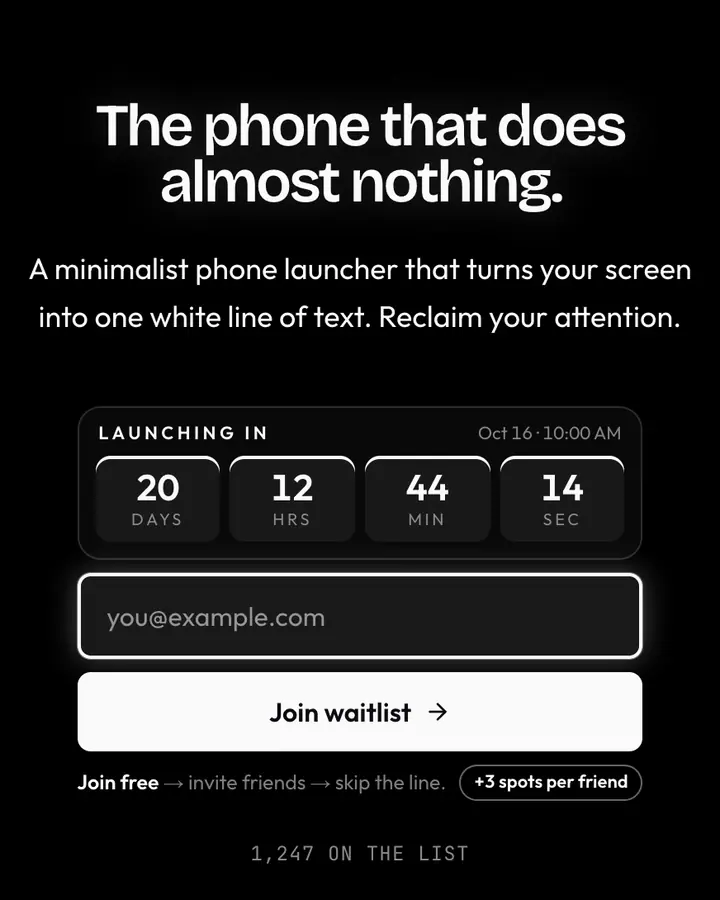
Onyx Minimalist, Silver Print and Charcoal Clean are dark; most others in this hub use a white or paper background.