Free coming soon page builder
Qubed builds a coming soon page with email capture, a share-to-climb referral leaderboard and a launch countdown, live in minutes. Pick one of 1,000 animated templates, write your headline and publish to your own qubed.xyz link. Free for one page and 100 subscribers, no code or card needed.
Free forever plan · no card · hosted for you
Checklist
What to put on a coming soon page
Eight things the best pre-launch pages get right. Qubed templates have a slot for each one.
A headline that names the outcome
Say what people get, not what you are: "Invoices that chase themselves" beats "The future of billing". Six to ten words is plenty.
One sentence on who it's for
A subhead that names the audience and the pain, so the right visitor recognizes themselves in two seconds.
A single email field and one button
No name, company or phone fields before launch. Every extra field costs signups, and you can ask more questions later.
A launch date or a countdown
A real date makes the page read as a launch, not a dead link. If the date isn't fixed, say "Early access this spring".
A reason to share
A referral link that moves people up the line turns every signup into a potential second one.
What happens after they join
Tell people what to expect: their place in line, when you'll email, and what early access includes.
A preview of the product
A screenshot, a short clip or a single concrete example earns more trust than any adjective.
Honest proof only
Show a signup count once it's real. Skip fake counters and invented testimonials; visitors spot them and leave.
Stuck on the words? Read waitlist landing page copy: headlines that work.
Compare
Coming soon vs. waitlist page
They look alike. The difference is what happens after someone signs up.
Coming soon page
Announces that something is on the way and collects emails. Everyone who signs up is equal, and the page's job ends at "thanks, we'll be in touch".
Waitlist page
Does the same, and gives each person a place in line. That line is what makes referrals work: invite friends, move up (3 spots per friend on Qubed).
What Qubed builds
Both at once. Every page is a coming soon page with email capture, a launch countdown and an optional waitlist position with referrals you can switch on or off.
Templates
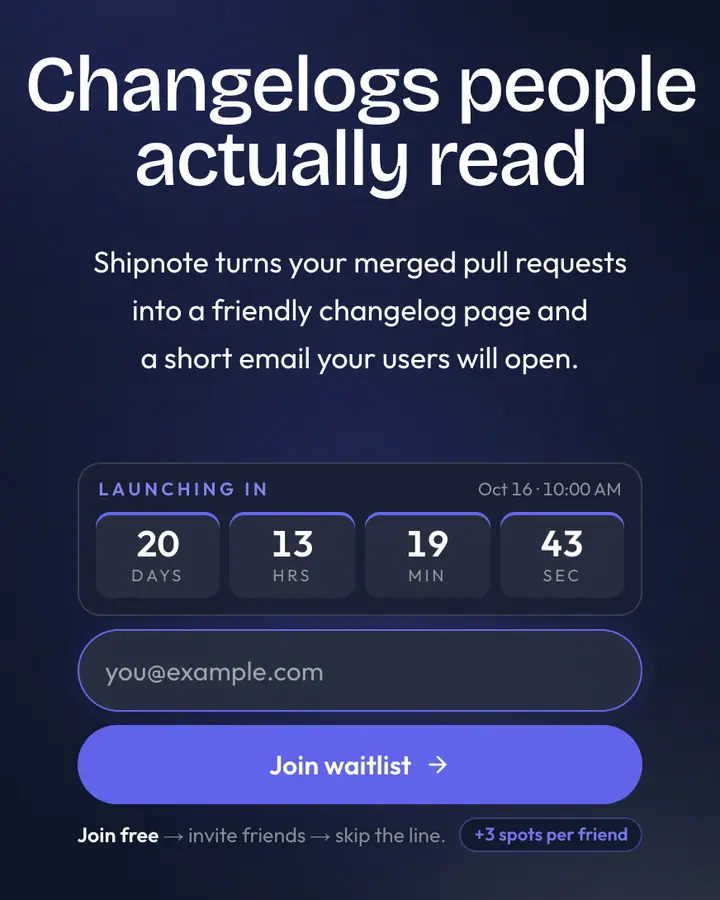
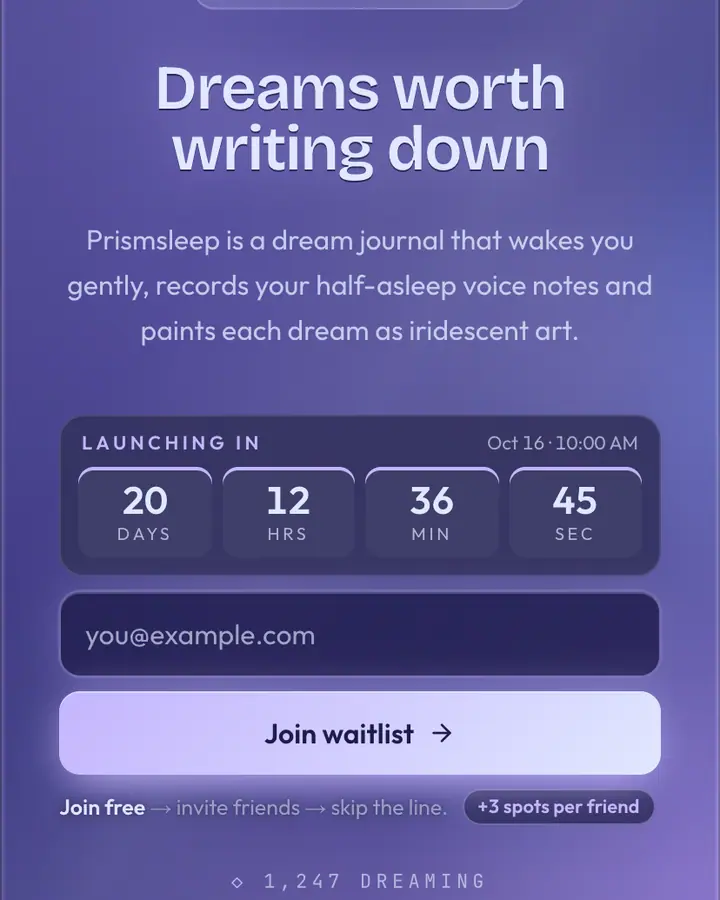
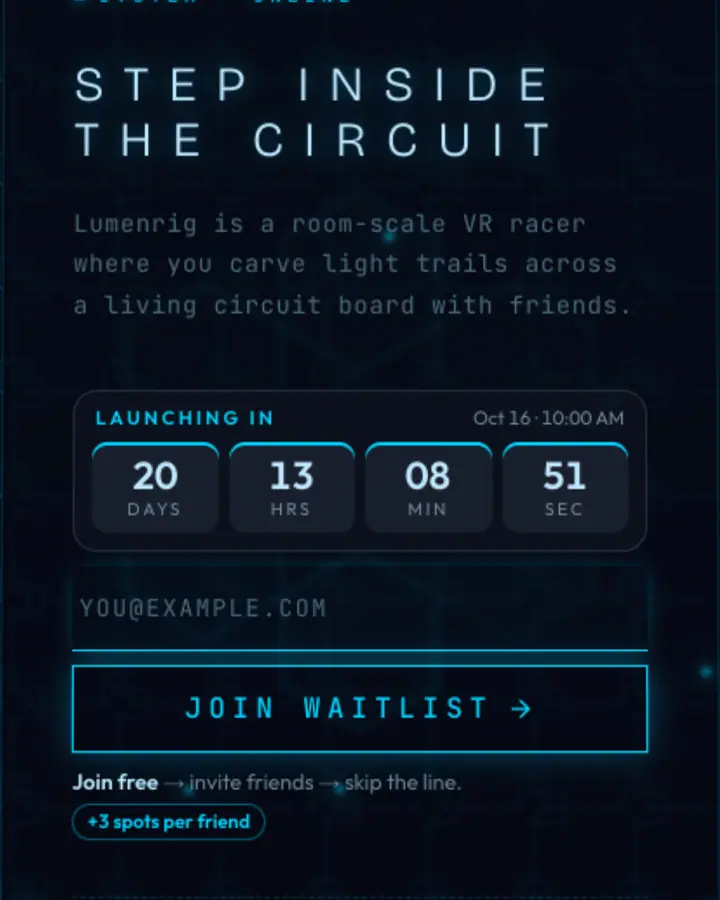
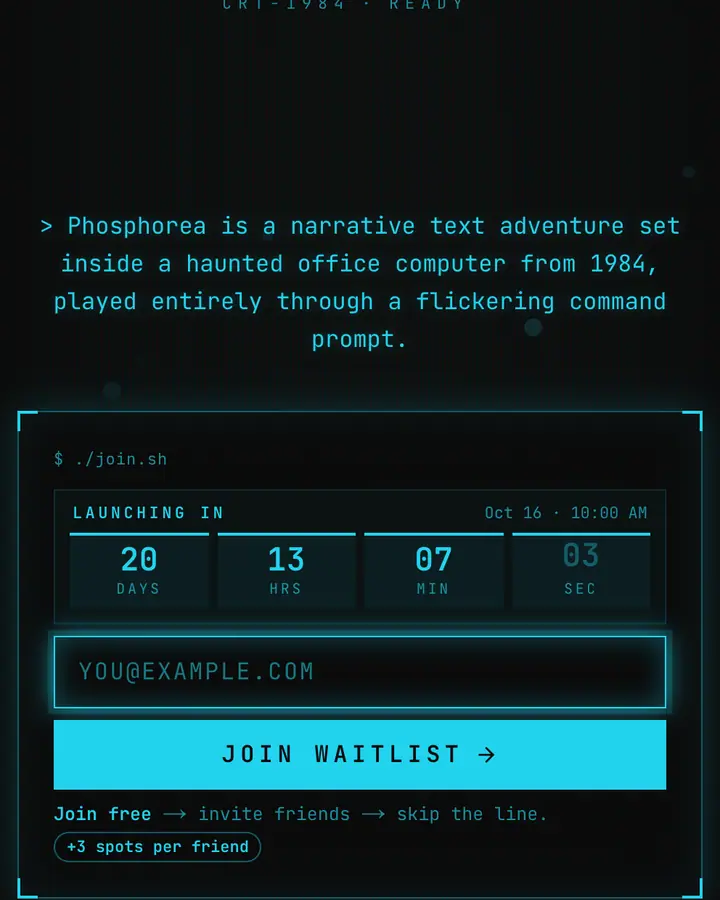
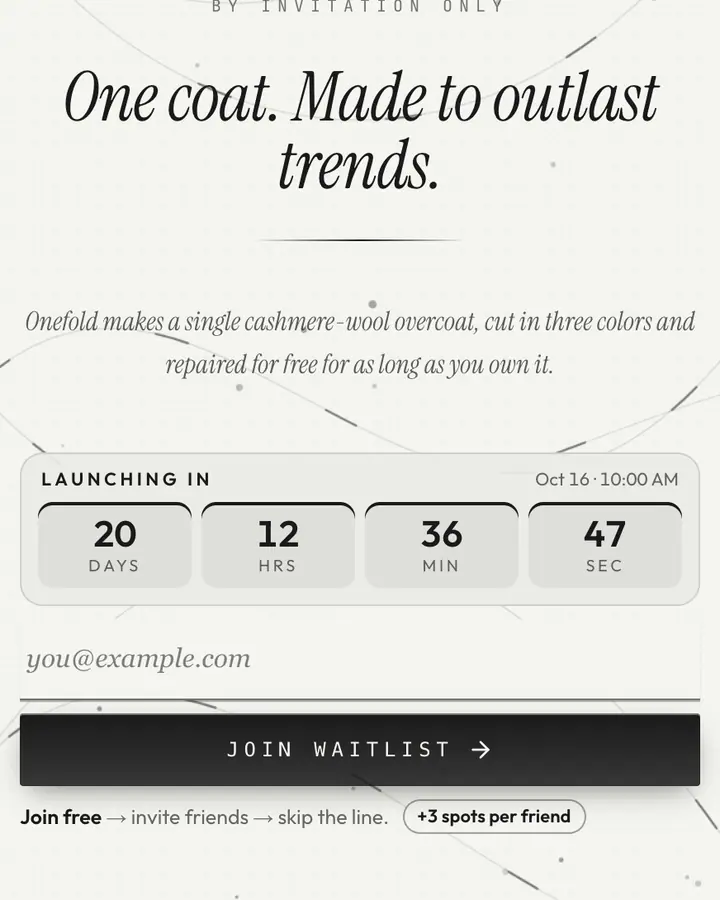
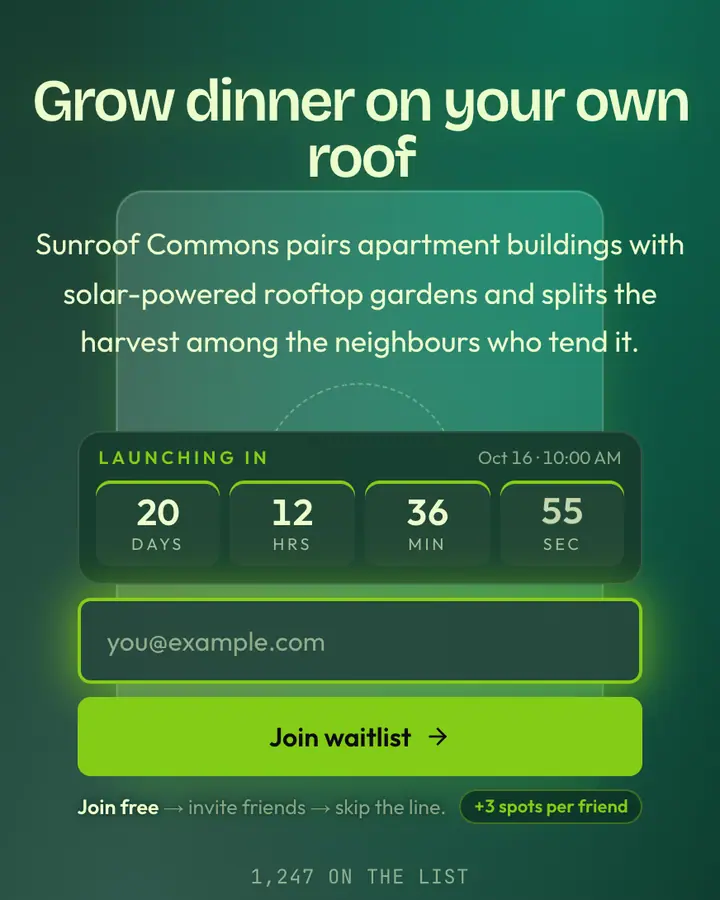
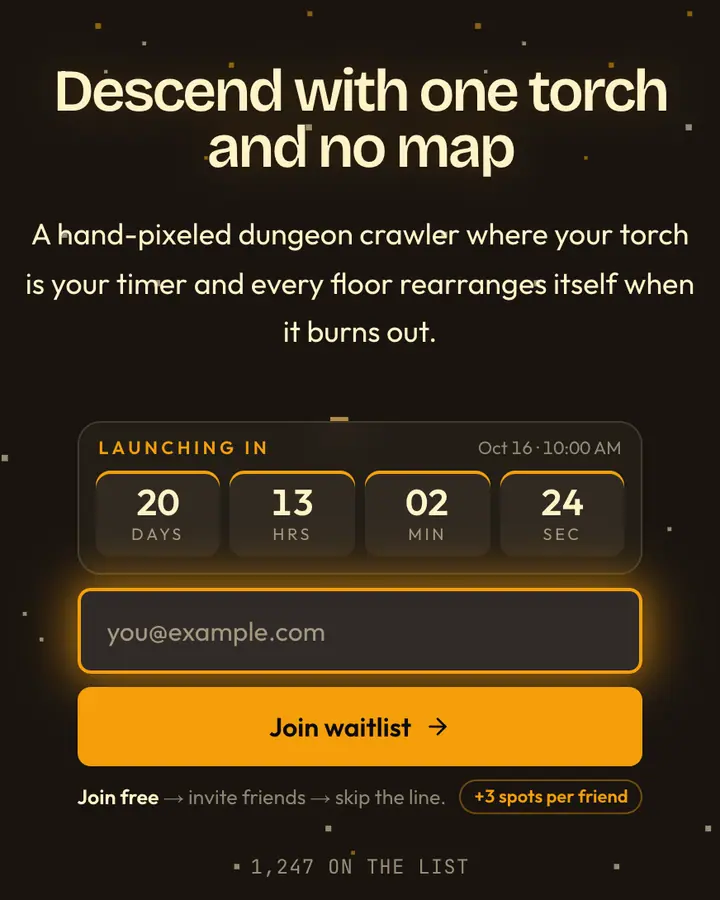
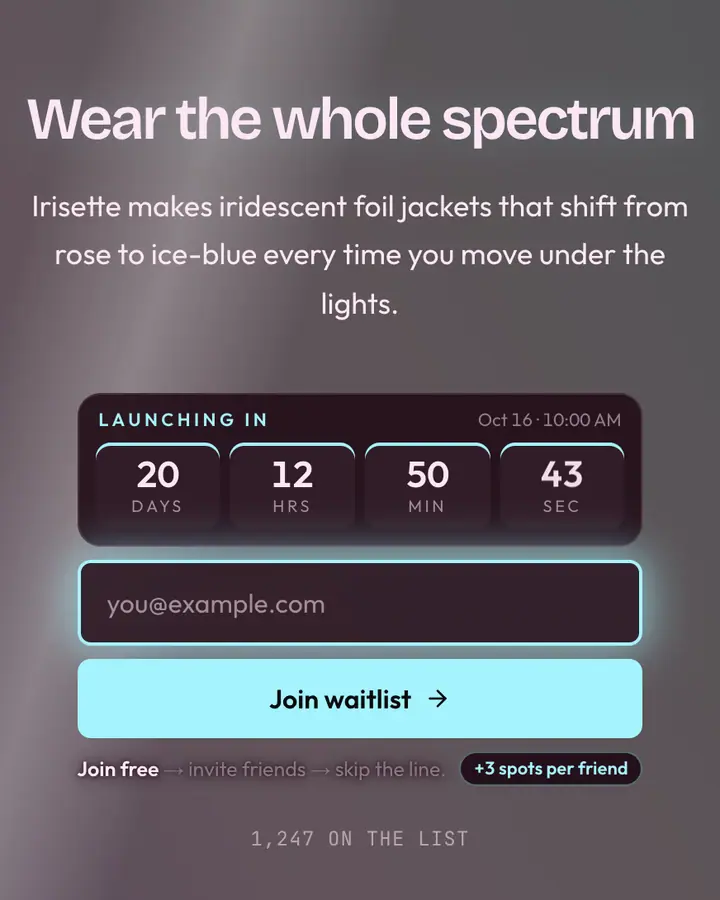
12 coming soon templates across styles
From quiet minimal to full cyberpunk. Every template is free, animated and responsive, with the signup form, countdown and referral panel built in.
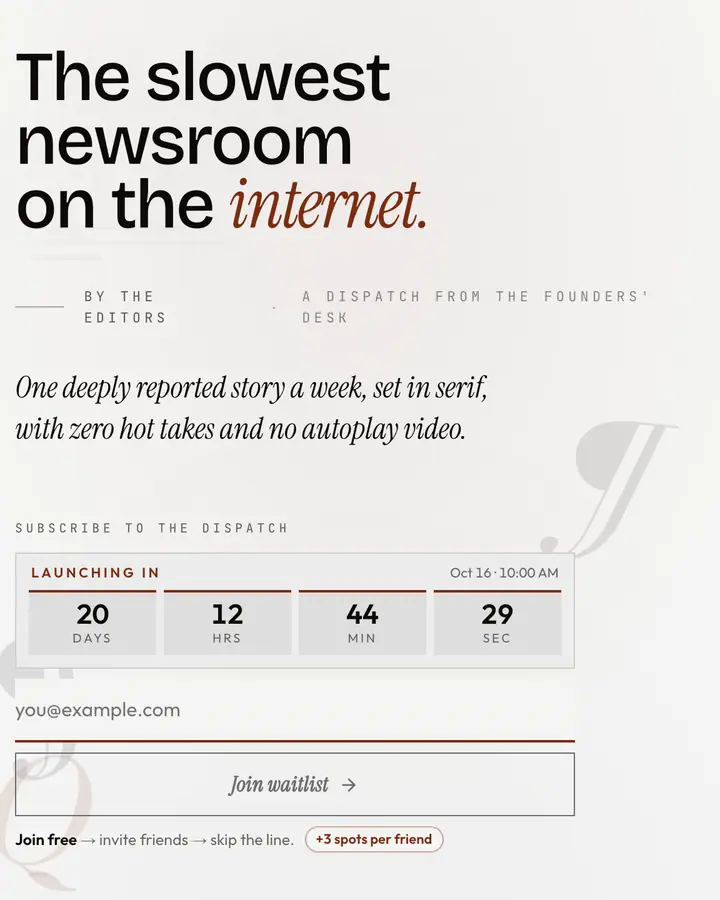
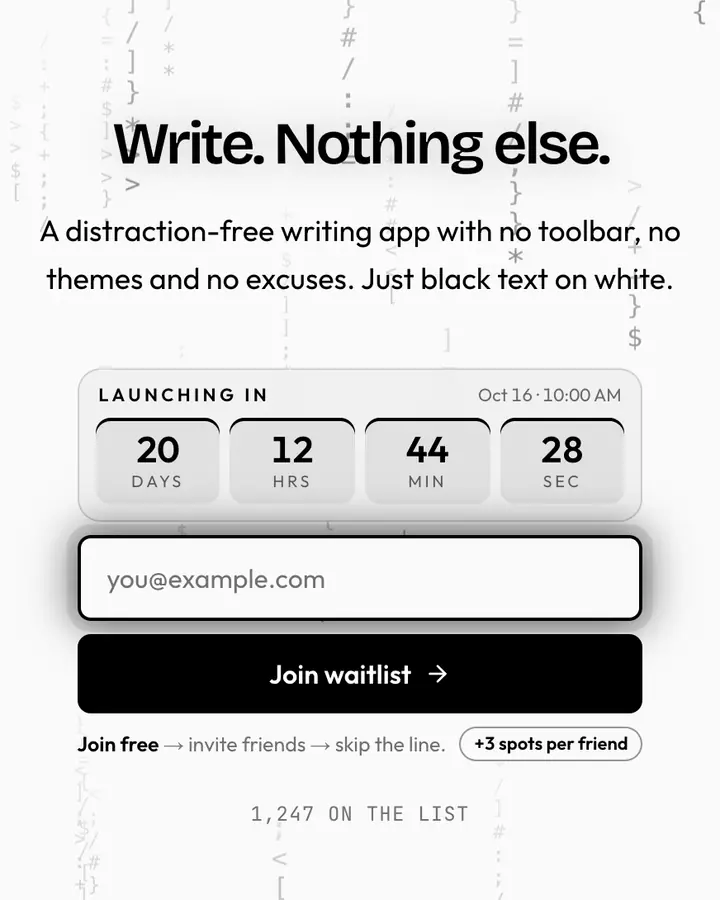
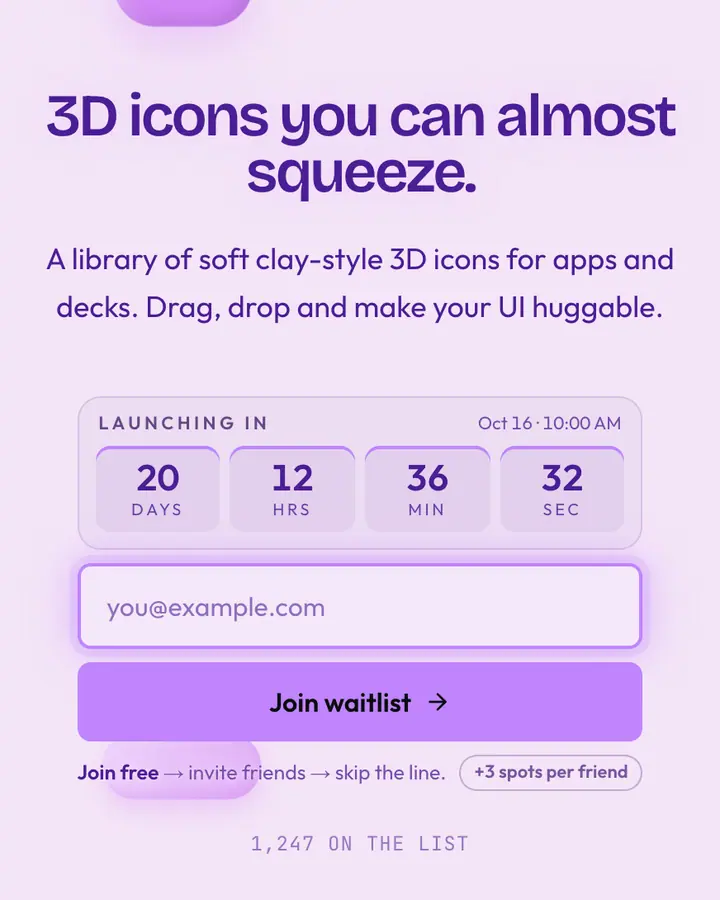
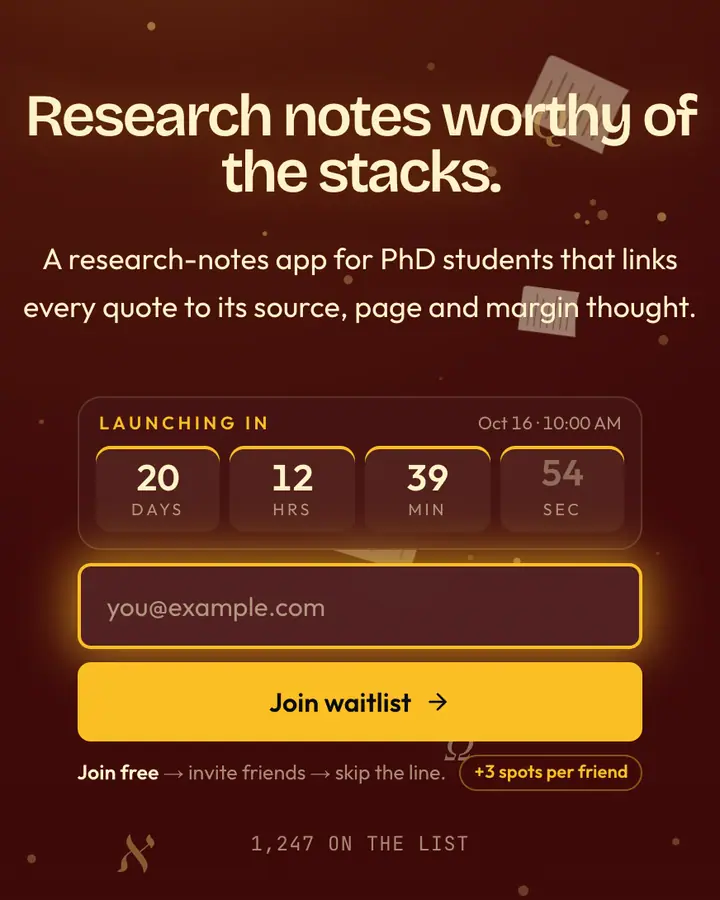
Want more? See all 1,000 free coming soon page templates.
Seasonal
Seasonal coming soon pages
Launching around a holiday? The holiday & seasonal collection has 43 templates for winter drops, Lunar New Year, Valentine's Day, summer, Halloween and more. Add a countdown to the date and let the season do the marketing.
FAQ
Coming soon page FAQ
What is a coming soon page?
A coming soon page is a single page that announces a product before it launches and collects the emails of people who want to hear when it's ready. The best ones add a launch date and a reason to share.
Is Qubed's coming soon page builder free?
Yes. The Free plan gives you one live page with up to 100 subscribers and every template, with no card and no time limit. Pro adds unlimited pages and 10,000 subscribers per page.
What's the difference between a coming soon page and a waitlist page?
A coming soon page announces a launch and collects emails. A waitlist page does that and also gives each person a place in line, which lets you add referrals so subscribers can move up by inviting friends. Qubed pages do both.
Do I need a website or hosting?
No. Qubed hosts your page at qubed.xyz/your-name, so you can share the link the moment you publish. There's nothing to install or deploy.
Can I add a countdown timer?
Yes. Set a launch date in the editor and a live countdown appears above the signup form. It switches to "Live now" when the date arrives.
Does it work on mobile?
Yes. Every template is responsive, and the share panel uses the phone's native share sheet where the browser supports it.
Your coming soon page, live today.
Pick a template, set a launch date and share the link. Free for one page and your first 100 subscribers.
Free forever plan · no card needed