What makes a good vaporwave launch page
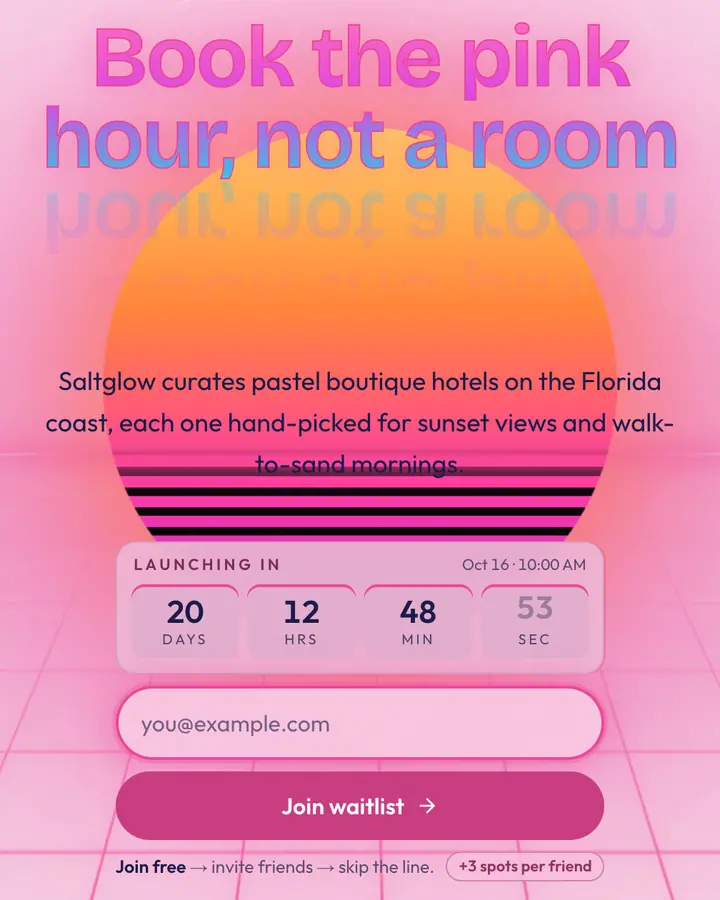
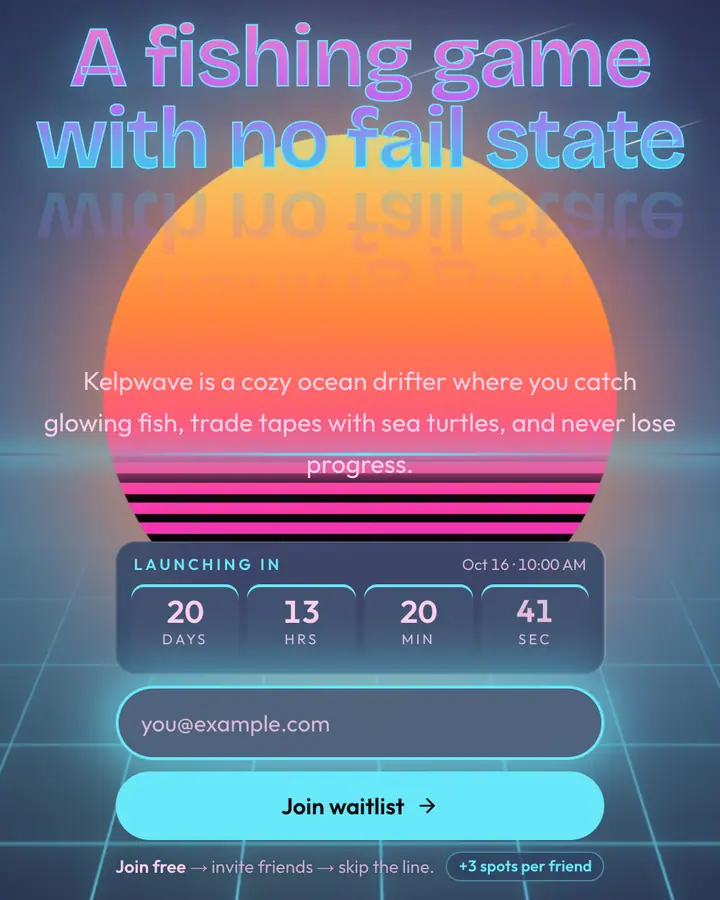
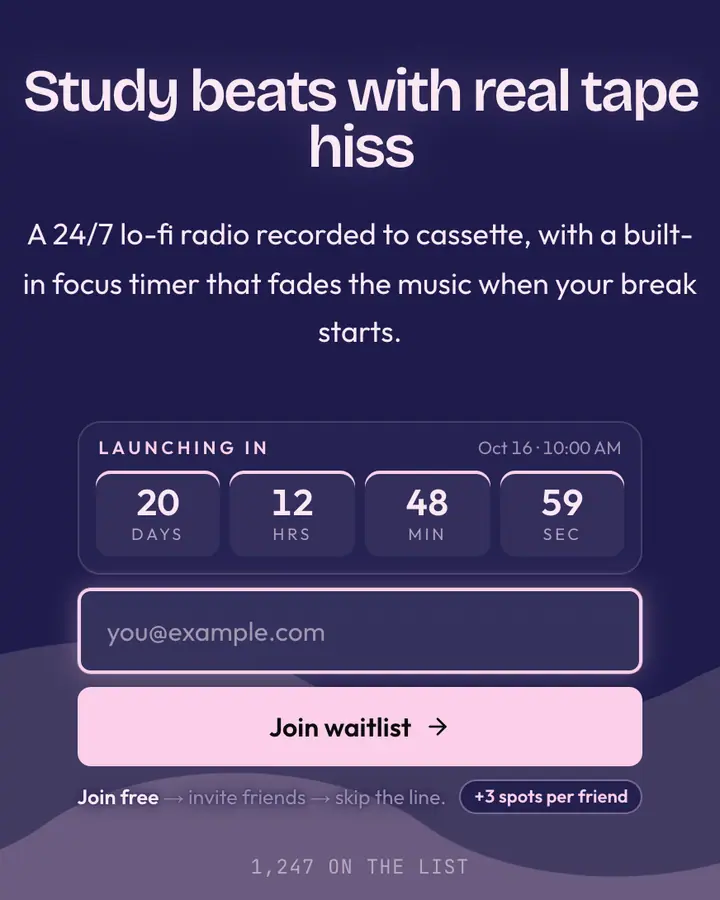
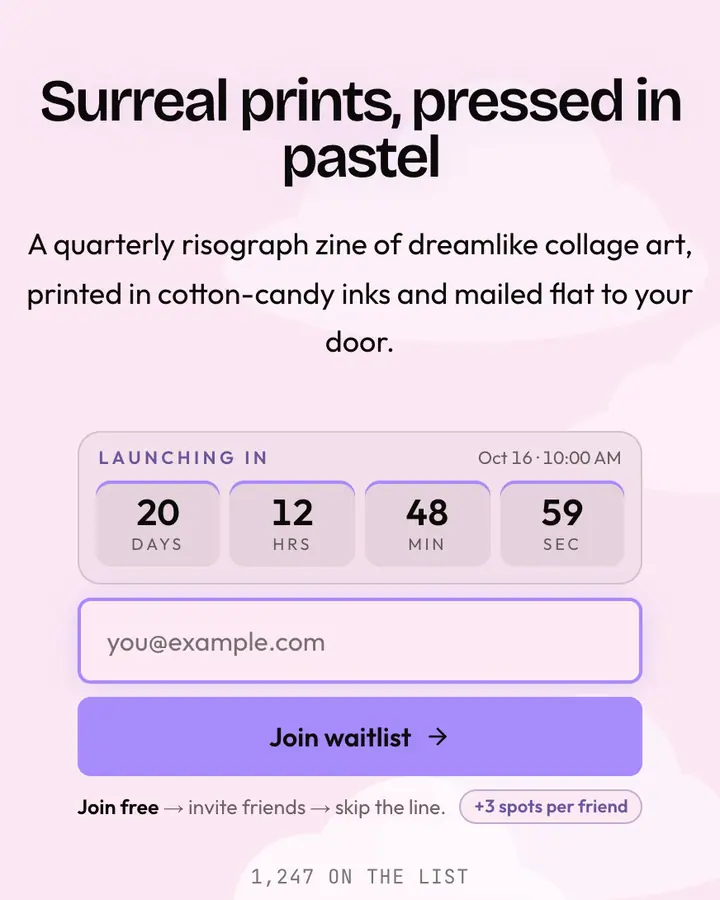
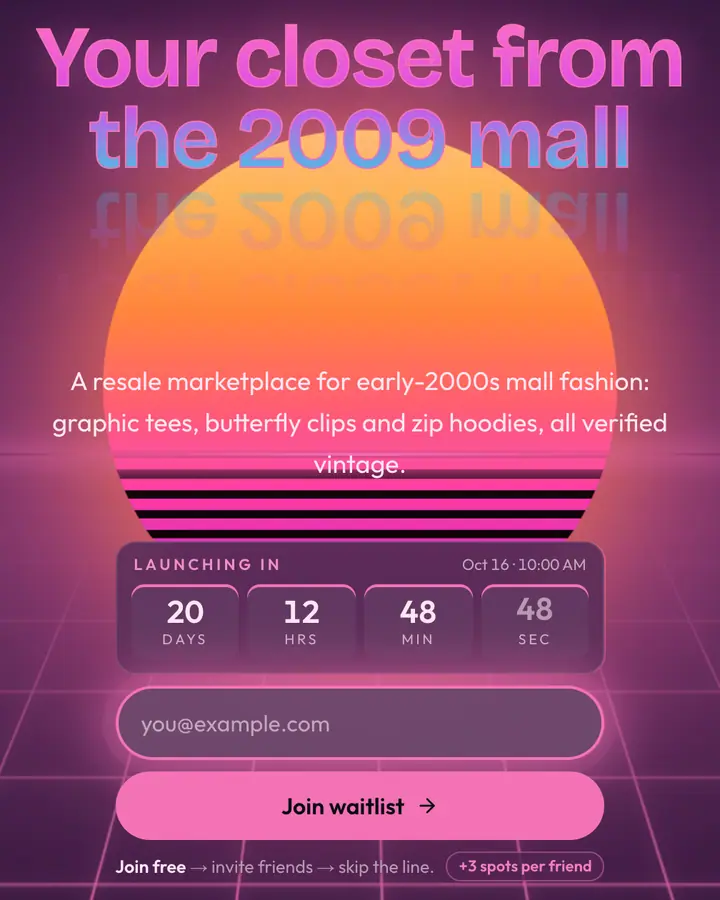
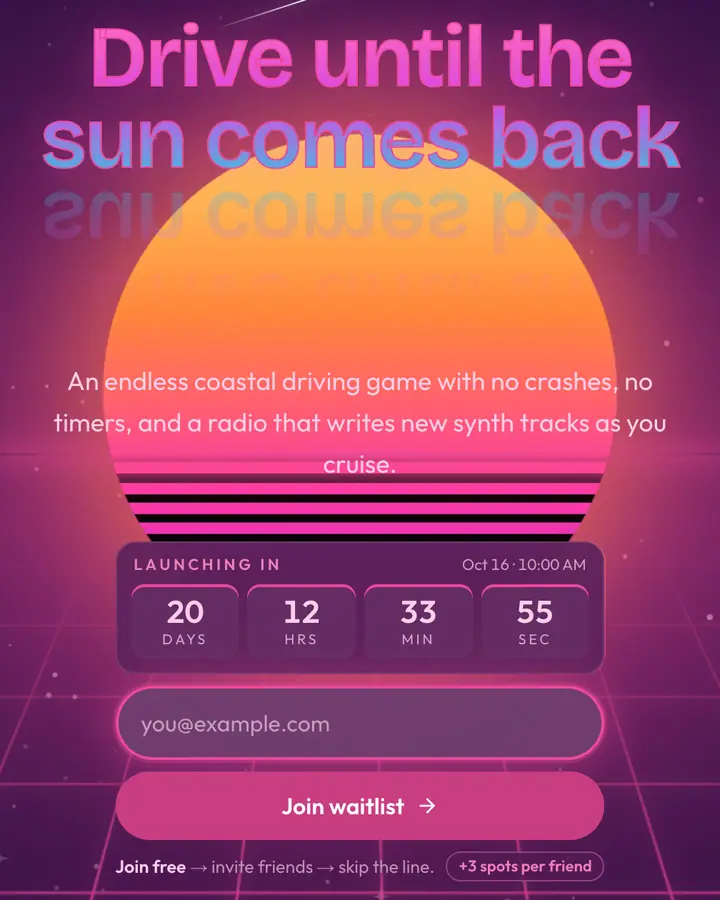
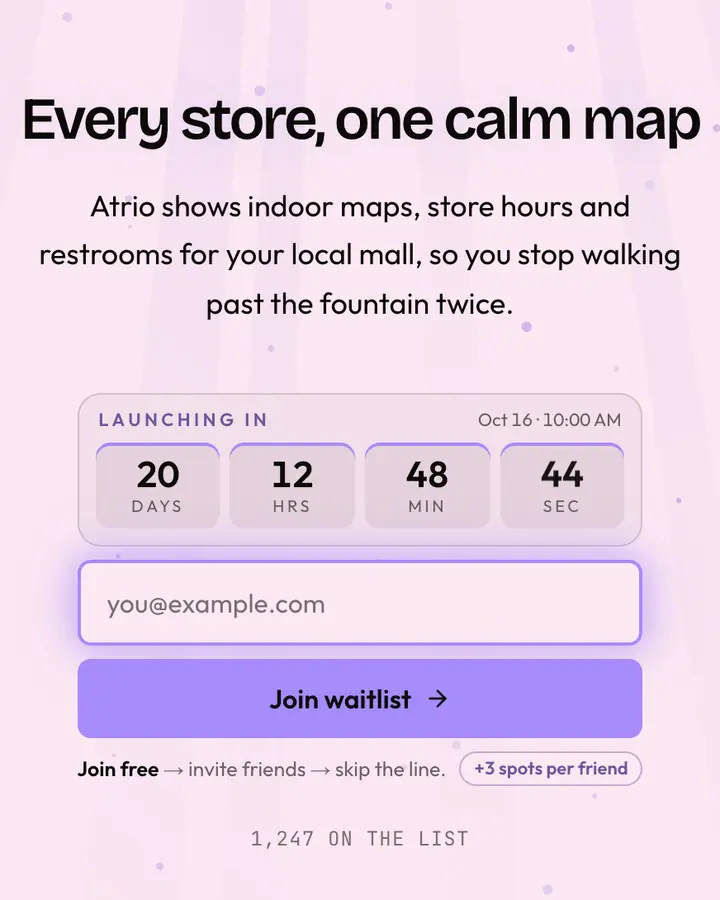
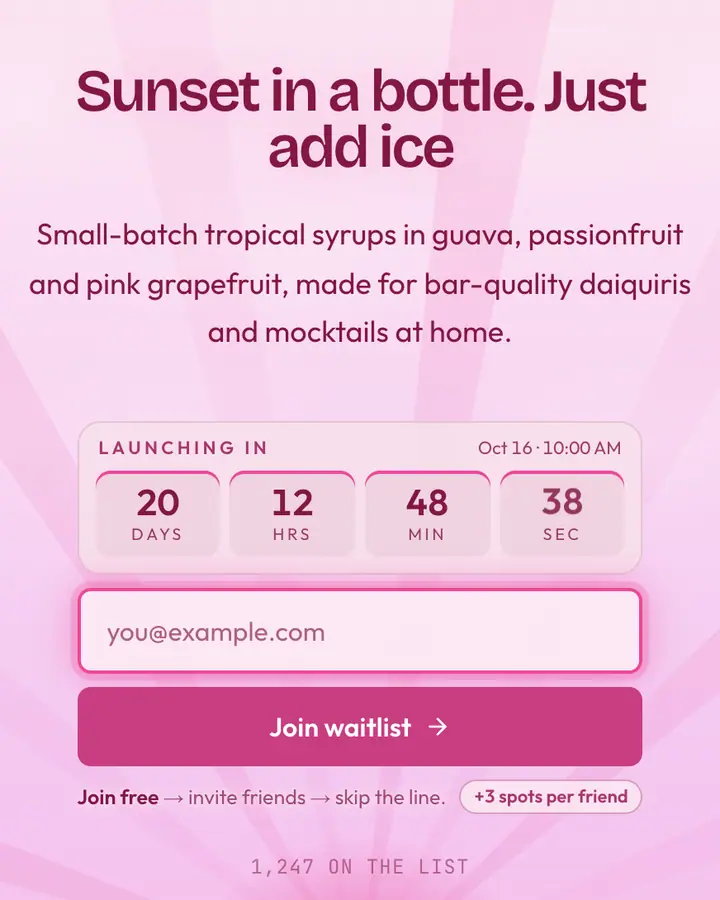
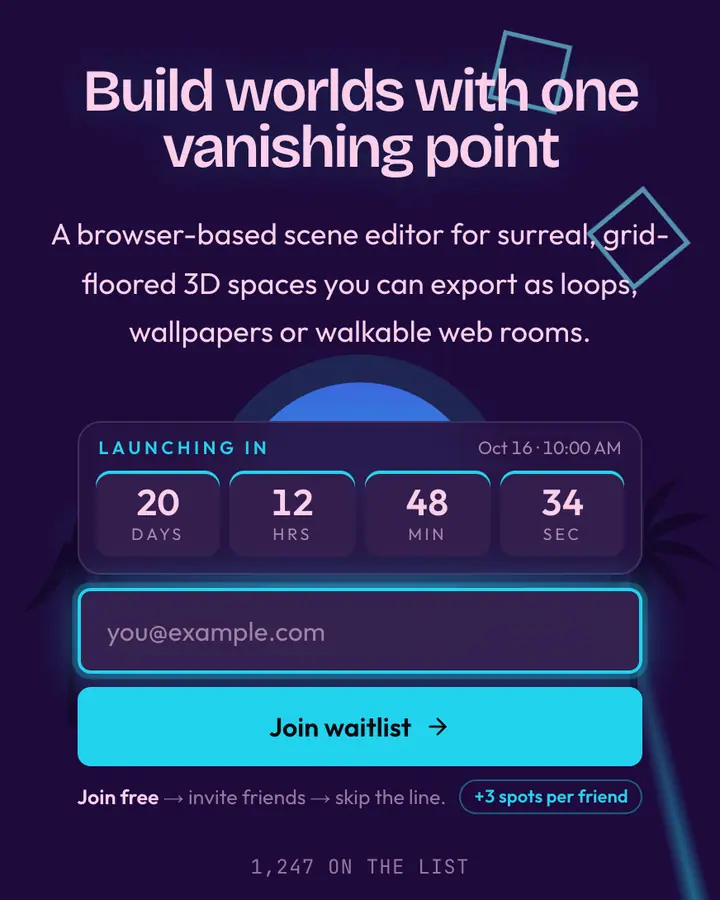
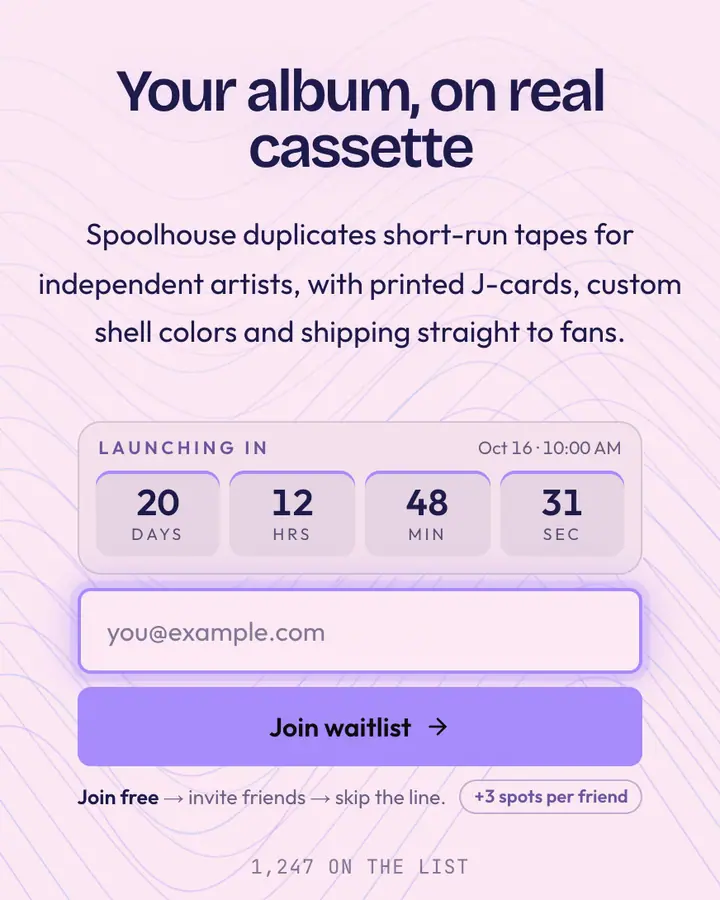
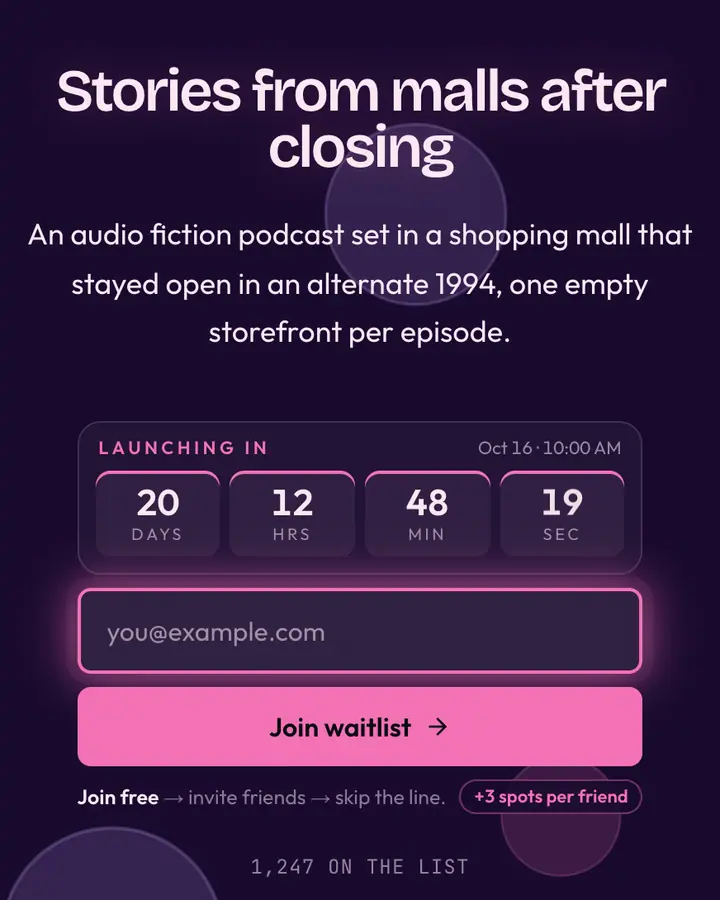
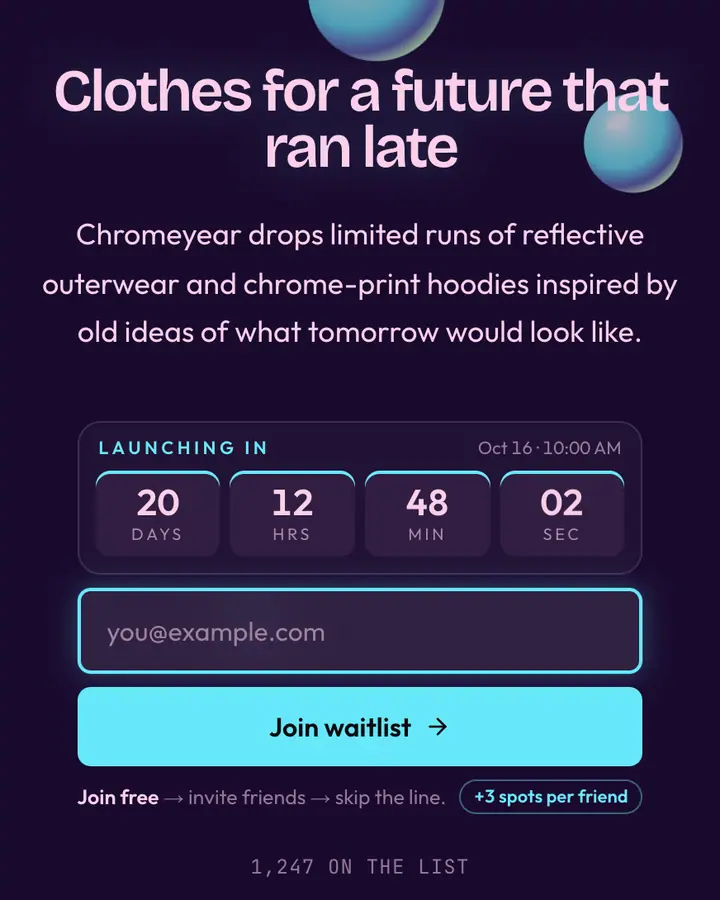
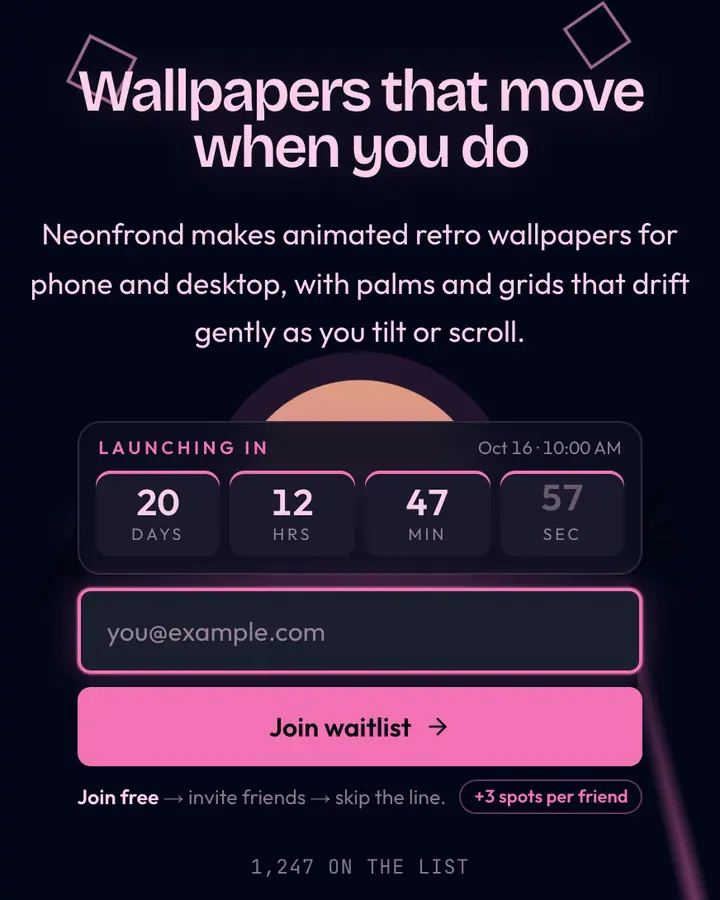
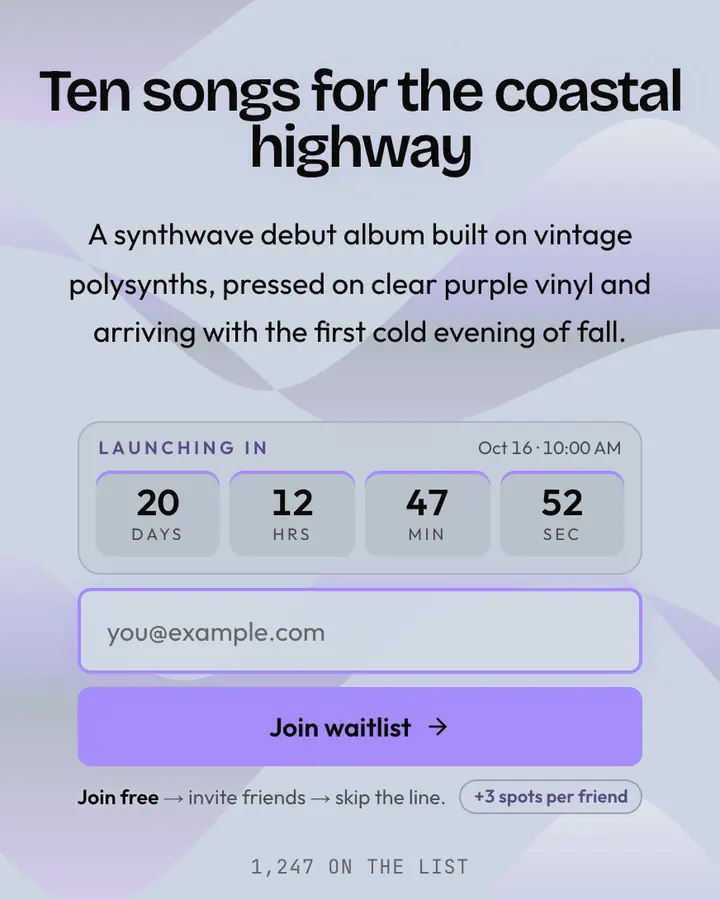
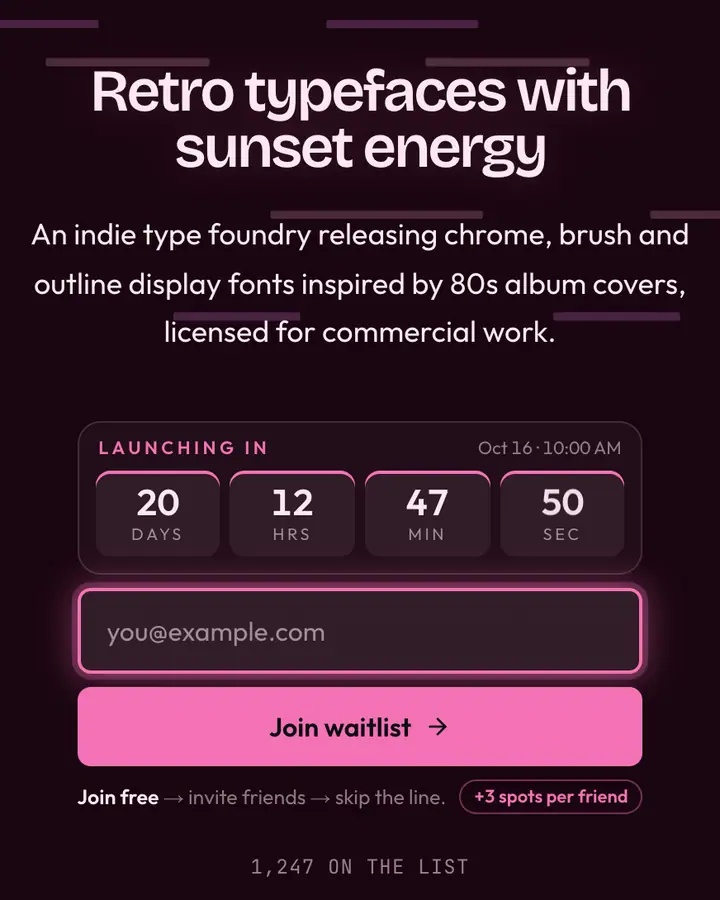
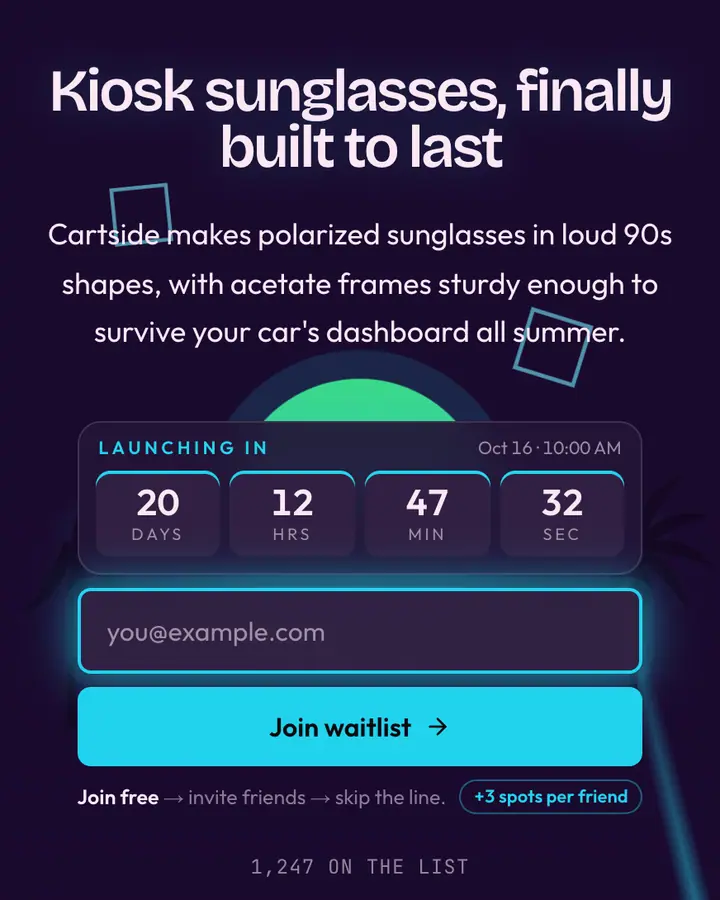
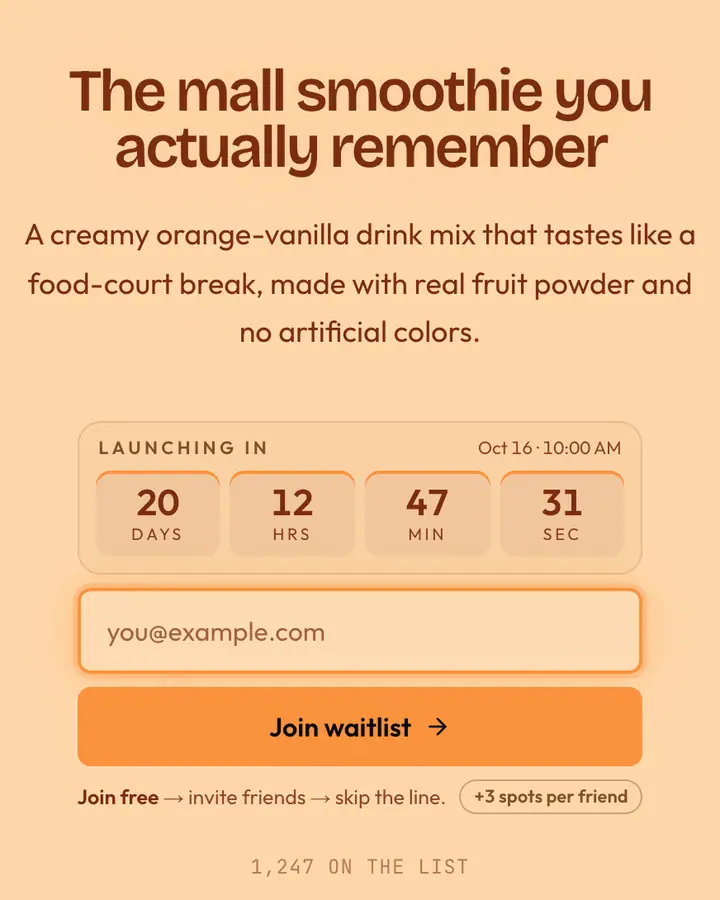
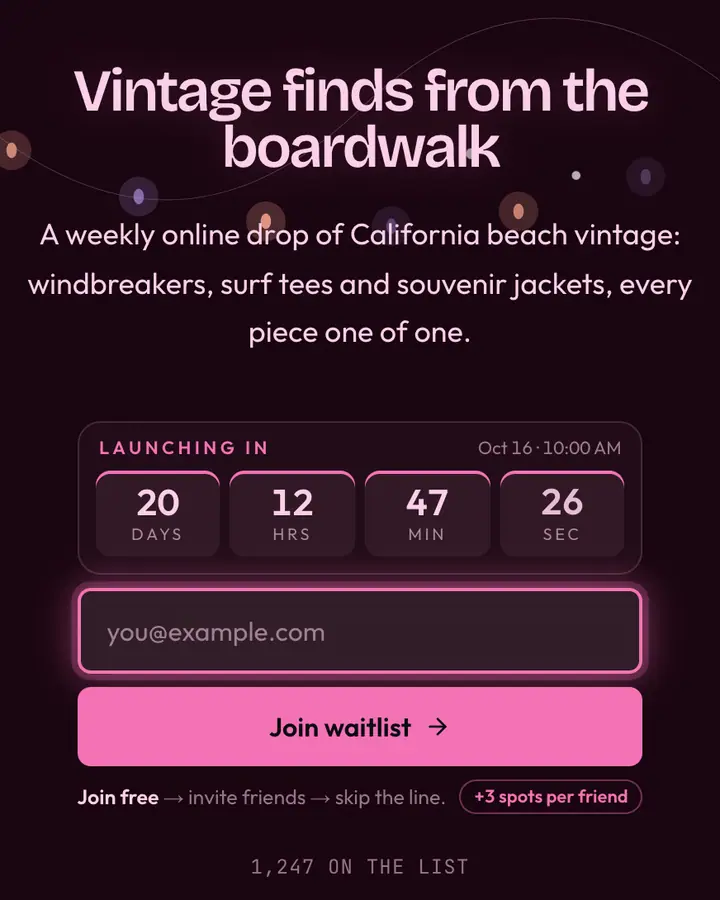
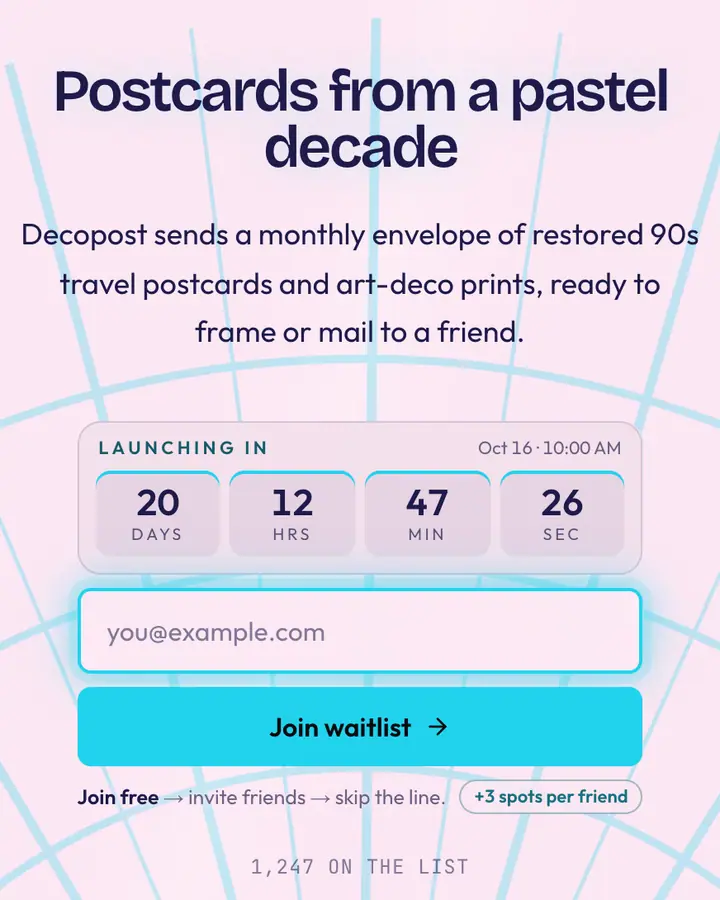
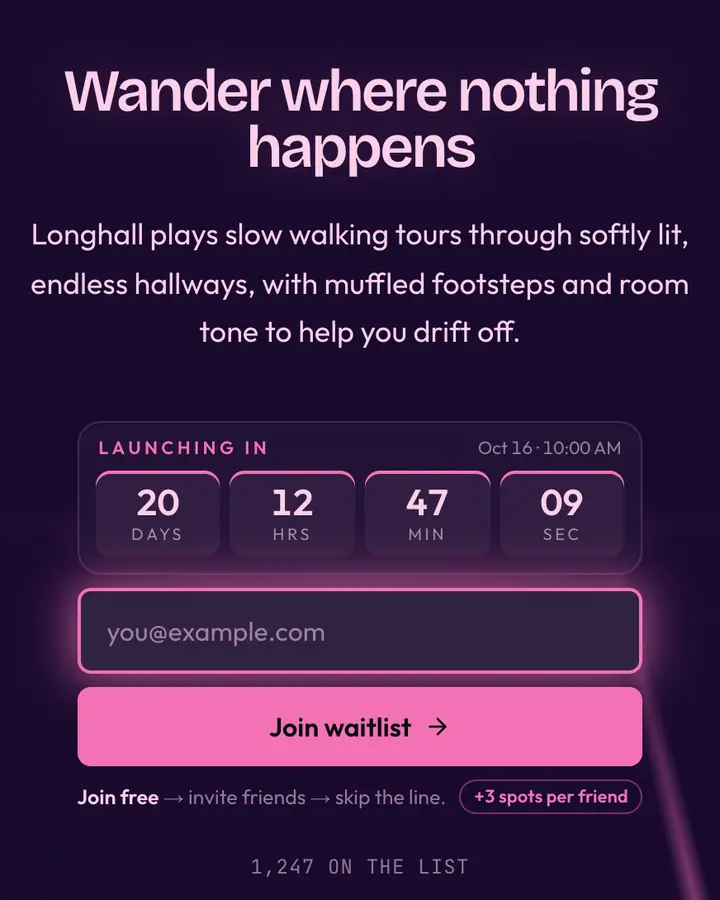
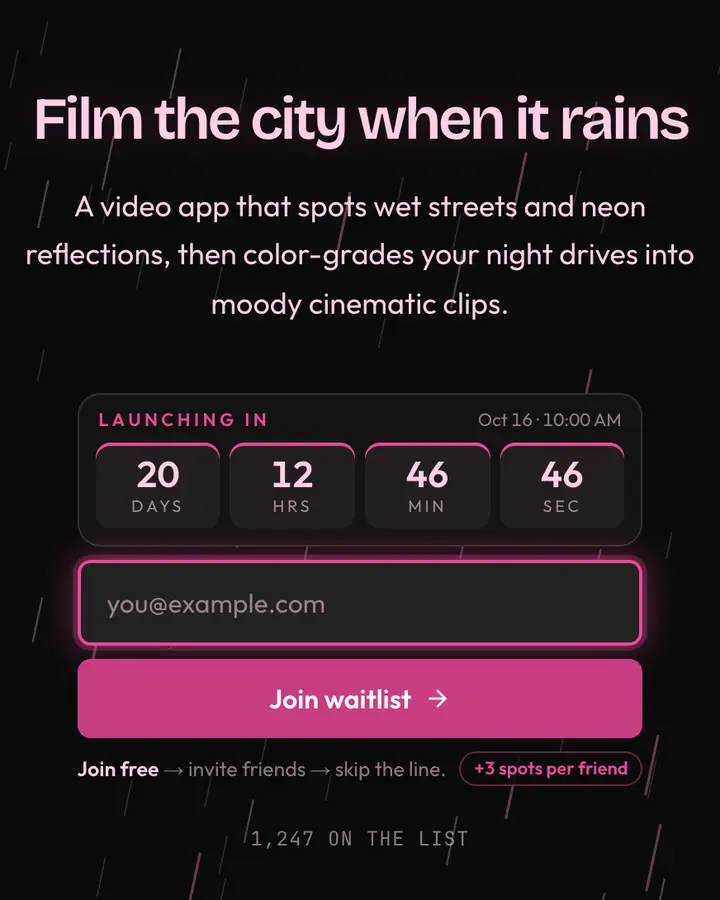
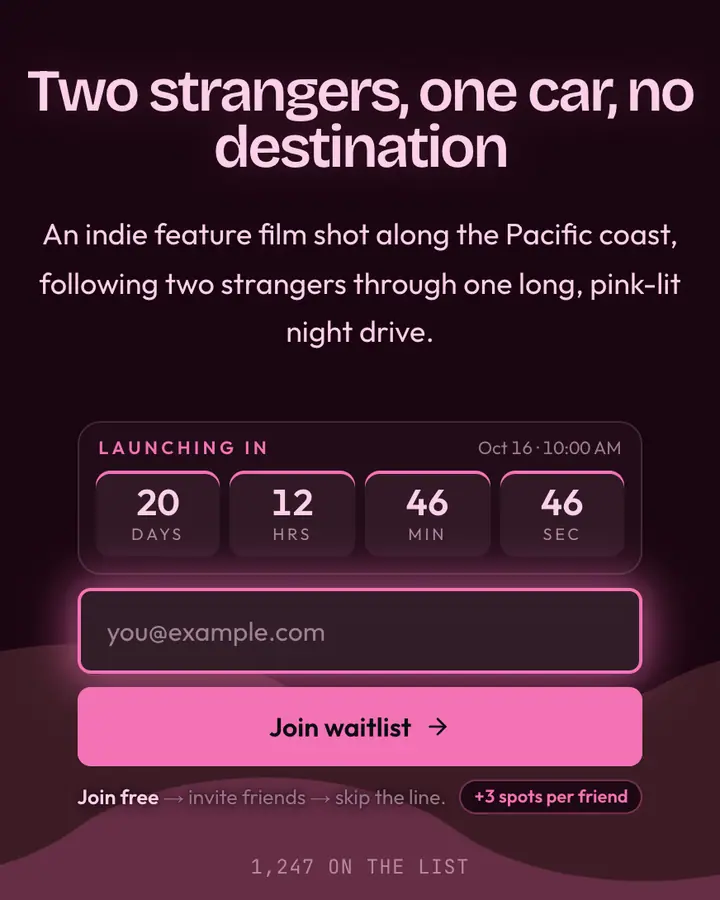
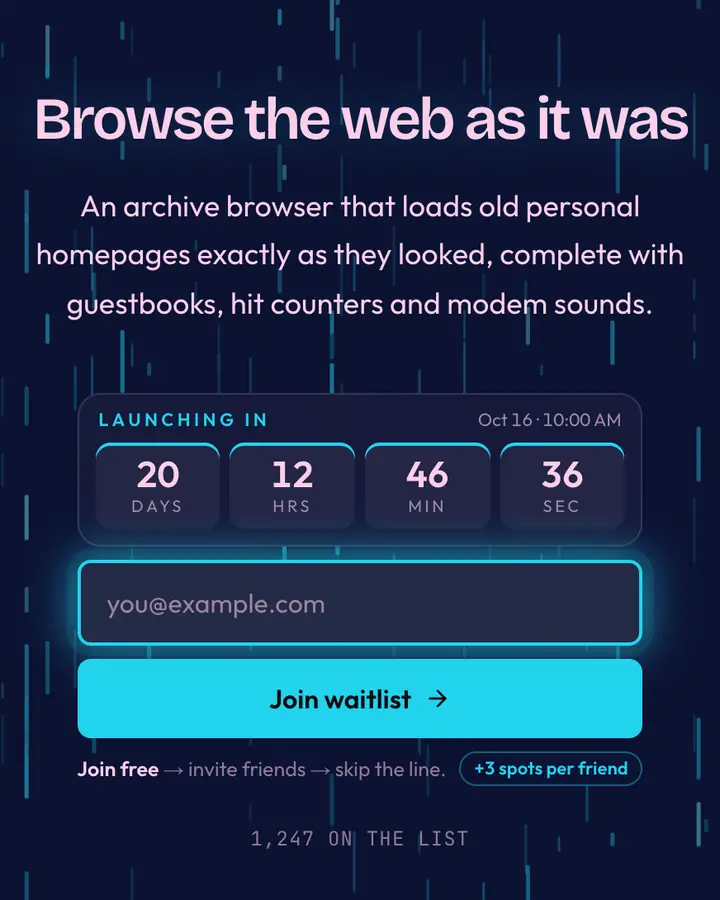
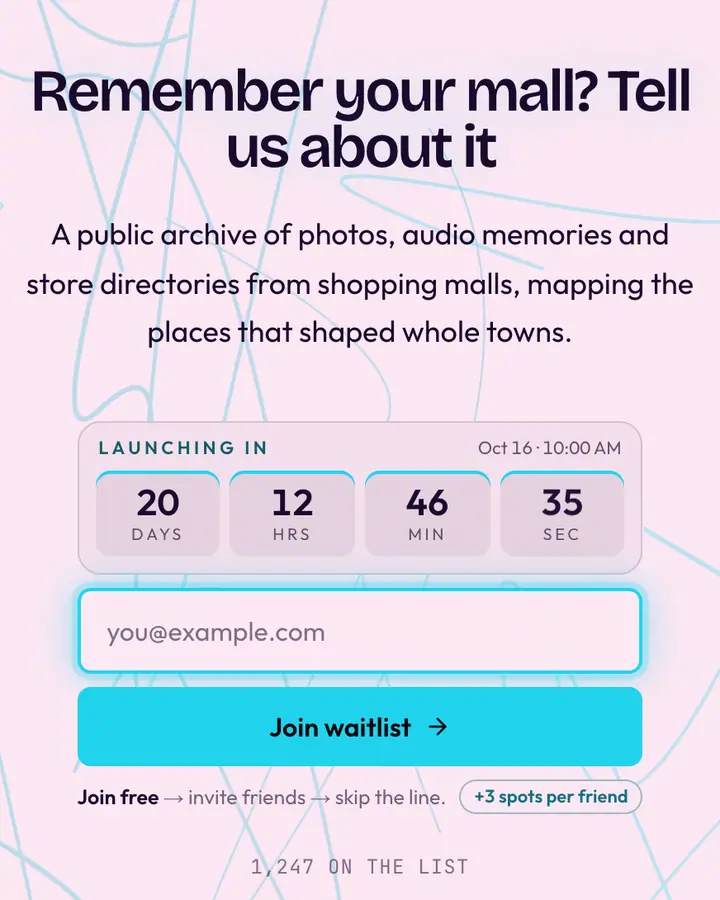
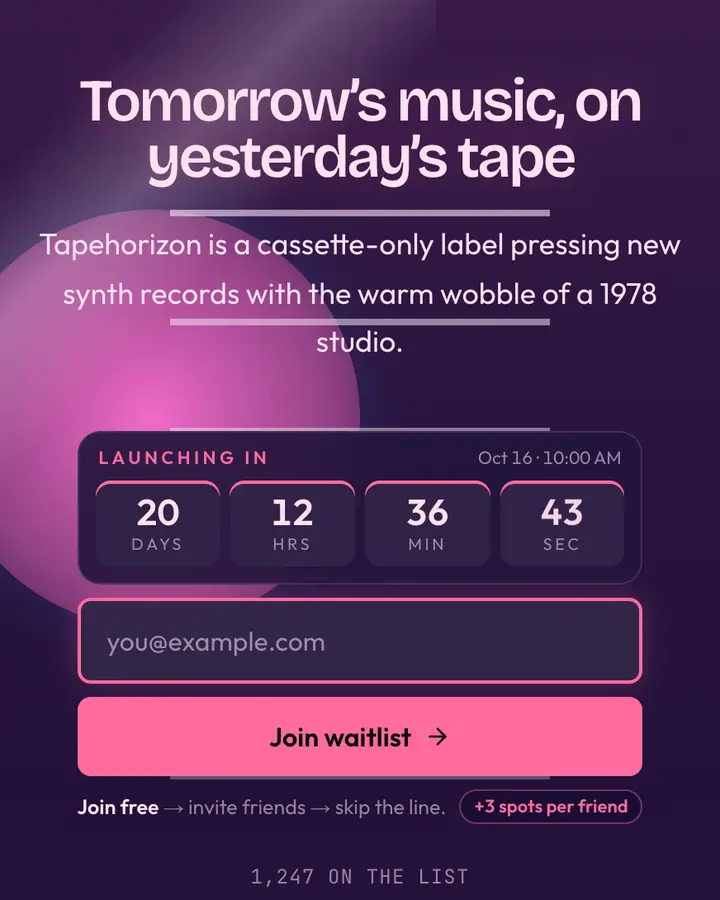
Vaporwave is nostalgia for a future that never arrived, so the page should feel dreamy but still work like a store. Use the grid, the sun and the palms as scenery and keep the form on a solid, readable surface. Pink and cyan on deep purple is the classic pairing; pastel versions trade drama for calm.
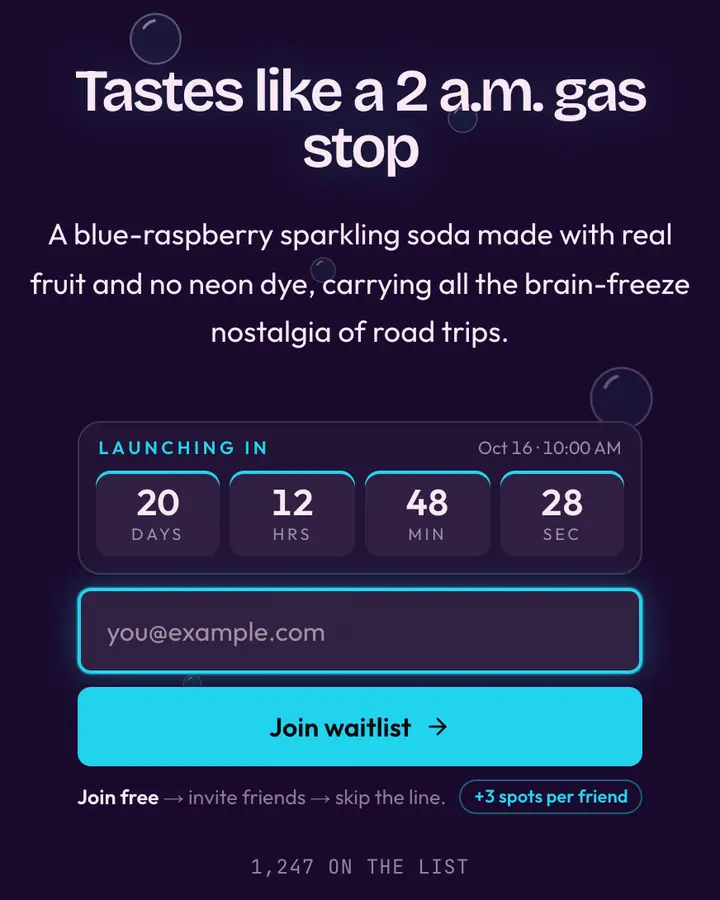
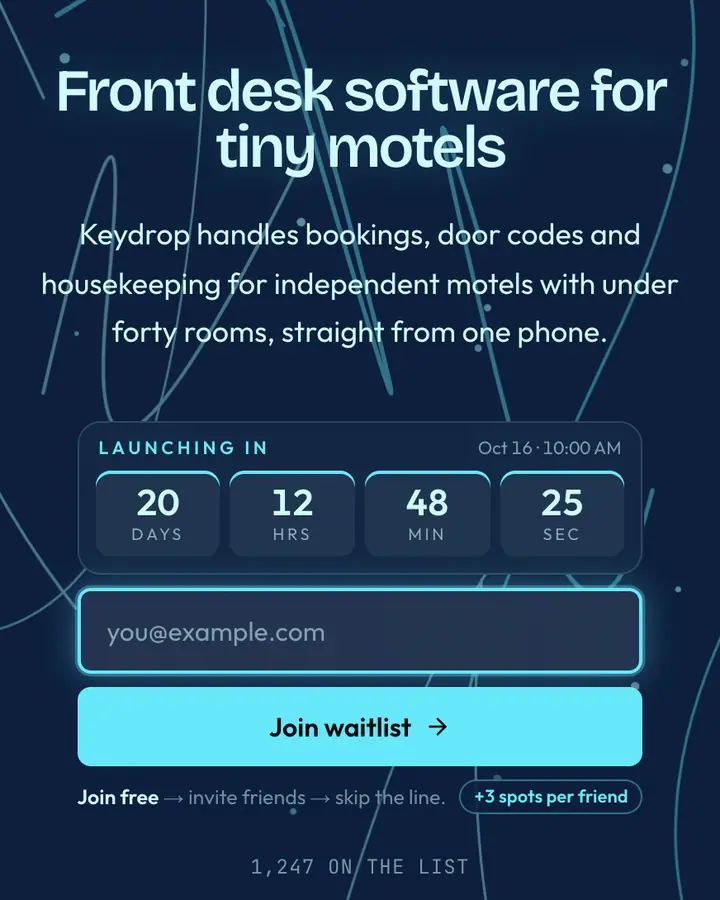
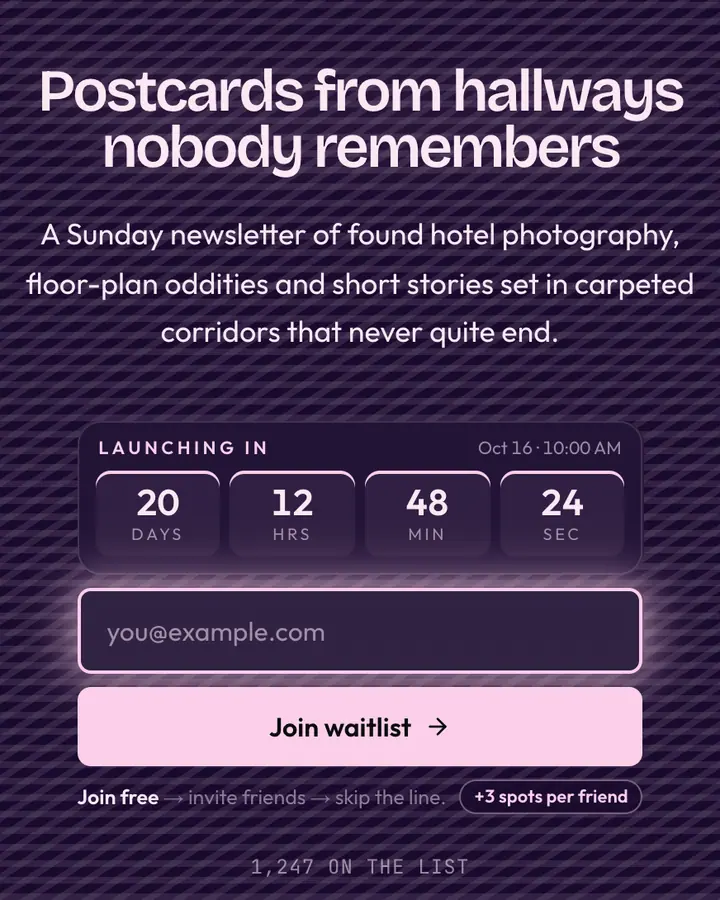
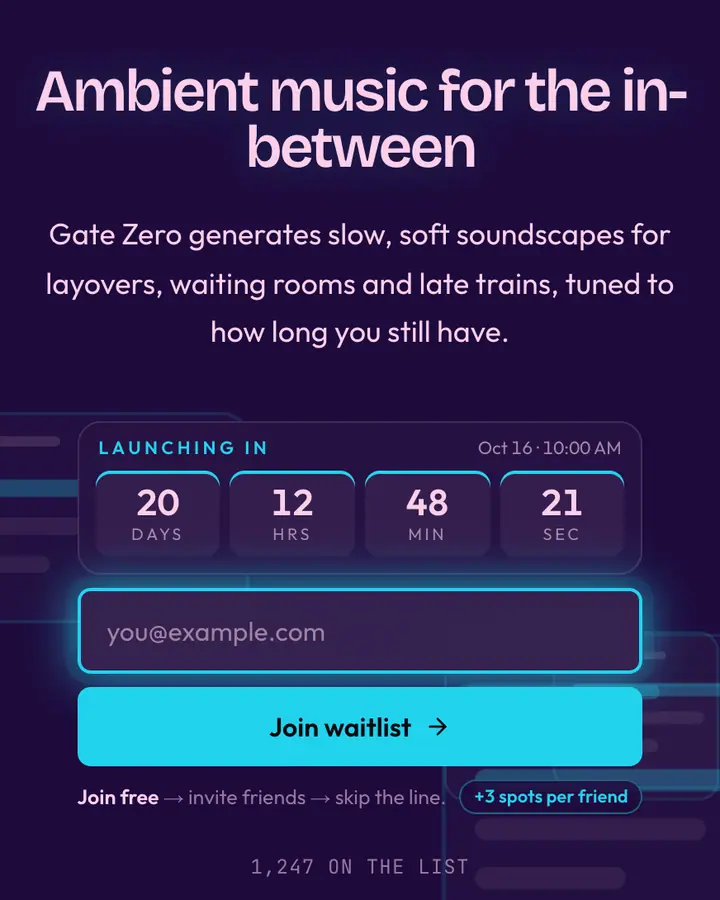
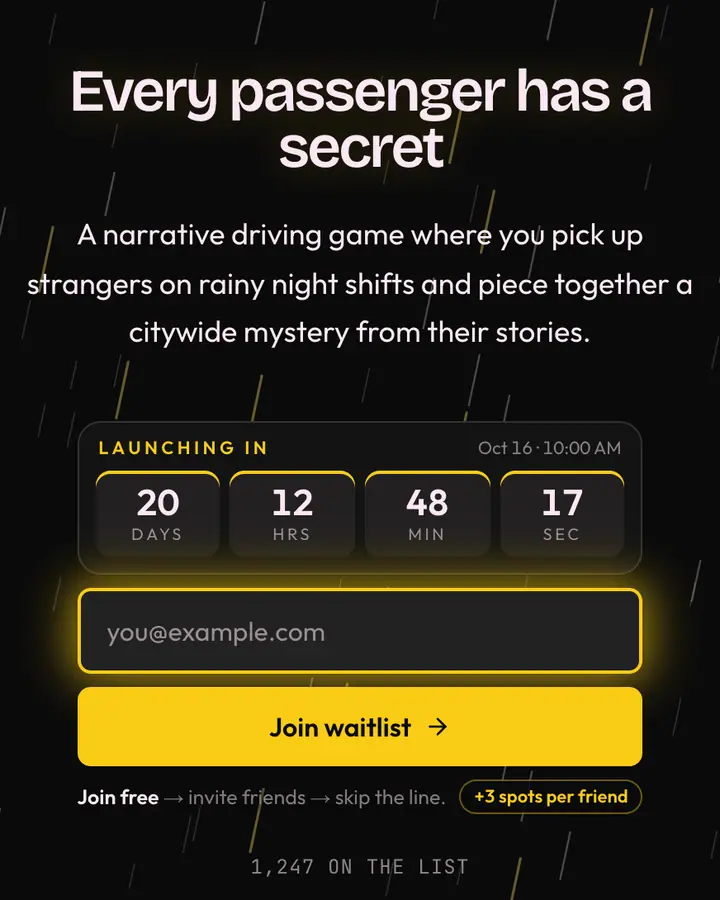
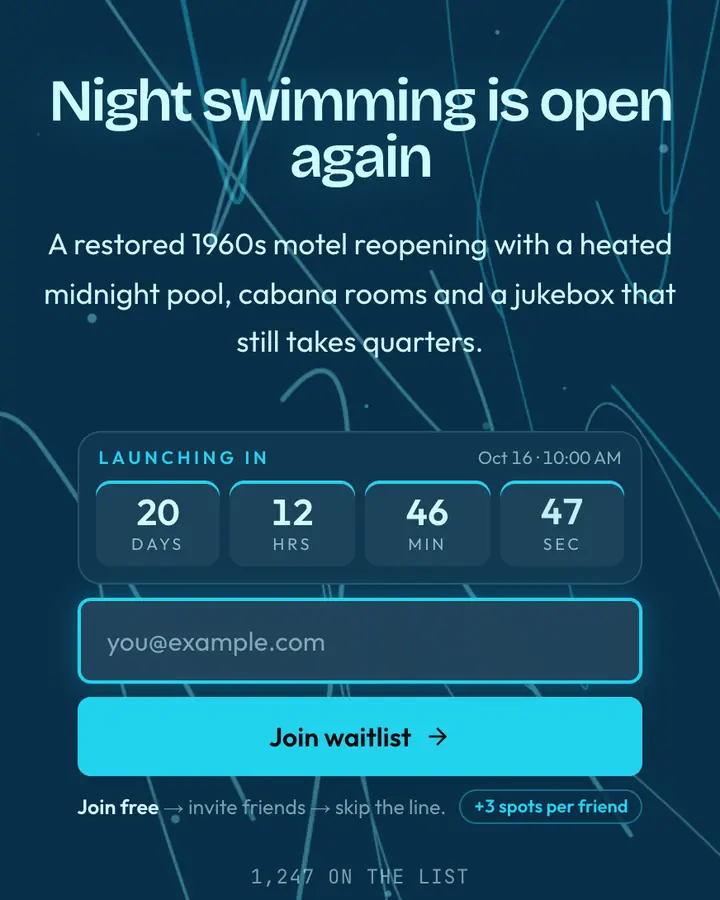
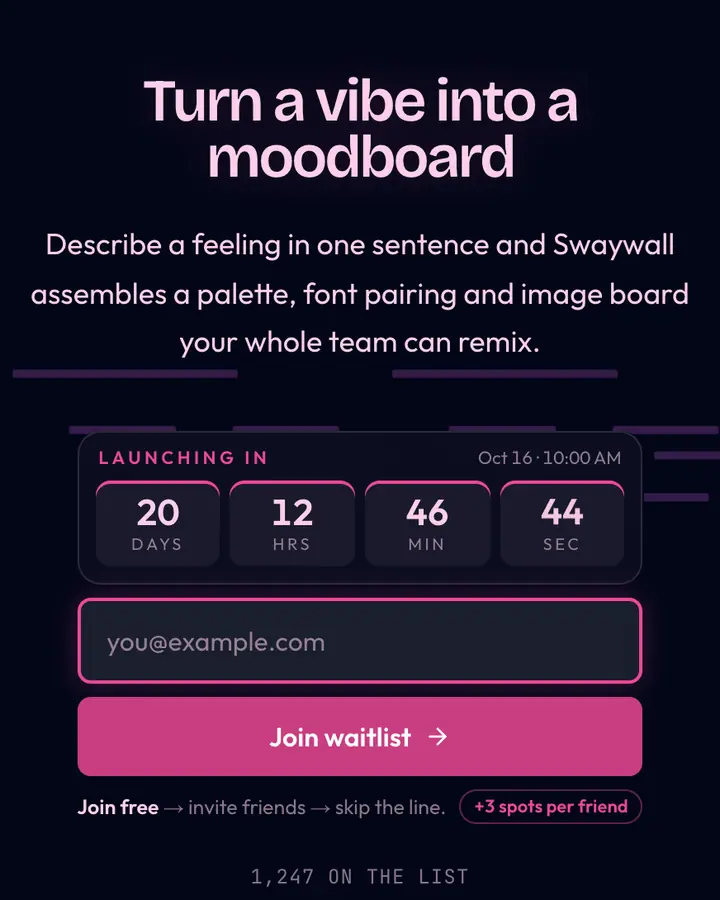
Copy can be looser here, with lowercase, slow phrasing and a little irony, as long as the offer stays clear: what drops, when, and how to get in first. Set a countdown if you have a release date; it fits the style's arcade and late-night TV references. The referral message is a good place for personality ("bring a friend to the food court"). Avoid stacking too many effects; one strong motif, the sun or the rain or the VHS noise, beats all three at once.
Best vaporwave templates for…
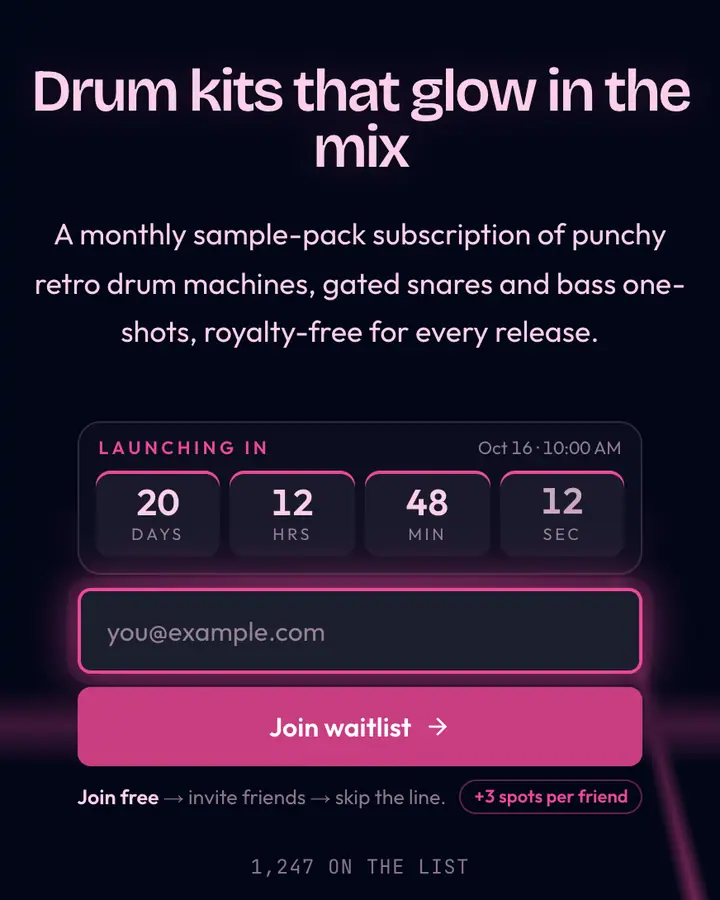
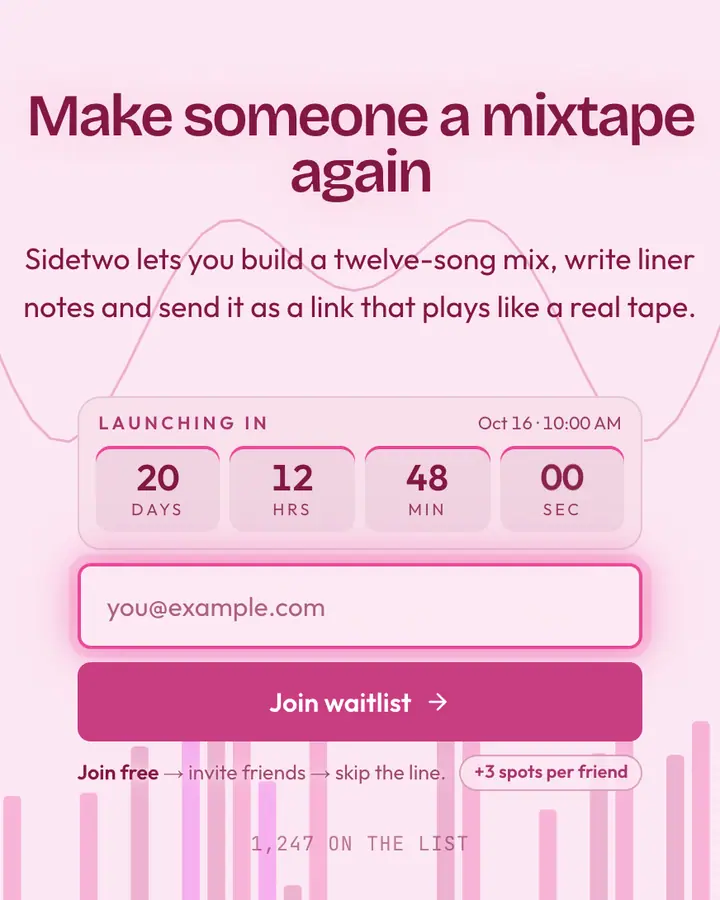
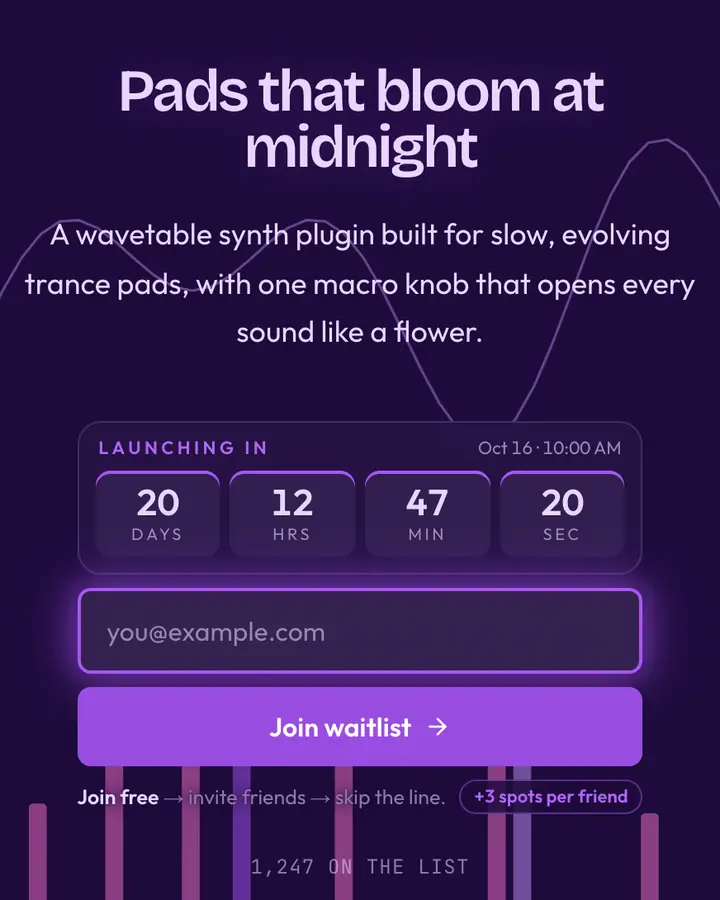
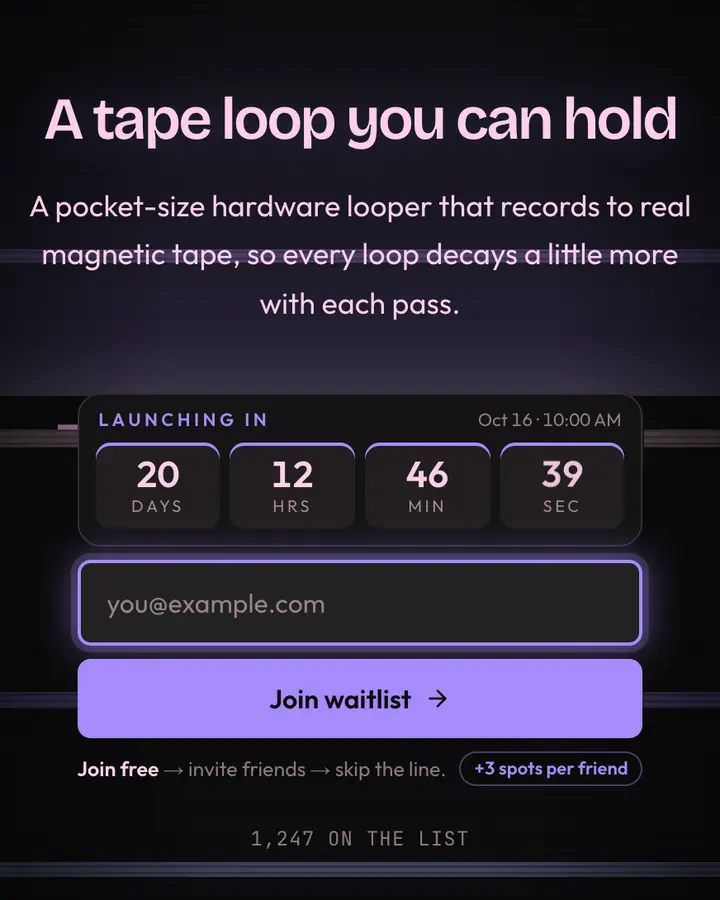
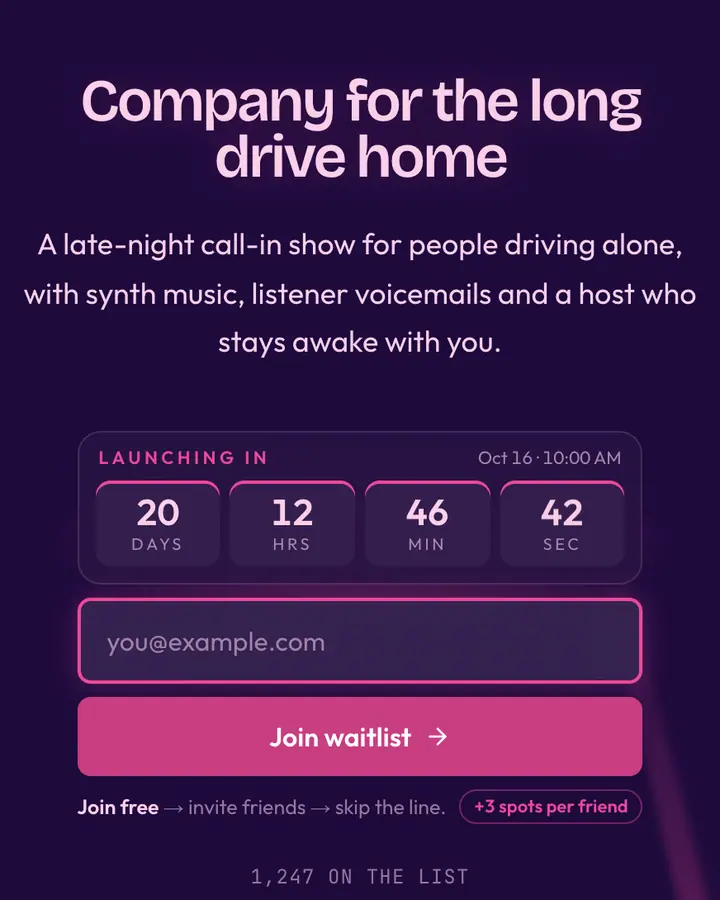
- For music and synth releases: Analog Retro-Future, a hand-built 70s synth sun with scanlines slicing the horizon.
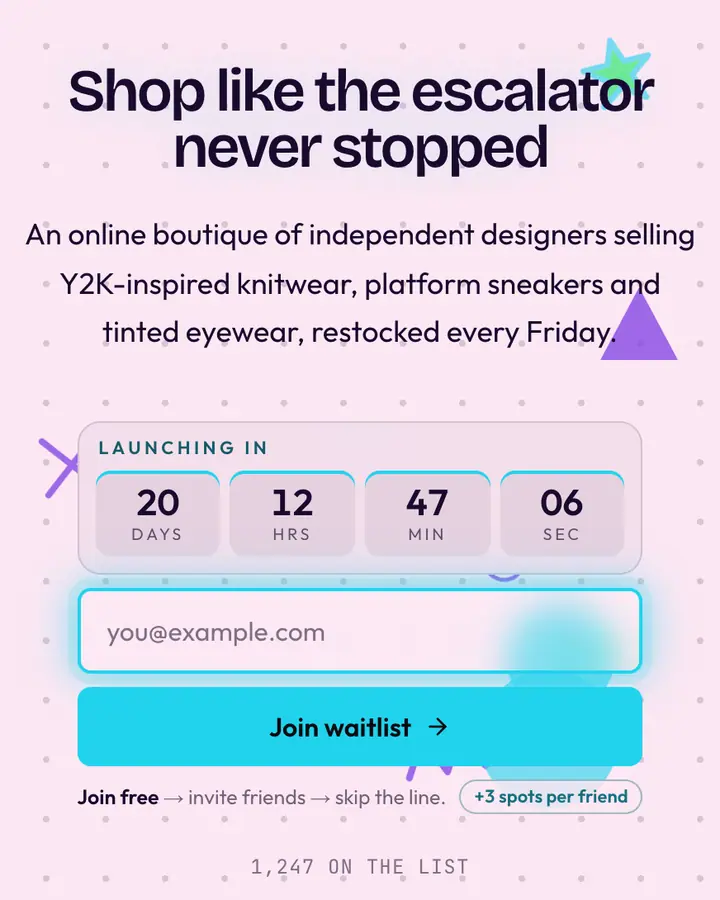
- For streetwear and lifestyle drops: Miami Sunset, a pink sky over pastel palms.
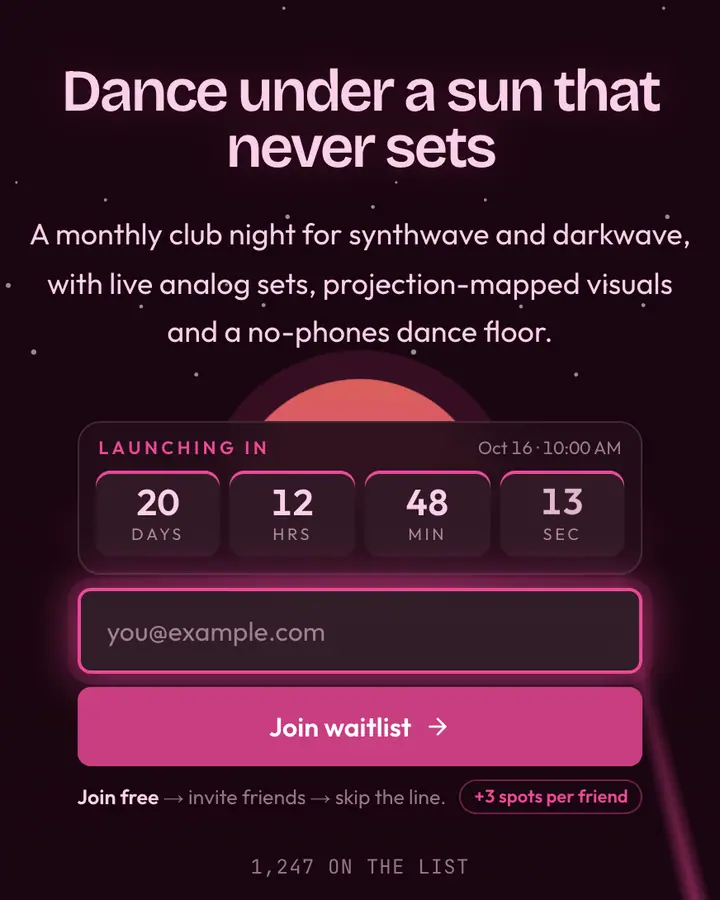
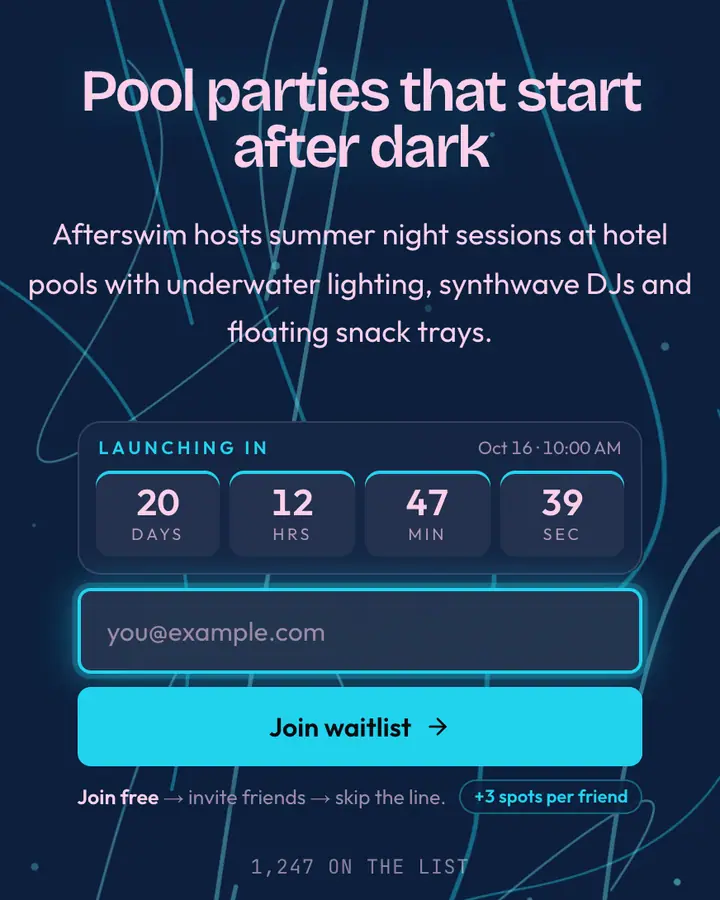
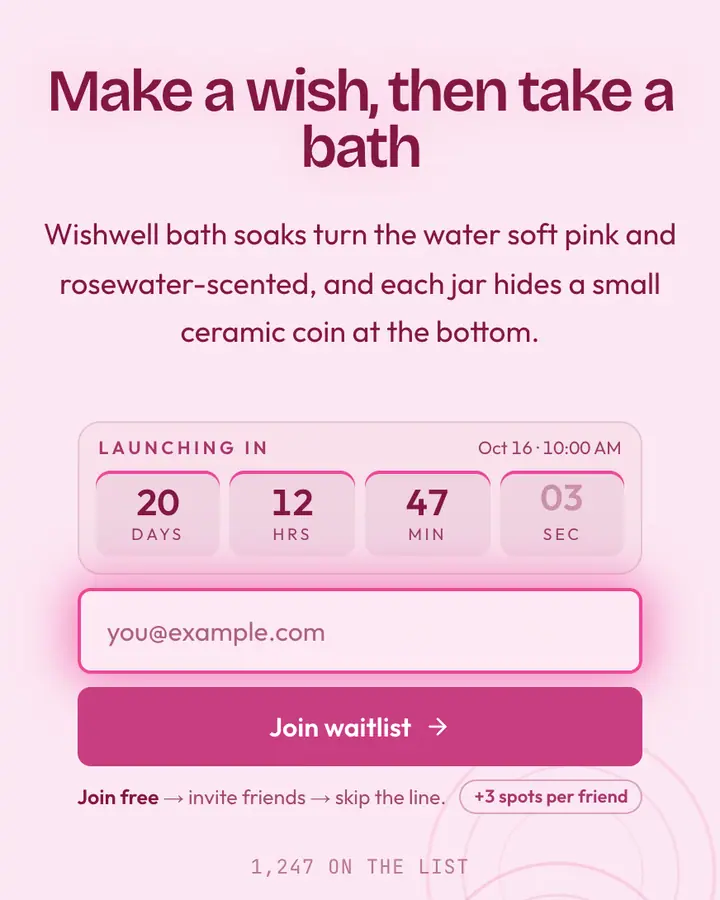
- For nightlife and events: Cyber Palms, dark palms on a magenta grid.
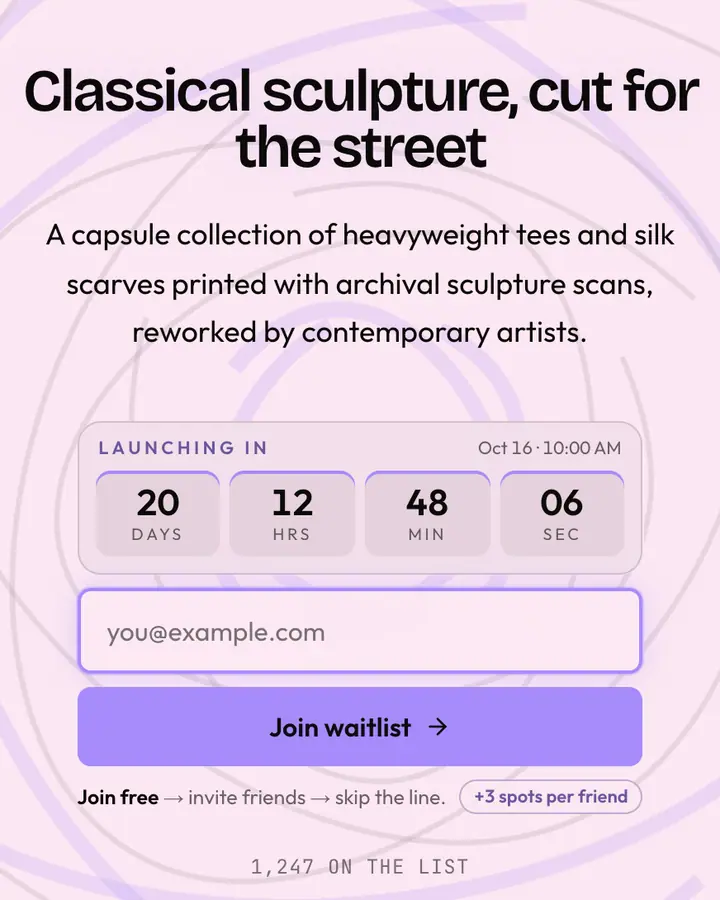
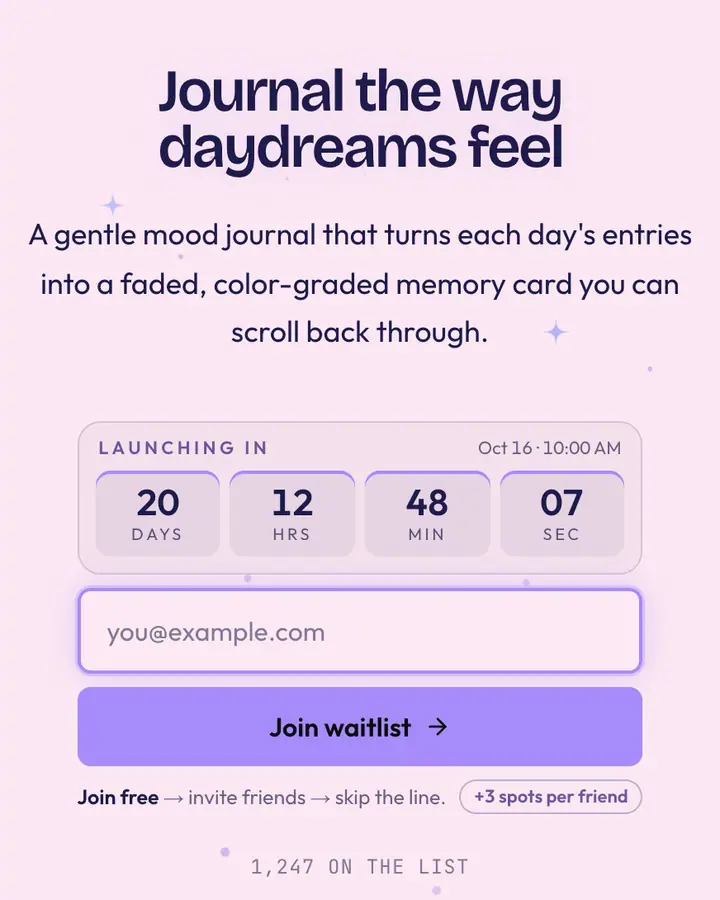
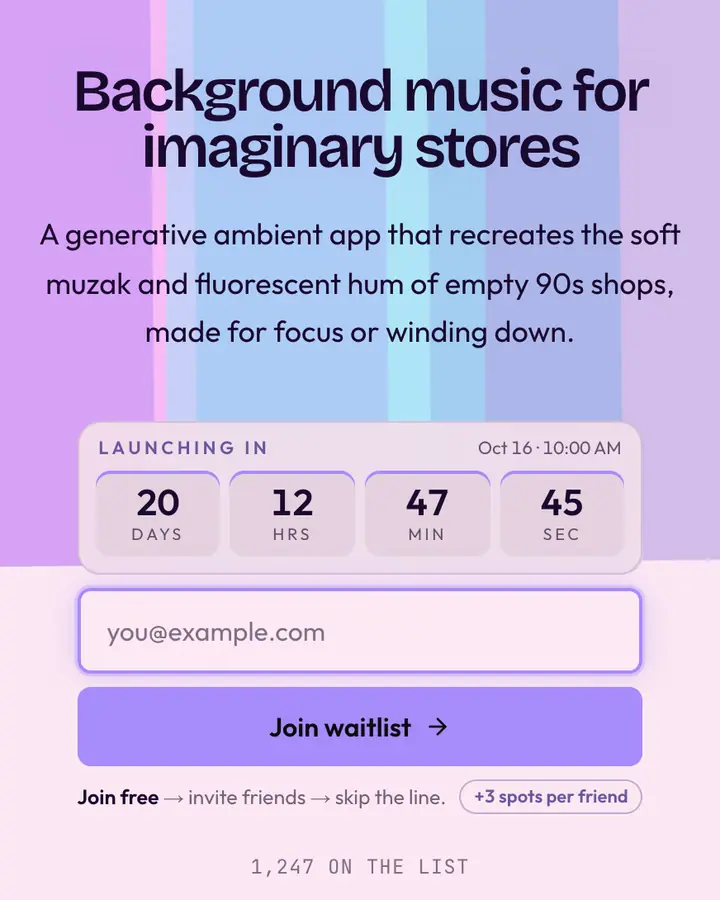
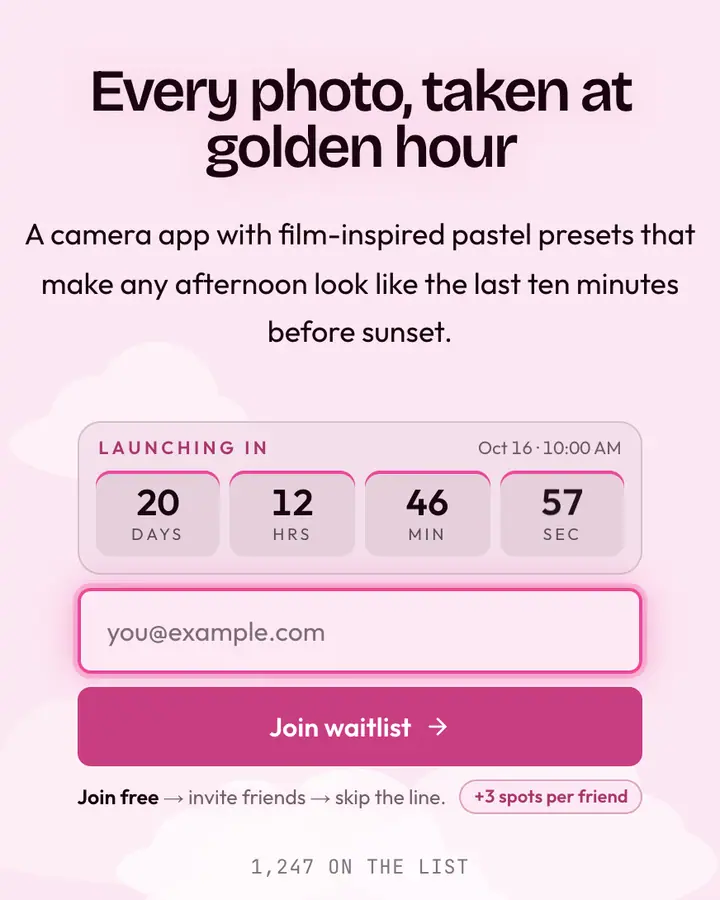
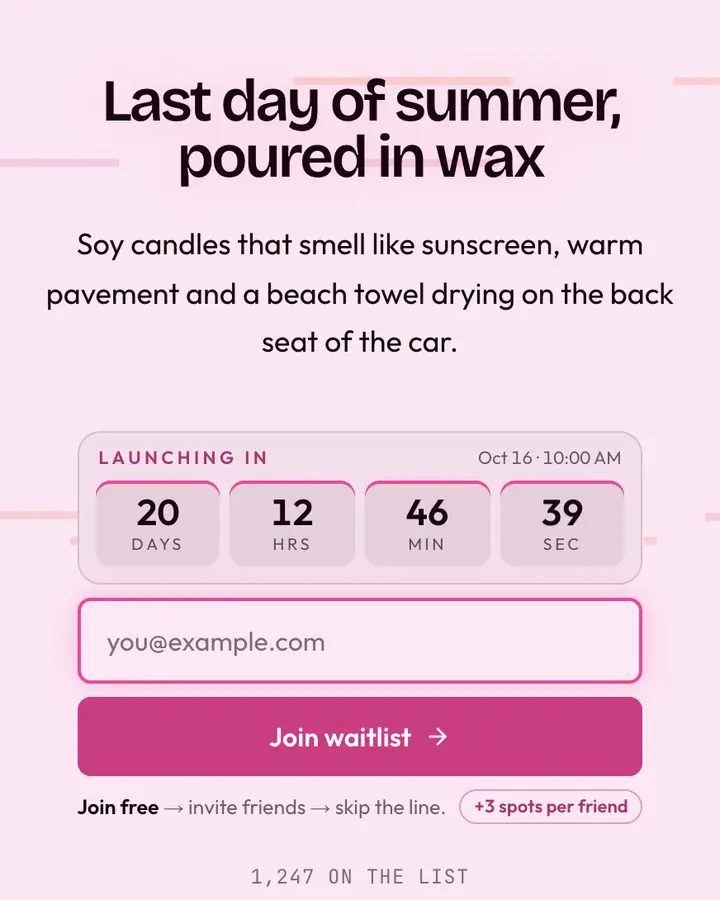
- For lo-fi and chill apps: Cloud District, cotton-candy clouds and a marble torso on a pastel layout.
Vaporwave templates FAQ
What's the difference between vaporwave and synthwave?
Synthwave leans on 80s neon, grids and sunsets with a driving feel; vaporwave adds malls, marble statues, pastel haze and irony. This hub includes both moods.
Will the neon colors be readable?
Each template pairs its neon accent with a dark or pastel base chosen for legibility, and every template page lists its text contrast ratio.
Can I set a release date?
Yes. Add a launch date in the editor and the page counts down to it, which suits album drops and event nights. Leave it empty and the countdown stays hidden.