
What makes a good terminal & developer launch page
Developers distrust marketing, so a terminal page should read like documentation that happens to have a signup form. Put the install command, the one thing the tool does, or a version number in the headline. Skip the adjectives.
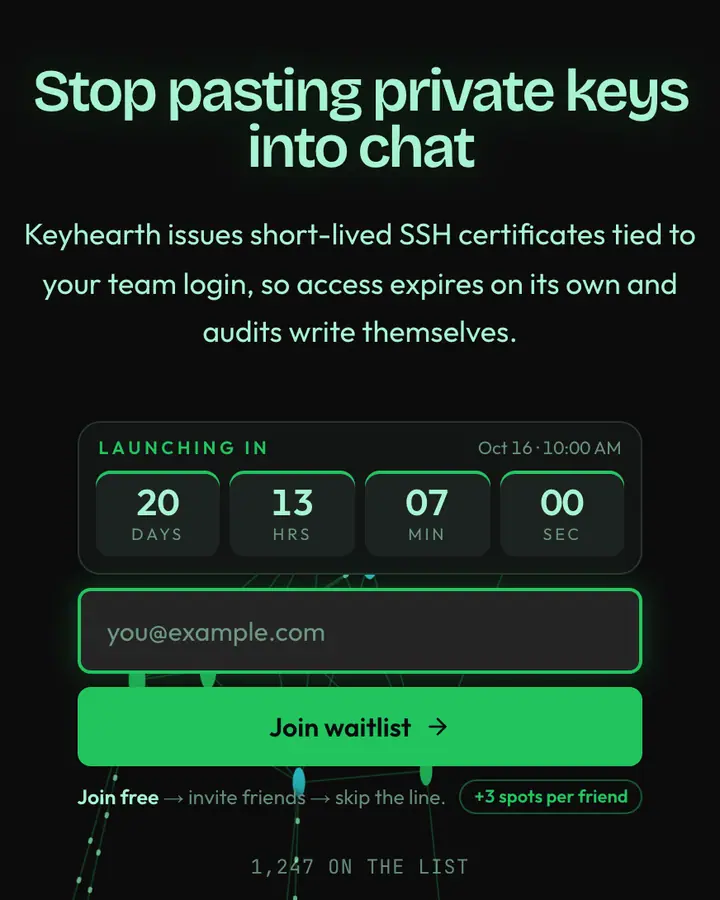
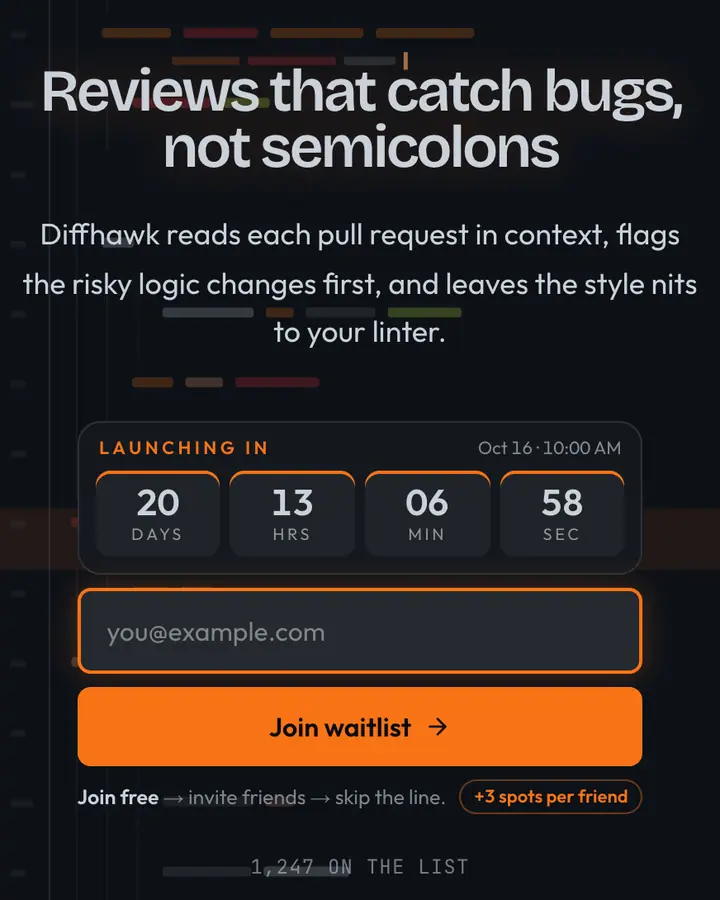
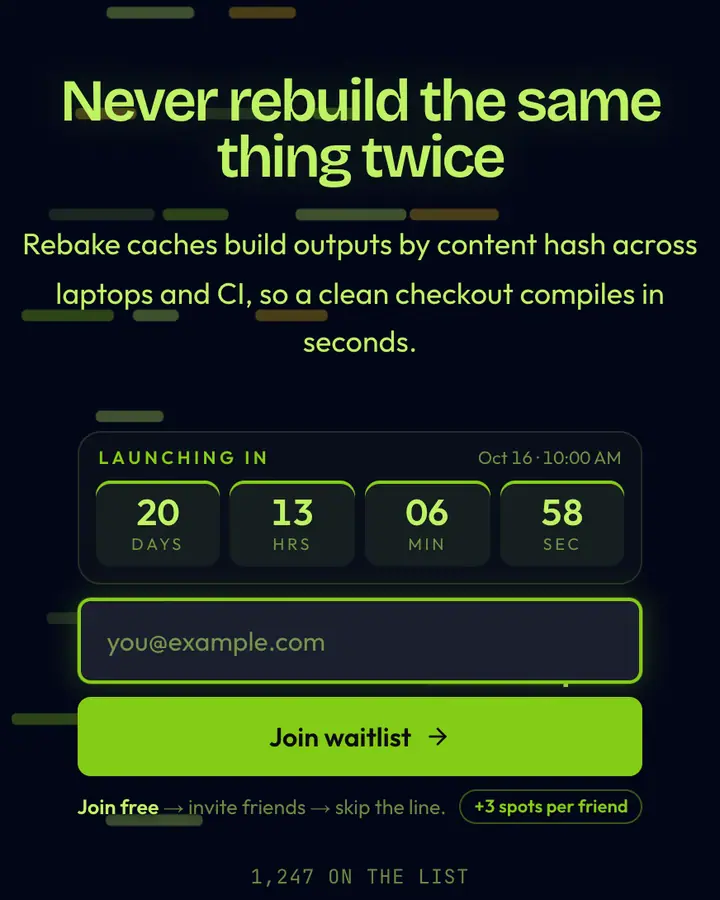
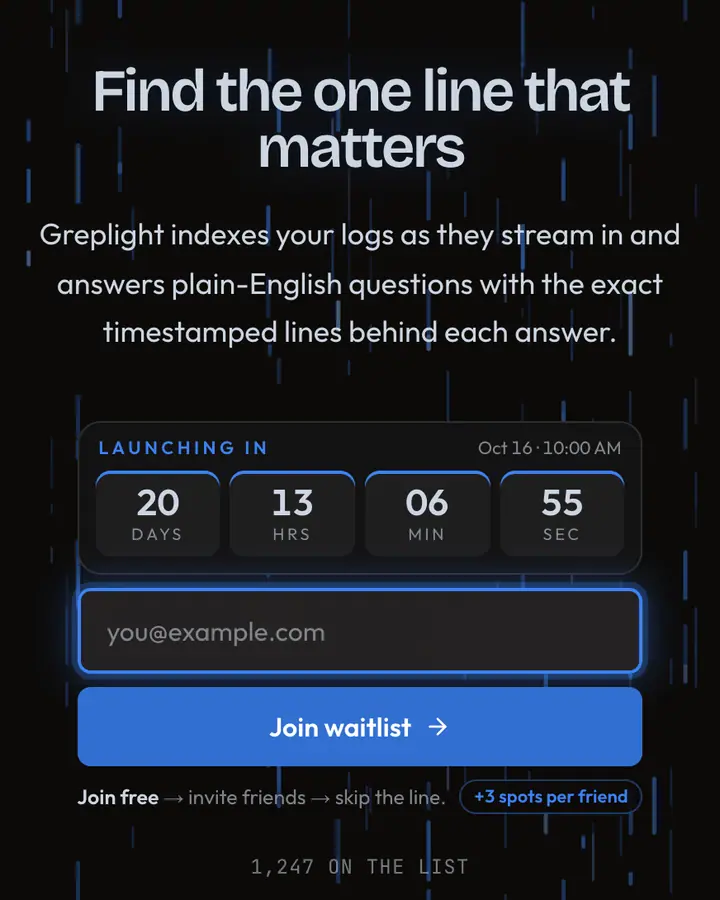
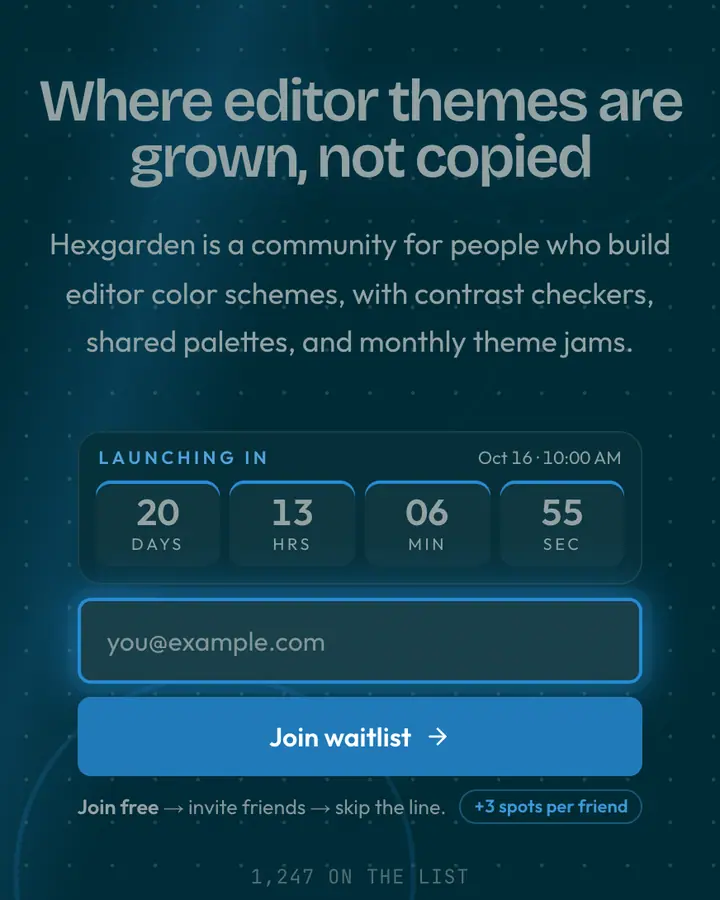
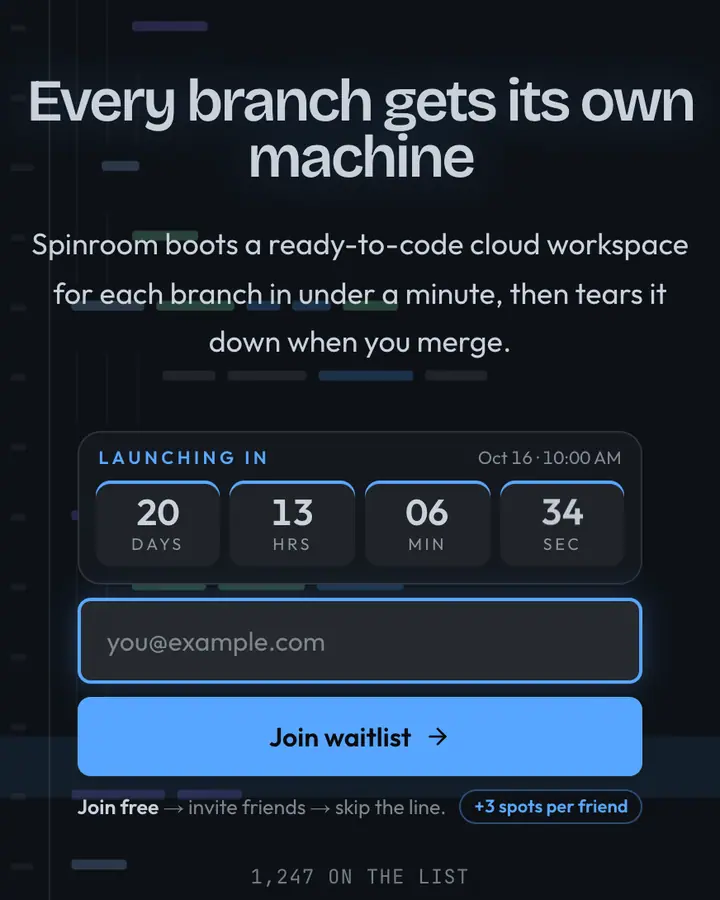
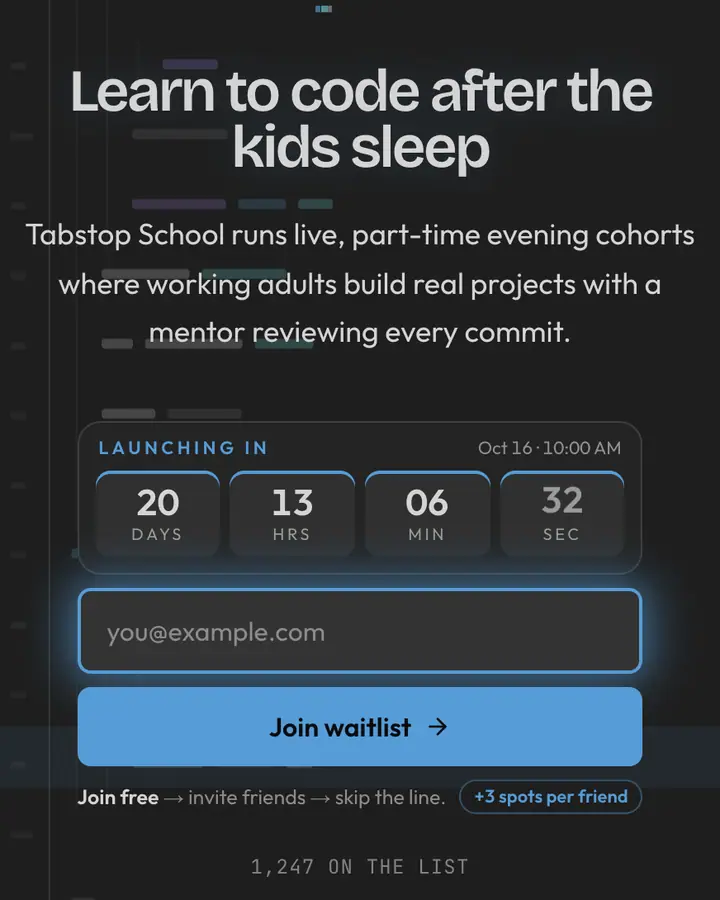
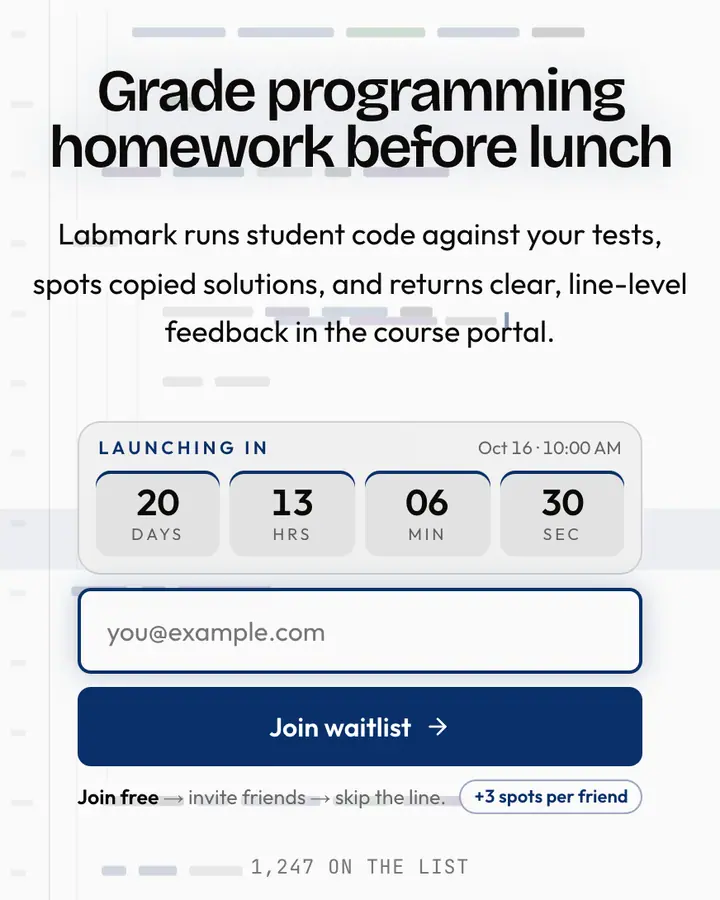
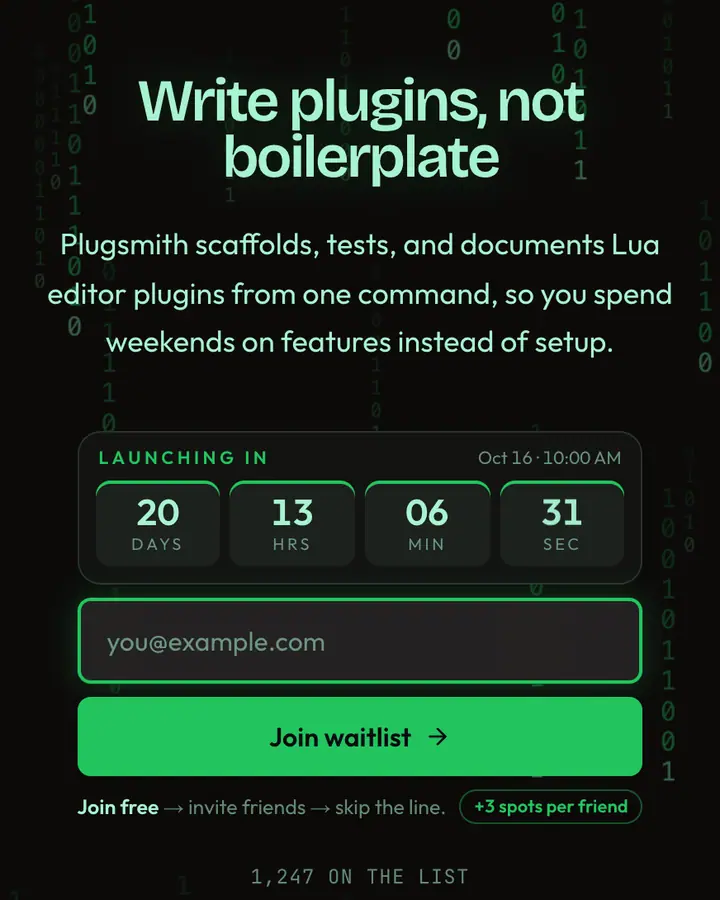
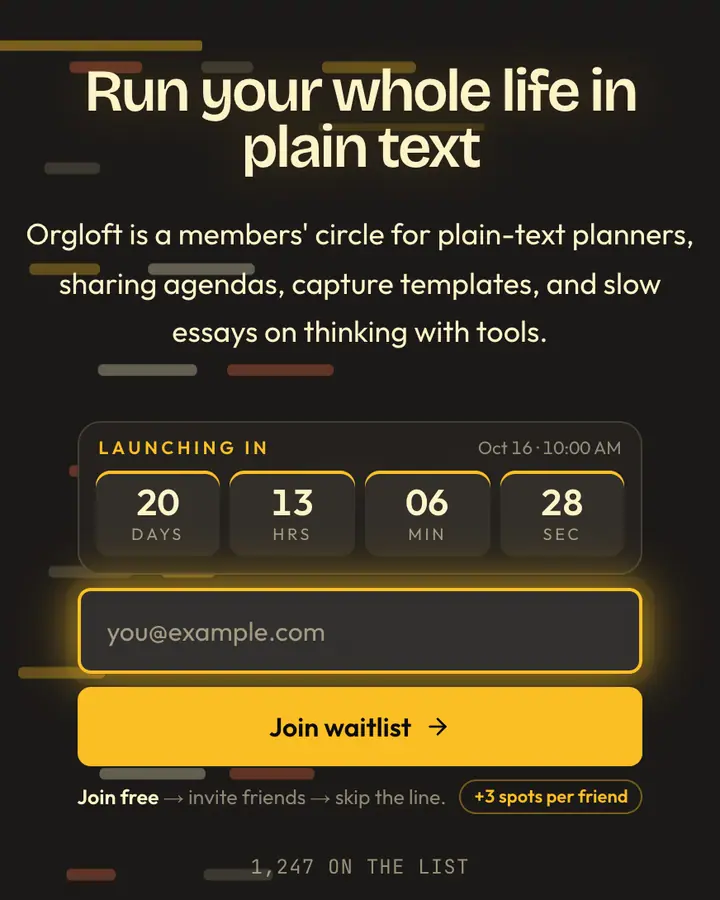
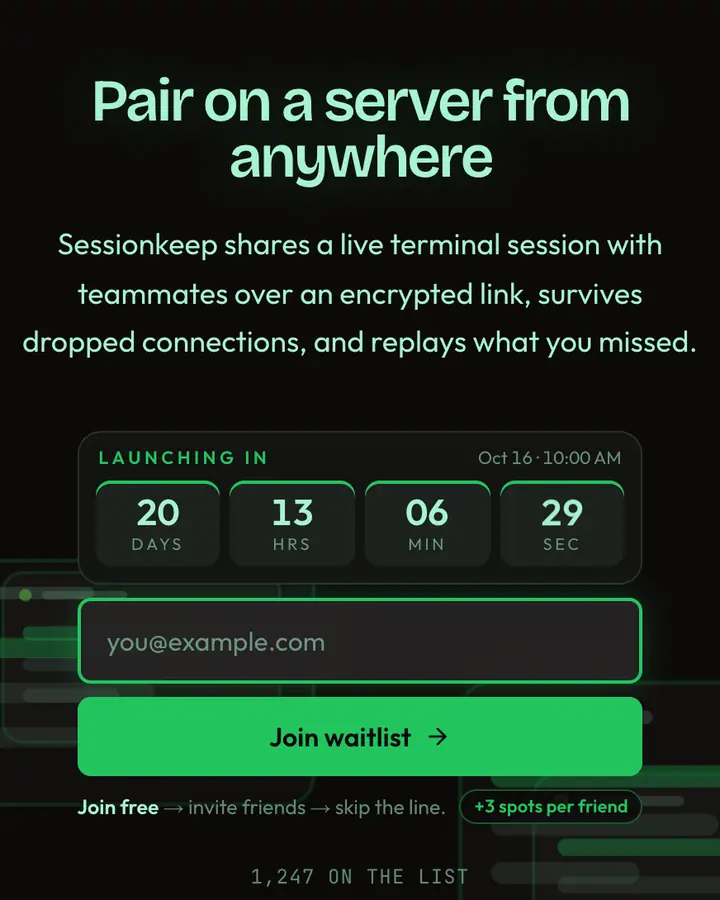
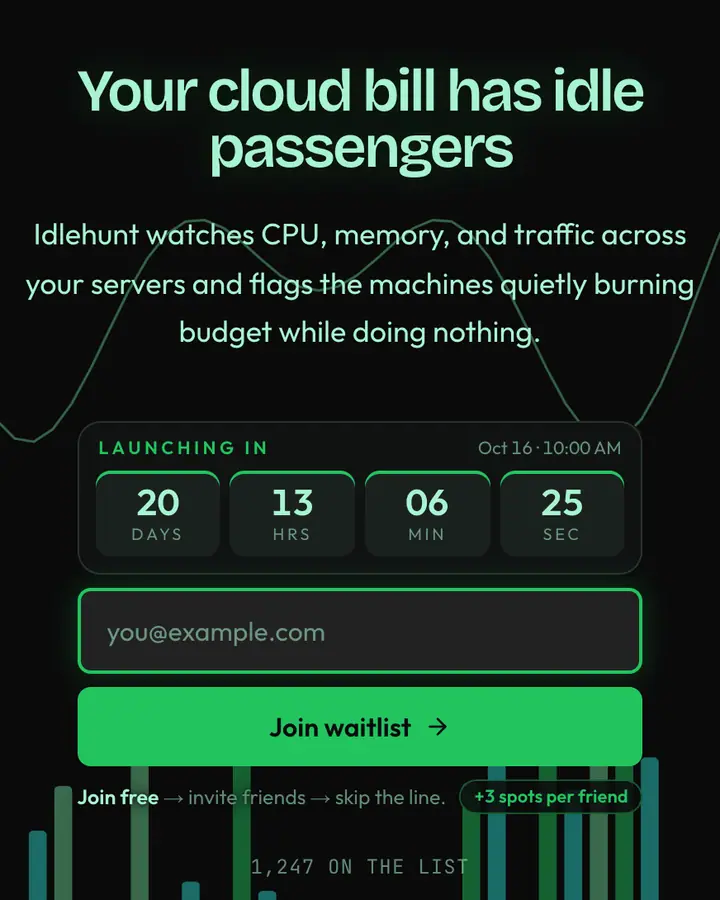
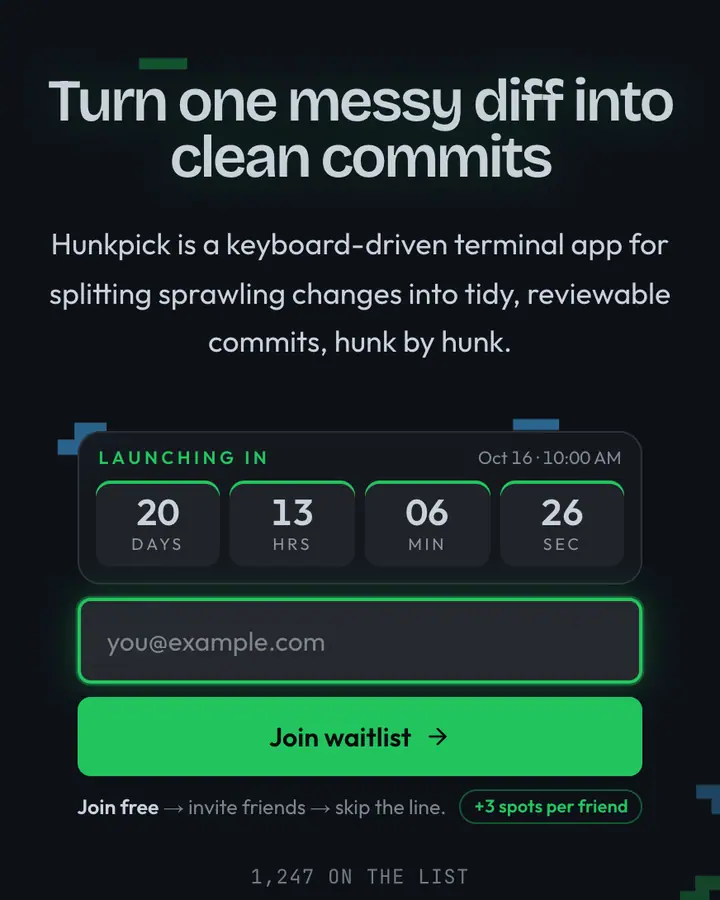
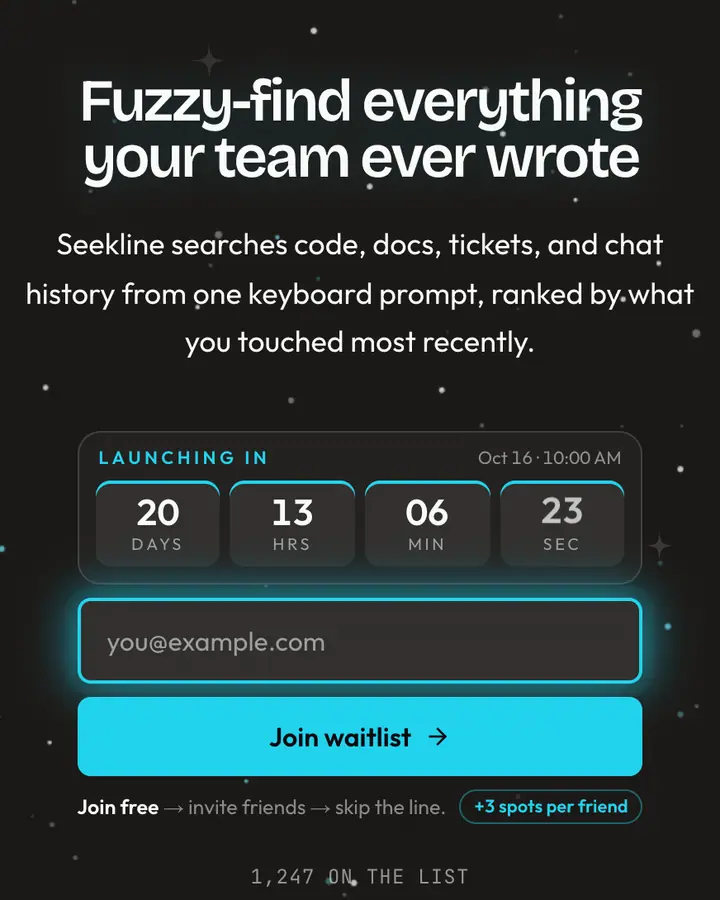
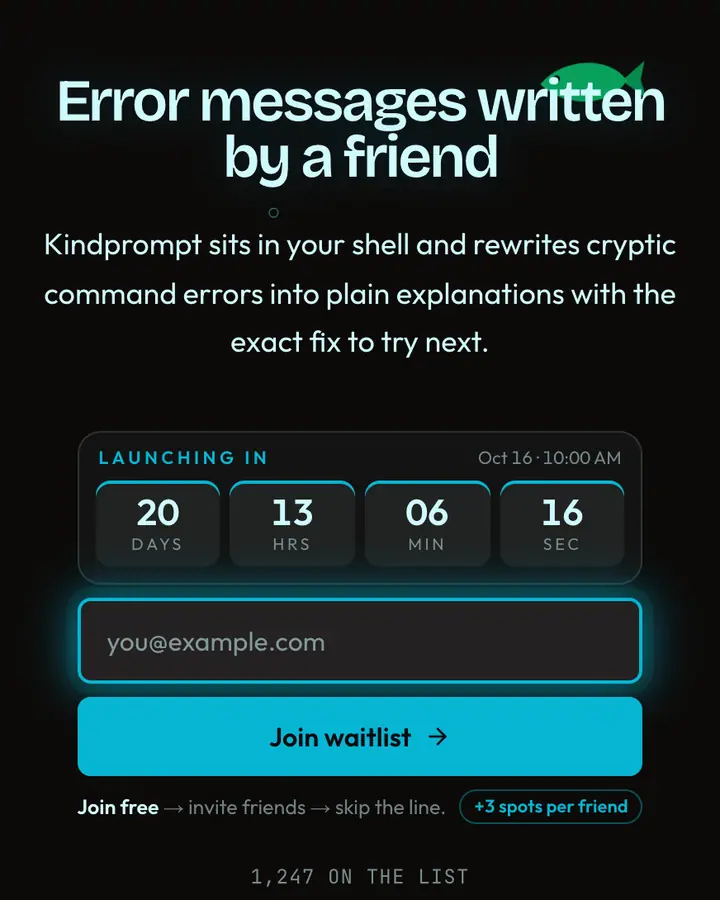
Pick a color scheme your audience already uses; recognition does the persuading. Solarized, Nord, Gruvbox and Dracula-style palettes signal "made by people like you" before a word is read. Keep contrast high, with light type on dark backgrounds and a single accent for the button, and use scanlines or code rain only as texture. Since referral links spread through Discord servers and group chats more than social feeds, give people a reason to share: early API keys, a private beta, a spot in the first wave.
Best terminal & developer templates for…
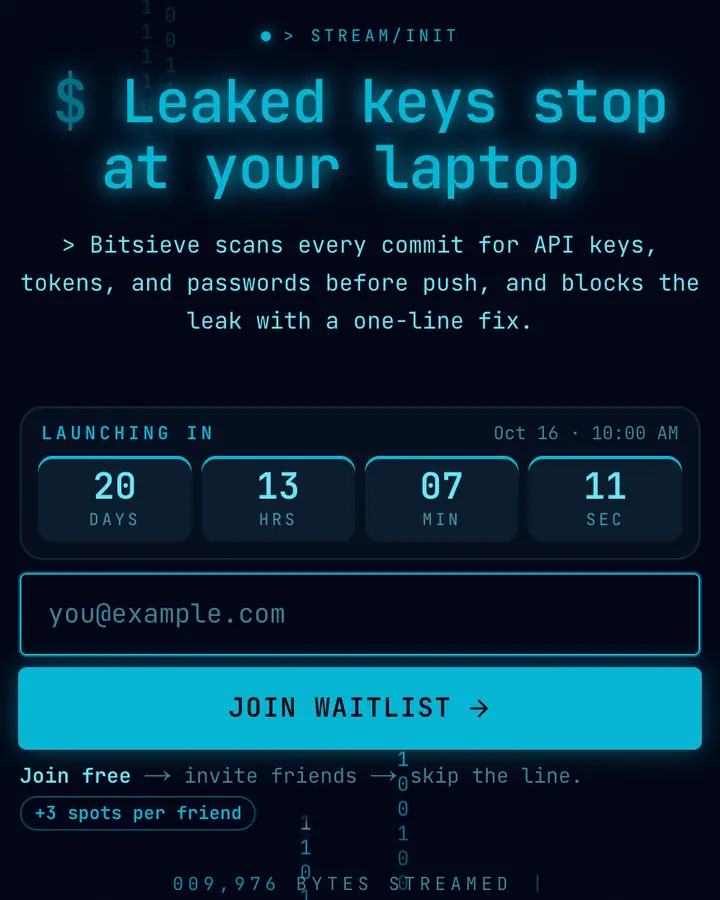
- For security and AI agents: Binary Rain, a hand-built layout of falling 0s and 1s.
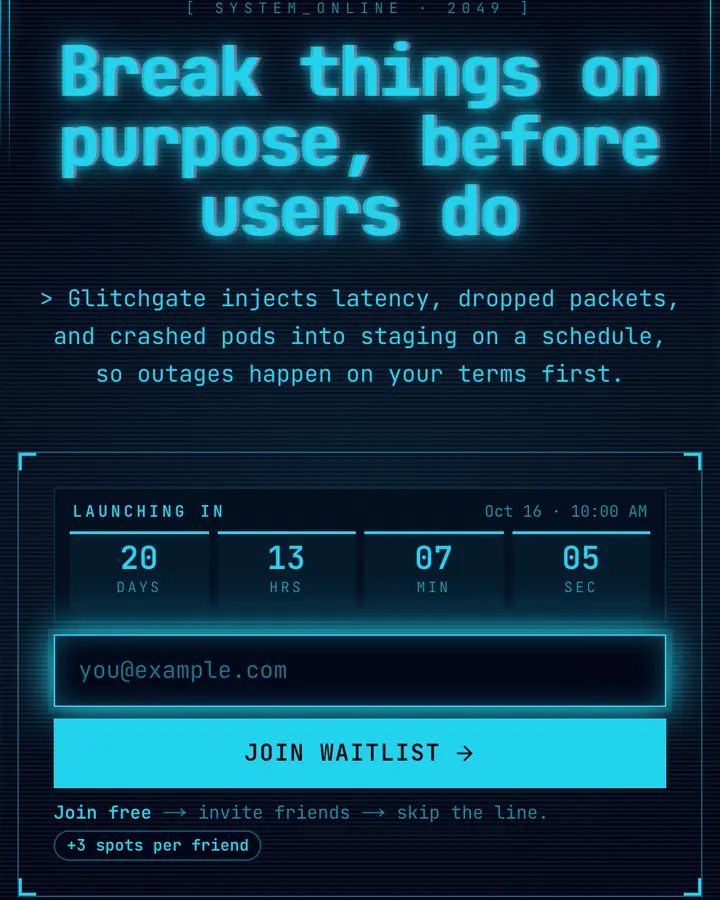
- For CLIs and dev tools: Cyber-Glitch, neon retro-computing with scanline grit, the base of this hub.
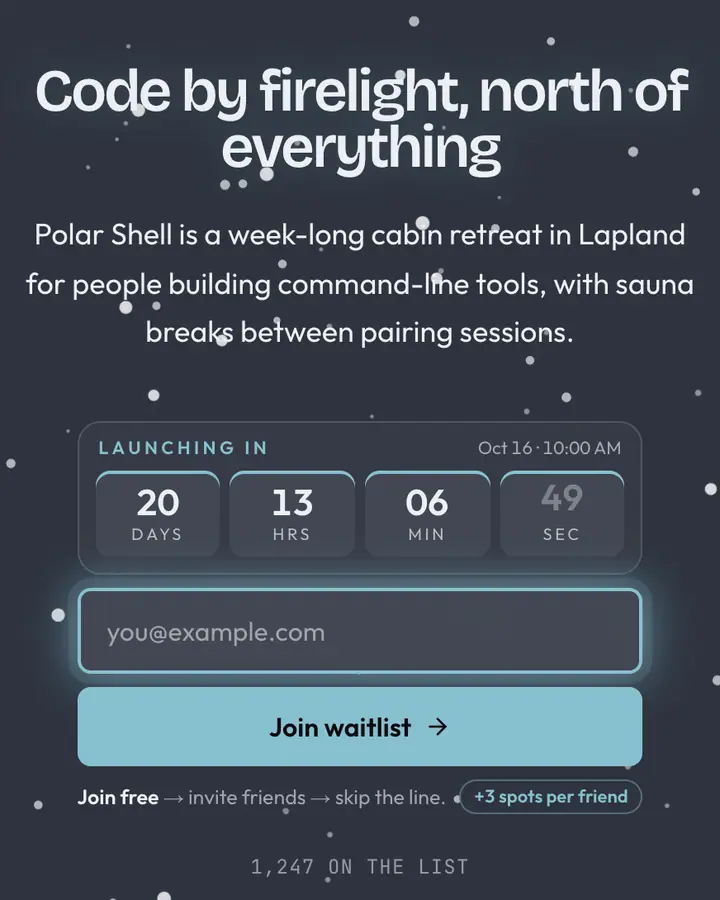
- For infra and cloud tools: Nord Terminal, polar-night blues with a frost-cyan accent.
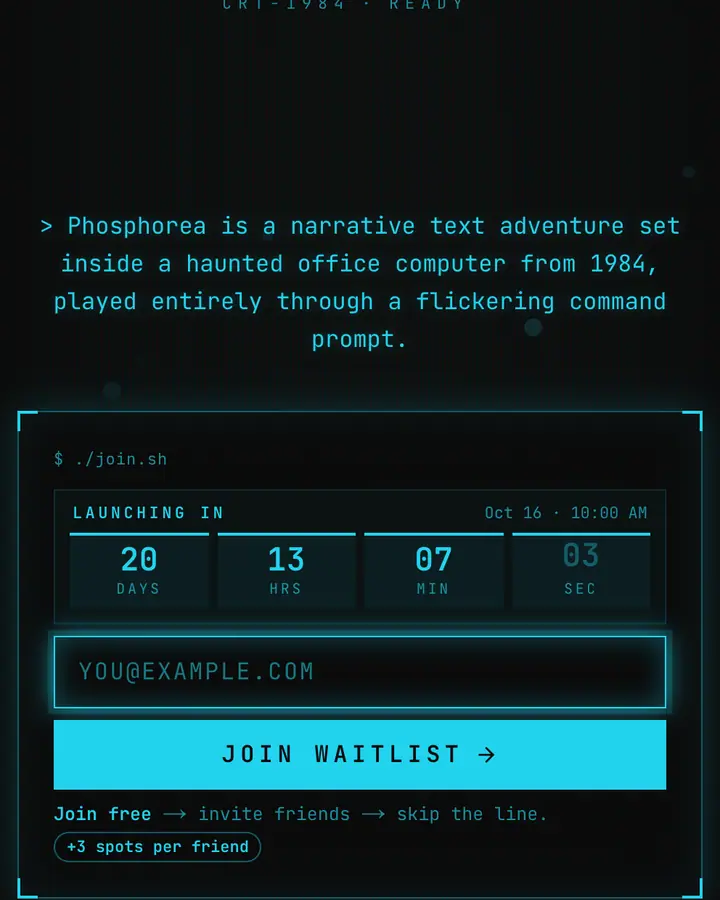
- For indie hacker projects: Retro CRT, phosphor scanlines with a 1984 terminal feel.
Terminal & Developer templates FAQ
Are the terminal templates real terminals?
No. They are waitlist pages styled like terminals and editors. Visitors type their email into a normal, accessible form, and it's styled to look like a prompt.
Can I put an install command or code in the headline?
Yes. The headline and subhead are free text, so a command like "npx your-tool init" works. Keep it short so it doesn't wrap on phones.
Which terminal template is easiest to read?
Themes with light text on a very dark background, like Nord Terminal or vim --dark, have the strongest contrast. Each template page lists its exact contrast ratio.