About the Kanagawa Wave template
Hokusai's Great Wave translated through terminal culture—this template layers the painter's palette of sage-blue and warm cream onto a monospace grid that feels like vintage Japanese woodblock print meets Unix philosophy. The dusty-blue accent appears both as a wave crest and as a data point, suggesting information flow rather than literal water. Art historians, typography obsessives, and Japanese-inspired design studios will recognize this as the intersection of analog and digital; real-time analytics dashboards blend seamlessly into this contemplative aesthetic.
What the demo shows
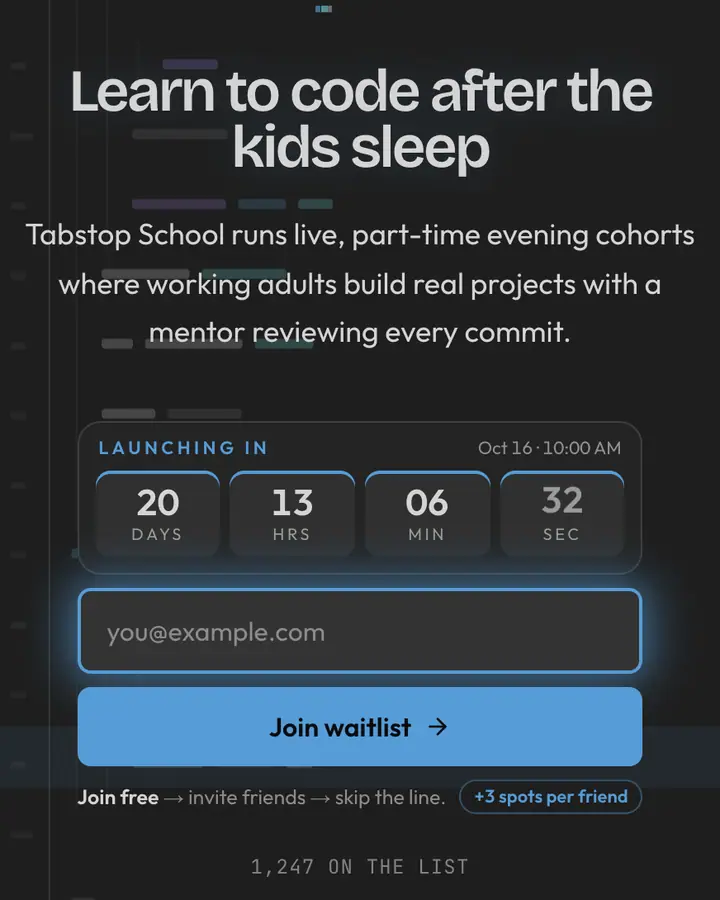
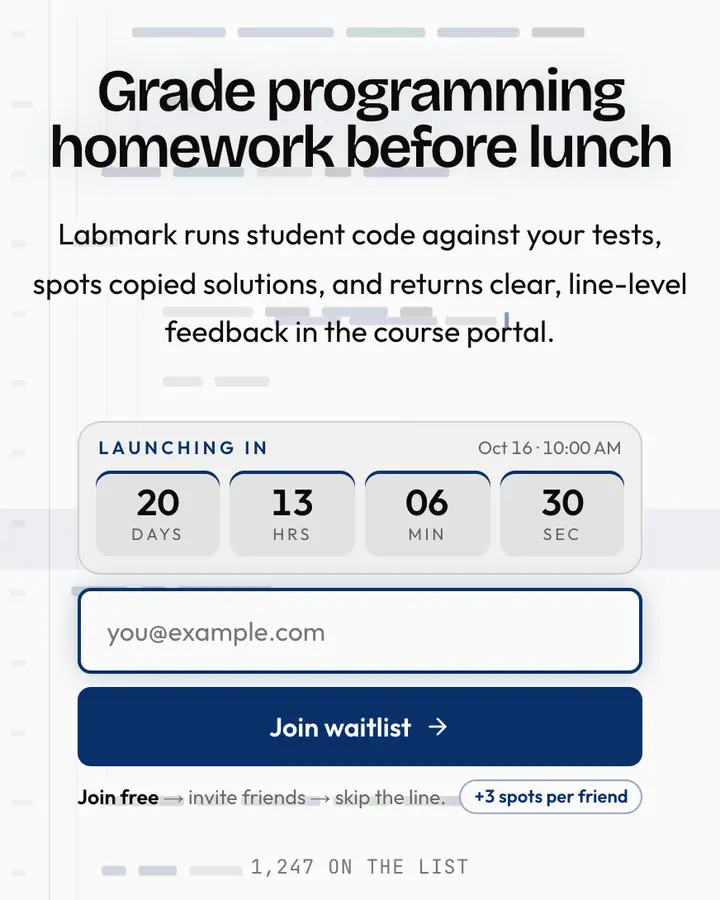
The live demo on this page launches Namiji, a made-up product we wrote to show the template with realistic copy: the headline reads “Poetry you open with a command” and the subhead says “Namiji delivers one short poem each morning to your terminal, typeset in monospace and paired with a woodblock-style ASCII print.” Below it you see the signup form, a demo launch countdown and the share-to-climb referral panel exactly as a visitor would. Try the form: in the demo nothing is stored. When you use Kanagawa Wave, you replace Namiji with your own product name, headline, subhead and logo; the palette and motion come with it and every colour stays editable.
Design details
Kanagawa Wave is a dark template: a deep indigo background (#1f1f28), light amber type (#dcd7ba) and a blue accent (#7e9cd8) on the join button, the countdown and the referral highlights. Body text sits at a 11.3:1 contrast ratio against the background, comfortably past the WCAG AAA threshold. Behind the copy the page animates with rolling waves, front and centre; visitors who ask their device for reduced motion get a still frame instead. Structurally it uses the Cyber-Glitch layout, shared with 84 other templates, but the palette, the motion and the demo copy are Kanagawa Wave's own.
- Background
- #1f1f28
- Accent
- #7e9cd8
- Text
- #dcd7ba
How it compares
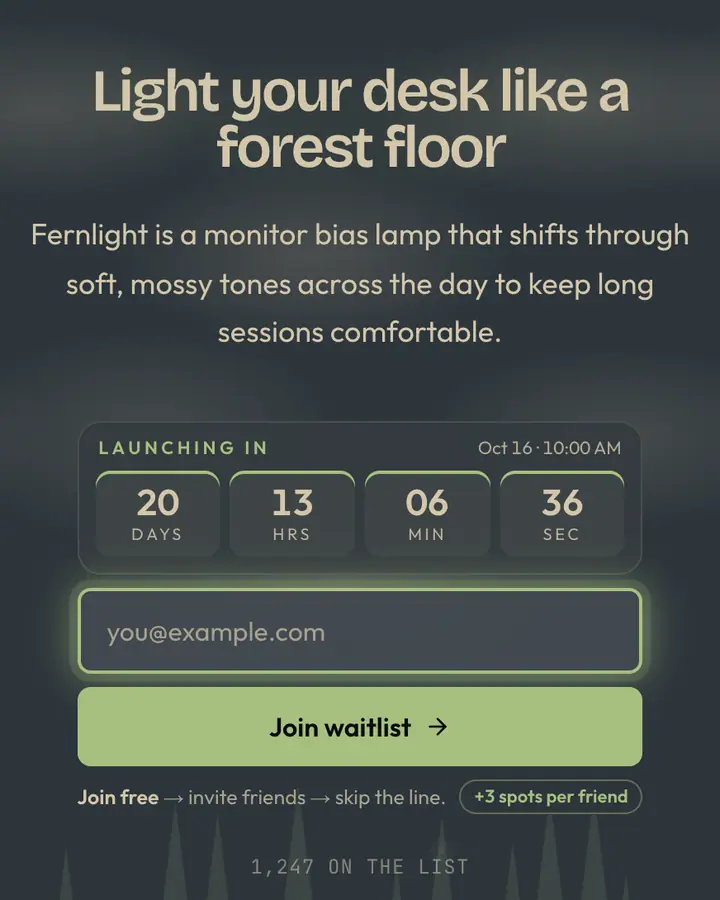
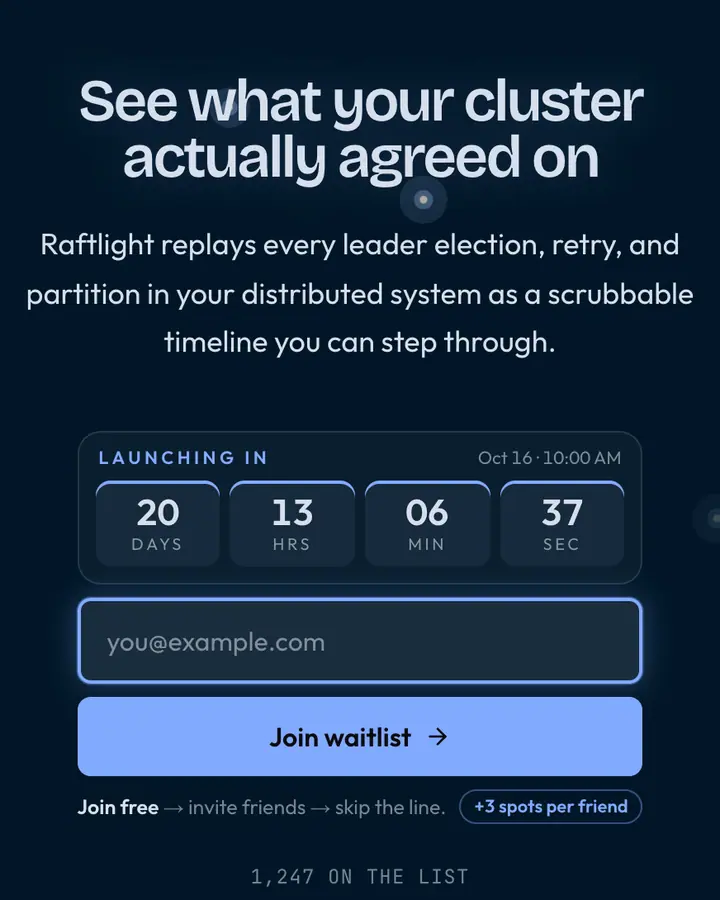
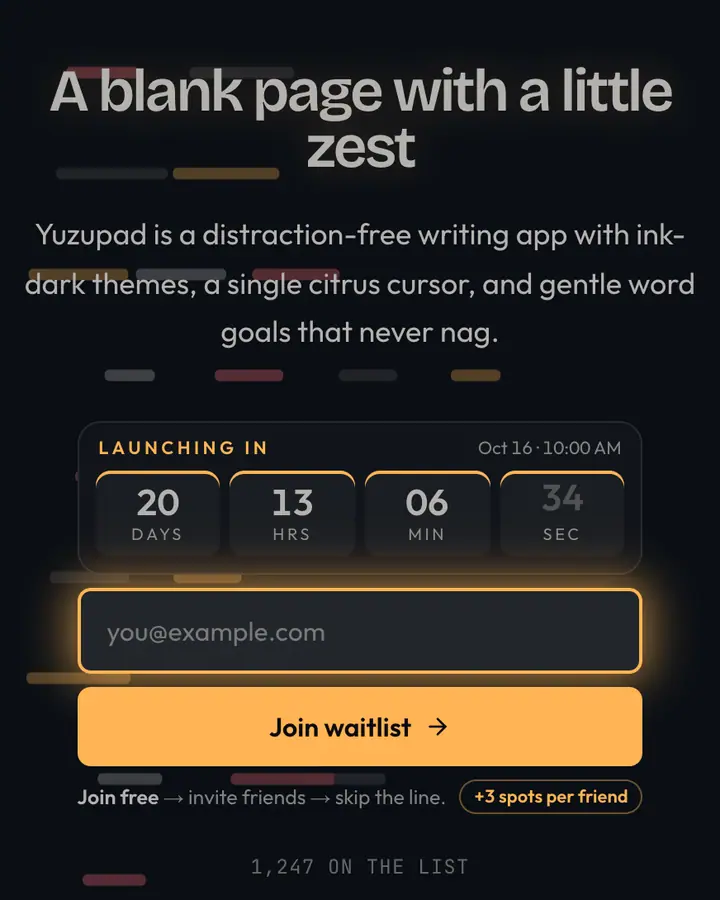
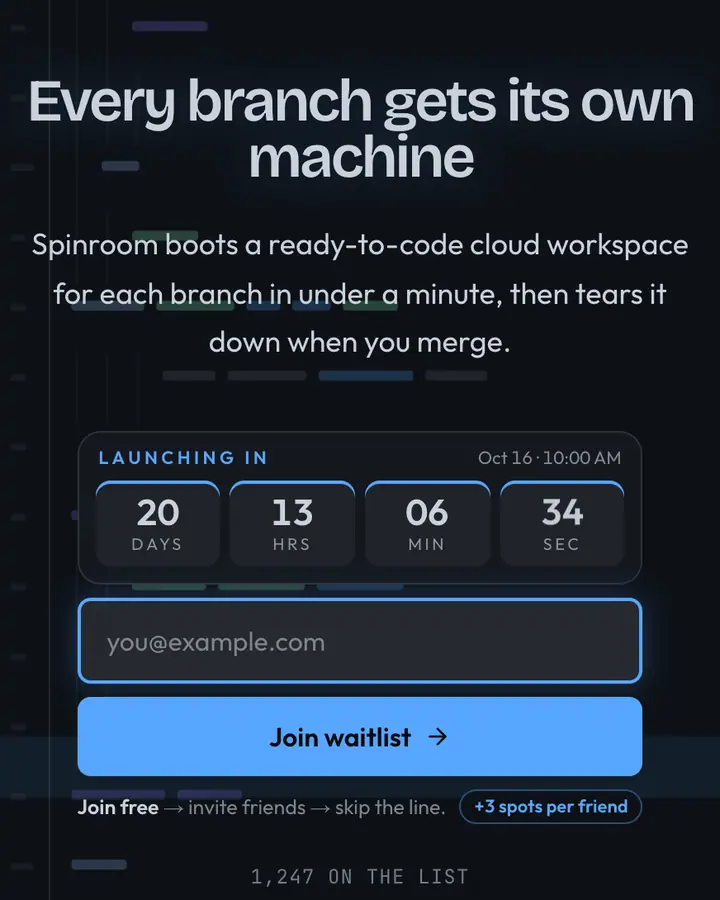
Within Terminal, Kanagawa Wave stands out for its blue accent on a deep indigo ground. If it is not quite right, Everforest is also dark but leans on a green accent and a swaying forest silhouette (“Mossy contrast, low strain”). Nightfly Blue is also dark but leans on a light blue accent and fireflies blinking in the dark (“Cobalt night, gentle”). Ayu Dark is also dark but leans on an orange accent and scrolling terminal output (“Ink with citrus accent”). All of them share the same signup, referral and analytics features, so switching later only changes the look.
Launch with Kanagawa Wave in three steps
- Click “Use this template” and create a free account; Kanagawa Wave is preselected in the page wizard.
- Replace the Namiji demo copy with your product's headline and one-line pitch, pick a URL, and optionally set a launch date to show a real countdown.
- Publish and share the link. Every subscriber gets a personal referral link, and you watch signups and top referrers arrive in the dashboard.