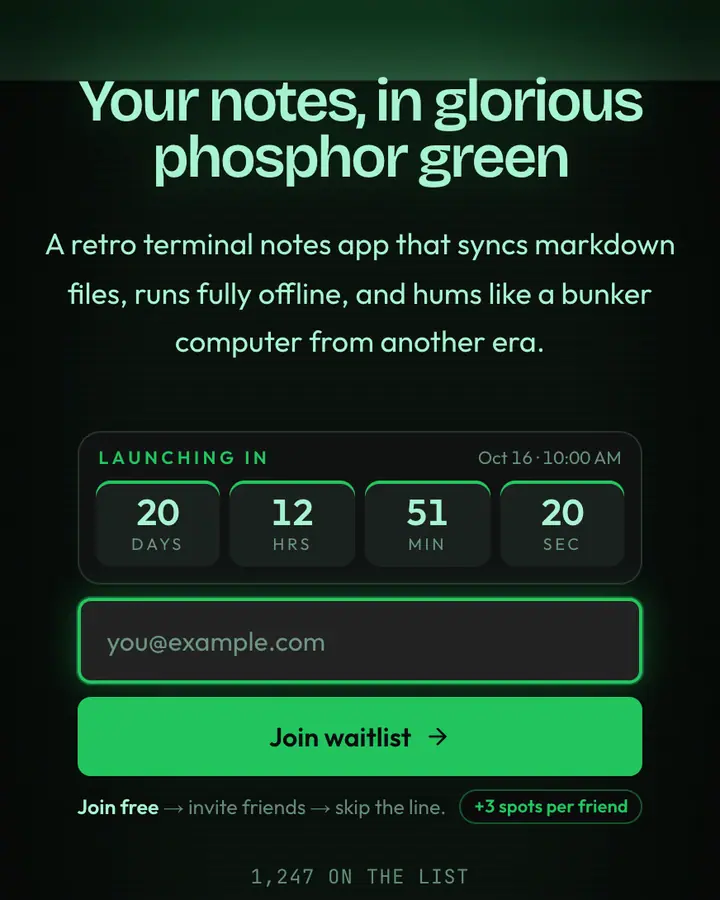
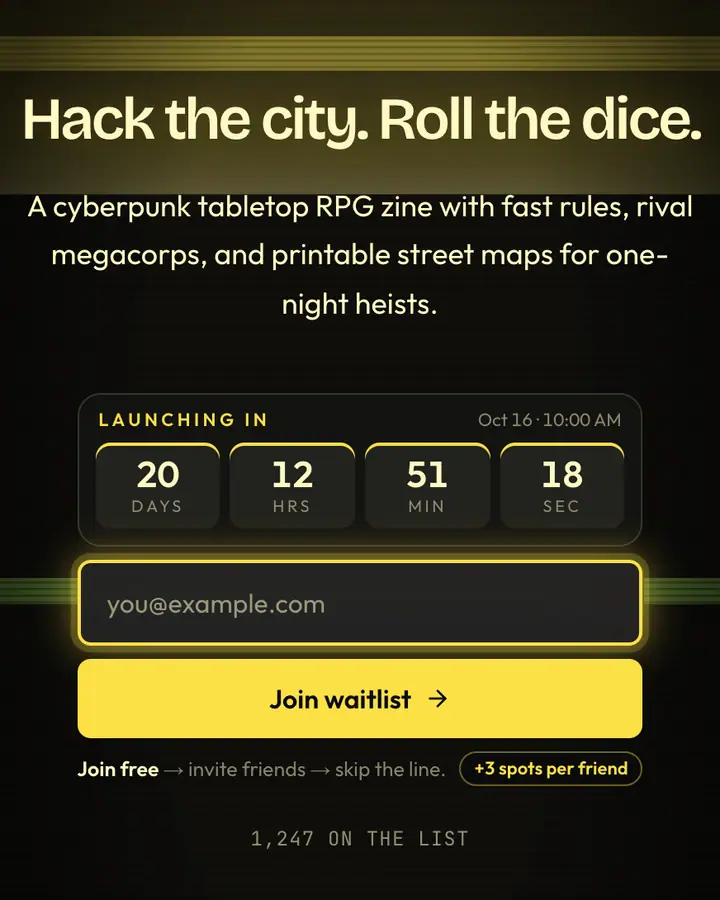
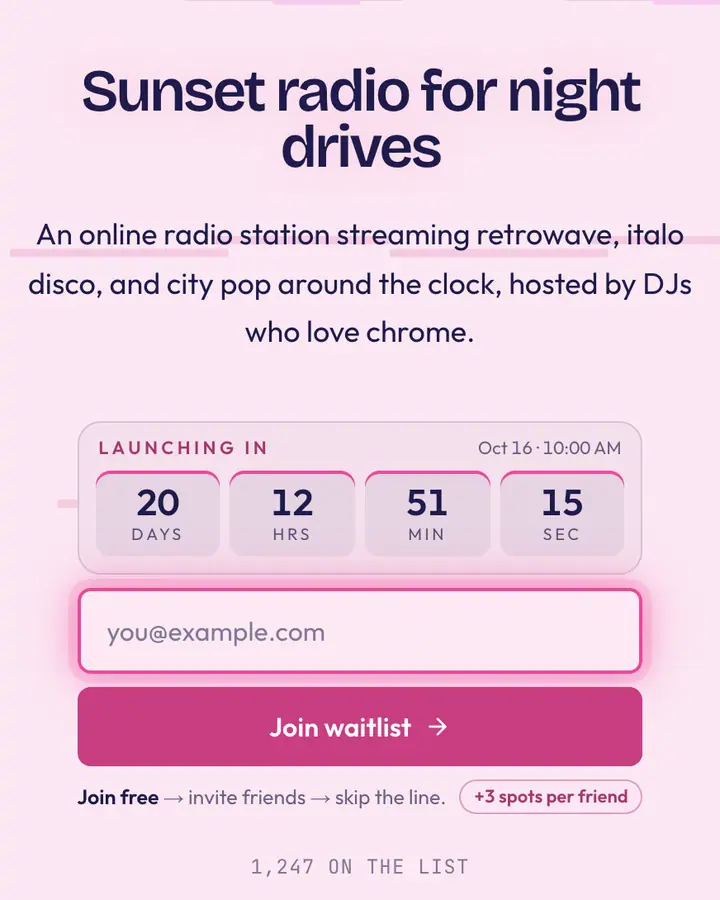
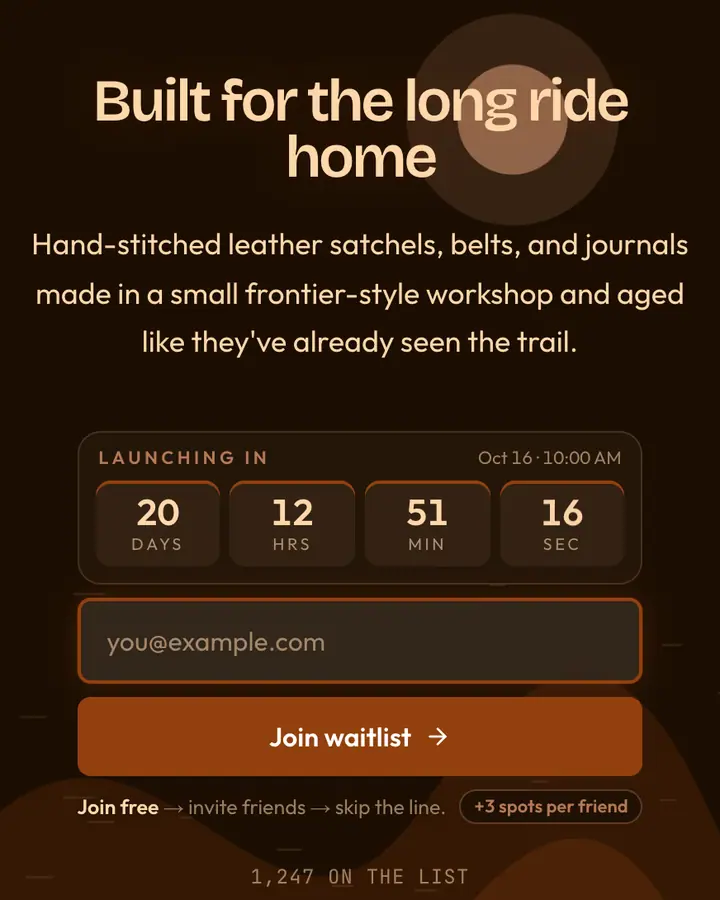
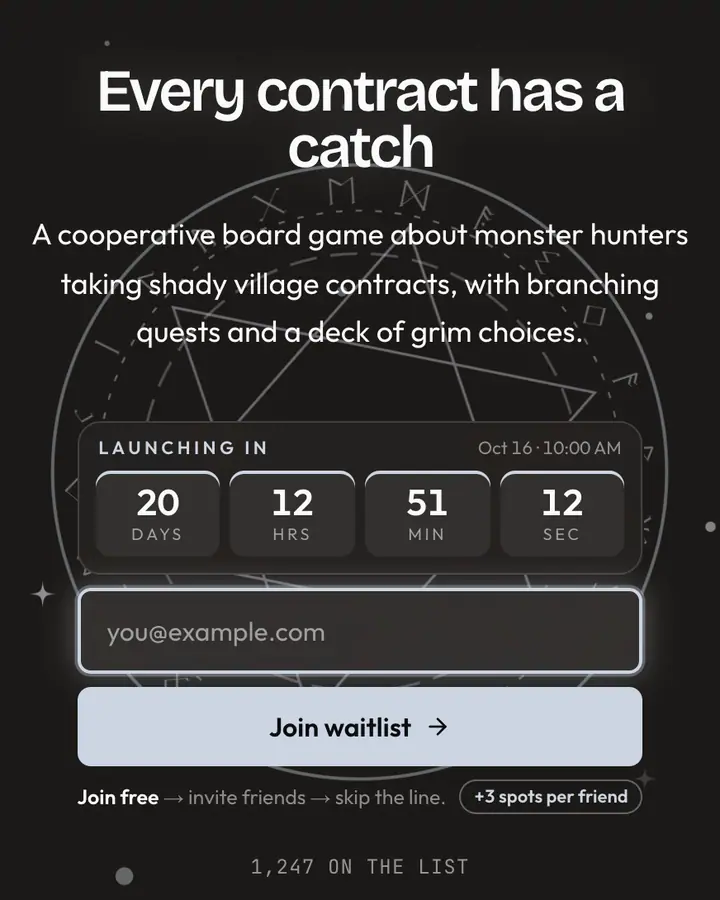
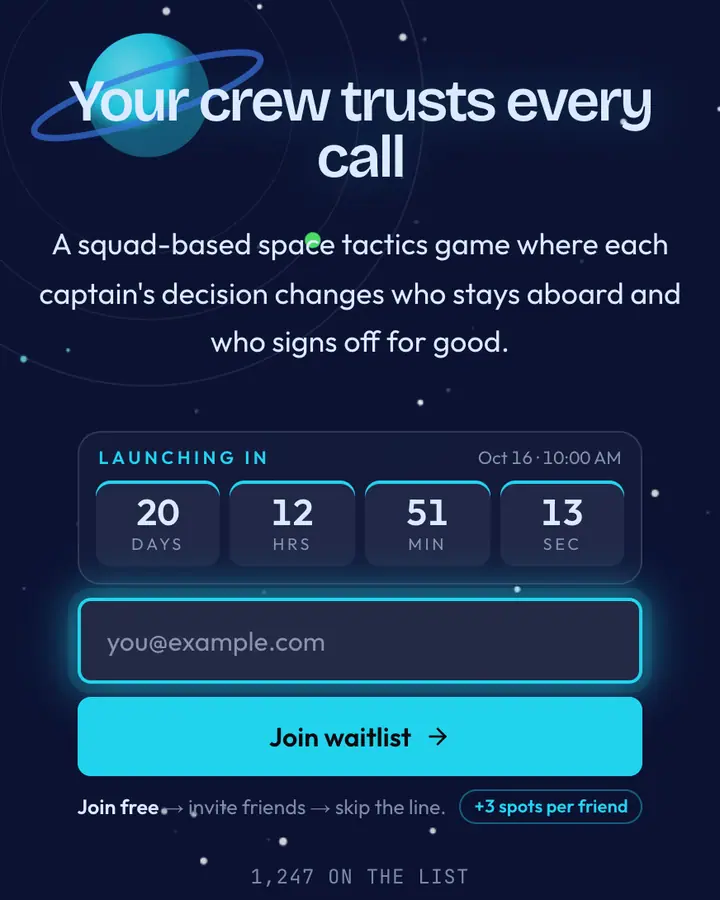
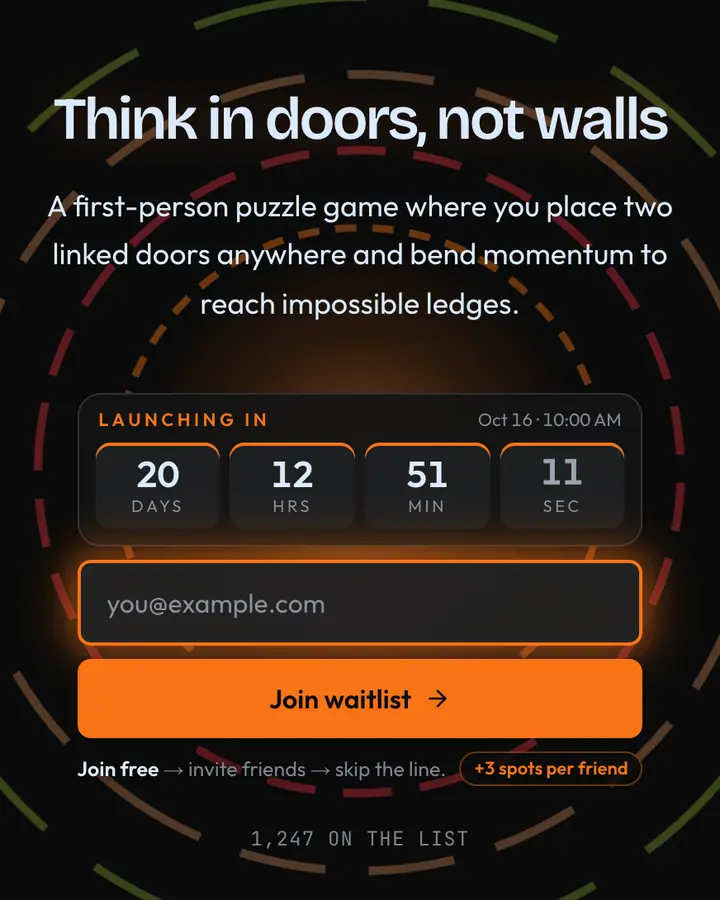
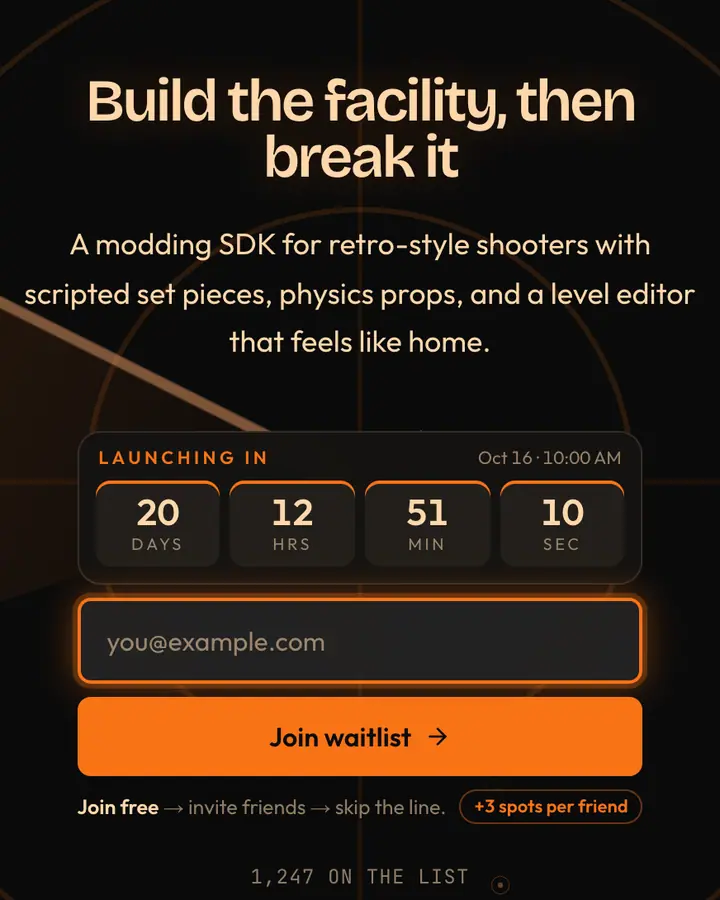
What makes a good retro & pixel art launch page
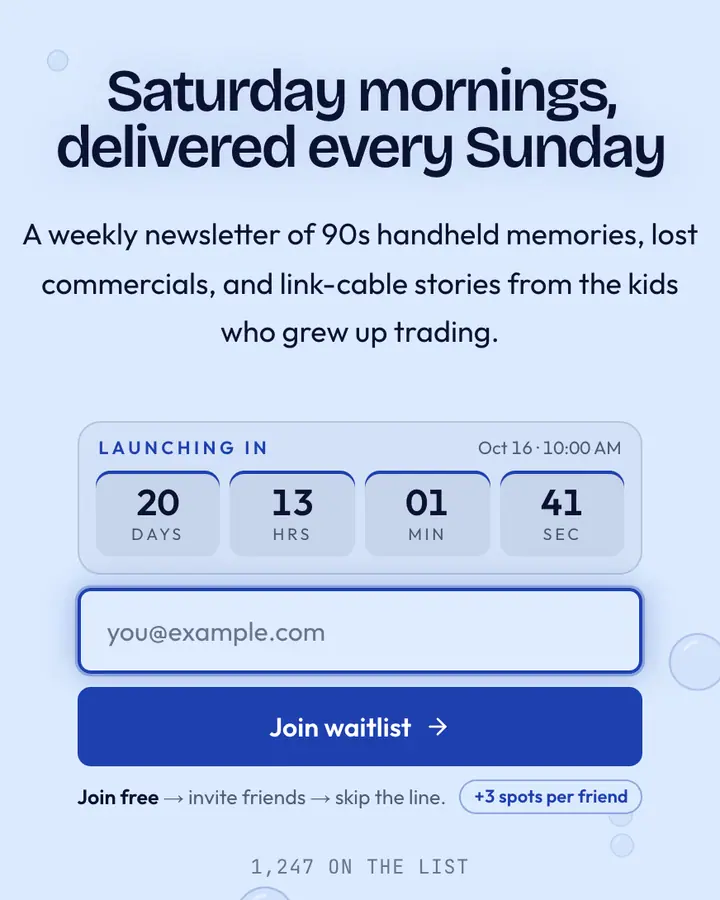
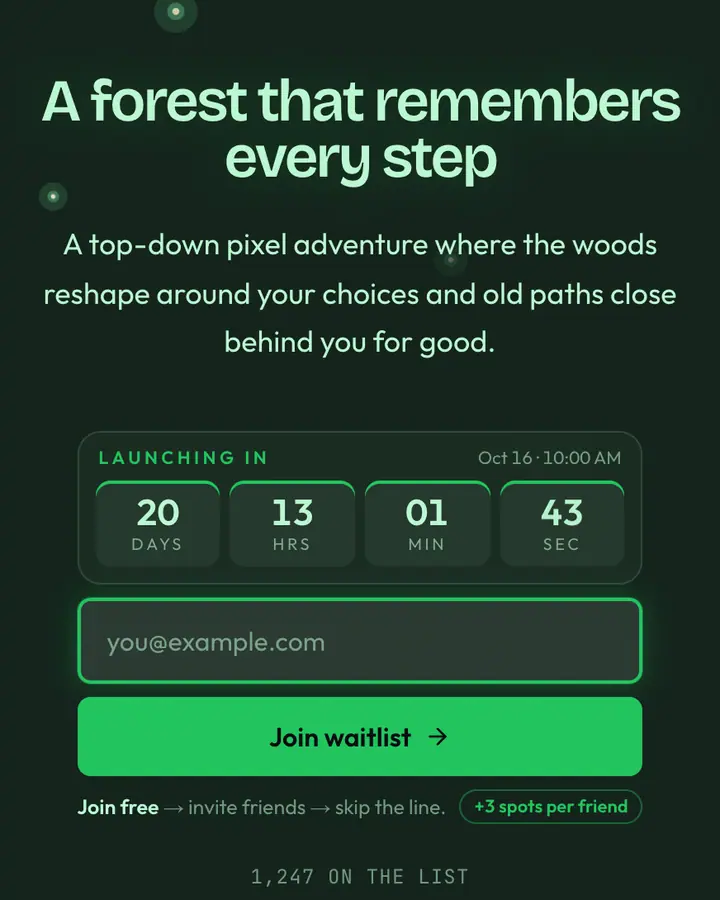
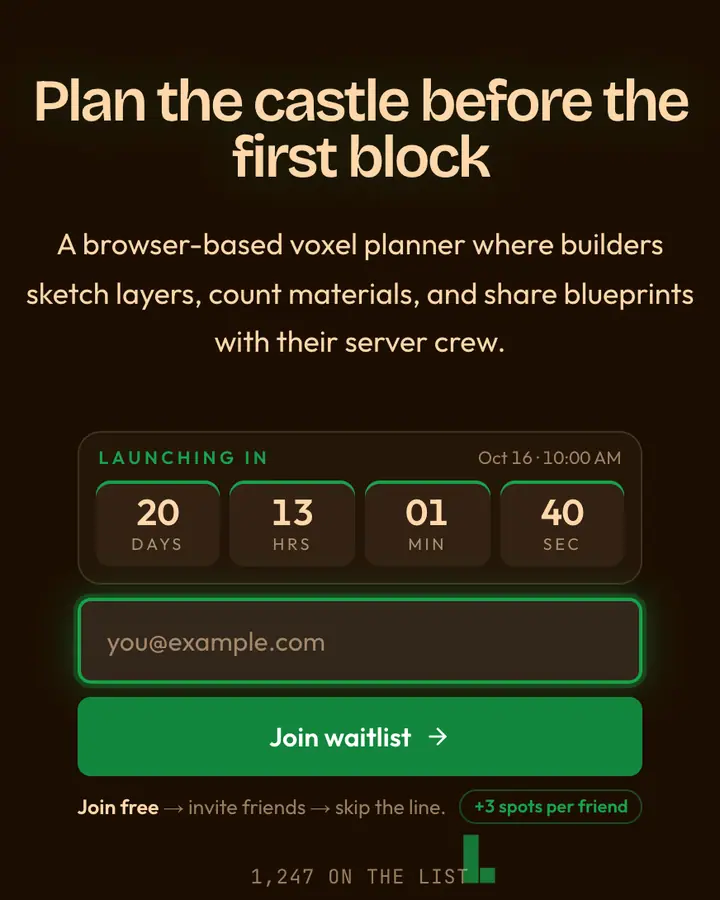
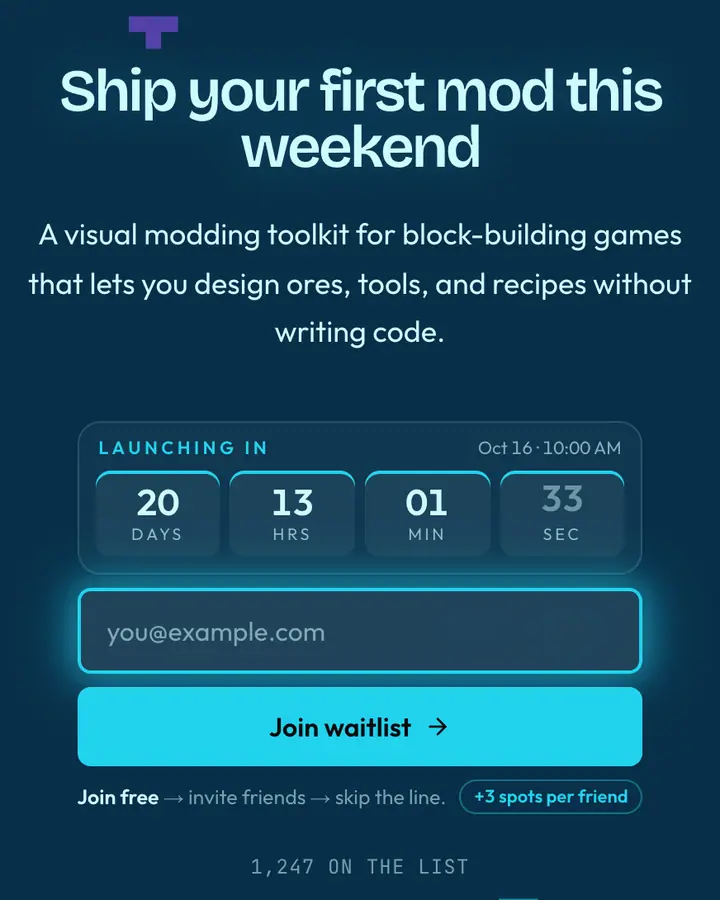
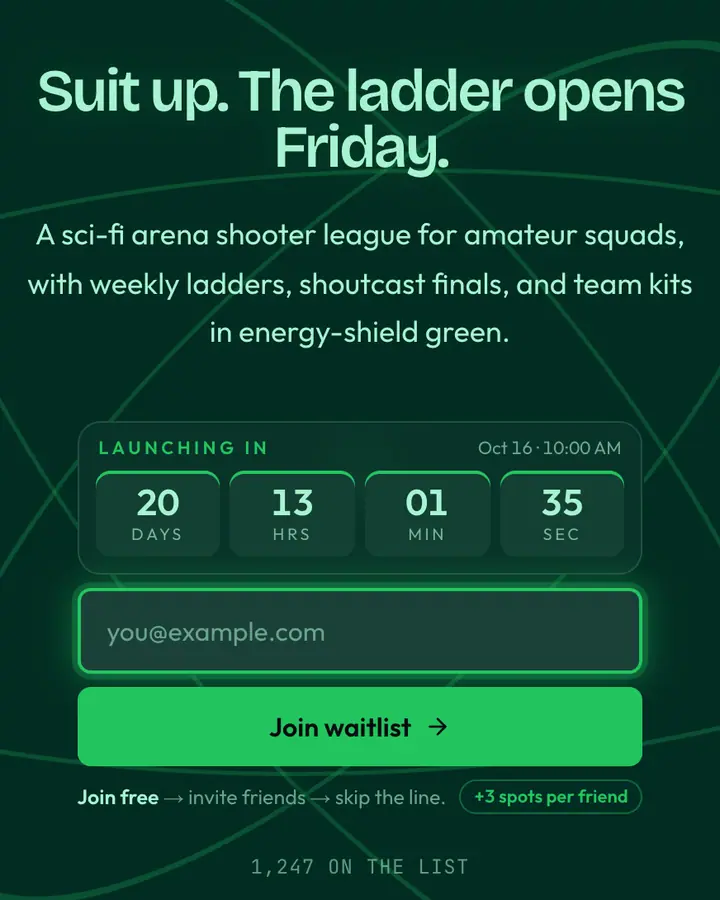
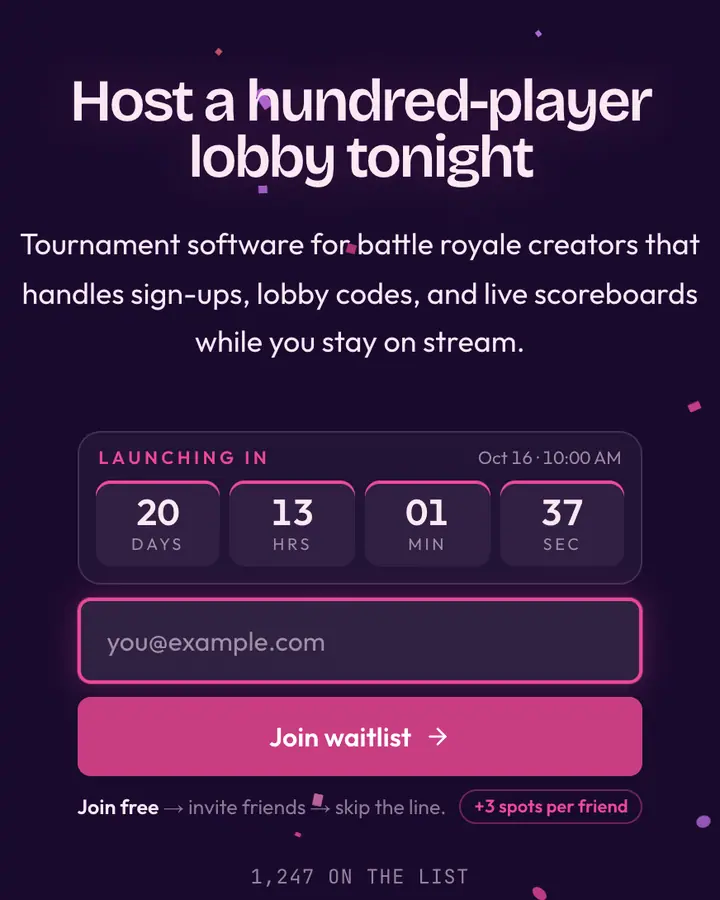
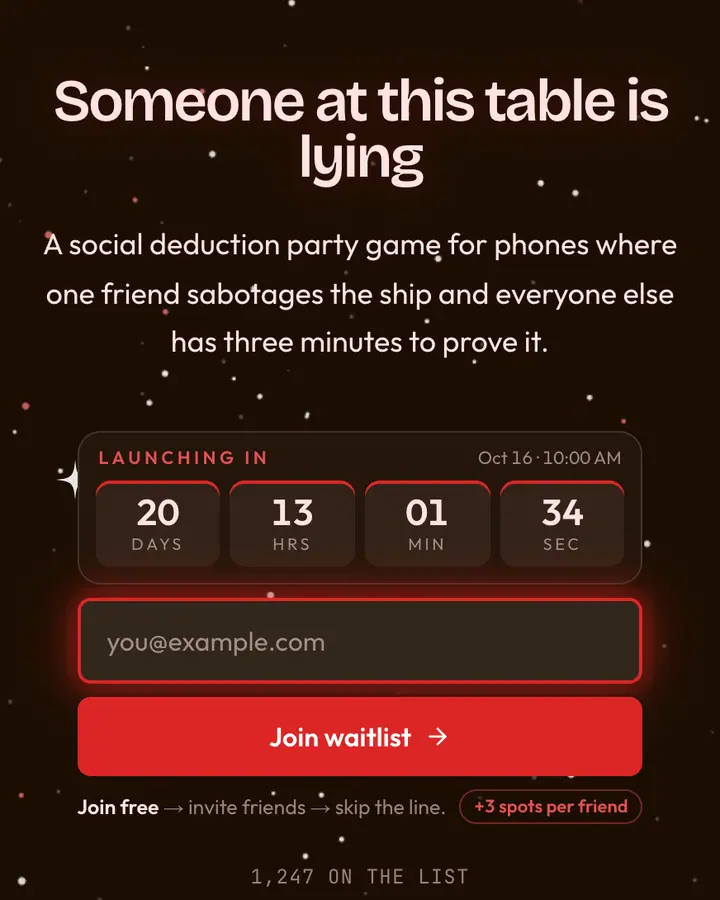
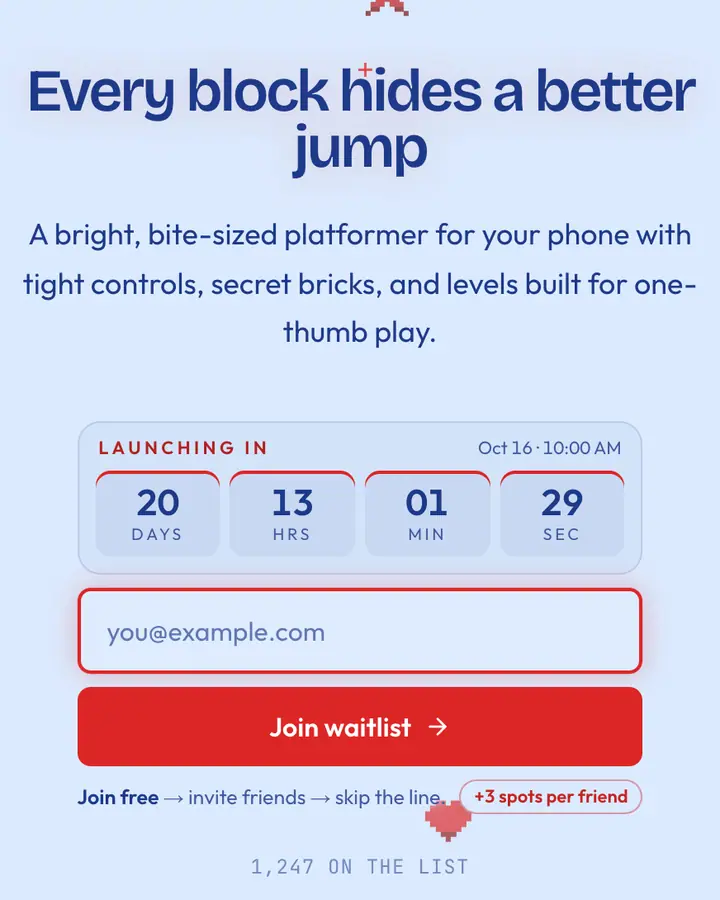
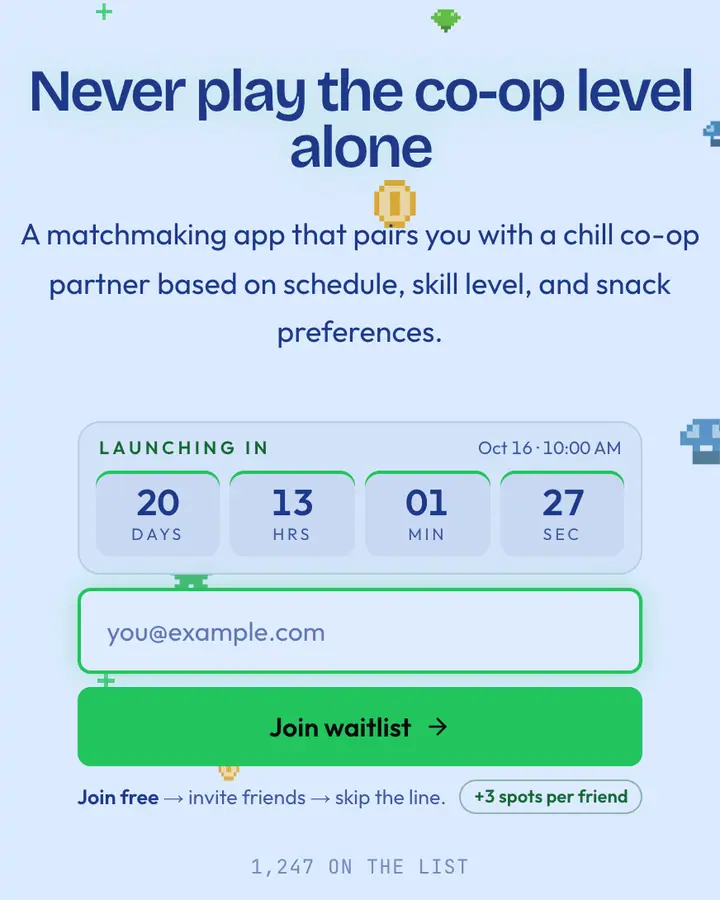
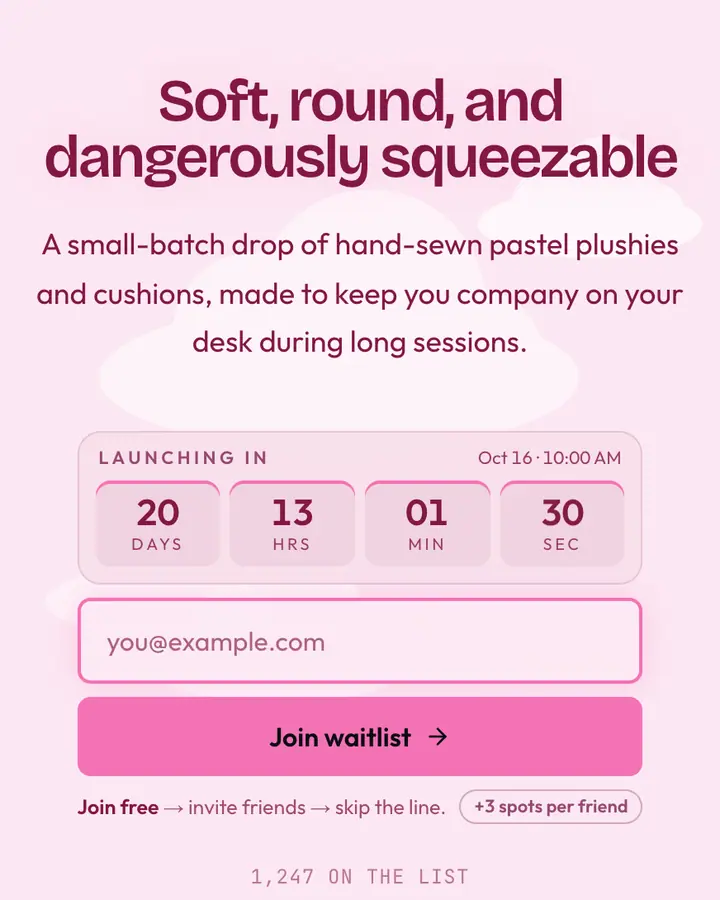
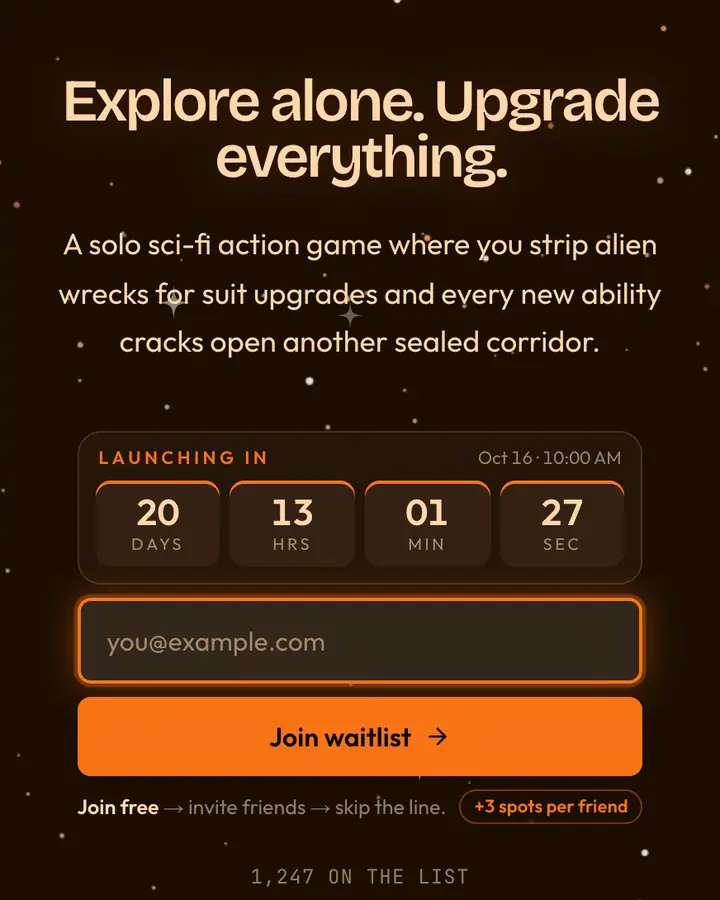
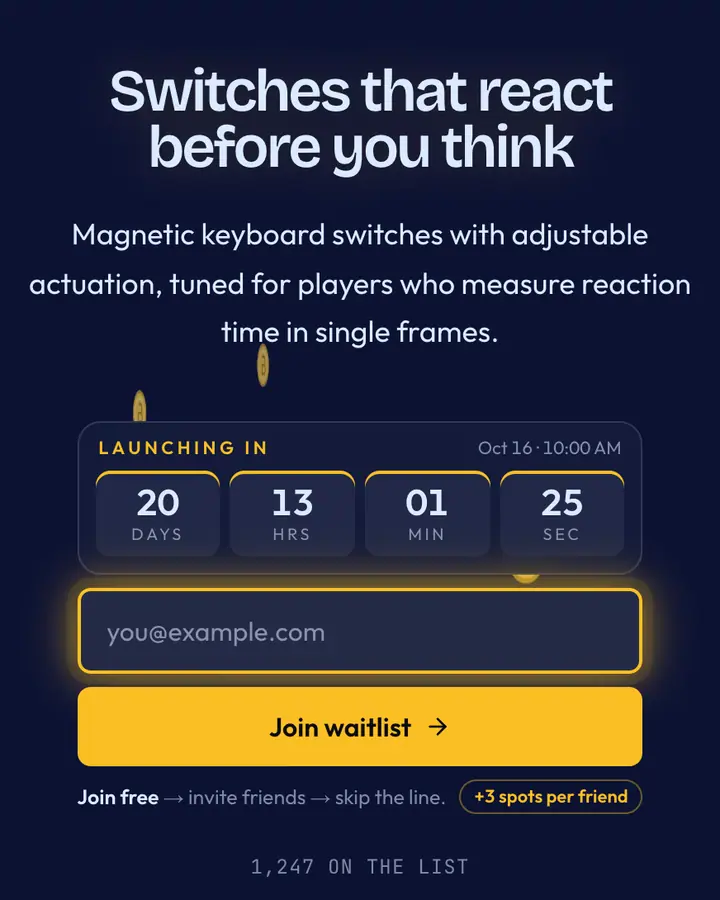
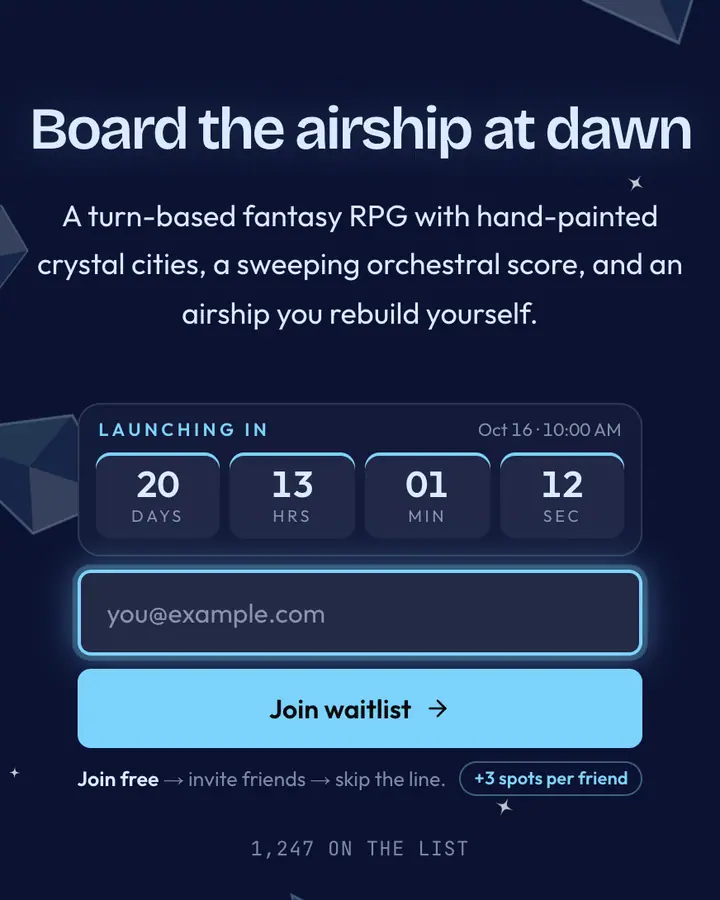
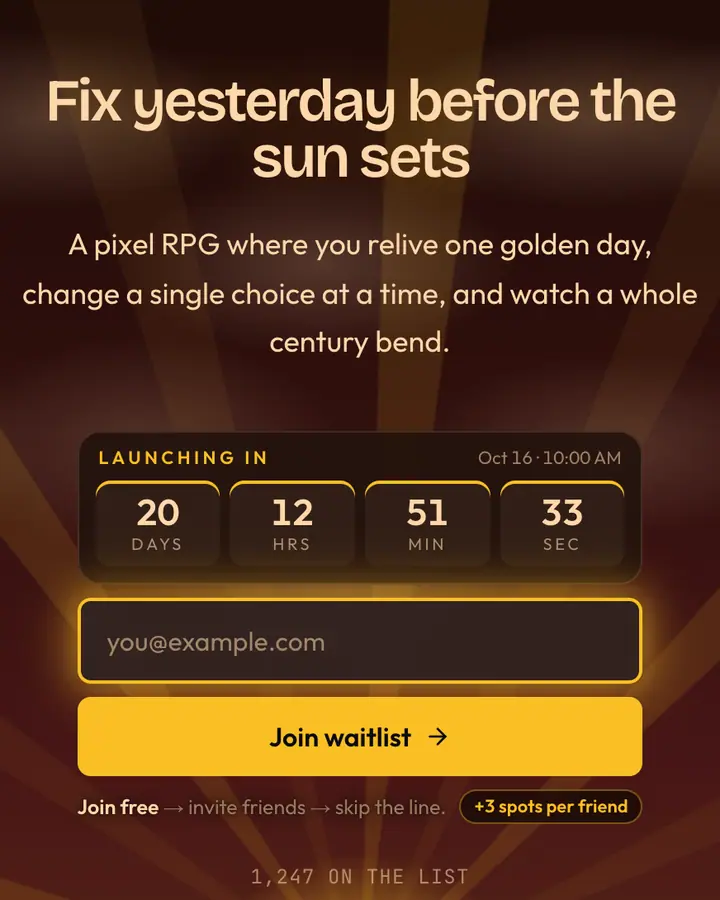
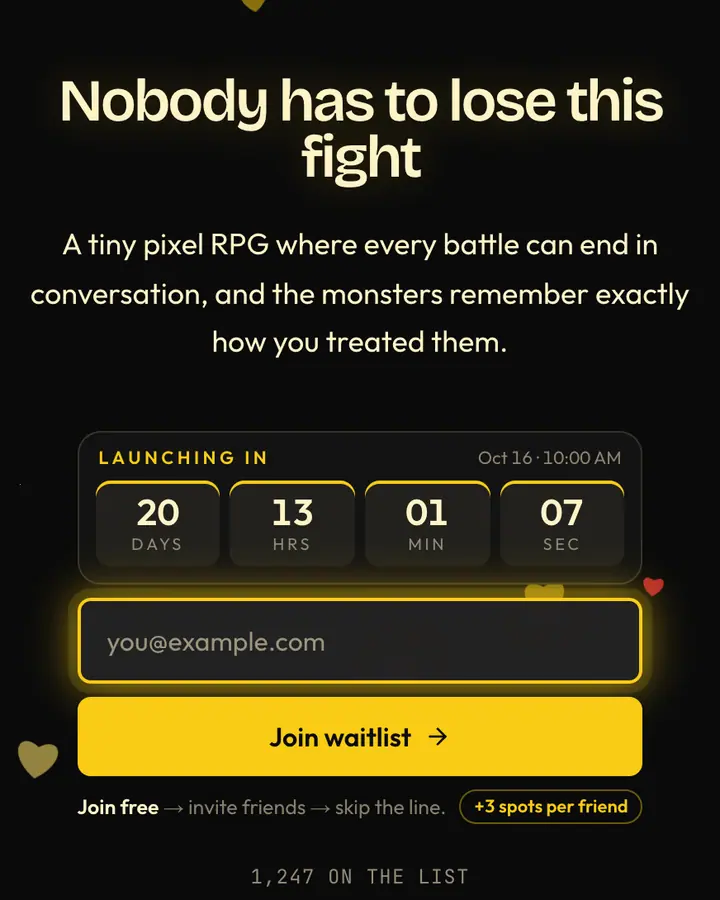
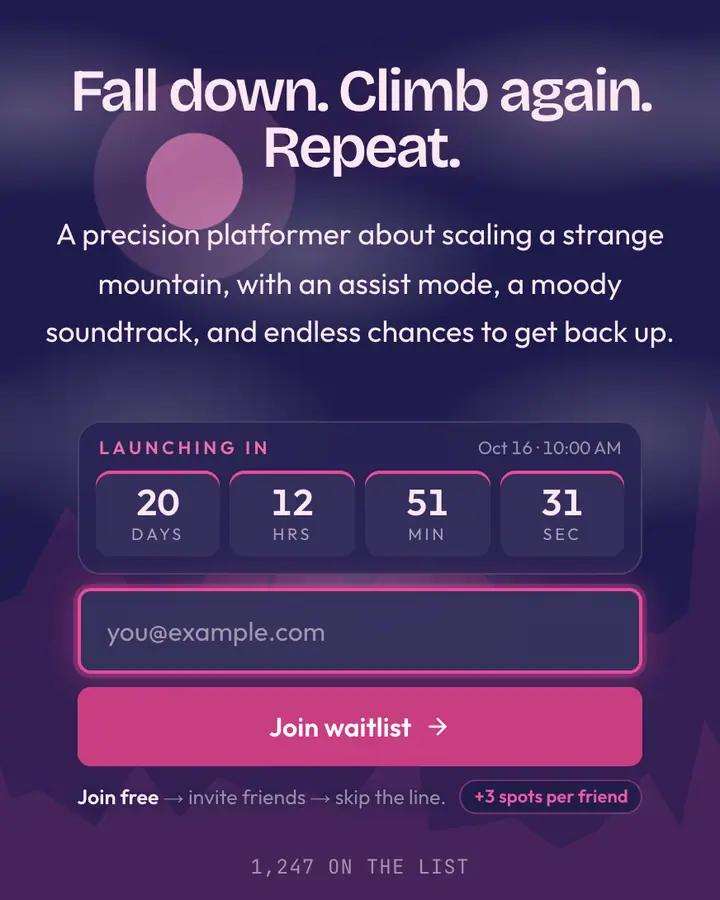
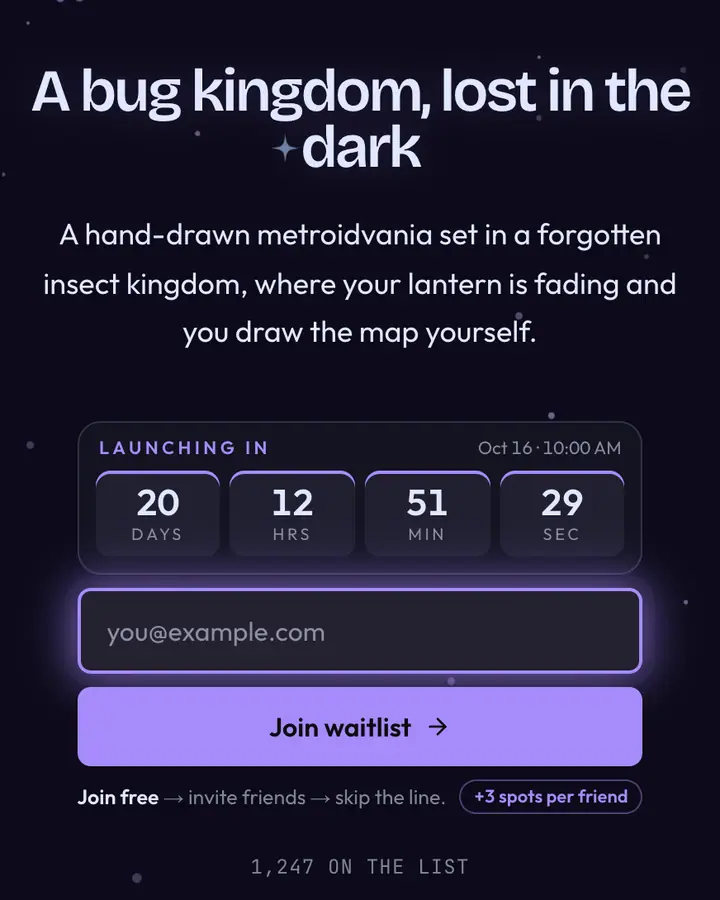
Gamers read a pre-registration page for three things: what the game is, when they can play, and what they get for signing up early. Put the genre and hook in the headline, set a launch or playtest date so the countdown runs, and name the reward (beta keys, an in-game item, a playtest slot).
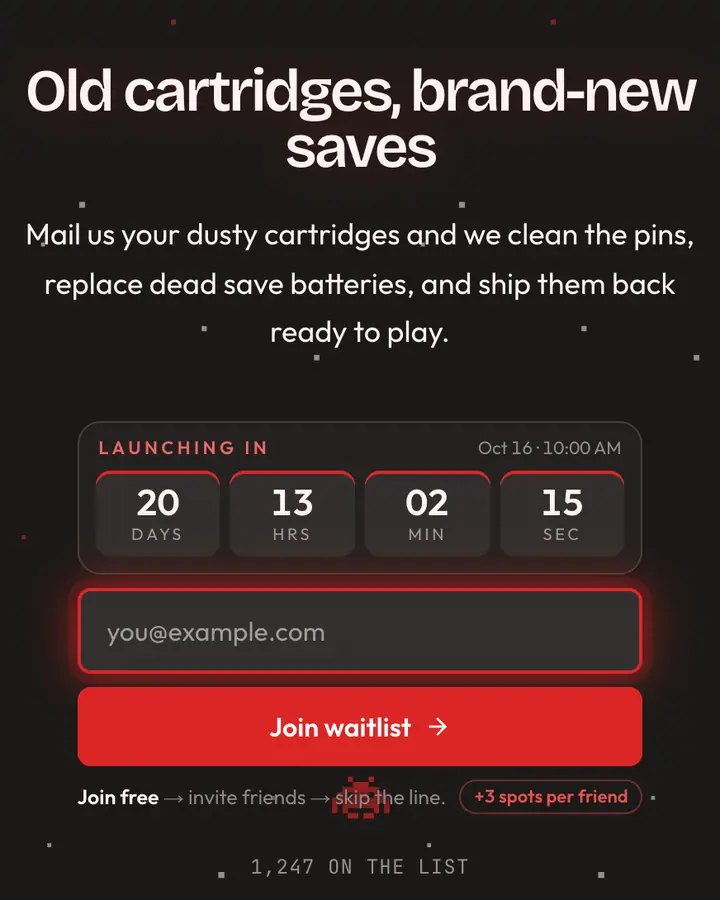
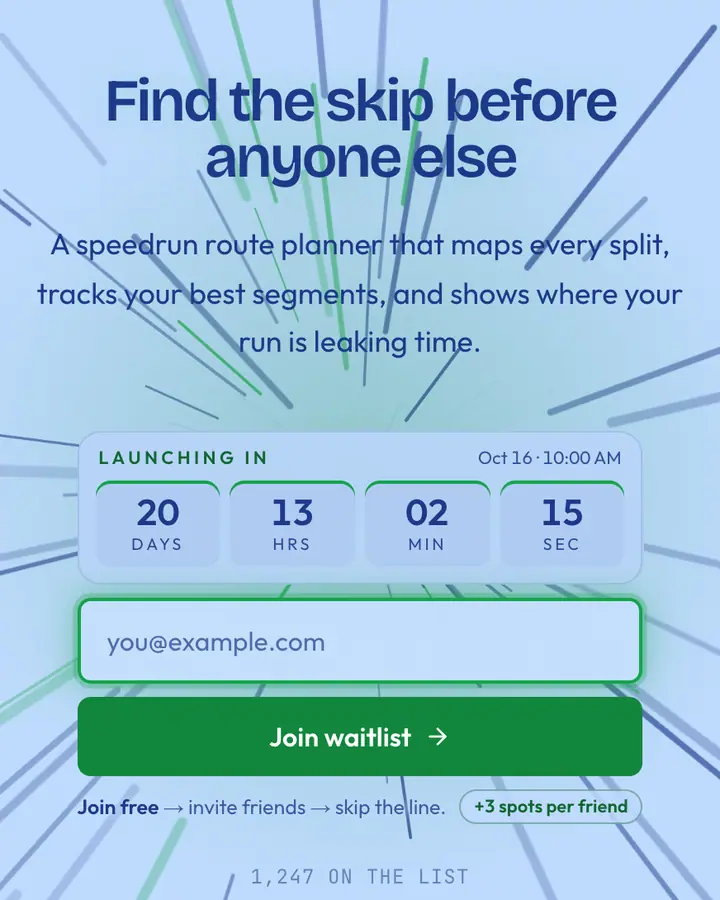
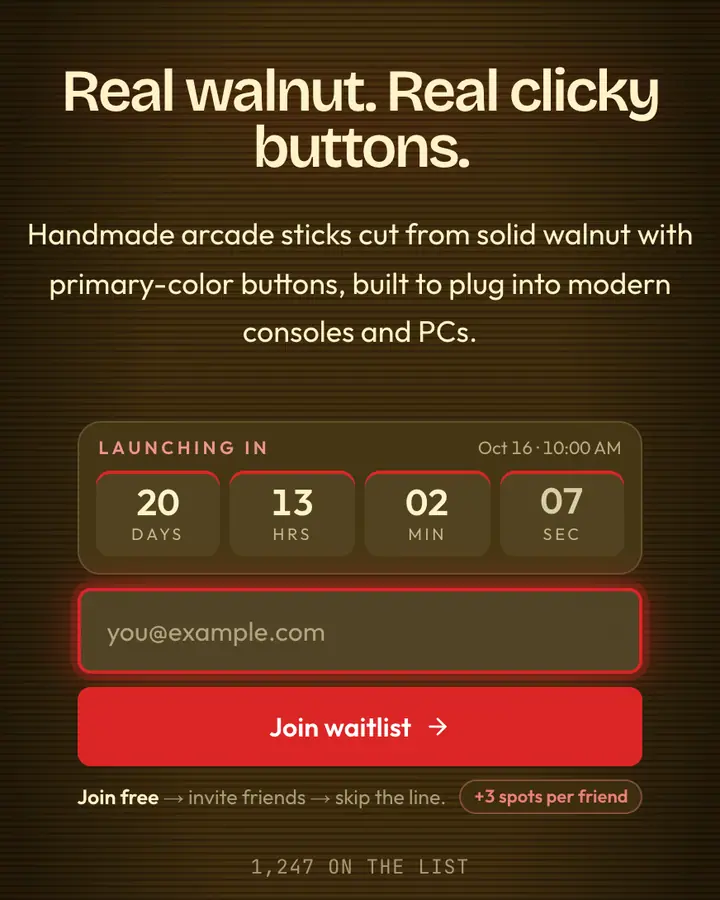
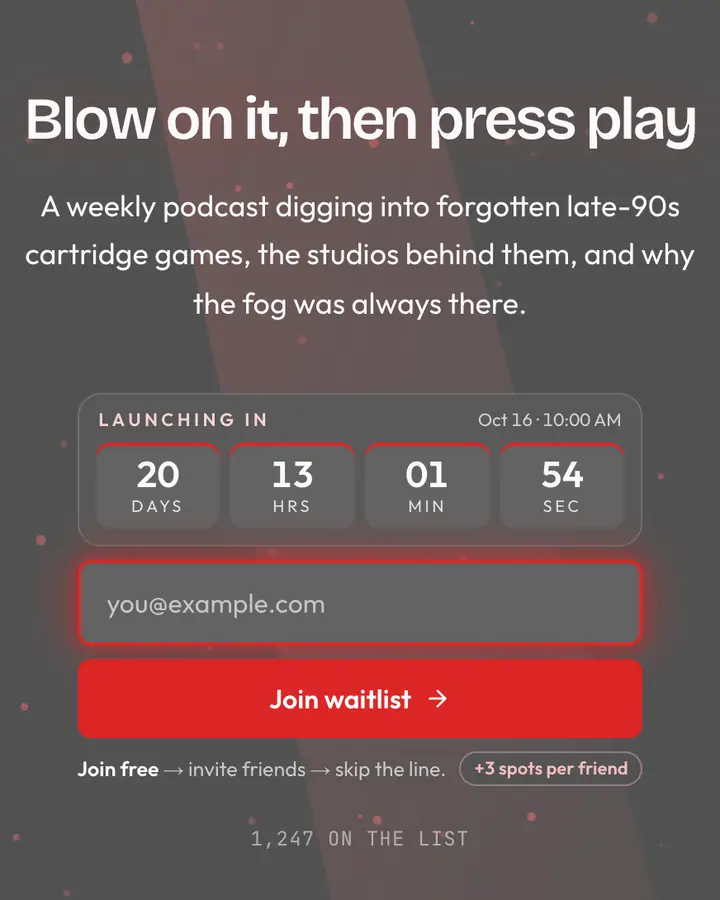
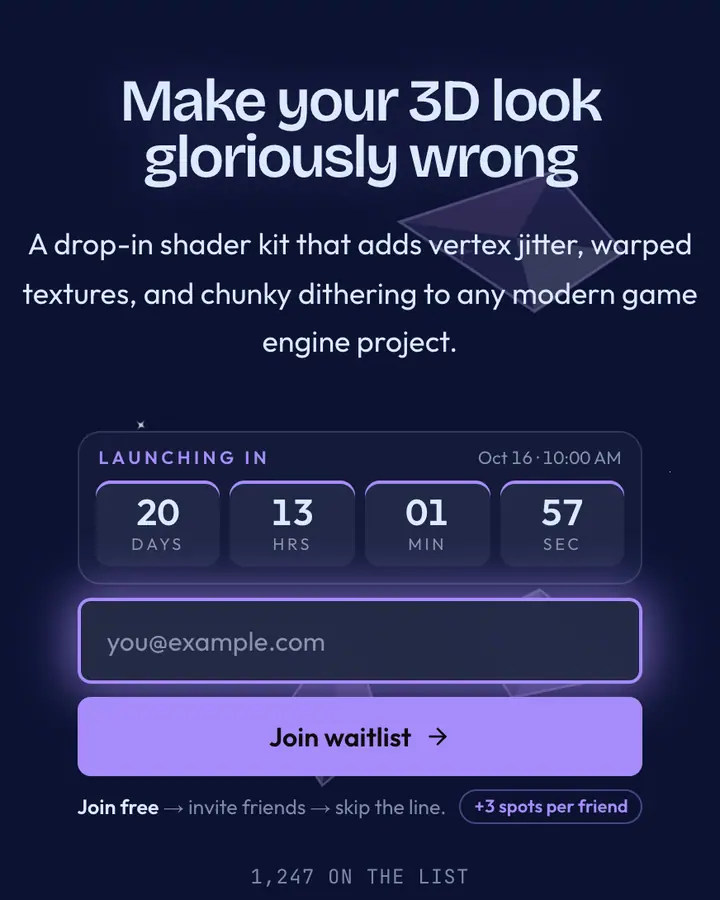
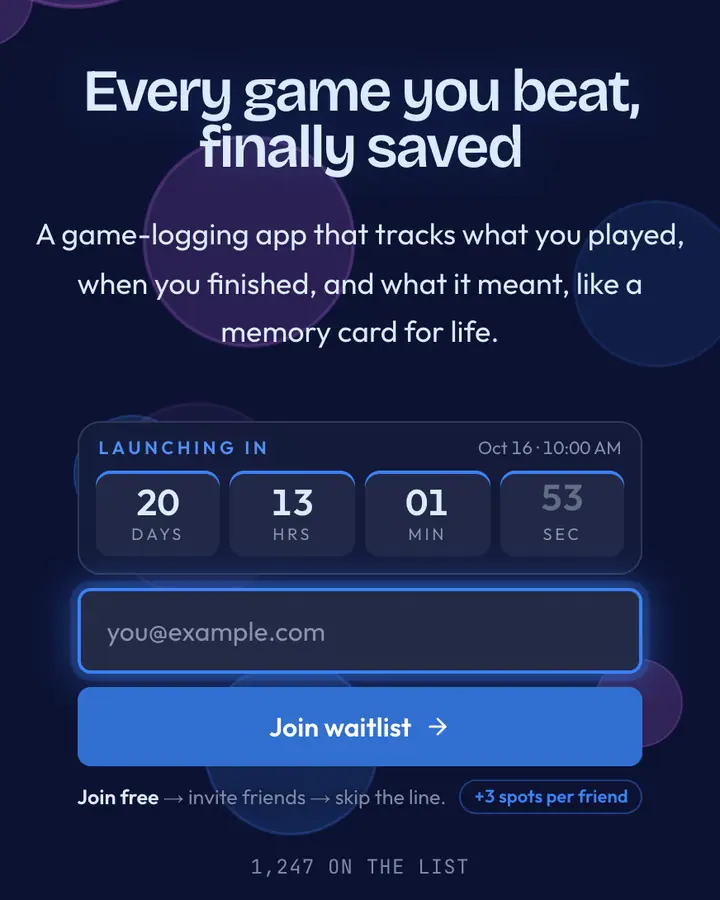
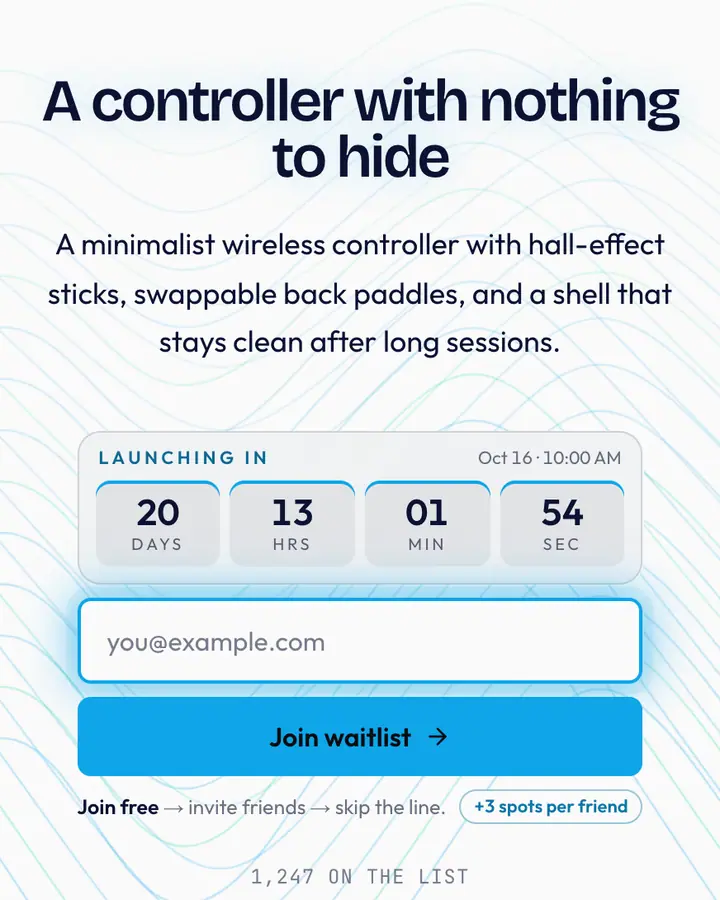
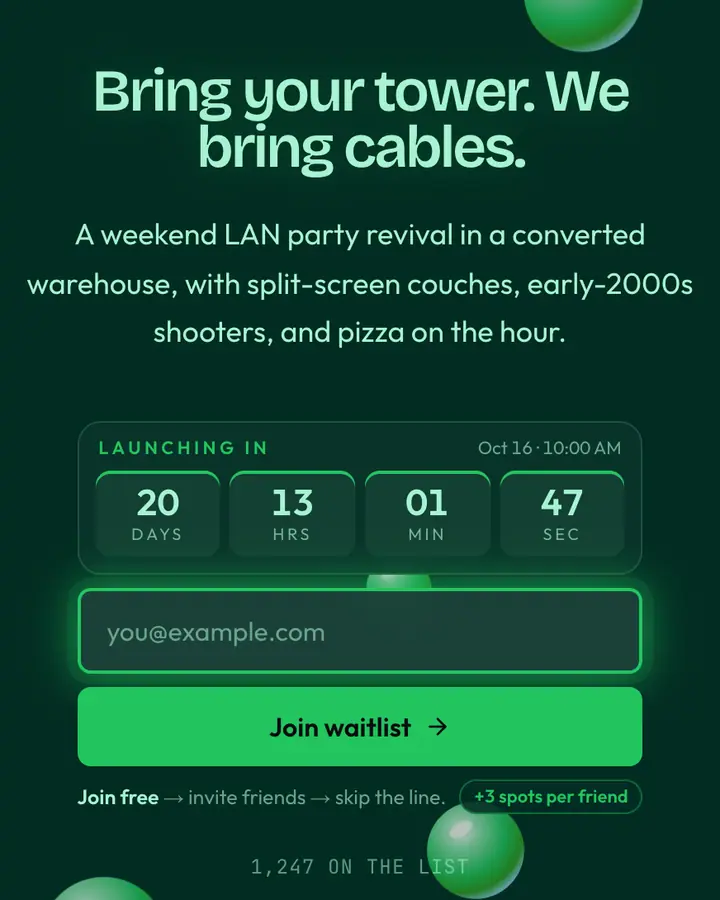
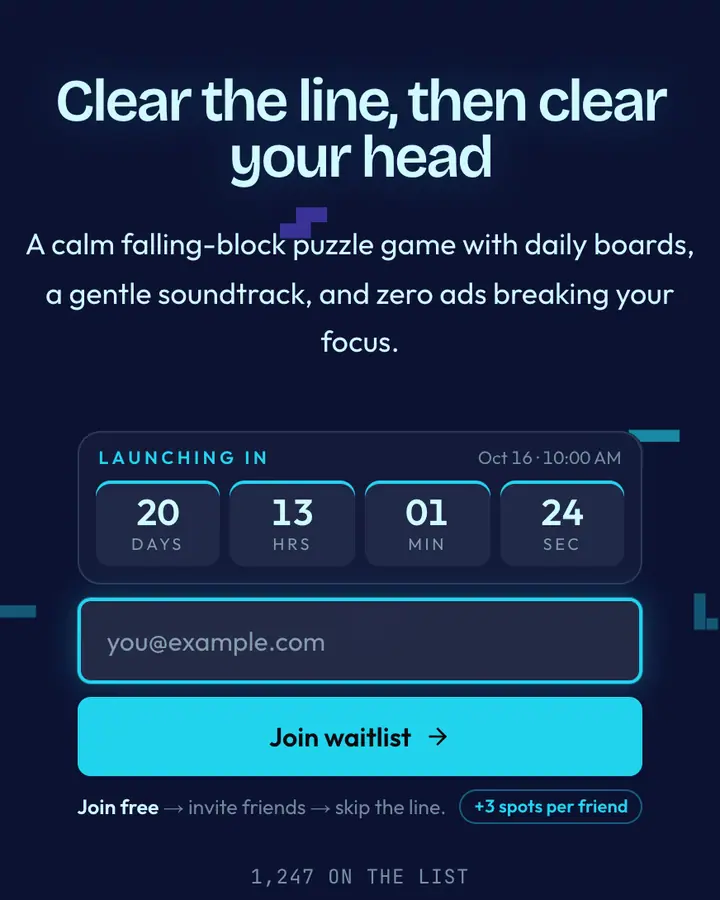
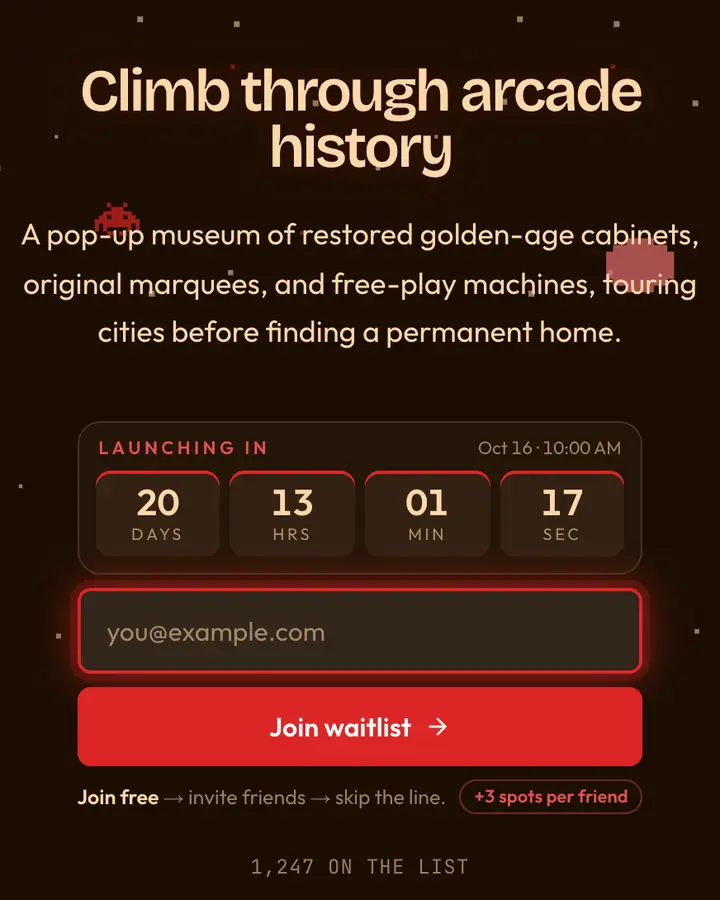
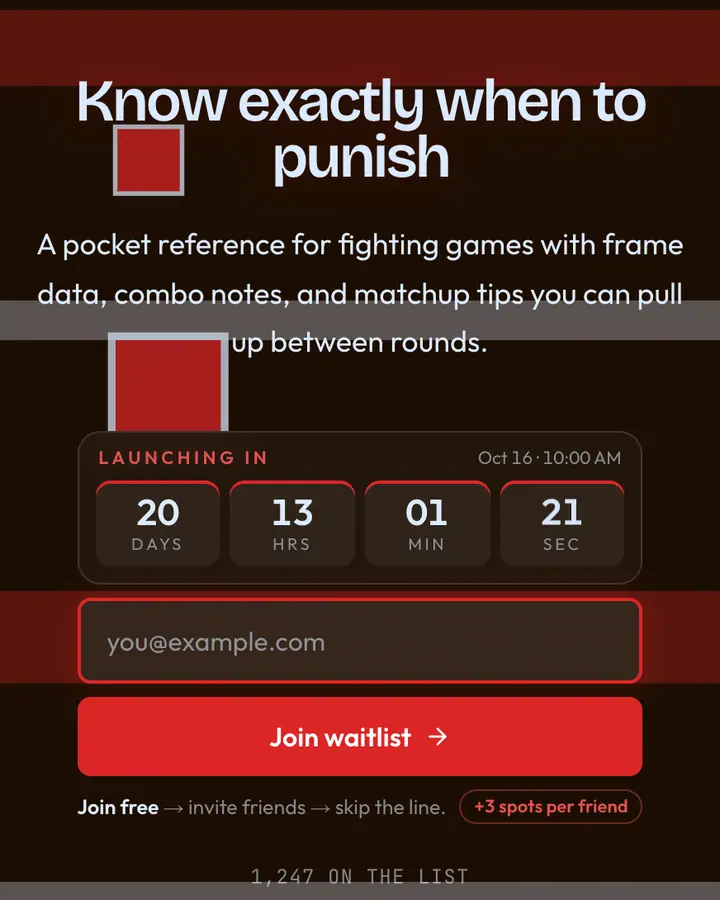
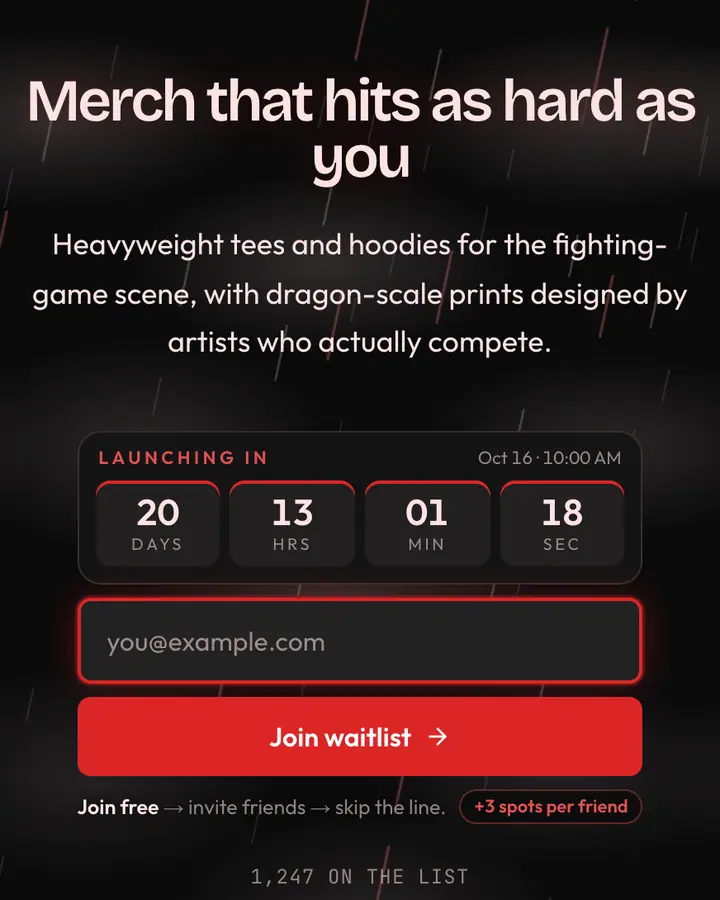
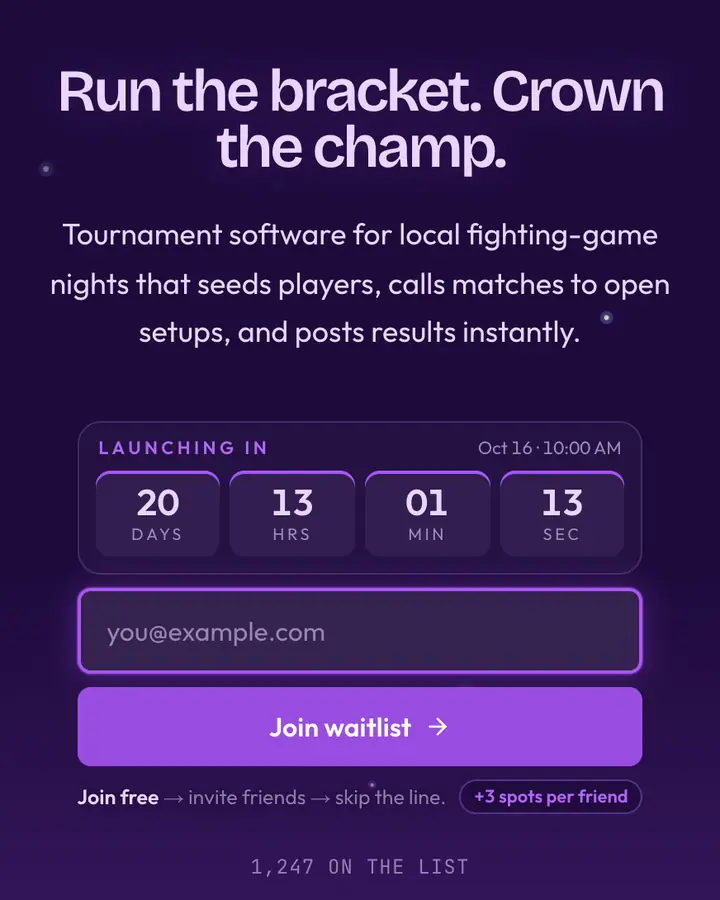
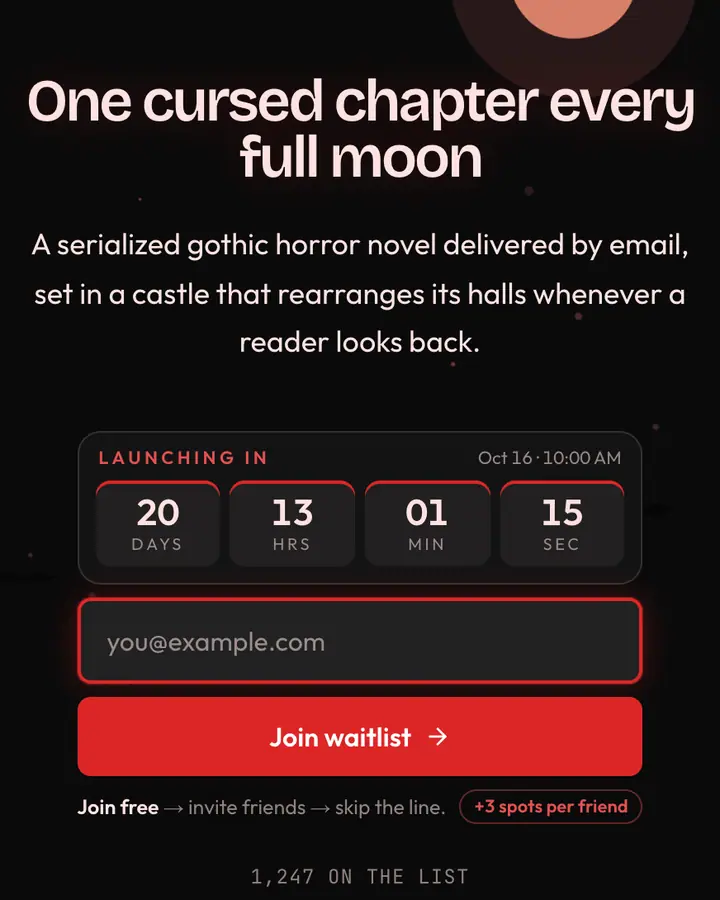
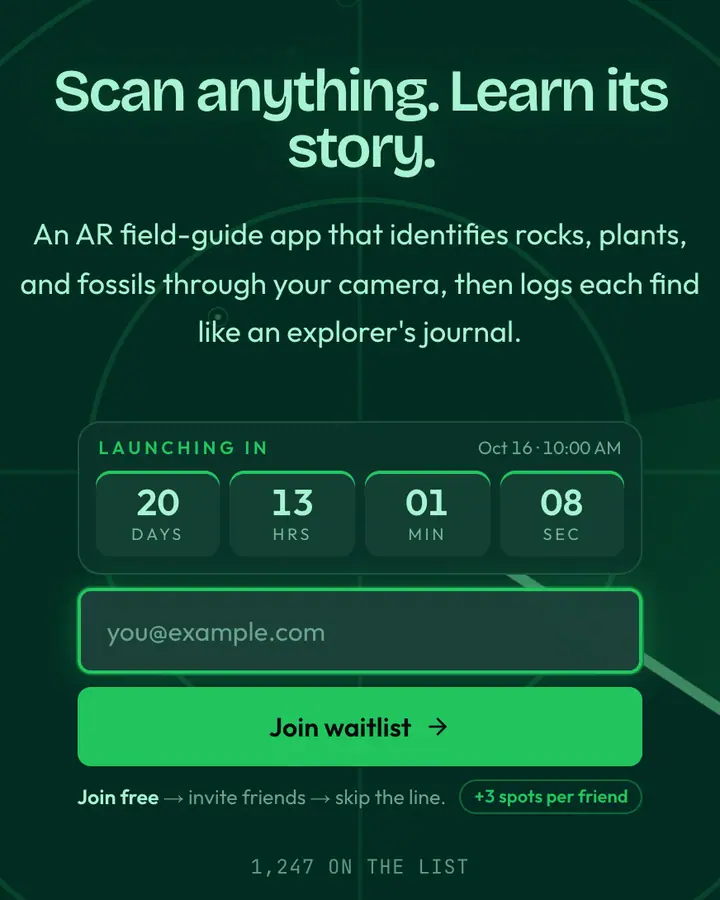
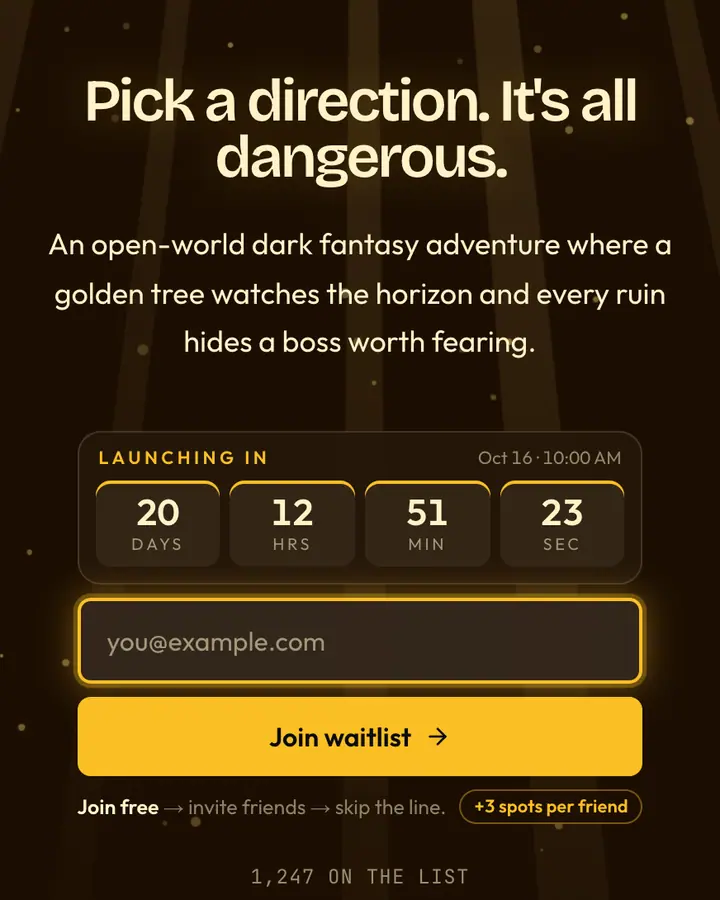
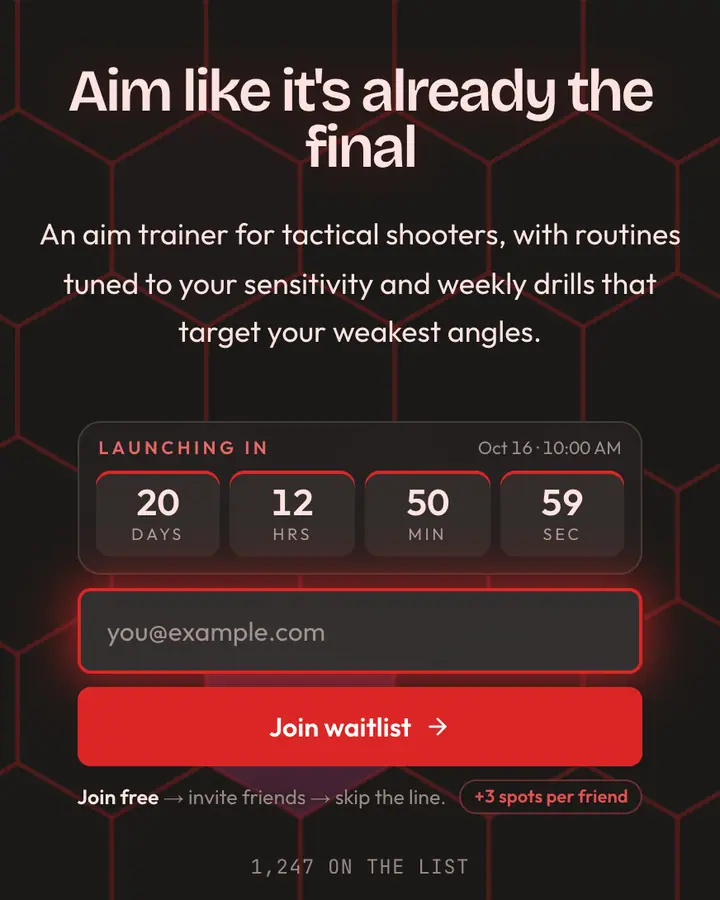
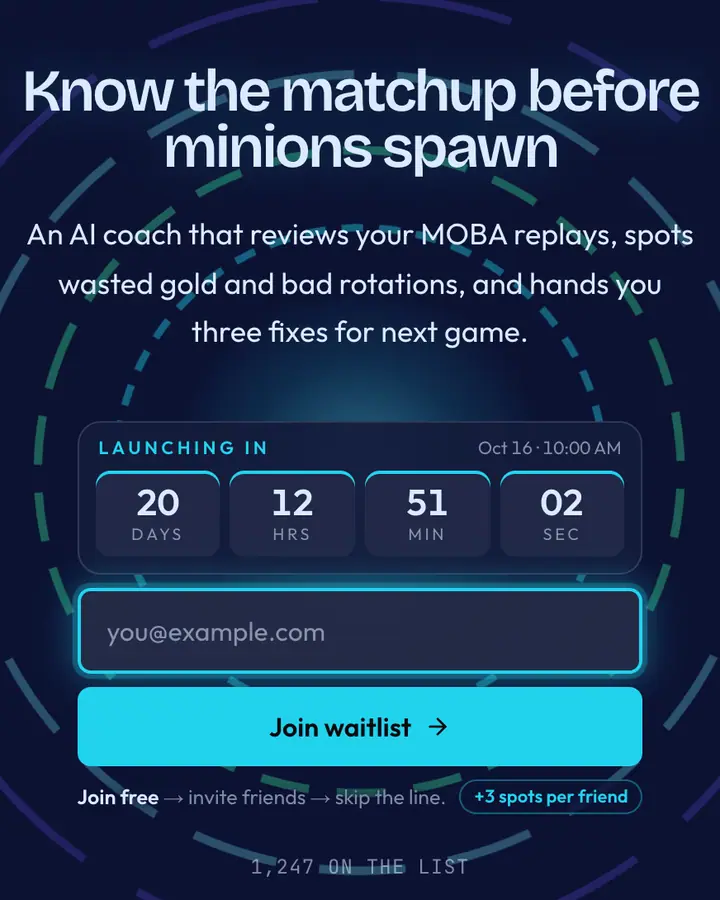
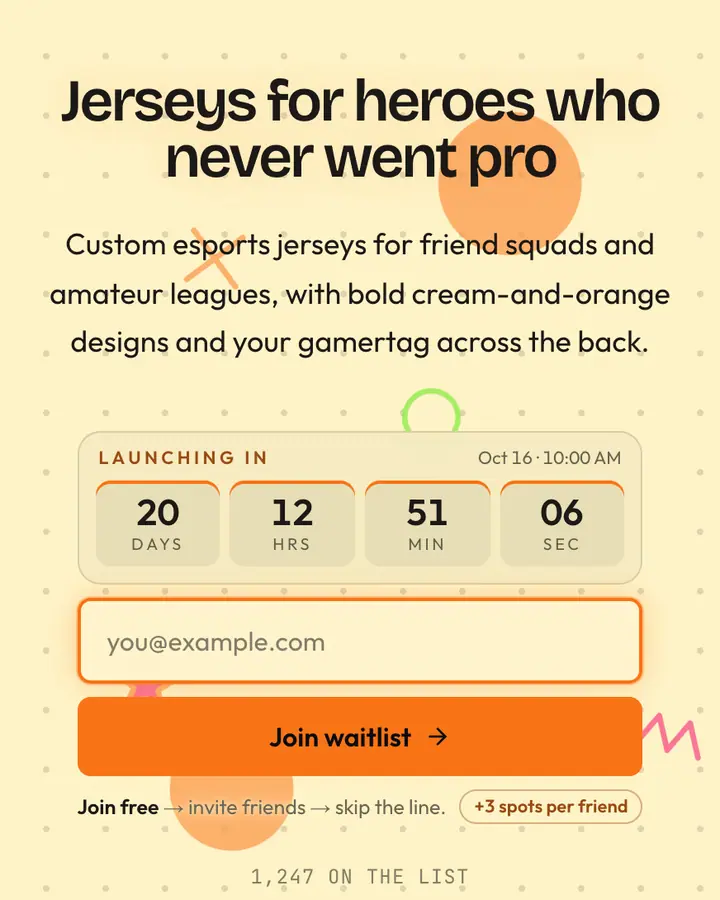
The referral leaderboard is your best feature here, because climbing a ranked list is already a game. Frame it that way in the referral message ("Invite your squad to climb the queue") and players will treat sharing like a quest. Pick an art style that matches your game's own: pixel art for retro and roguelikes, neon arcade for rhythm and racing, dark fantasy reds for action RPGs. Keep text large; pixel fonts get hard to read at small sizes.
Best retro & pixel art templates for…
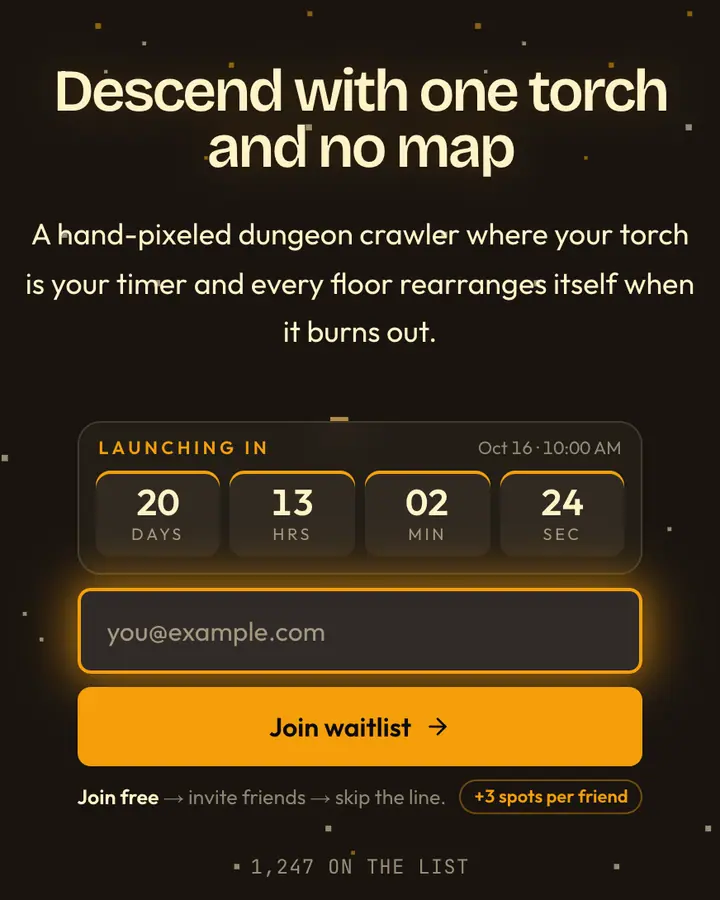
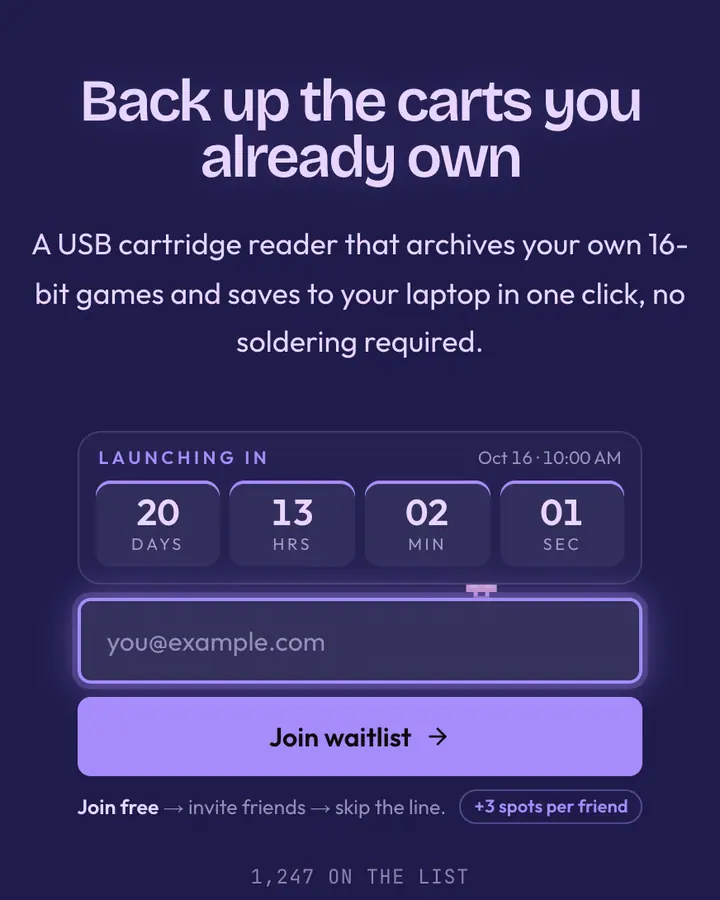
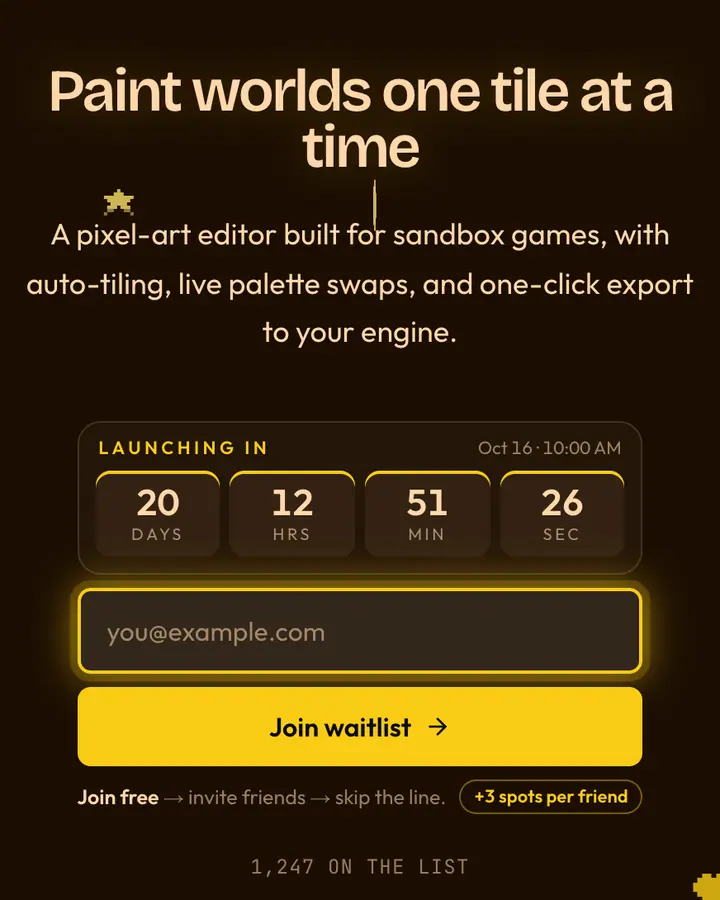
- For roguelikes and dungeon crawlers: 8-Bit Dungeon, pixel-perfect and dimly lit, with falling-glyph motion.
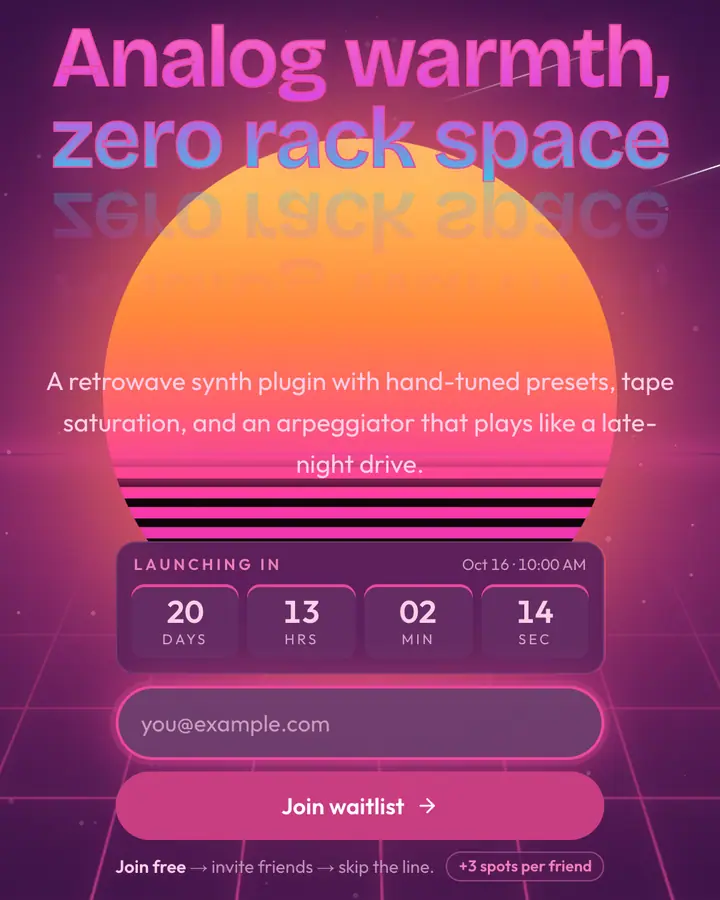
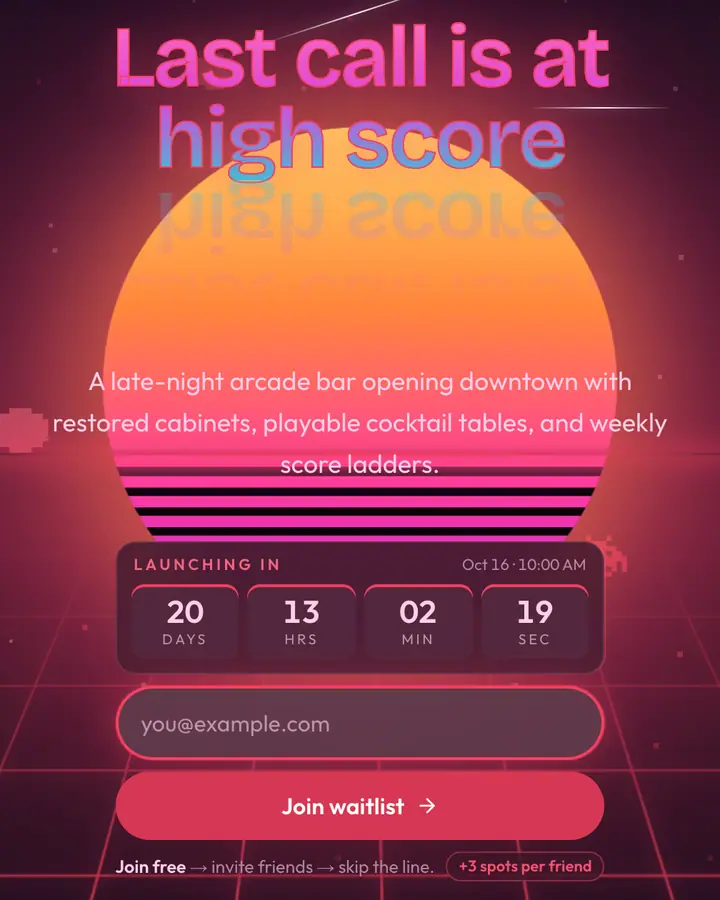
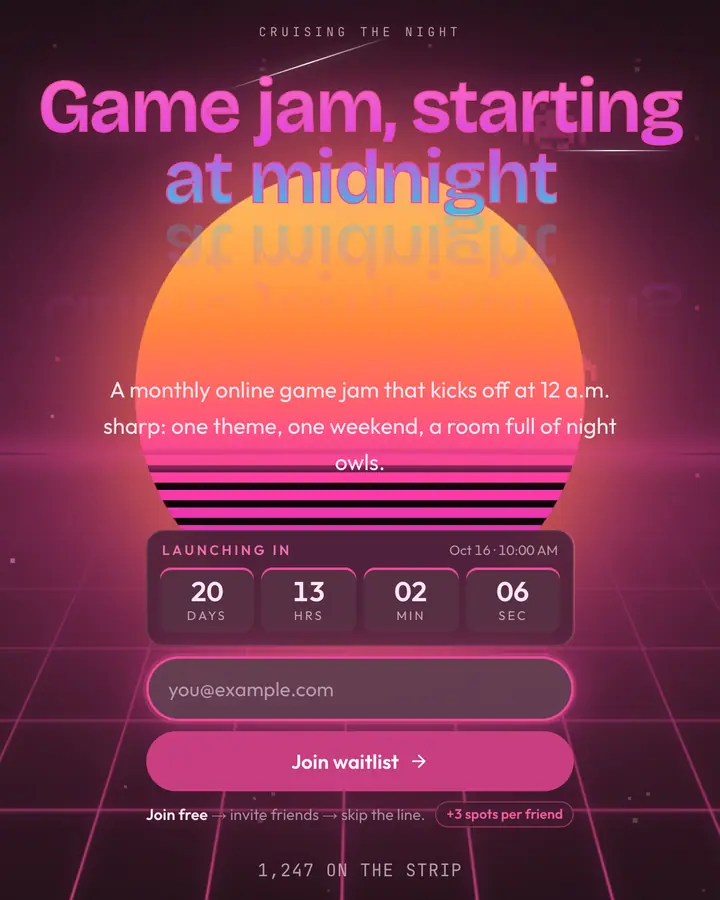
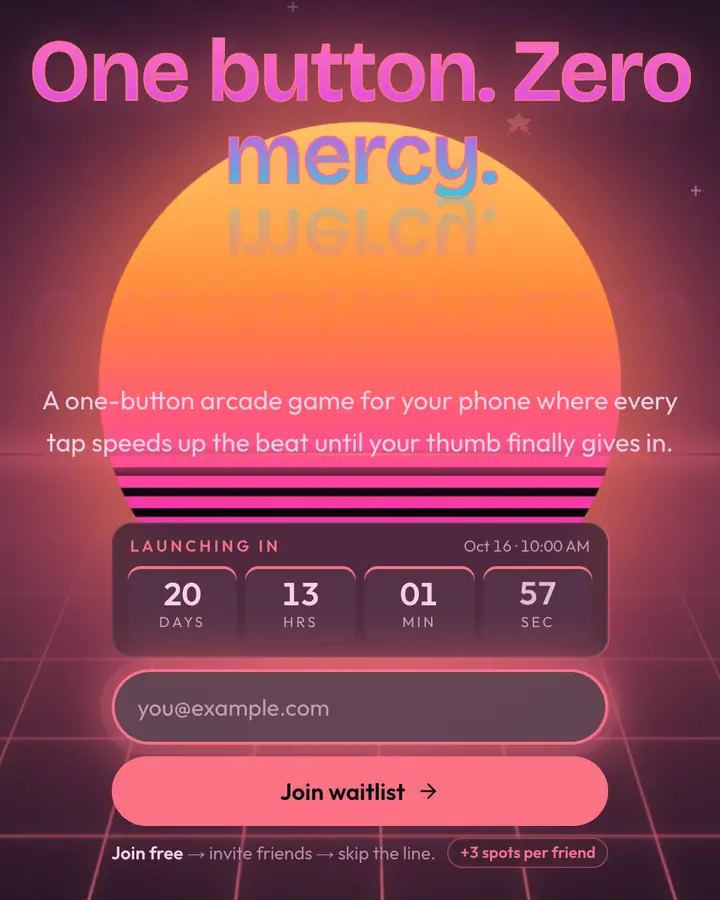
- For rhythm, racing and arcade games: Arcade Neon, high-score neon on deep midnight.
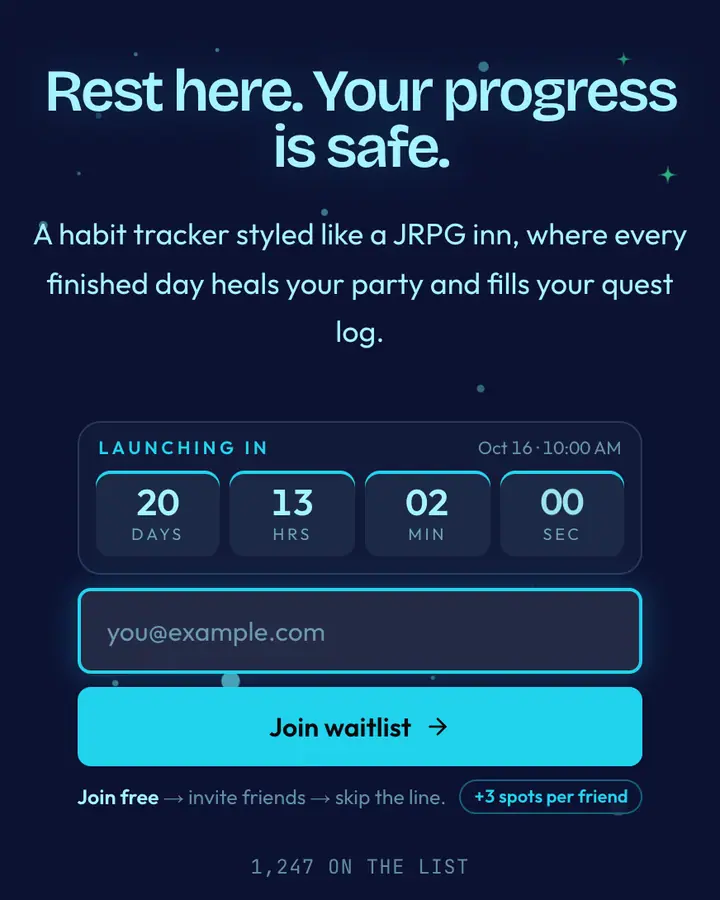
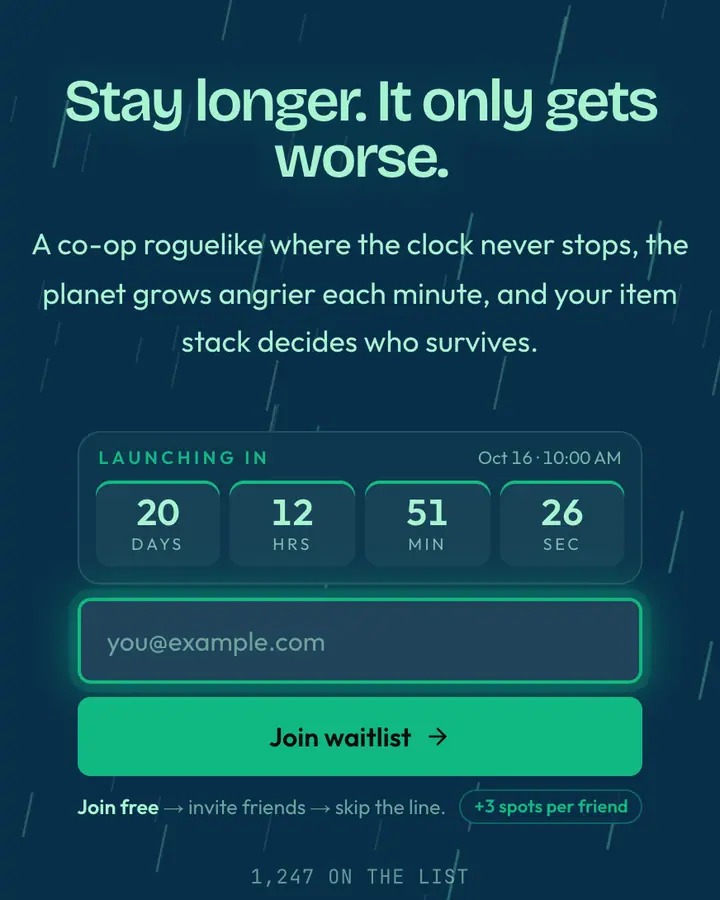
- For JRPGs and cozy games: Save Point, a healing teal aura on a spotlit stage.
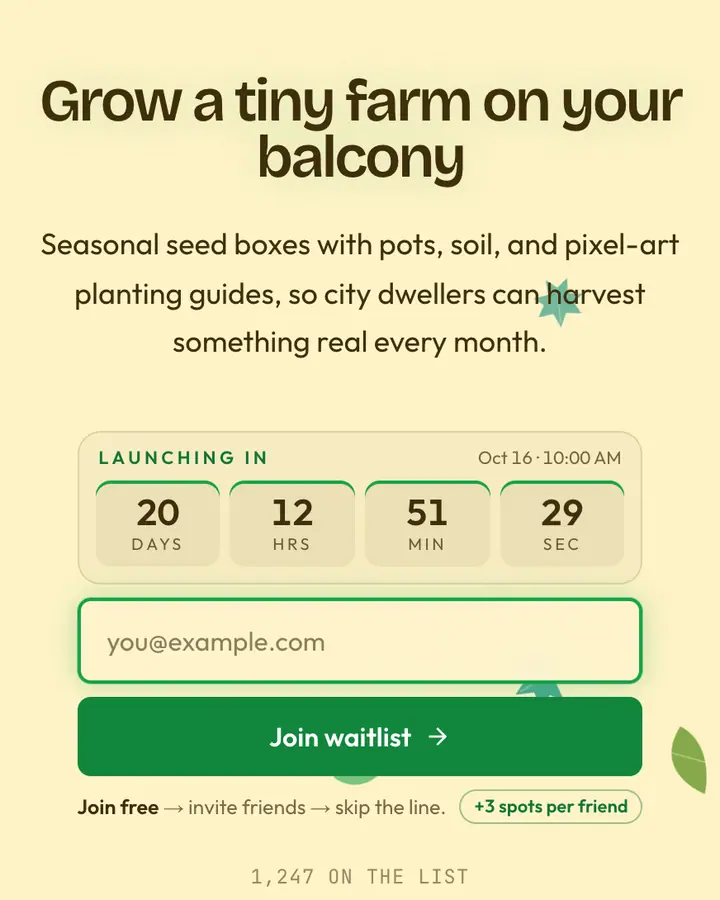
- For farming and life sims: Farm Valley, farm green and harvest gold on a warm light layout.
Retro & Pixel Art templates FAQ
Can I use a gaming template for game pre-registration?
Yes. Players join with their email, get a personal link, and climb the list when friends sign up through it. Set your release or playtest date to show a countdown.
Are these templates based on real games?
They're original designs inspired by broad eras and genres (8-bit, arcade, console, dark fantasy). Names are descriptive and don't imply any tie to a publisher.
How do I reward top referrers?
Qubed shows the leaderboard and each player's position; you decide the reward, like early keys or an in-game item, and export the top of the list as CSV when it's time to deliver.