About the Save Point template
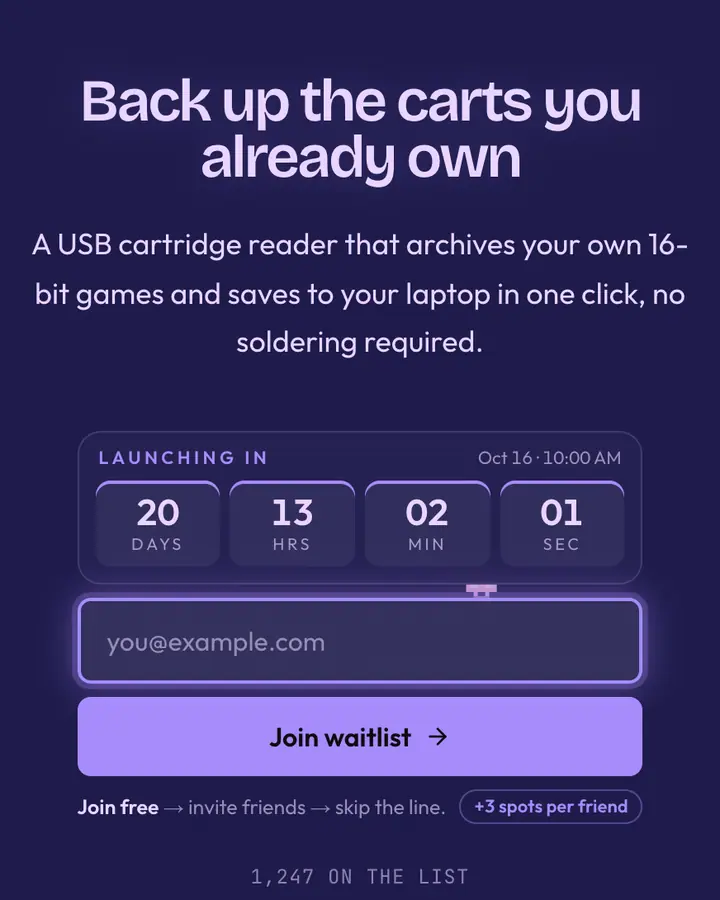
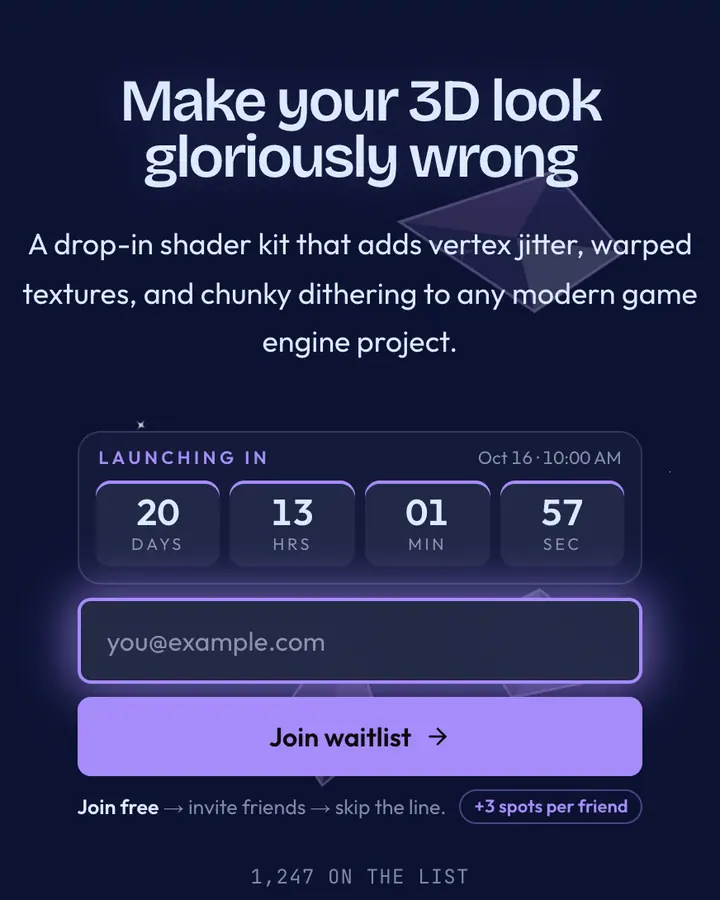
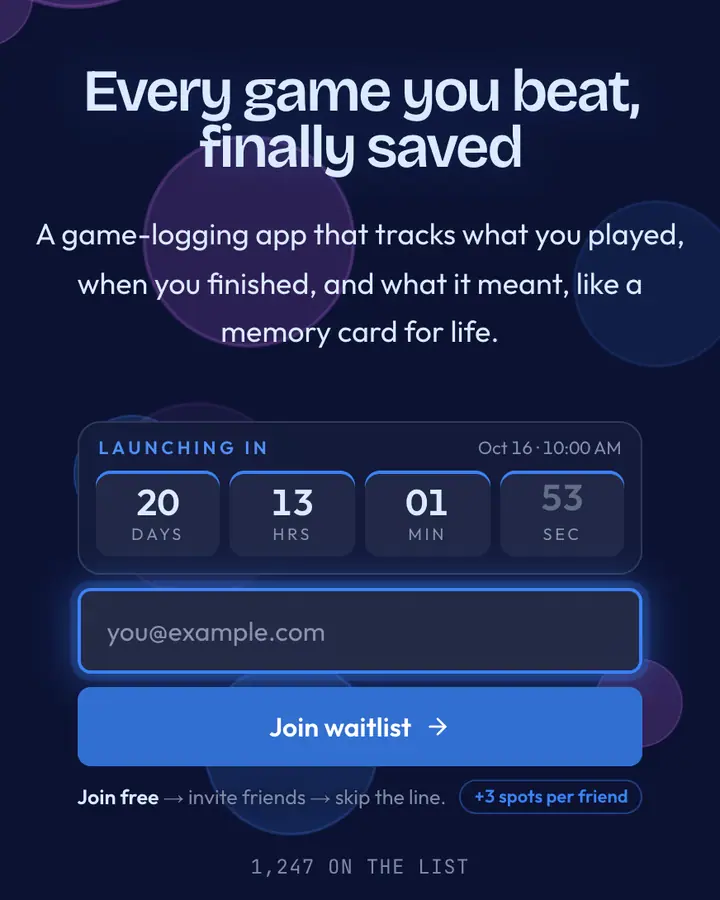
Save Point imports JRPG healing-magic aesthetics—deep blue background with teal accents suggesting health recovery and leveling up. Gaming communities, roguelike developers, and esports platforms recognize the color as progress made permanent. Custom domains let your game studio claim its own web fortress.
What the demo shows
The live demo on this page launches Innlight, a made-up product we wrote to show the template with realistic copy: the headline reads “Rest here. Your progress is safe.” and the subhead says “A habit tracker styled like a JRPG inn, where every finished day heals your party and fills your quest log.” Below it you see the signup form, a demo launch countdown and the share-to-climb referral panel exactly as a visitor would. Try the form: in the demo nothing is stored. When you use Save Point, you replace Innlight with your own product name, headline, subhead and logo; the palette and motion come with it and every colour stays editable.
Design details
Save Point is a dark template: a deep blue background (#0c1233), light cyan type (#a5f3fc) and a vivid cyan accent (#22d3ee) on the join button, the countdown and the referral highlights. Body text sits at a 14.6:1 contrast ratio against the background, comfortably past the WCAG AAA threshold. Behind the copy the page animates with drifting magical motes, front and centre; visitors who ask their device for reduced motion get a still frame instead. Structurally it uses the Spotlight layout, shared with 111 other templates, but the palette, the motion and the demo copy are Save Point's own.
- Background
- #0c1233
- Accent
- #22d3ee
- Text
- #a5f3fc
How it compares
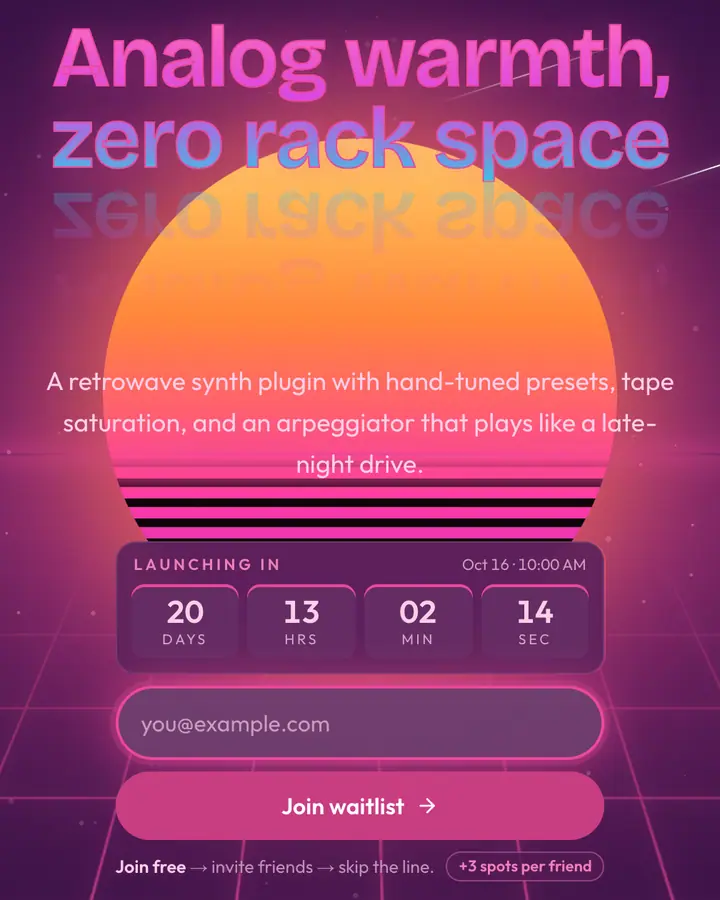
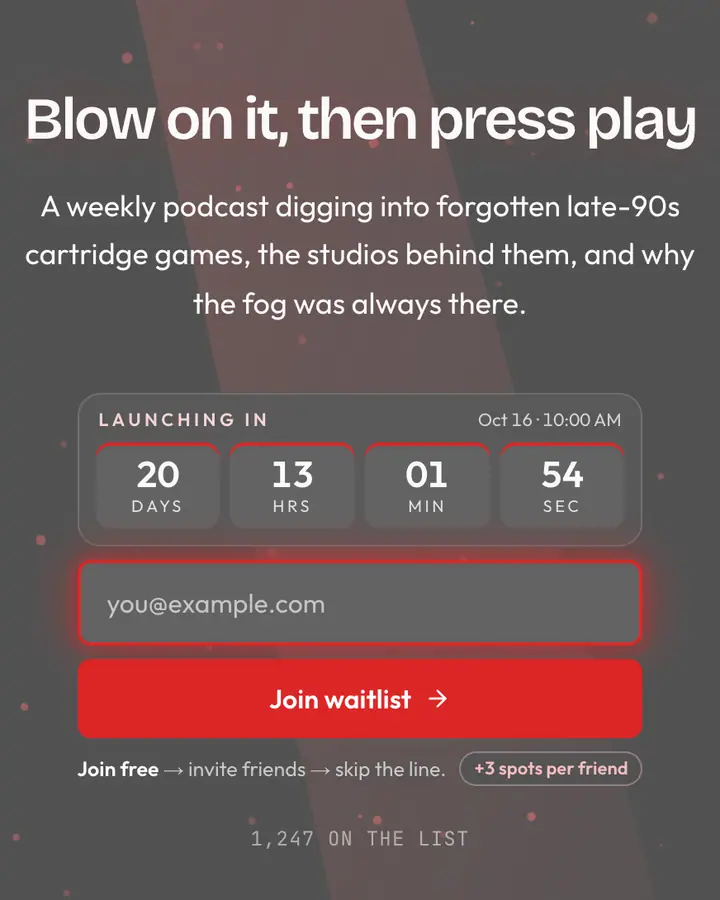
Within Retro / Gaming, Save Point stands out for its vivid cyan accent on a deep blue ground. If it is not quite right, Synthwave Sunset is also dark but leans on a vivid pink accent and the odd shooting star (“Neon grid into the horizon”). SNES Purple is also dark but leans on a light violet accent and an animated pixel loot layer (“Console purple, A/B/X/Y”). N64 Grey is also dark but leans on a red accent and dust motes floating in the light (“Cartridge dust, 64-bit haze”). All of them share the same signup, referral and analytics features, so switching later only changes the look.
Launch with Save Point in three steps
- Click “Use this template” and create a free account; Save Point is preselected in the page wizard.
- Replace the Innlight demo copy with your product's headline and one-line pitch, pick a URL, and optionally set a launch date to show a real countdown.
- Publish and share the link. Every subscriber gets a personal referral link, and you watch signups and top referrers arrive in the dashboard.