What makes a good holiday & seasonal launch page
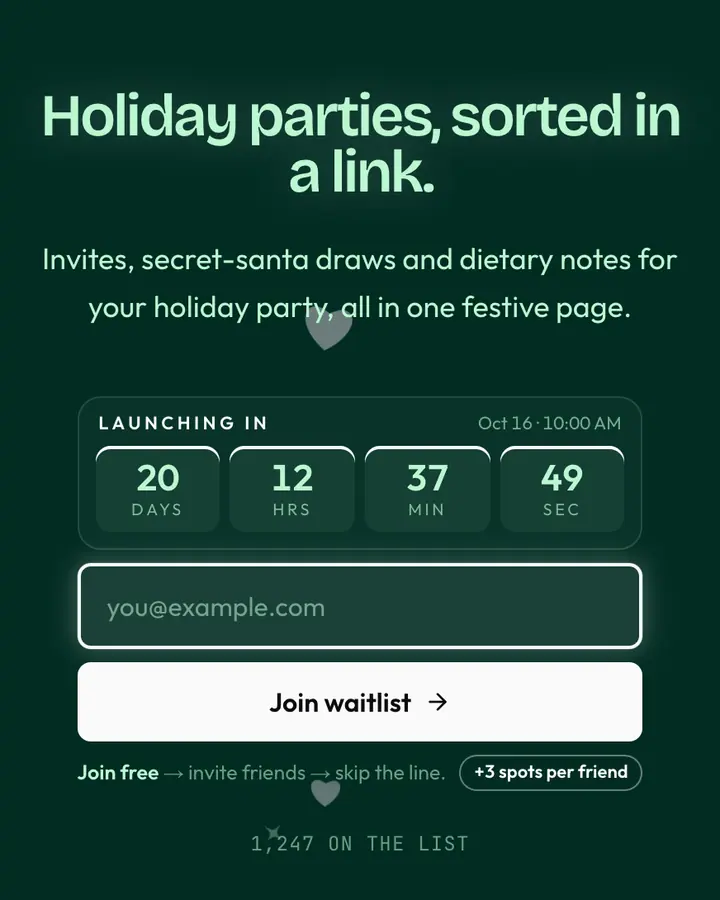
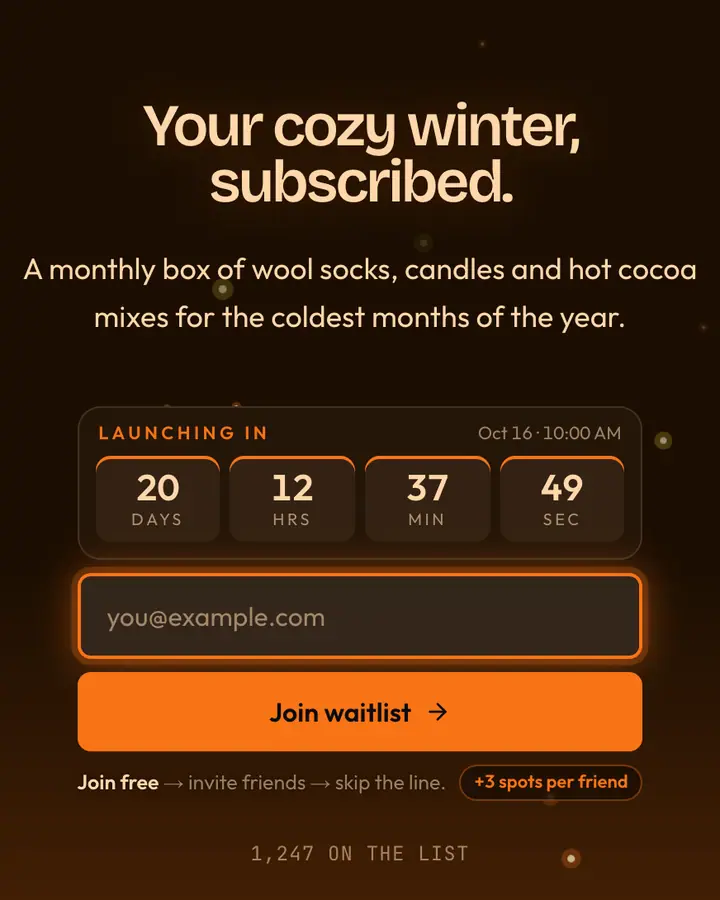
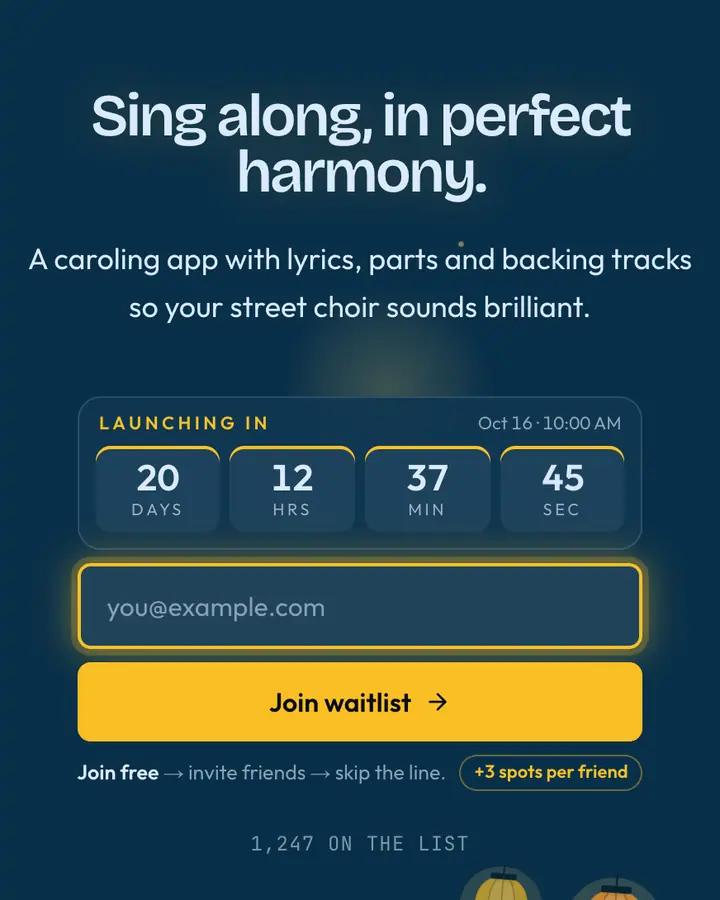
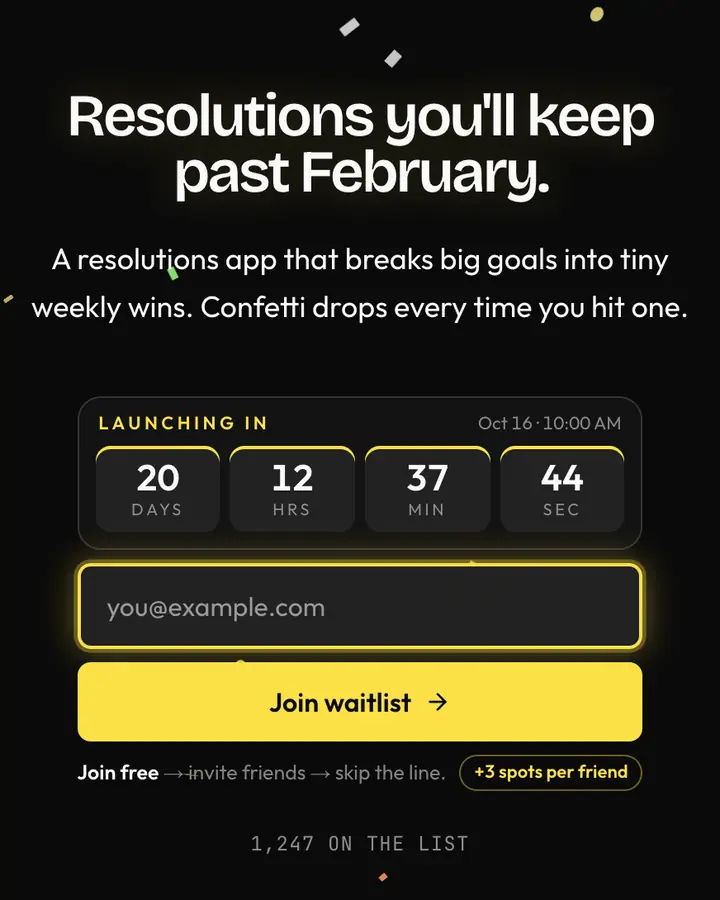
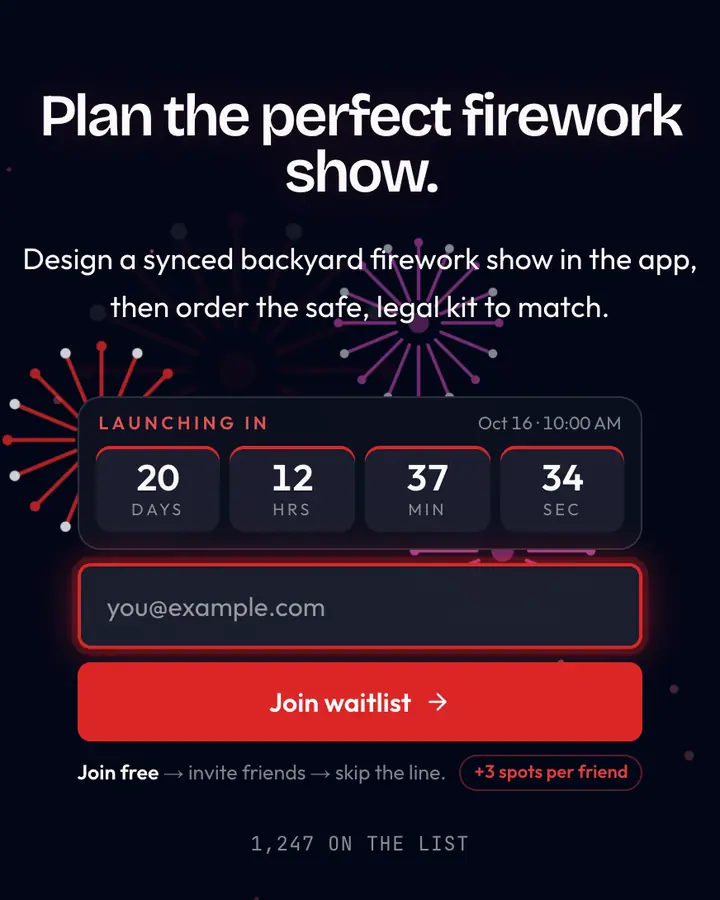
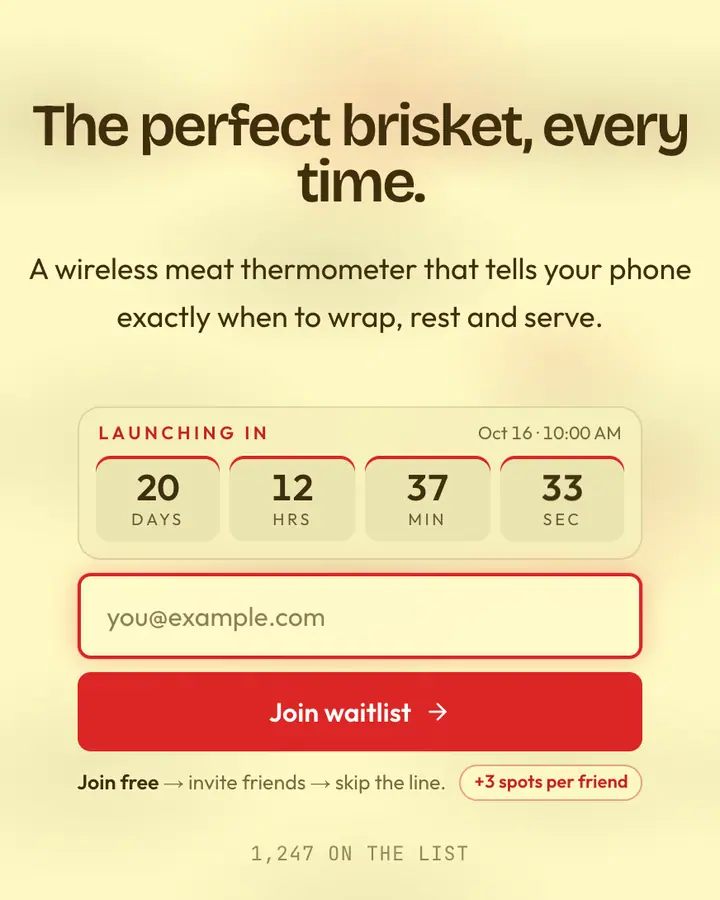
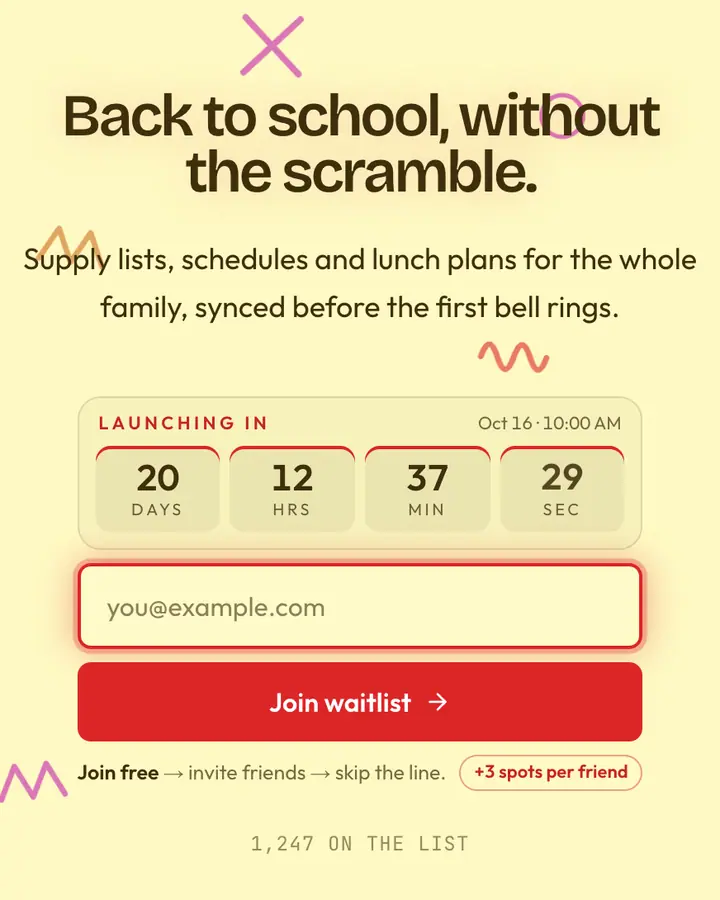
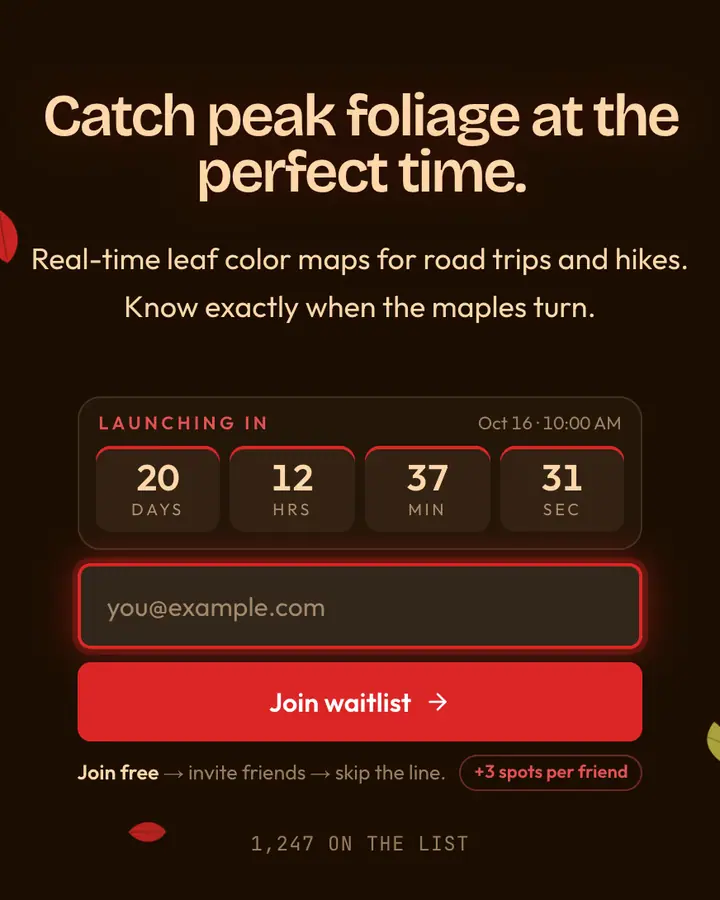
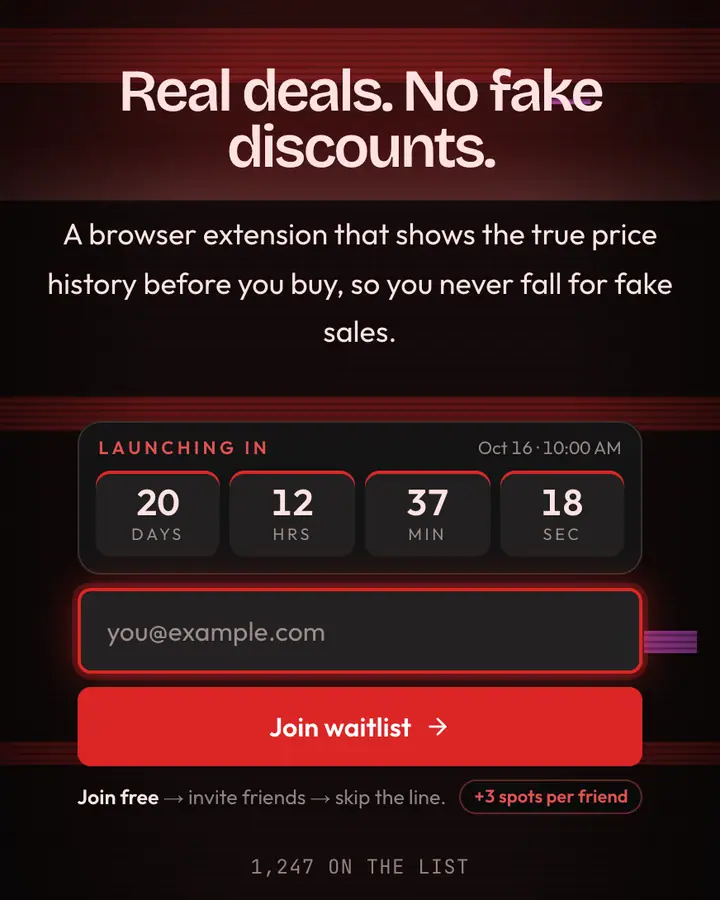
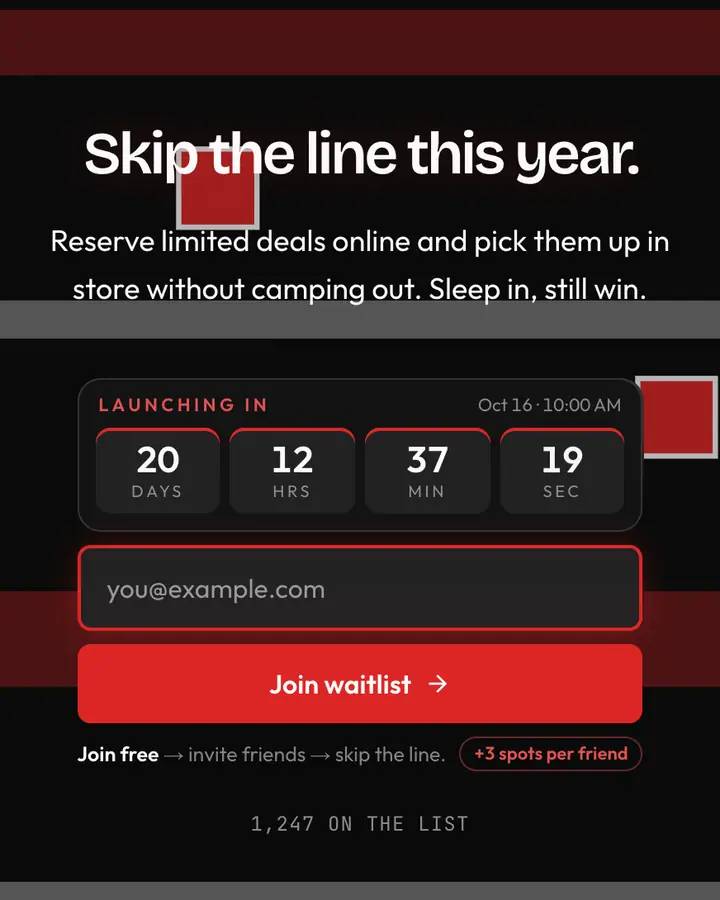
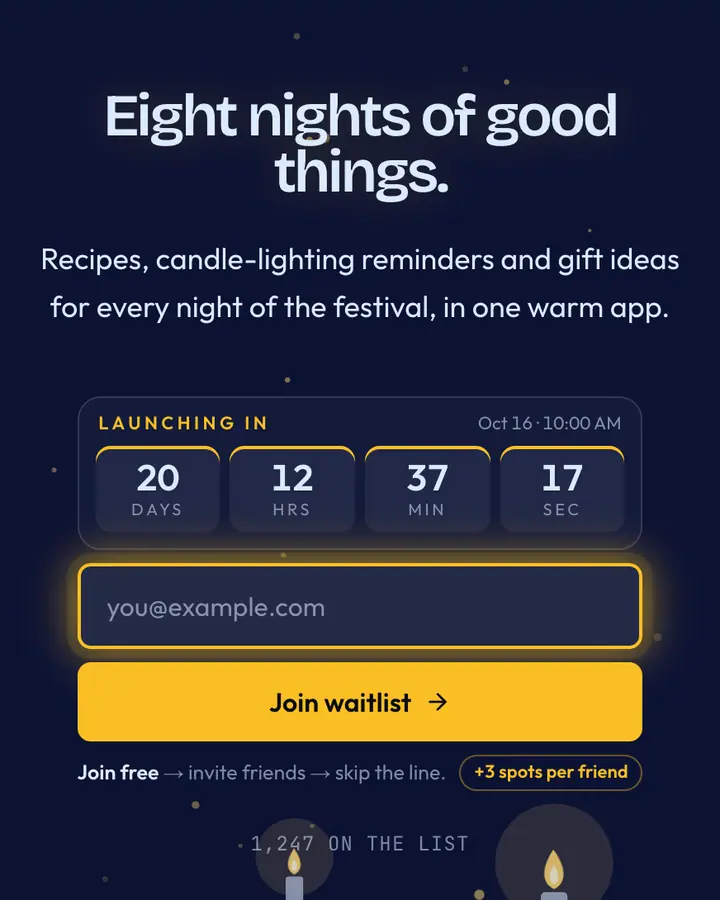
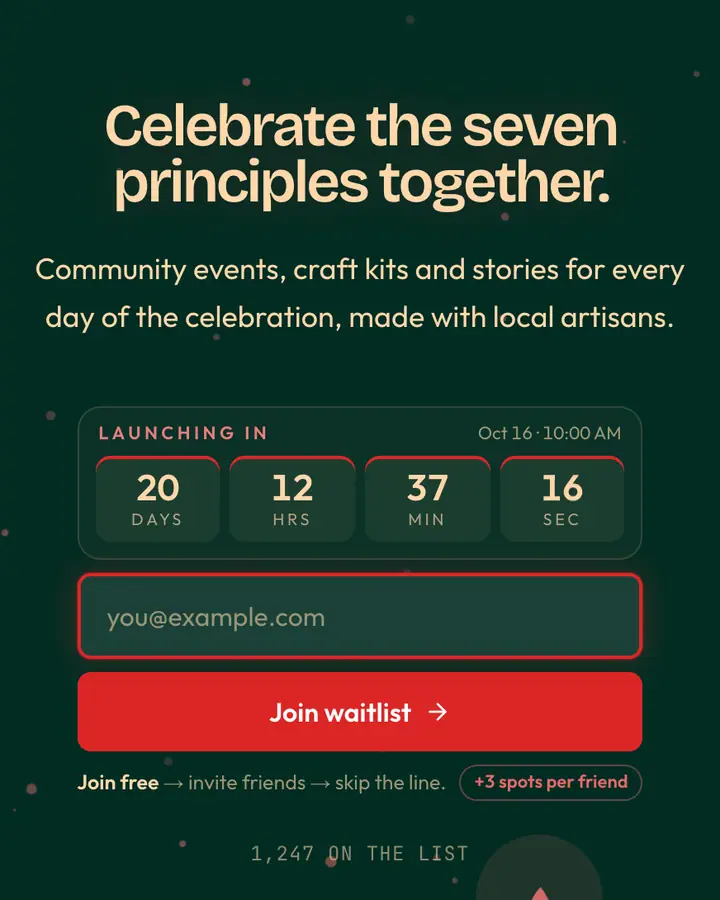
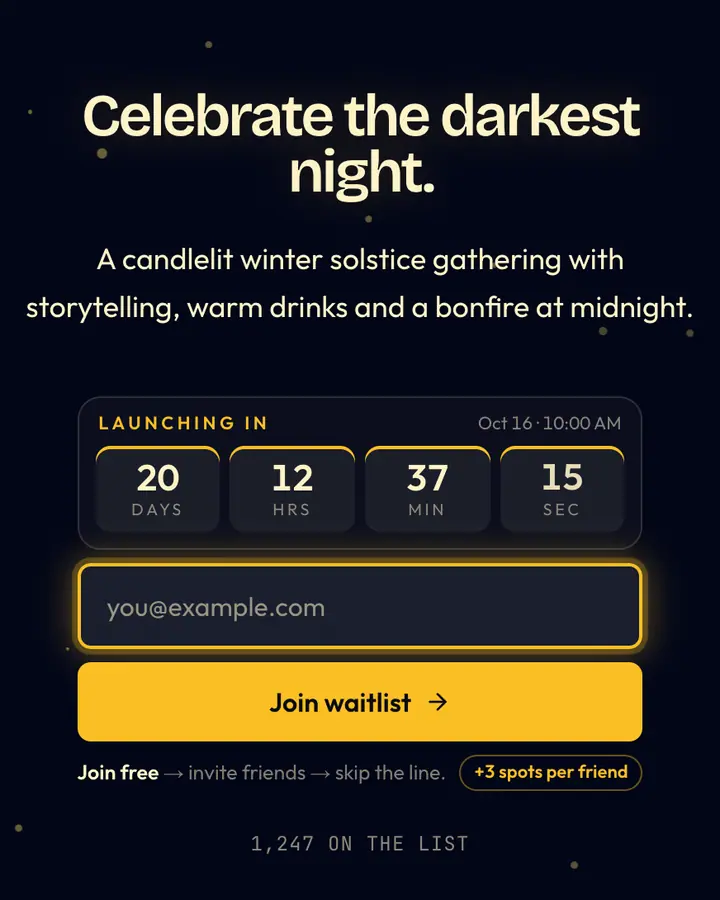
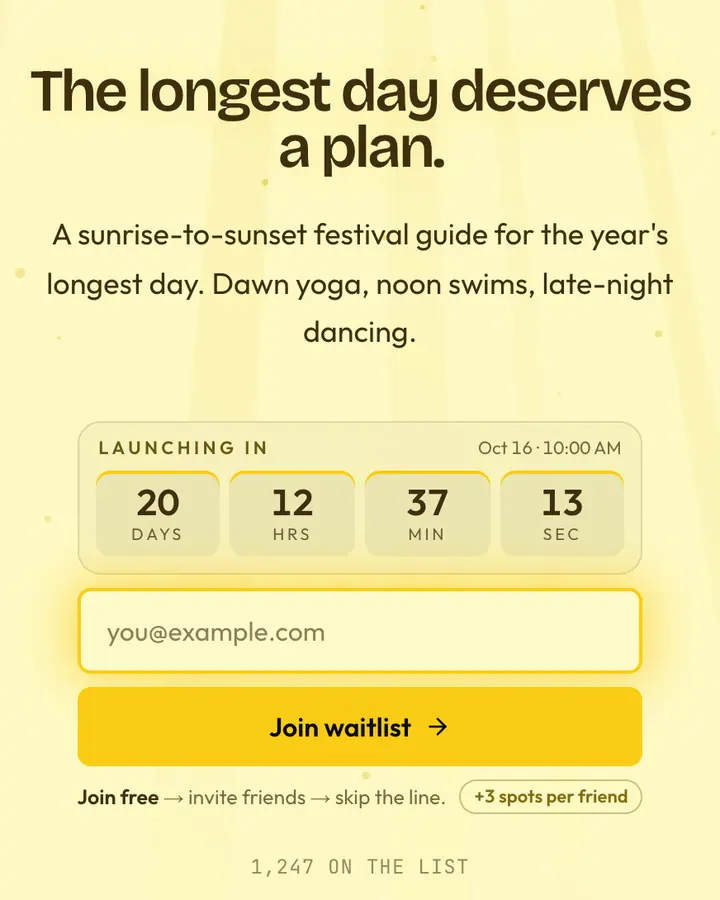
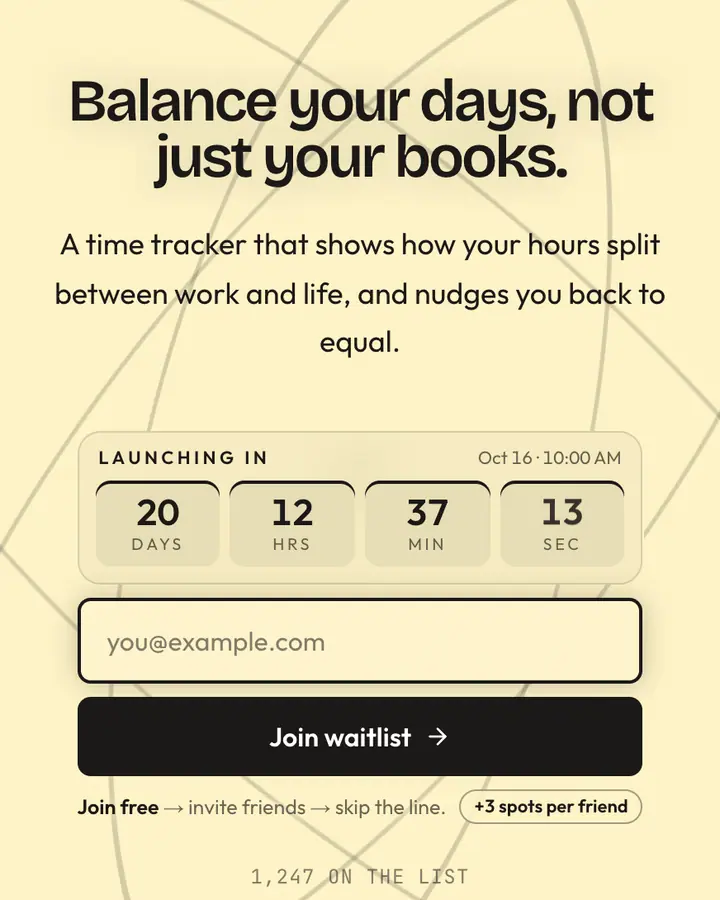
A seasonal page has a built-in deadline, so use it. Set the countdown to the real launch moment (opening day, the first drop, the doors-open time) and say what happens when it hits zero. Visitors who see a clock come back; visitors who see "coming soon" forget.
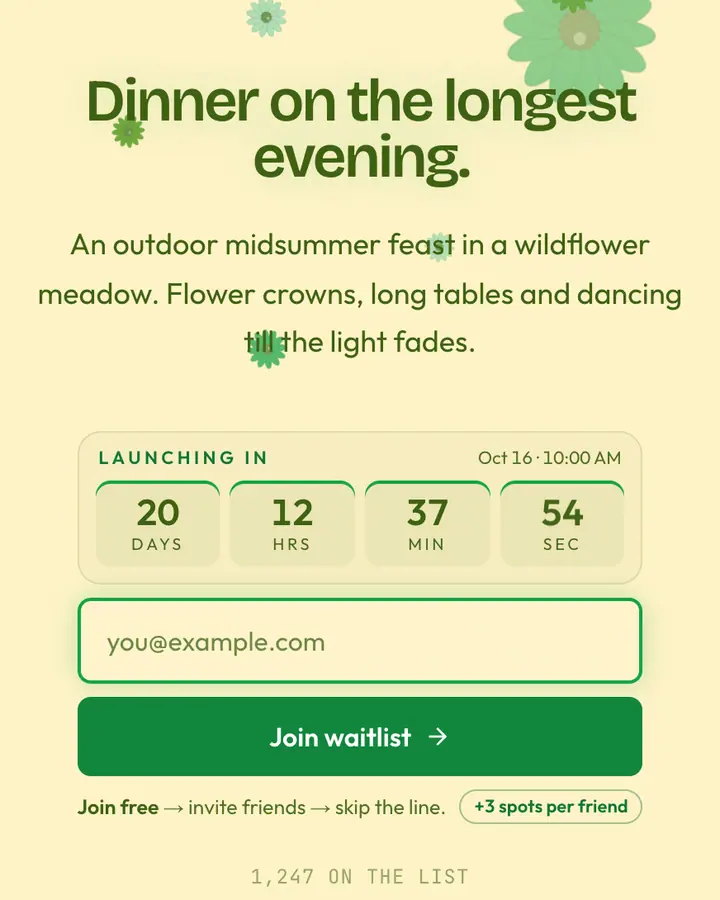
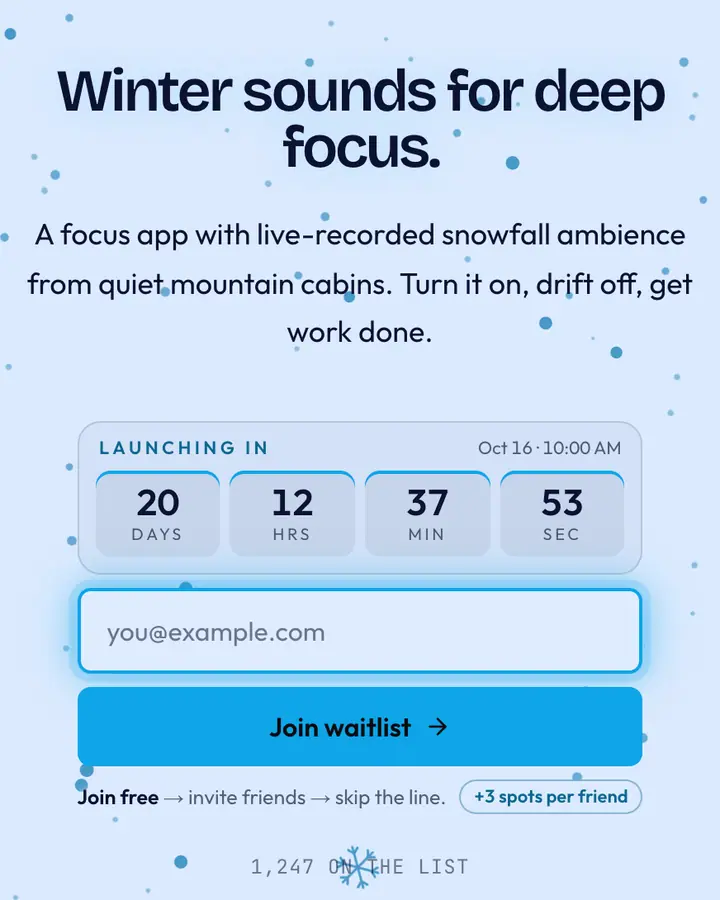
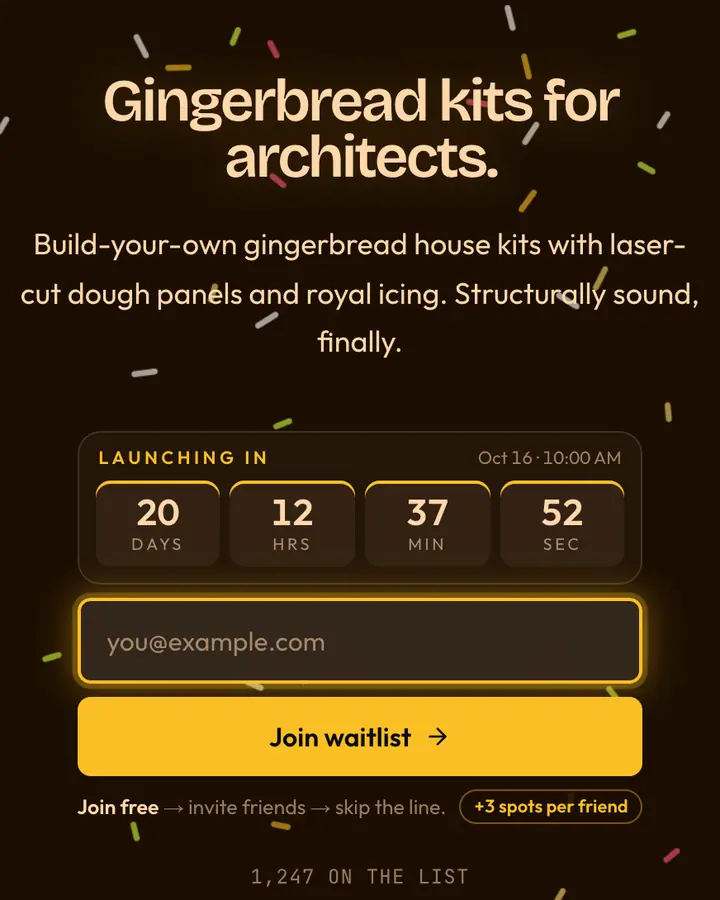
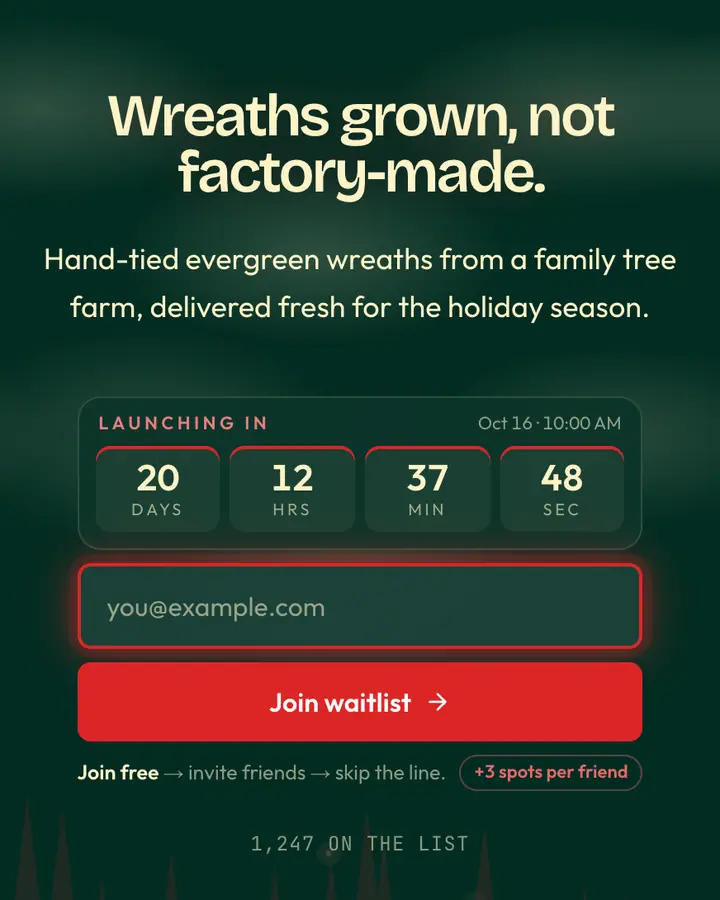
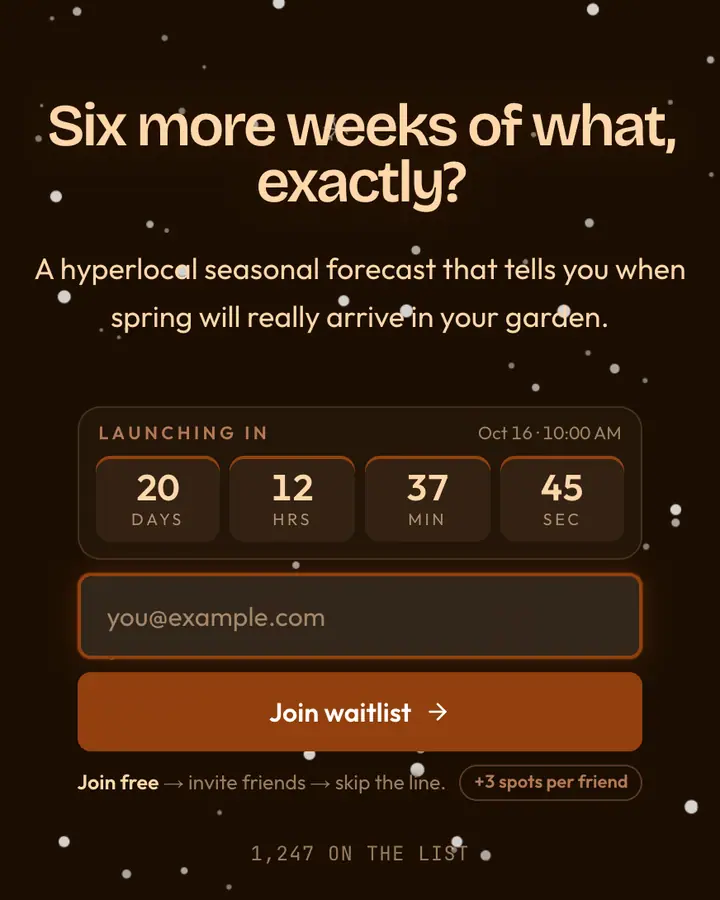
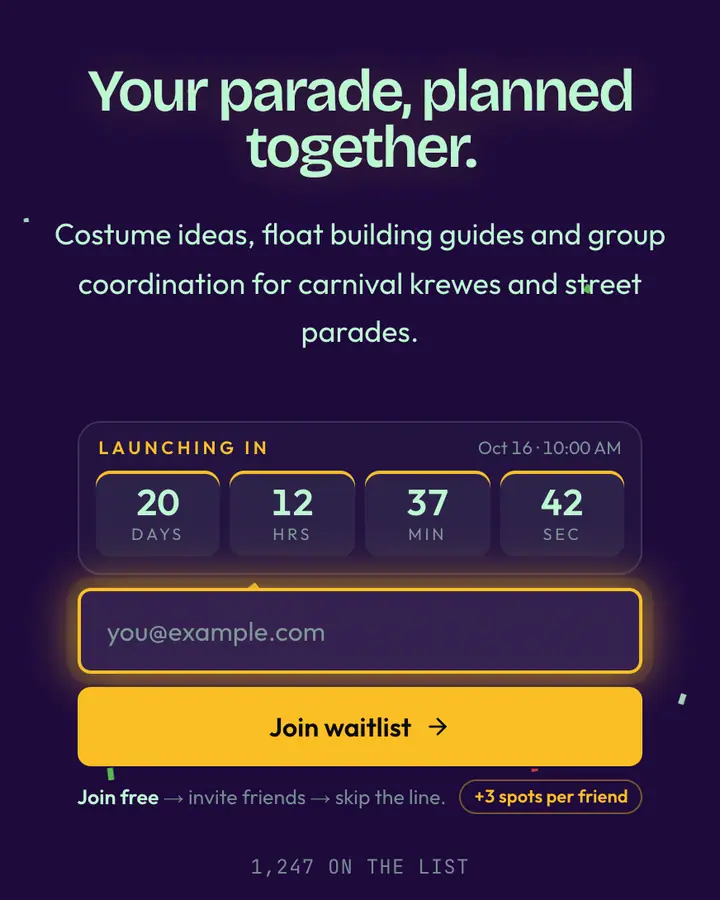
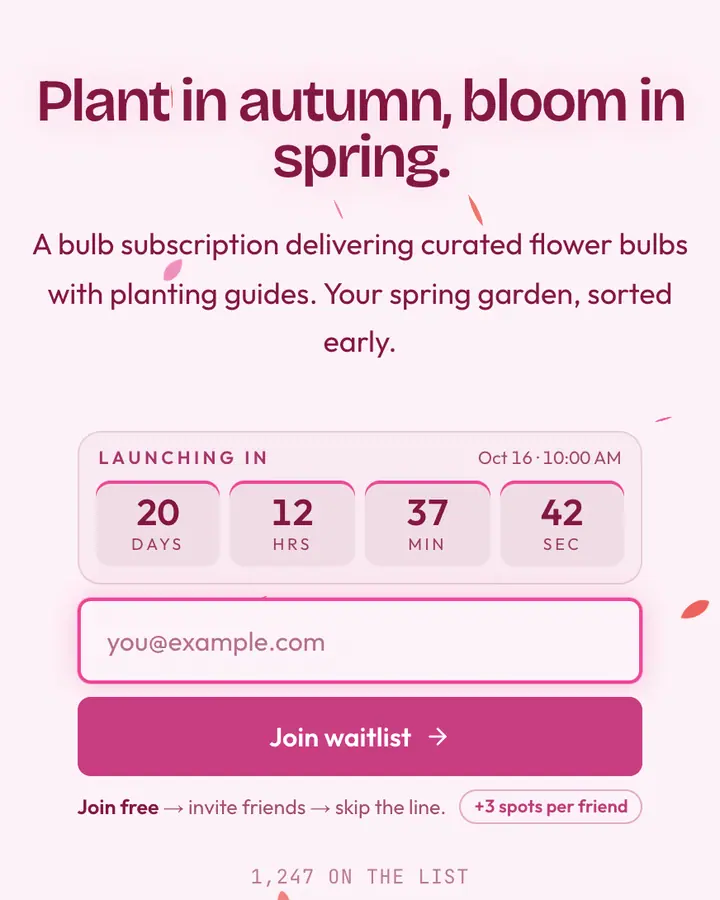
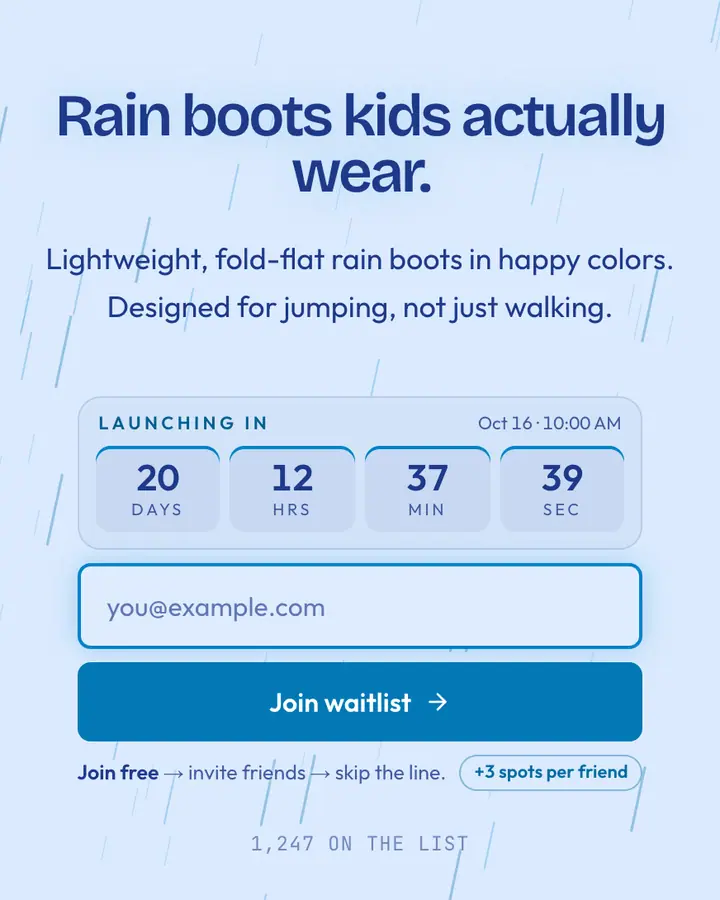
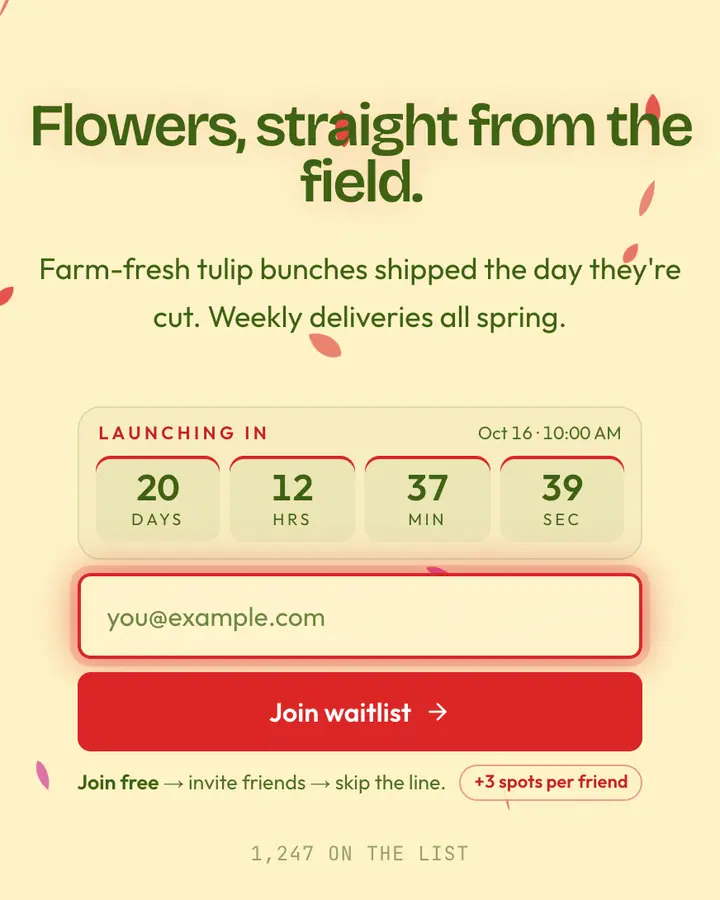
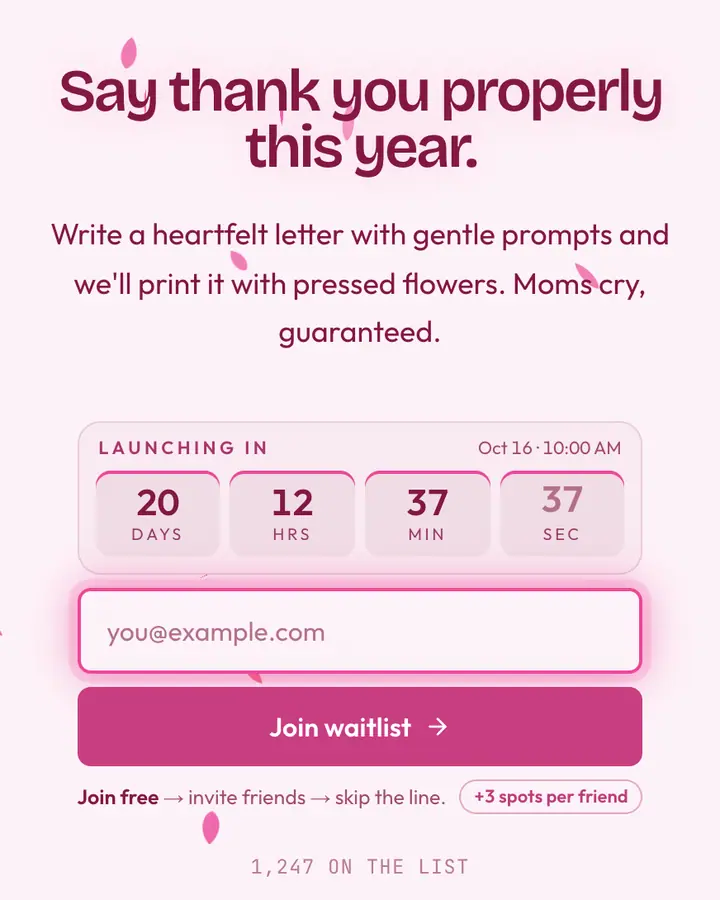
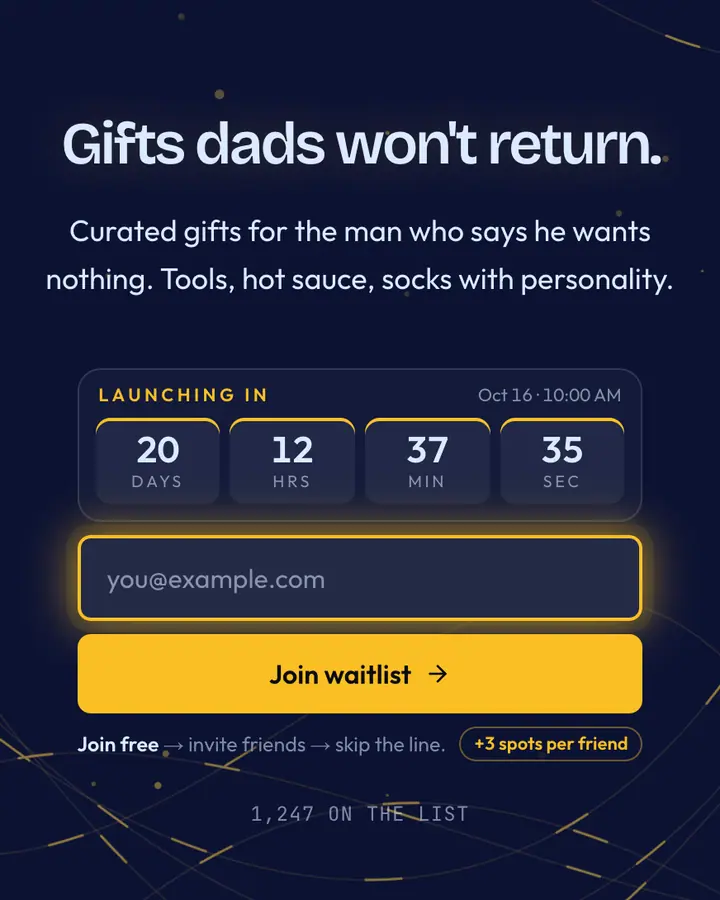
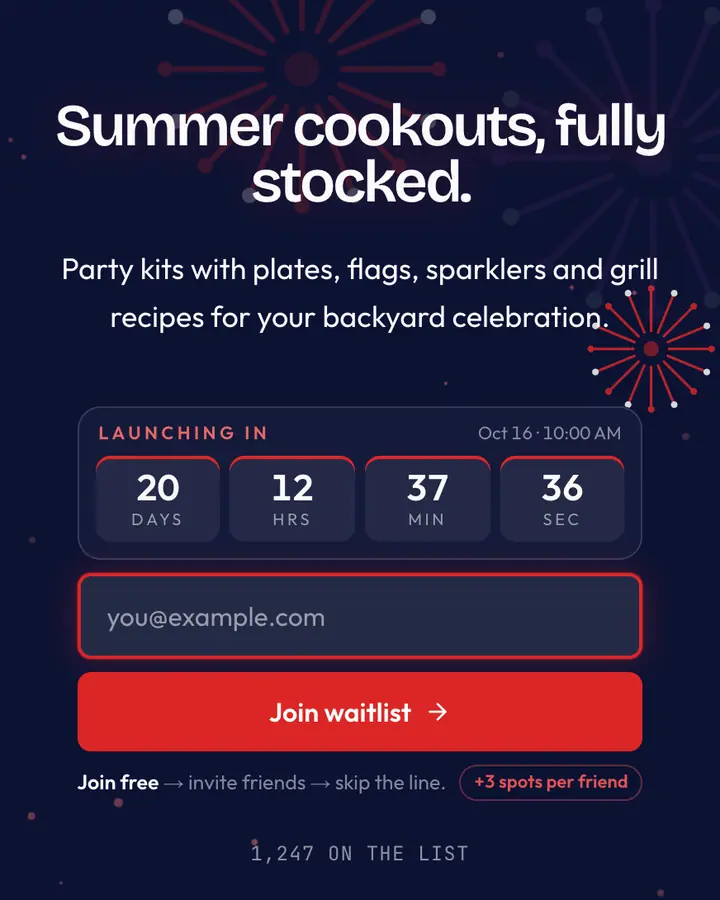
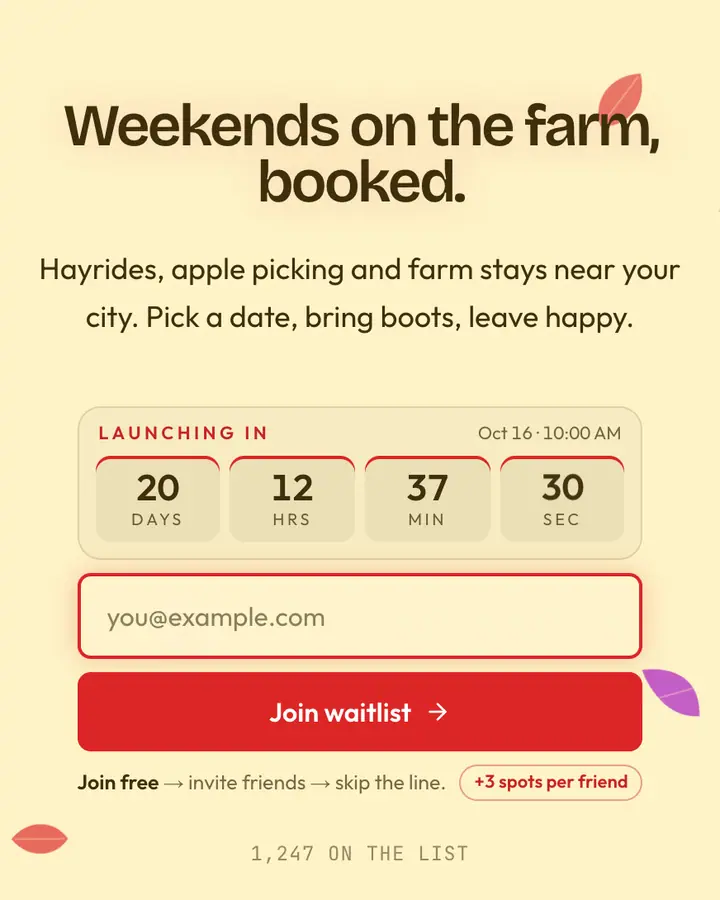
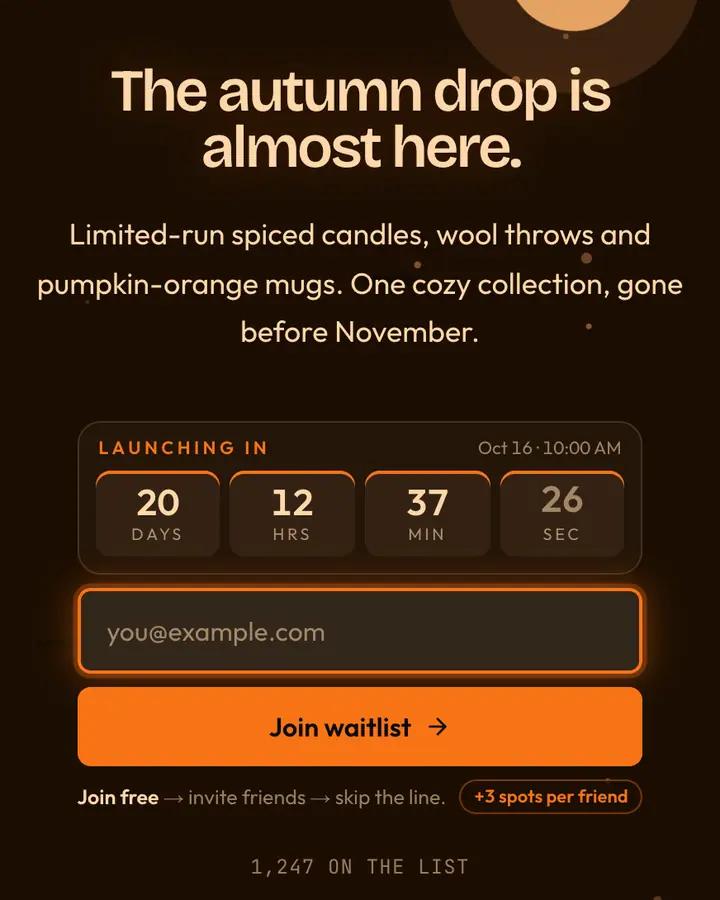
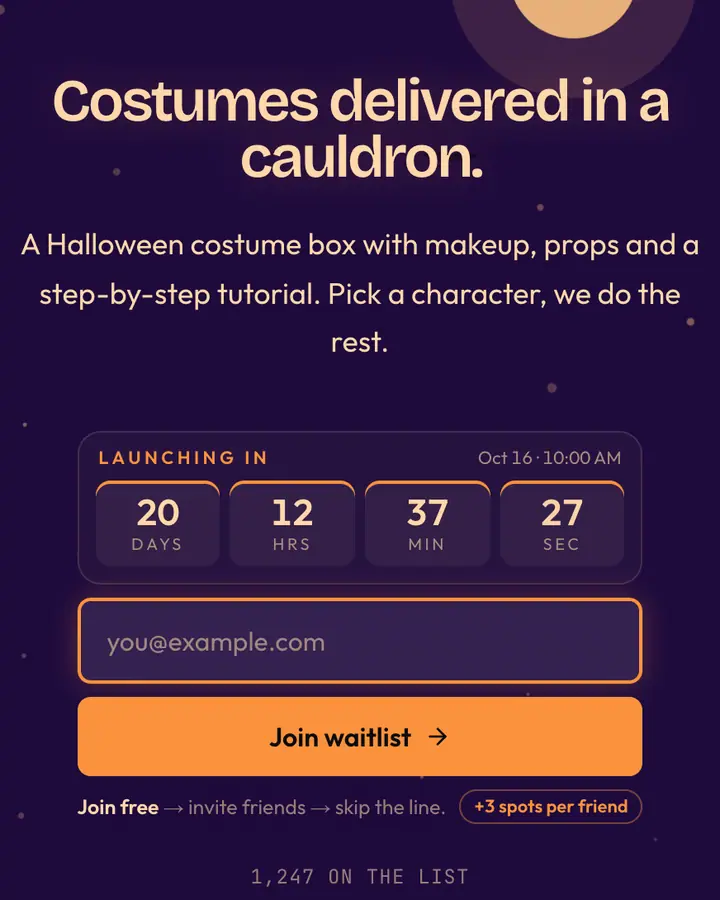
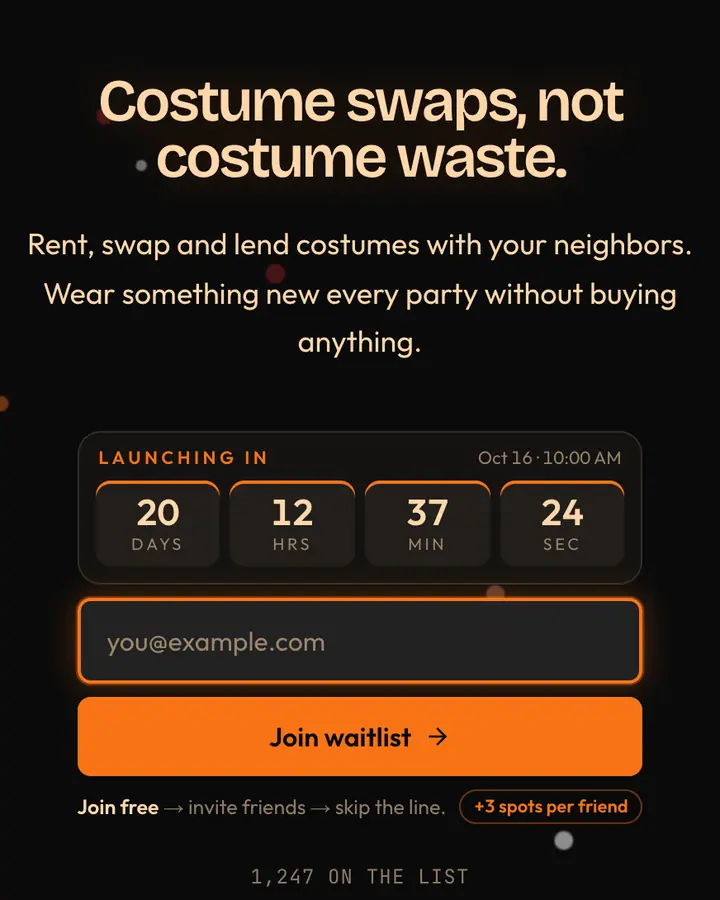
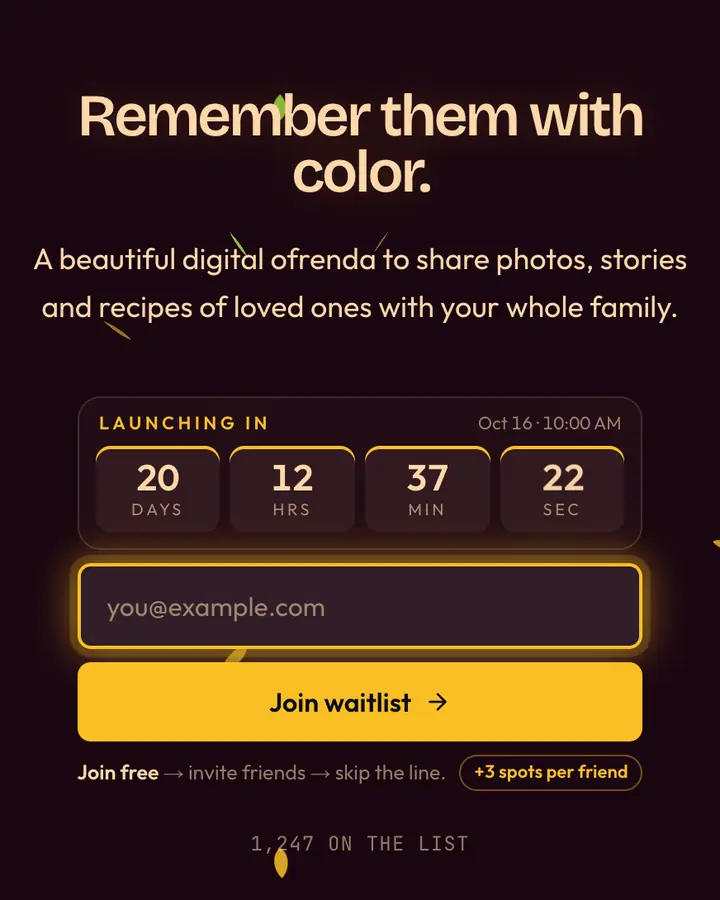
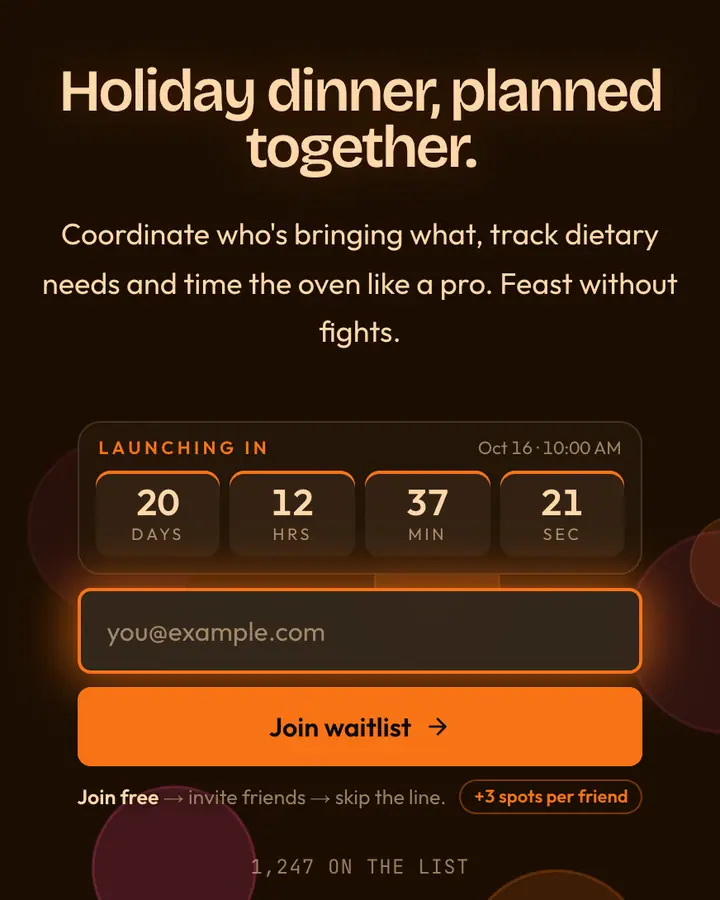
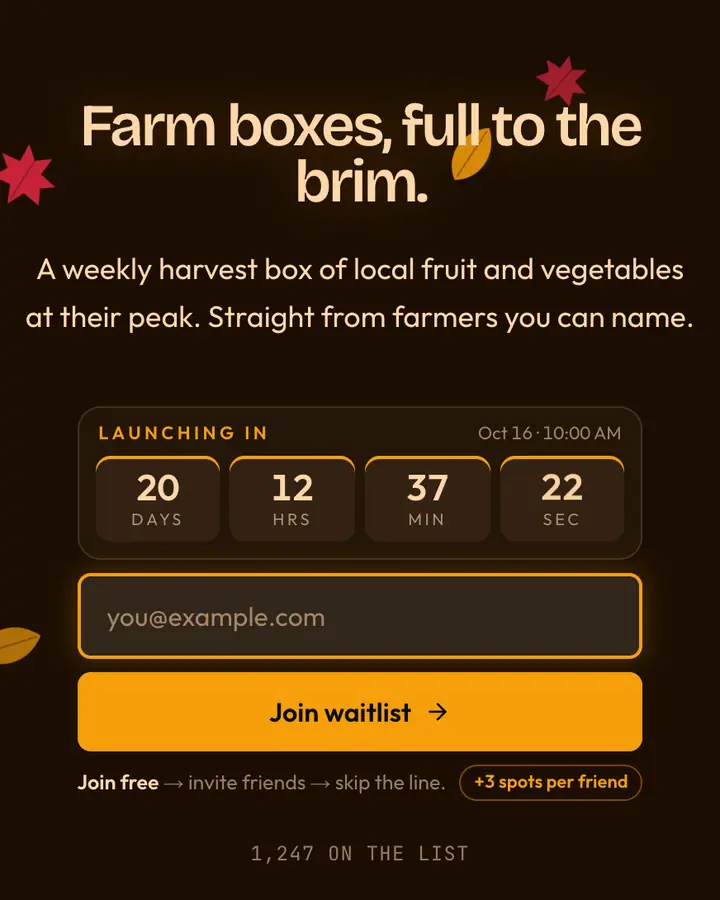
Match the palette to the moment, not just the month: deep greens and reds with snow for winter gifting, pastels and petals for spring, warm golds and leaves for autumn, black and orange for Halloween. Keep the copy concrete, covering what's in the drop, how many, and for how long, and only state limits that are true. When the season ends, switch the page to a new template; your list and referral links stay the same, so the same audience carries into the next drop.
Best holiday & seasonal templates for…
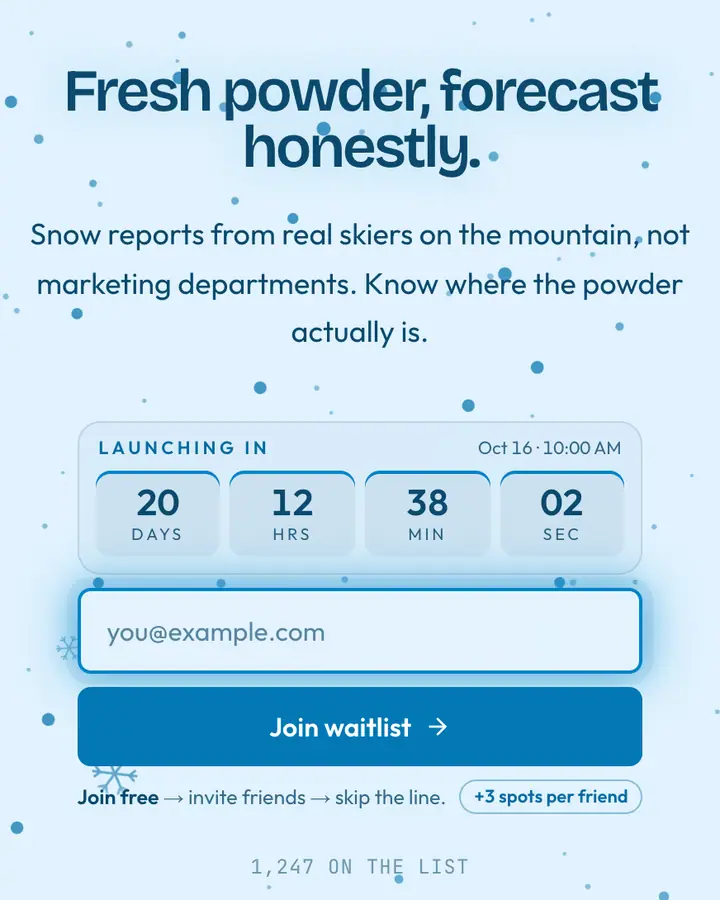
- For holiday gift drops: Winter Snow, cold blue with falling flakes on the Binary Rain layout.
- For spring launches and events: Spring Bloom, crocus pop and snowmelt on a pastel layout.
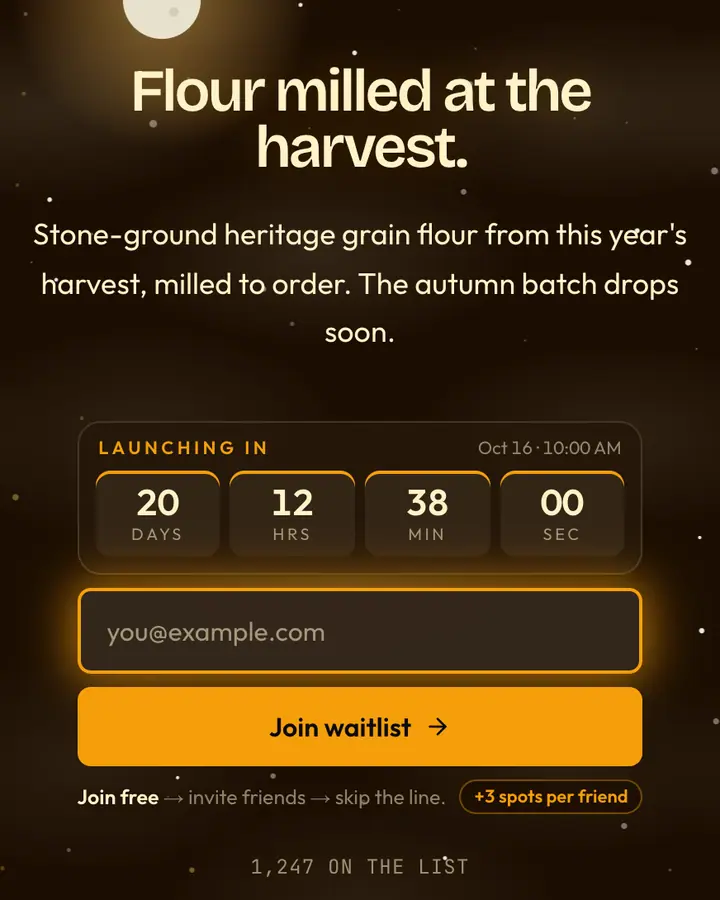
- For autumn collections: Fall Foliage, maple red and oak gold on a sunset gradient.
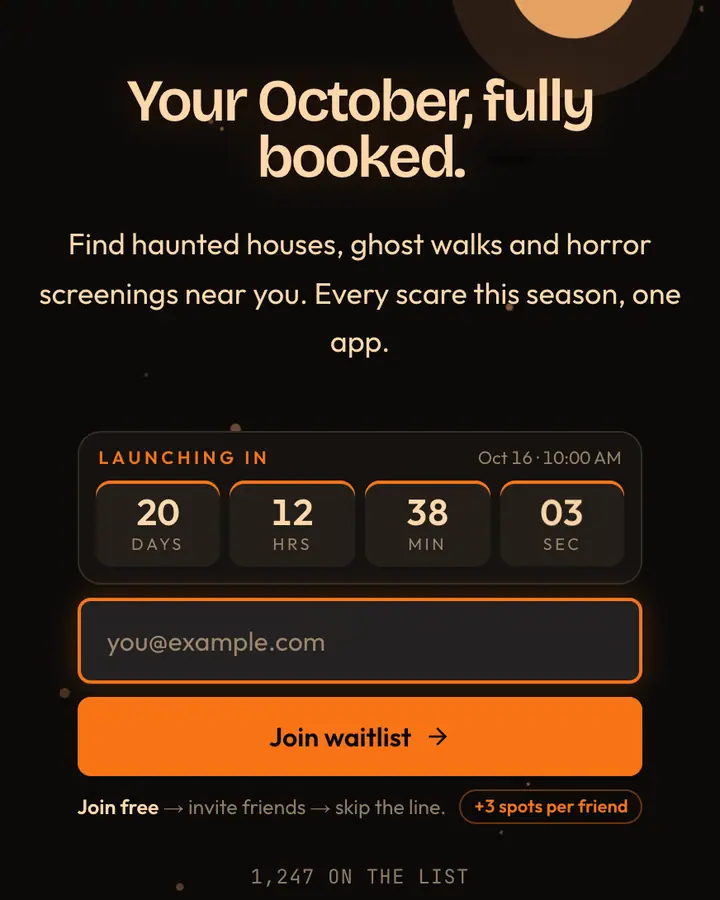
- For Halloween events and drops: Halloween Purple, witch-hat purple under a spotlight.
Holiday & Seasonal templates FAQ
Can I switch to a different seasonal template later?
Yes. Change the template in the editor any time; your subscribers, referral links and stats stay with the page.
Does the countdown hide after launch?
The countdown runs to the date you set. After launch, update the date or remove it, and the page keeps collecting signups either way.
Are there templates for specific holidays?
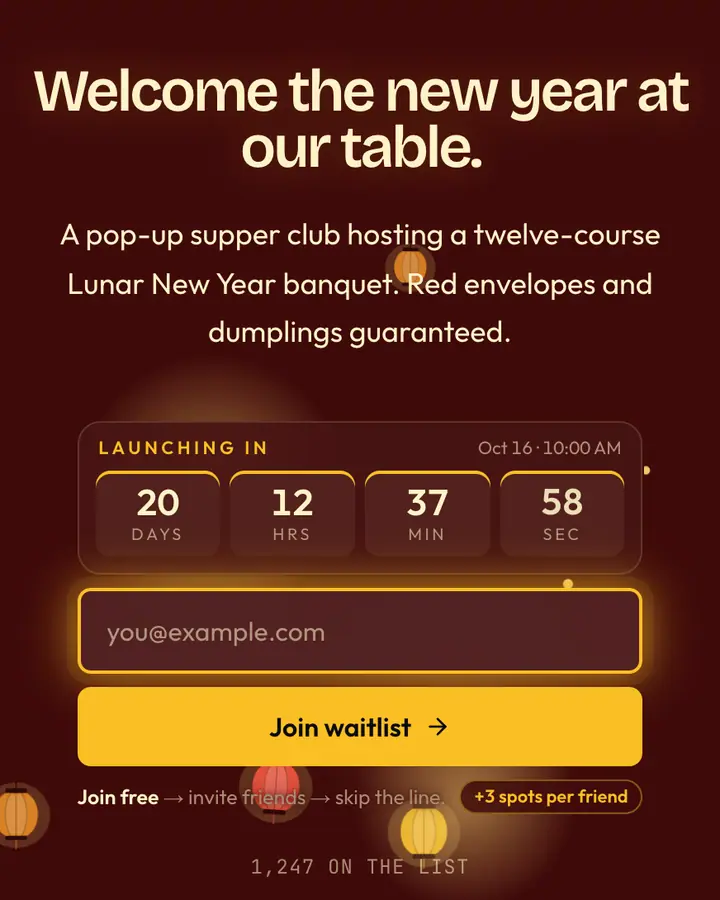
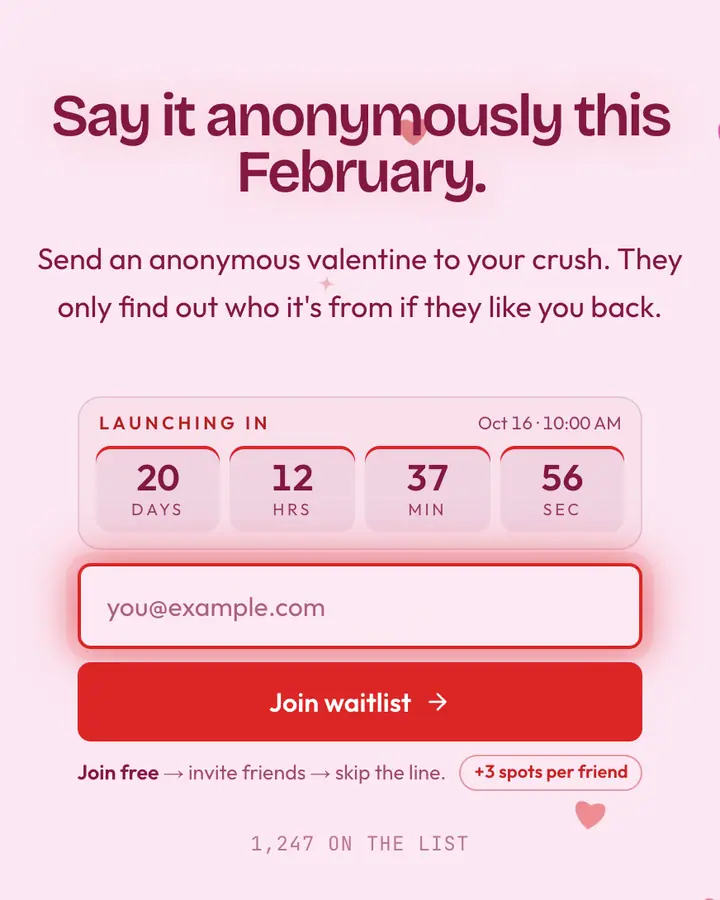
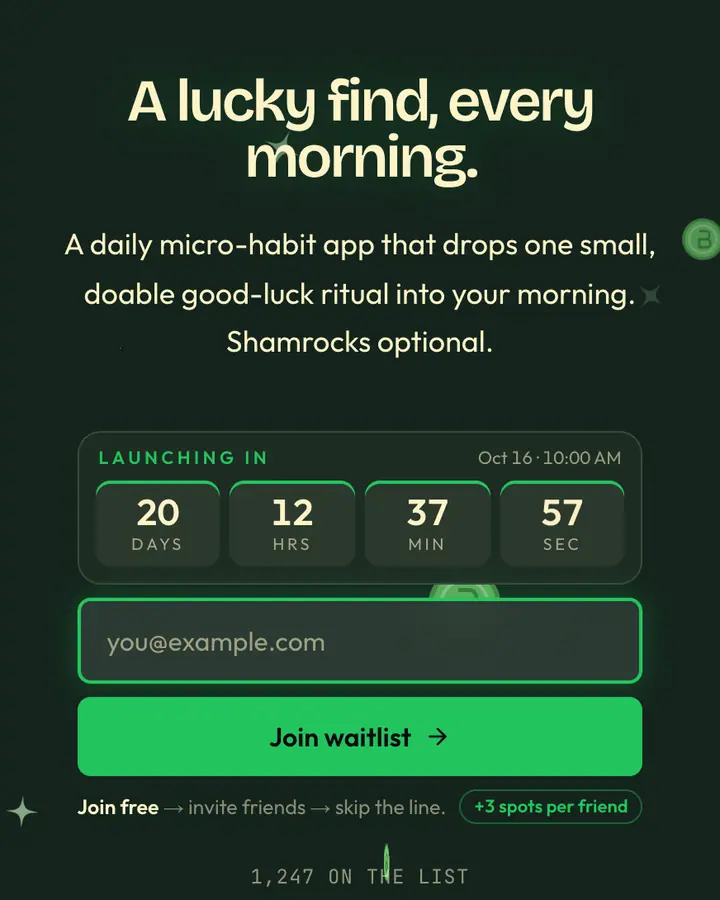
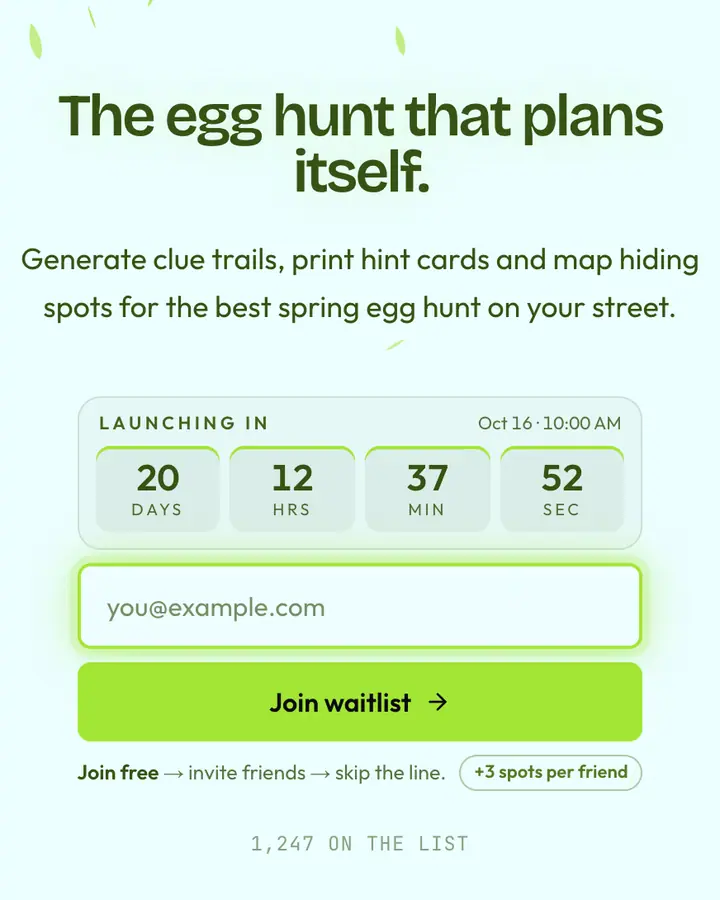
Yes, including Lunar New Year, Valentine's Day, St. Patrick's Day, Easter, Mother's and Father's Day, Independence Day, Halloween, Day of the Dead, Thanksgiving, Black Friday, Hanukkah, Kwanzaa and the solstices.