What makes a good minimal launch page
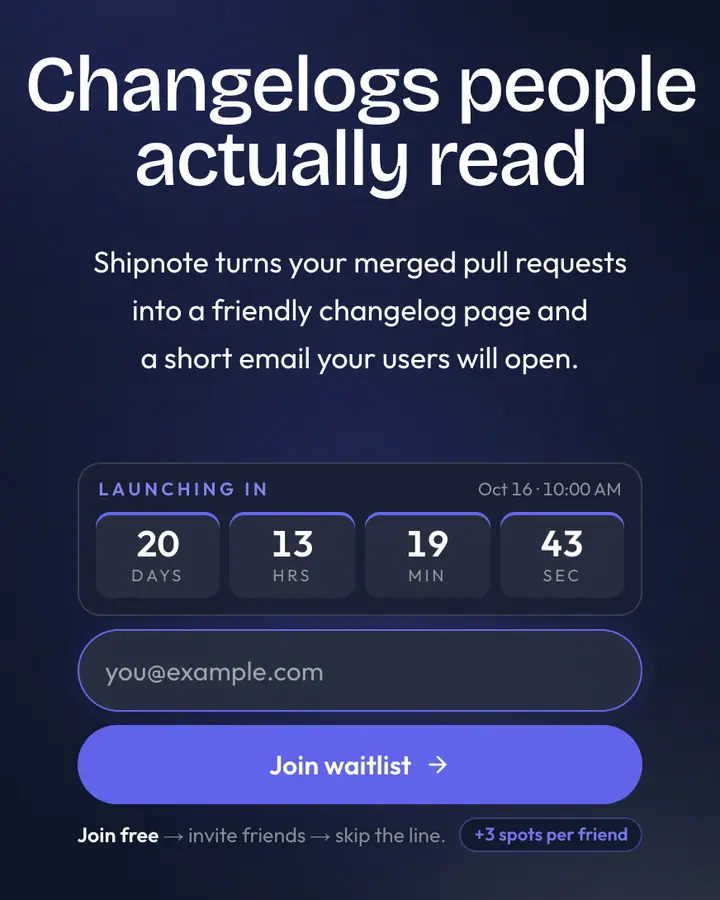
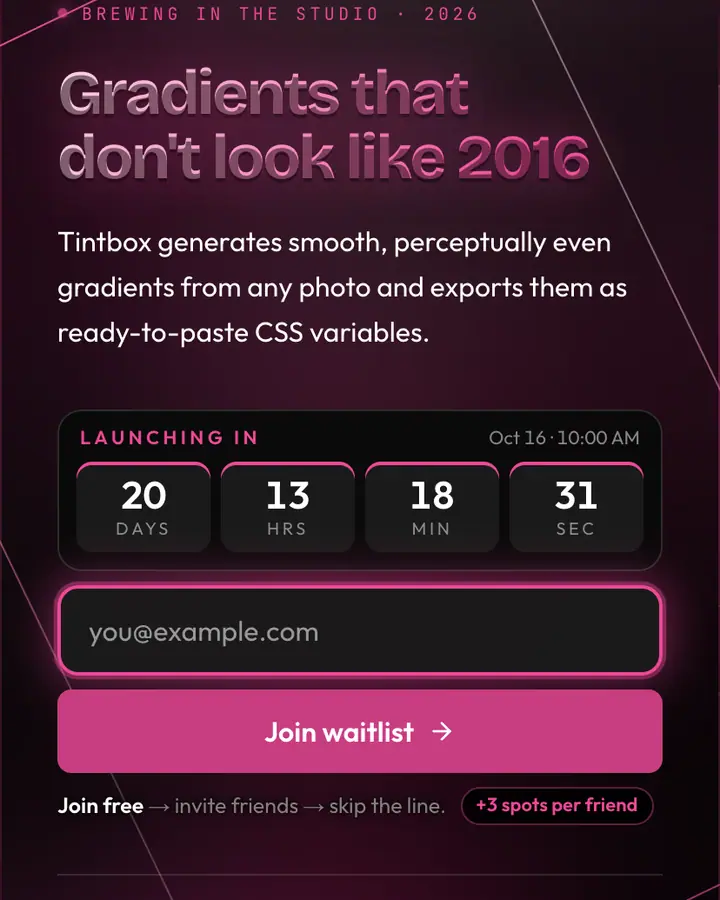
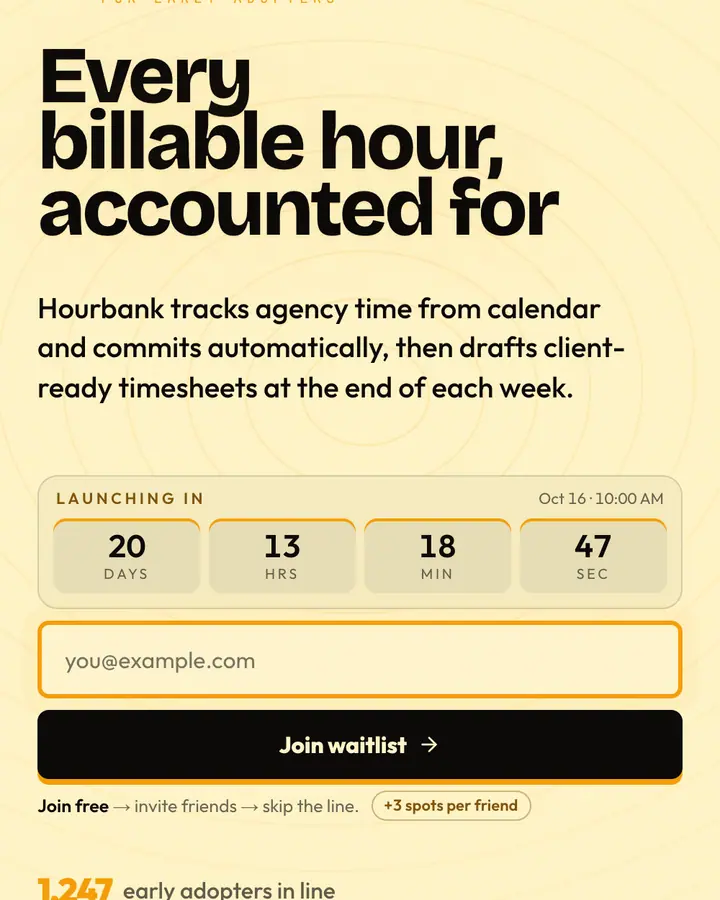
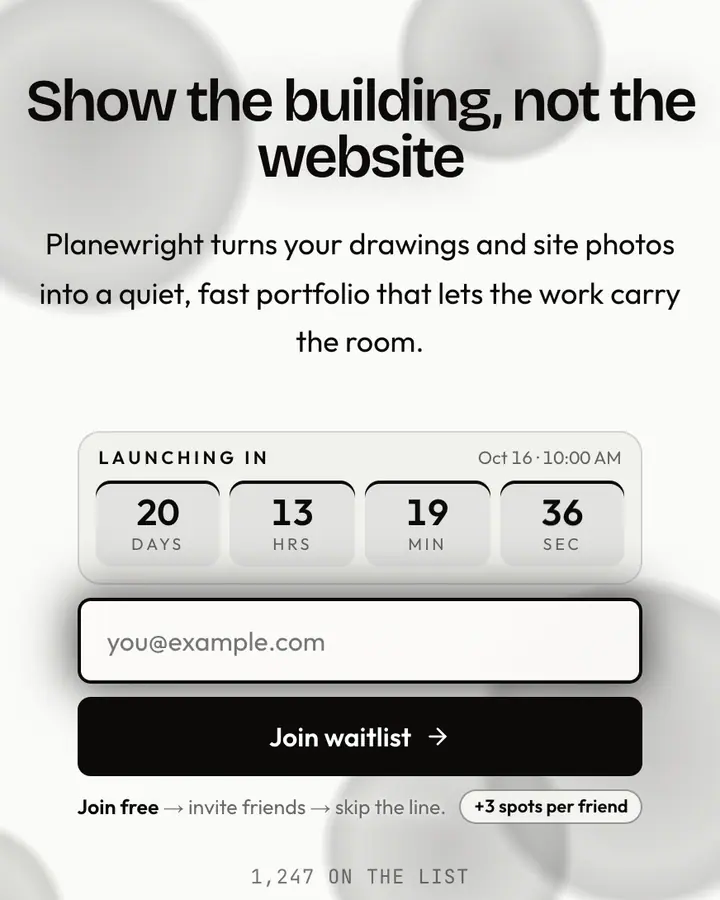
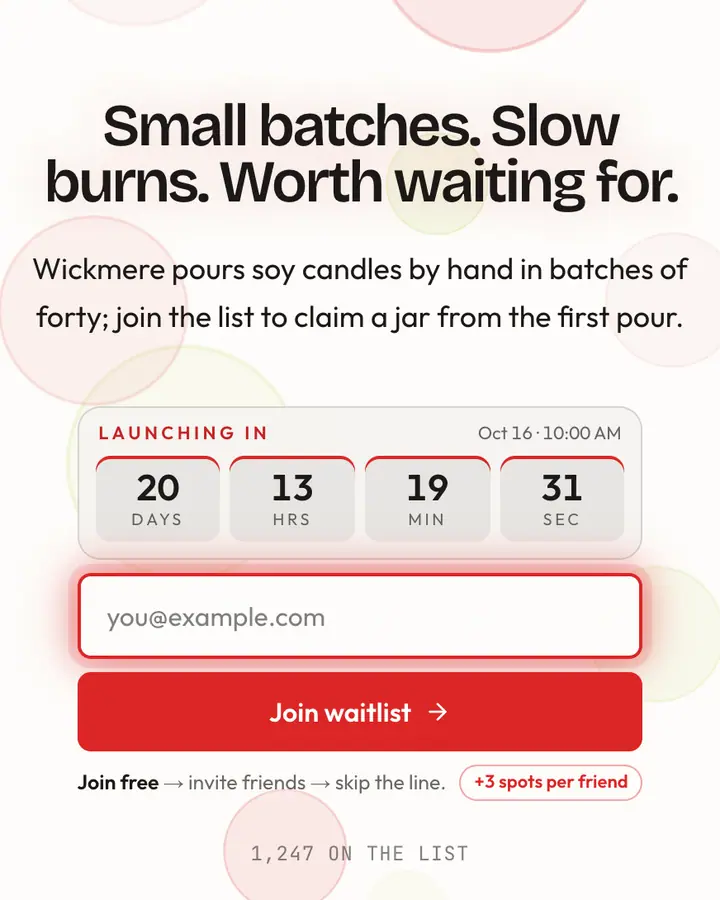
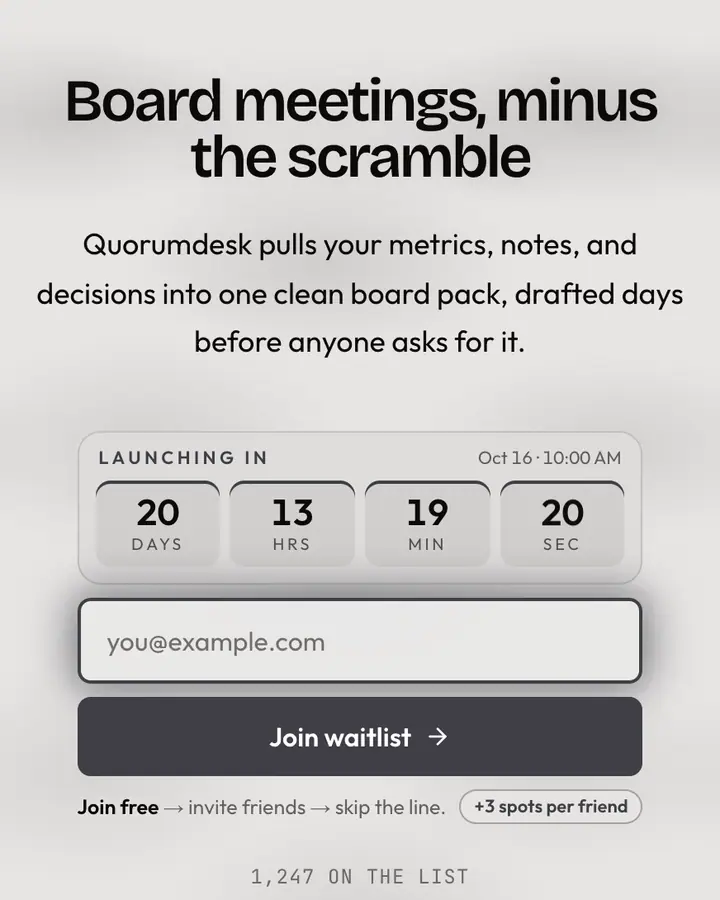
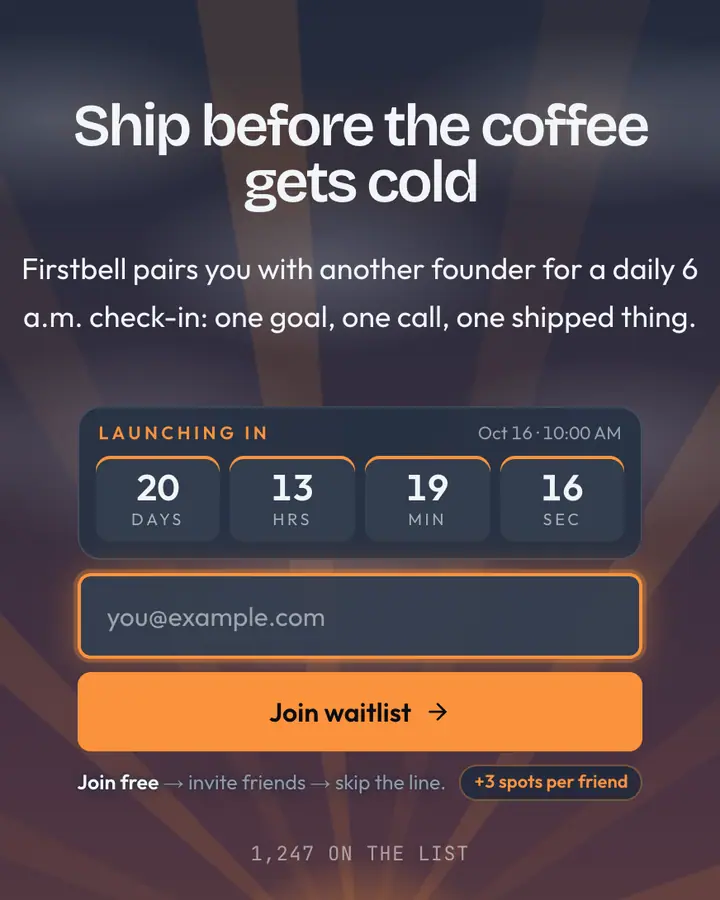
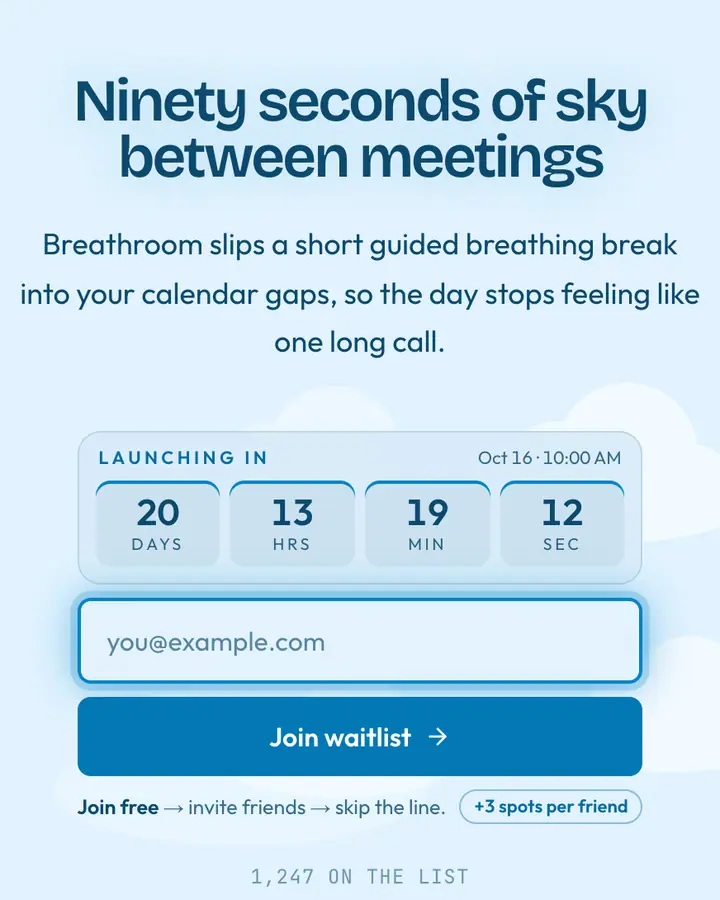
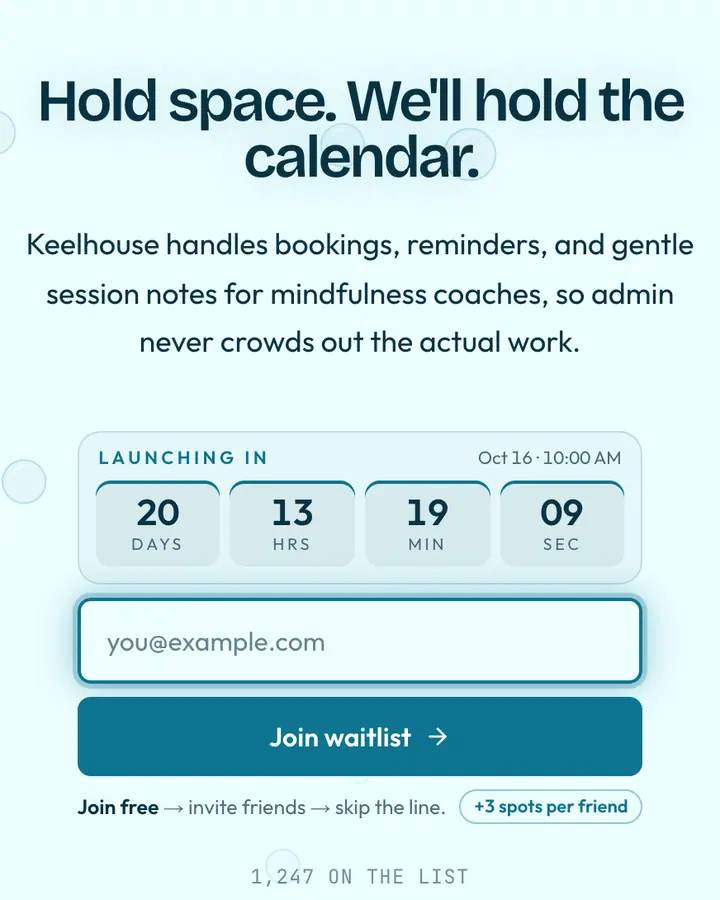
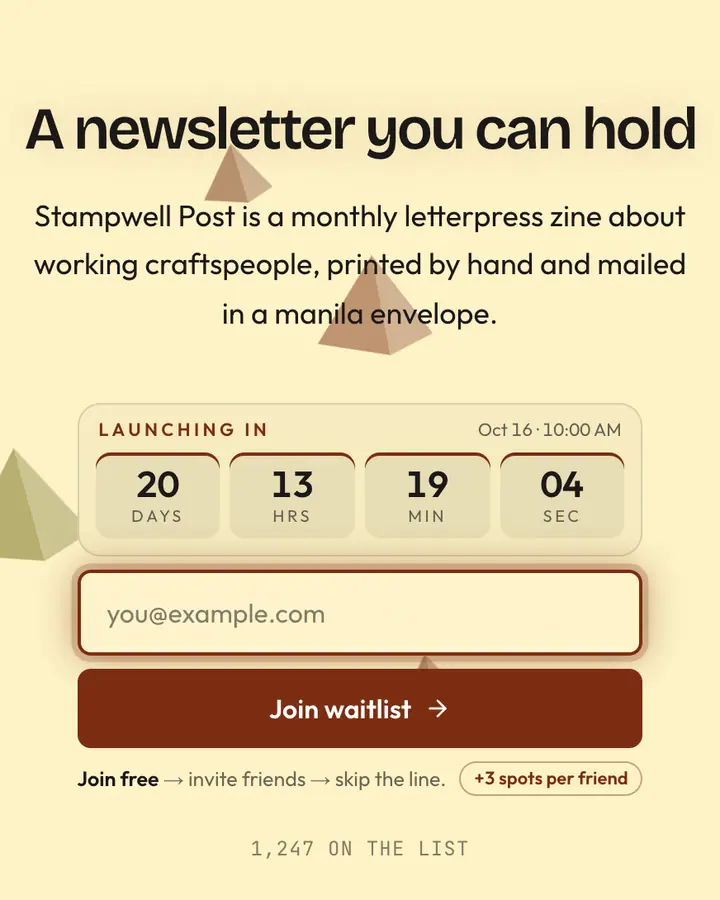
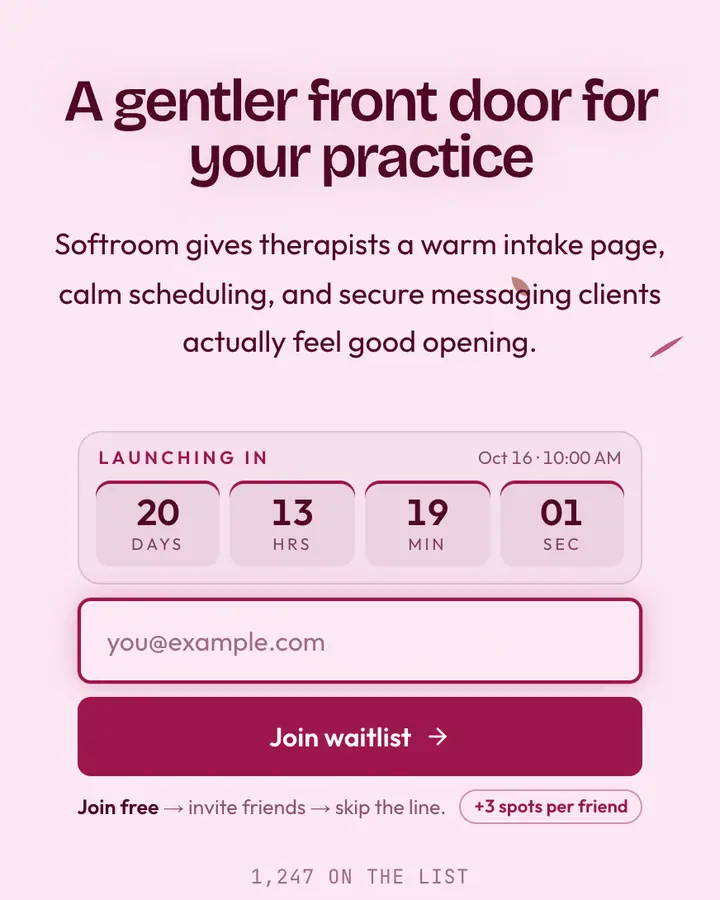
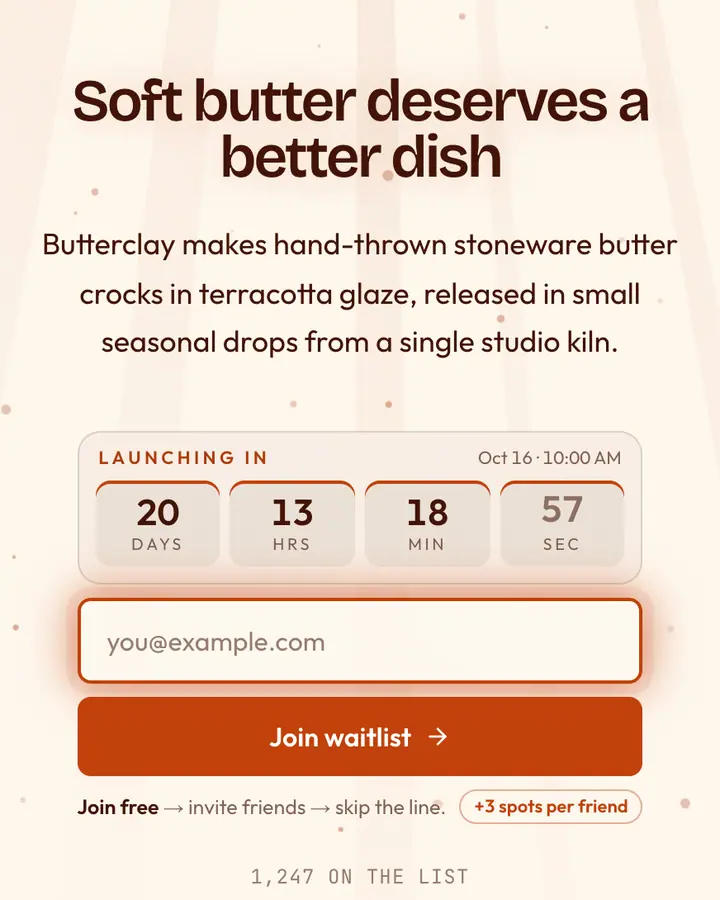
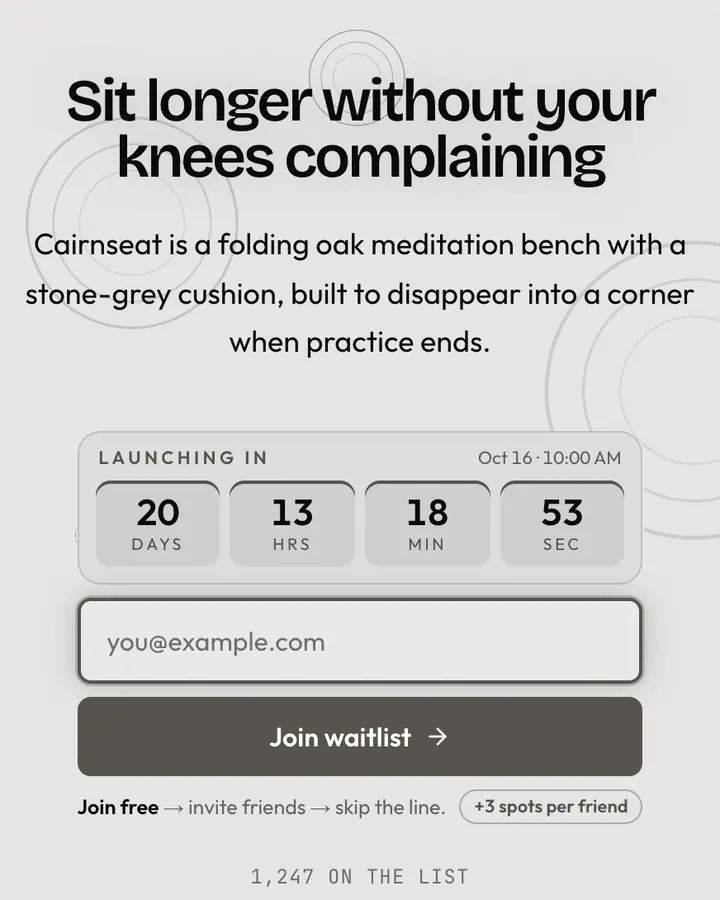
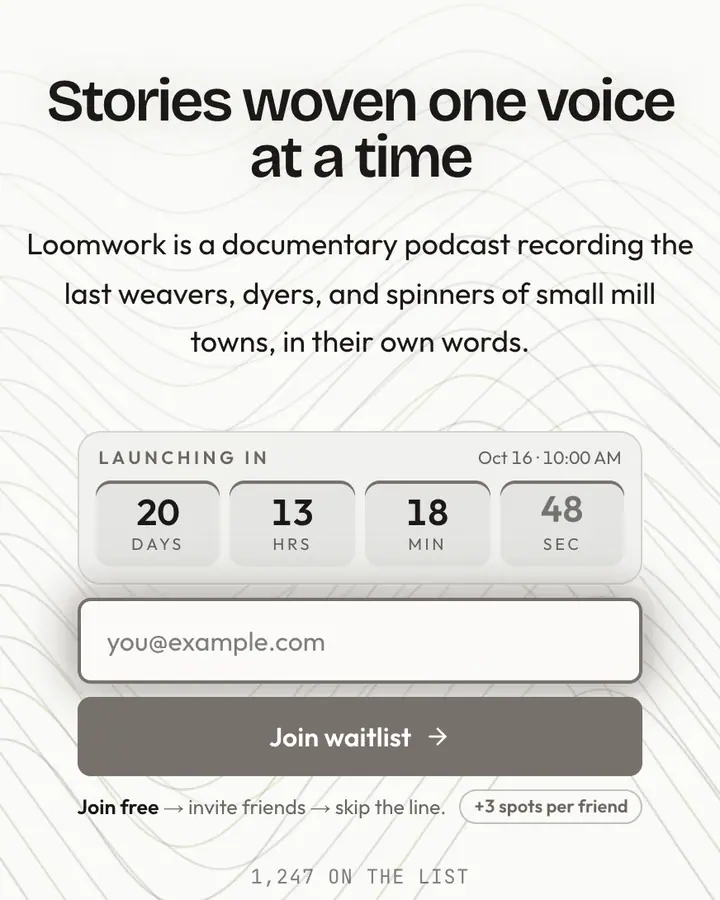
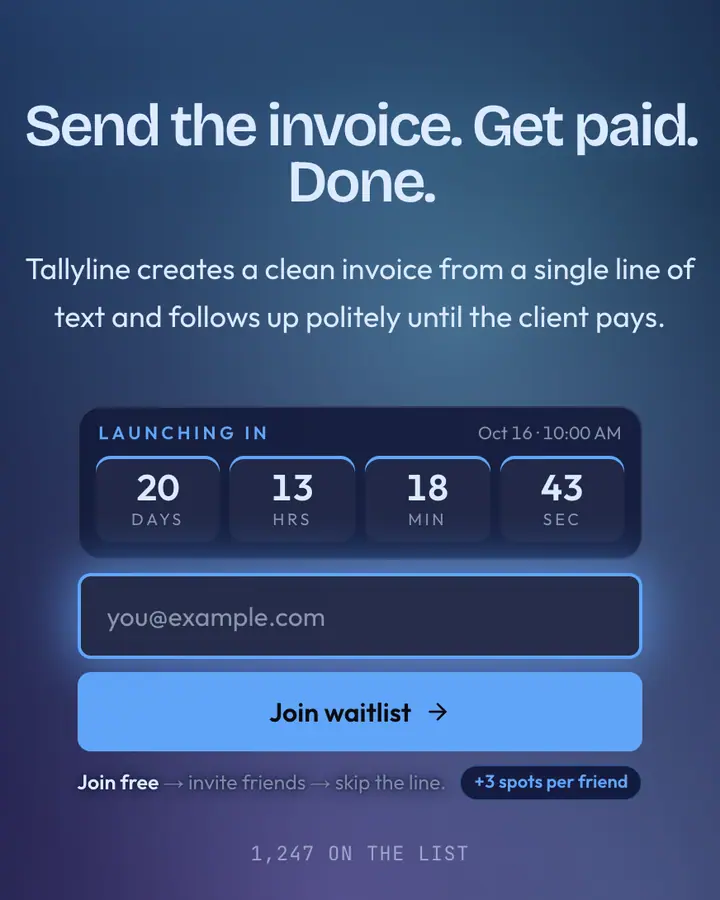
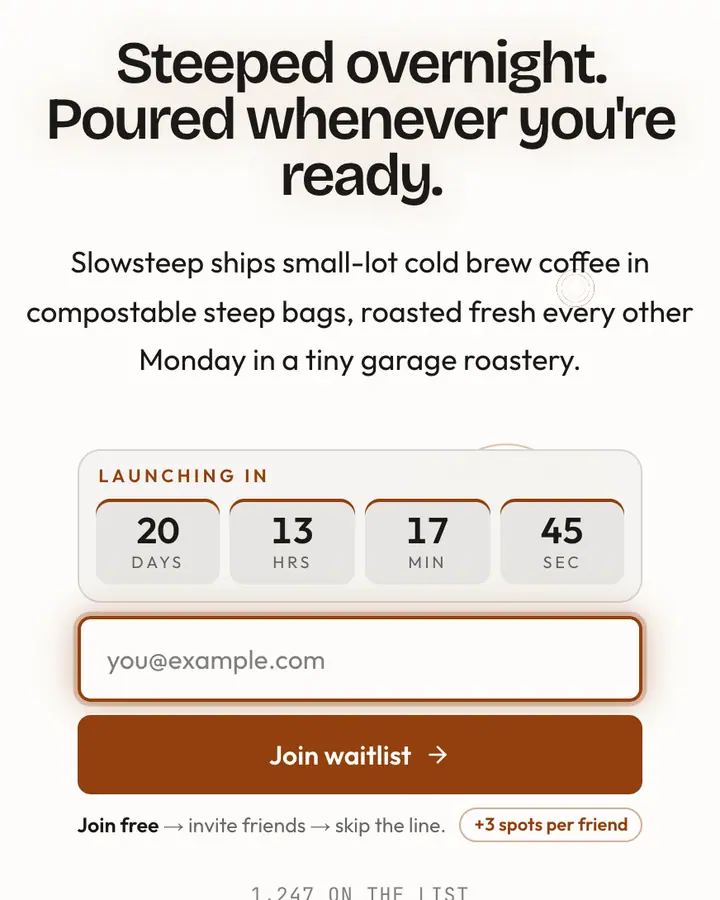
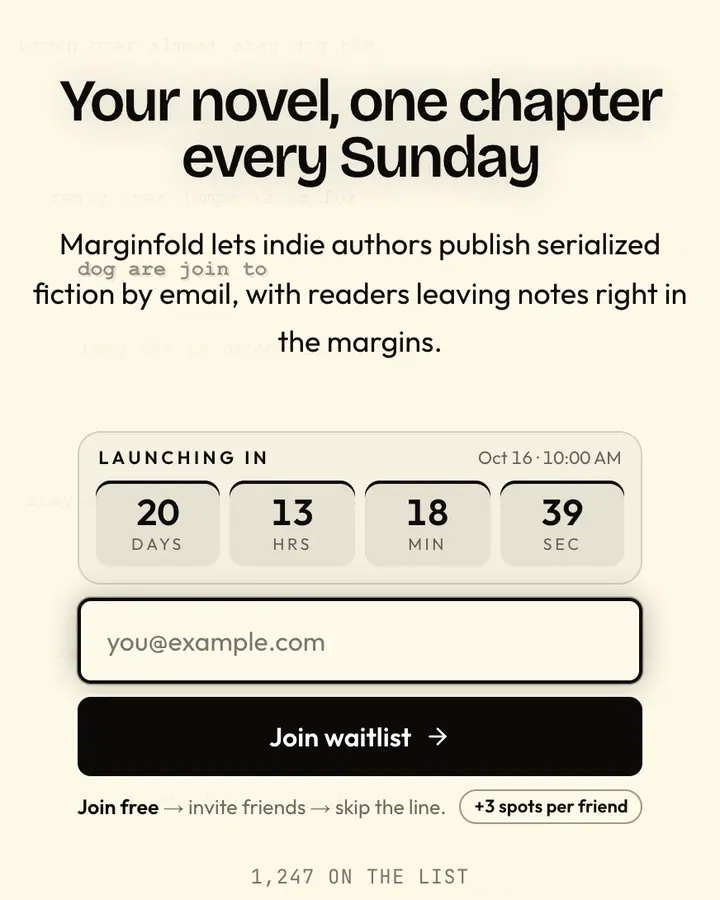
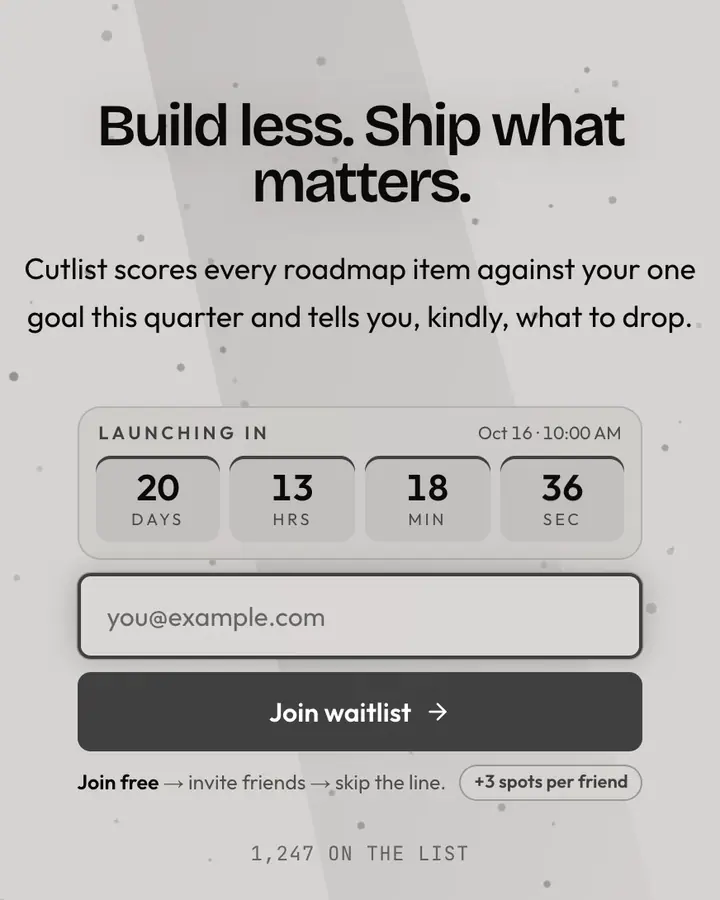
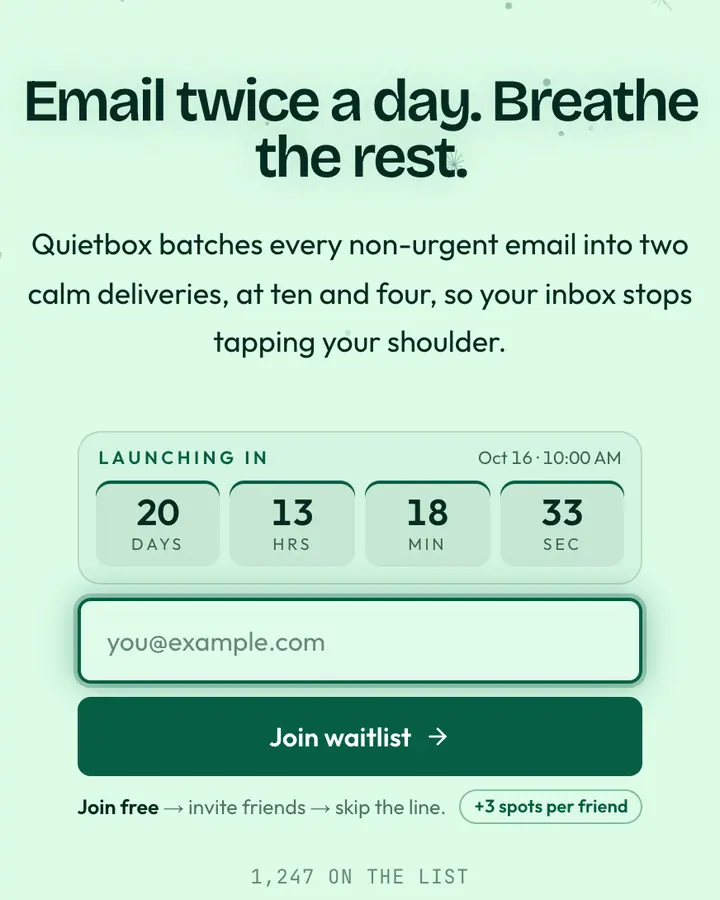
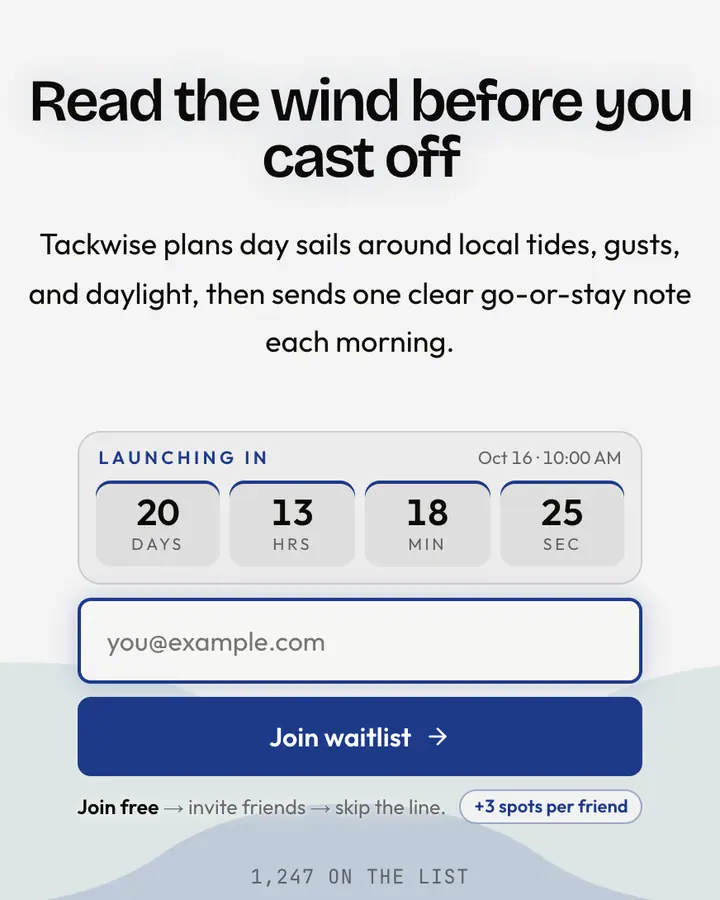
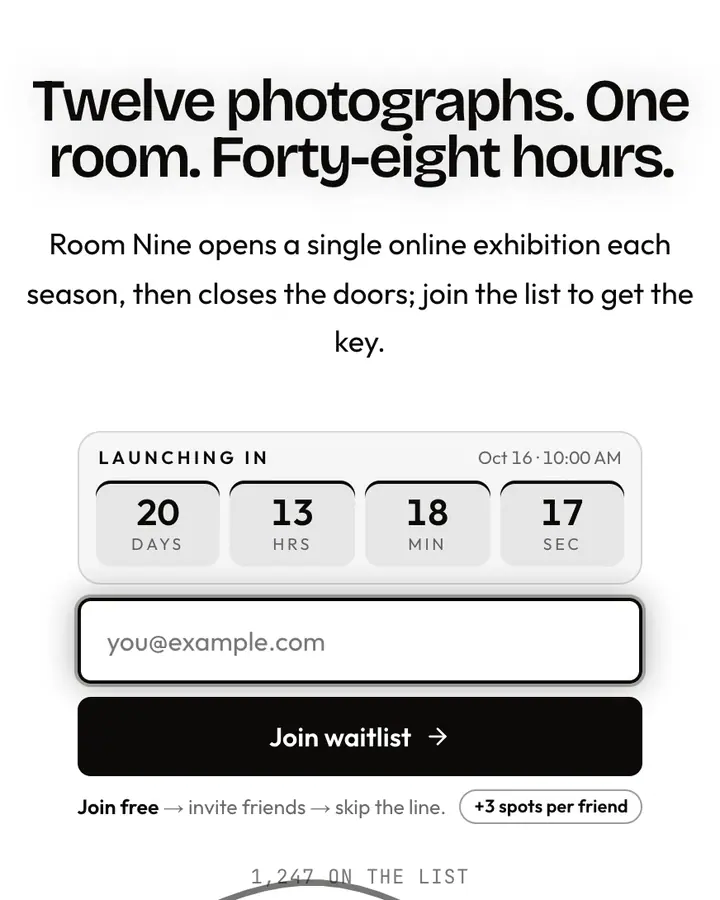
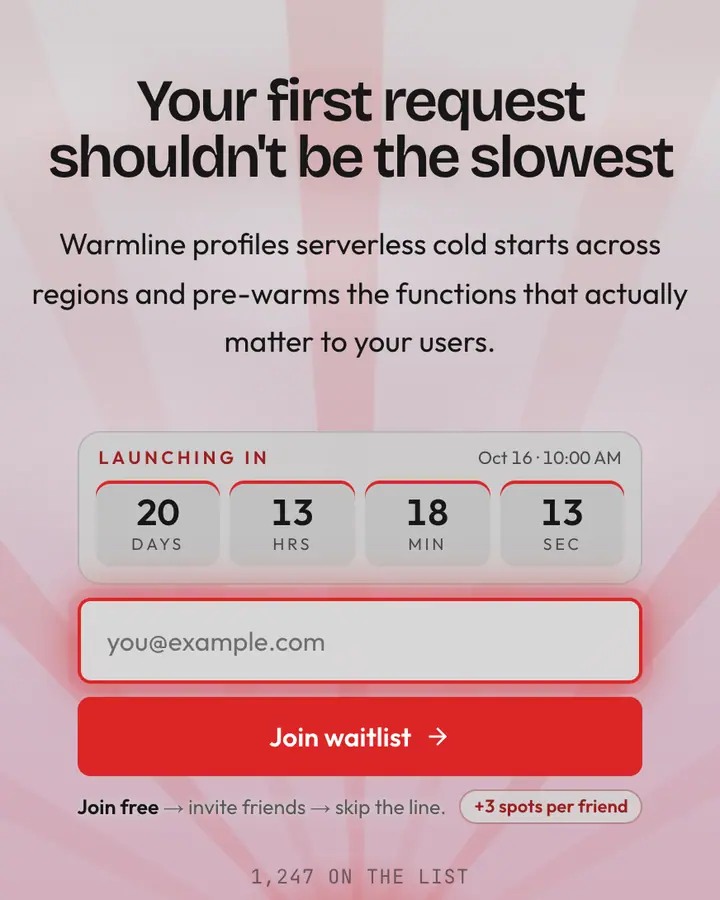
A minimal launch page wins on restraint. Give the headline one job (say what the product does, in under eight words) and let the subhead answer who it's for. Keep a single accent color and spend it only on the button and the referral highlight, so the eye always knows where to go next.
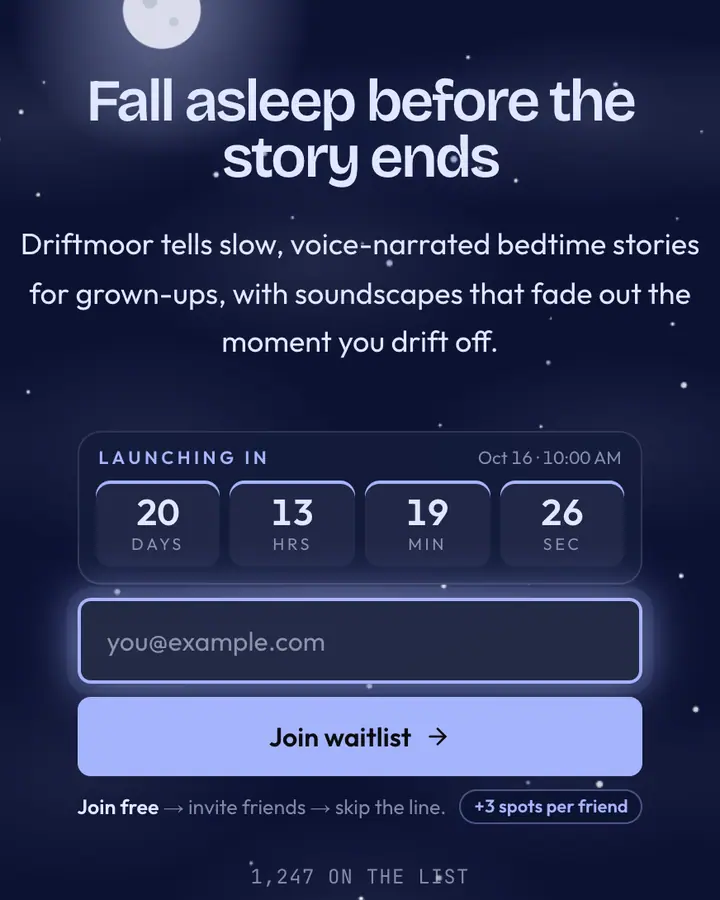
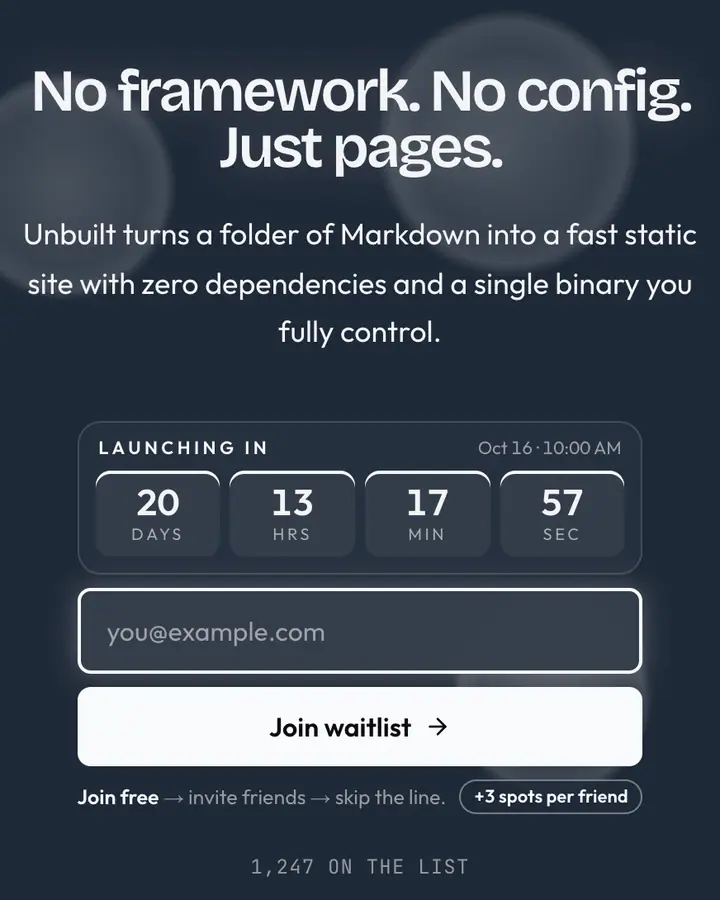
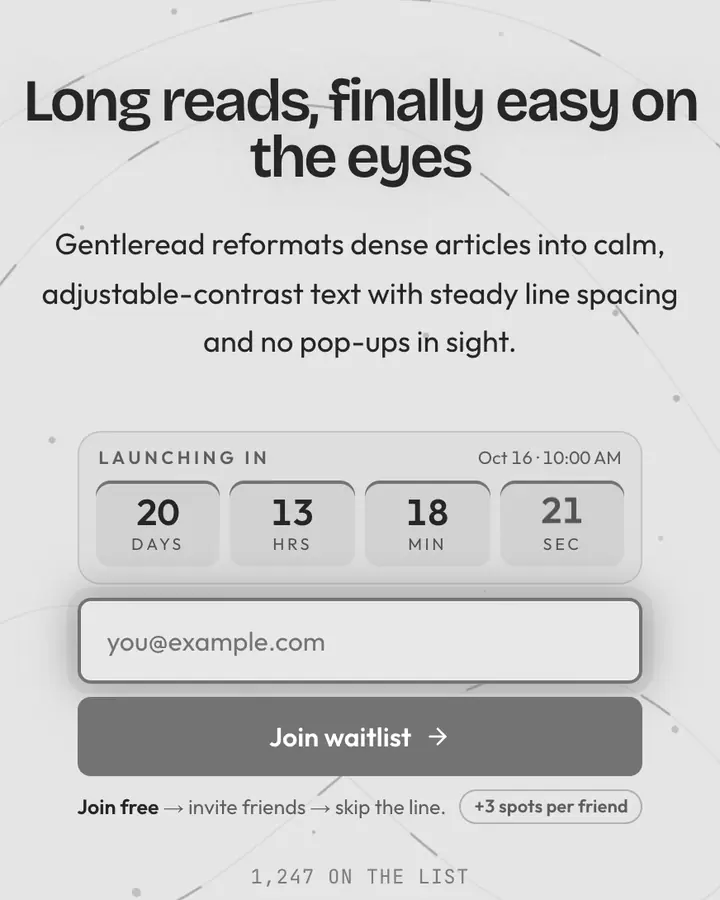
Whitespace is the design here, so don't fill it. A light background with near-black type is the most legible pairing there is; a dark indigo or slate works when your product lives at night, like dev tools or writing apps. Motion should stay subtle, a slow gradient or soft light, never a light show. This style suits B2B betas, productivity tools and solo projects where trust matters more than spectacle.
Best minimal templates for…
- For any first launch: Minimal, the original centered layout, dark slate with an indigo button.
- For B2B betas: Clean Canvas, off-white, one call to action and nothing else on the page.
- For consumer apps: Warm Cream, buttery cream with a terracotta accent feels friendly, not corporate.
- For writing and notes tools: Cobalt Simple, saturated blue with a clean serif that reads like a good editor.
Minimal templates FAQ
What counts as a minimal waitlist template?
One column, one headline, one signup form and a single accent color. The referral panel and optional countdown sit below the form, so the page stays simple without dropping the growth features.
Are minimal templates better for conversion?
We don't have data that proves one style converts better than another. A minimal page does make the offer easier to scan, which helps when your headline is already clear.
Can I start minimal and switch styles later?
Yes. Your subscribers, referral links and stats belong to the page, not the template, so you can change the template in the editor without losing anyone on the list.