What makes a good tech & SaaS launch page
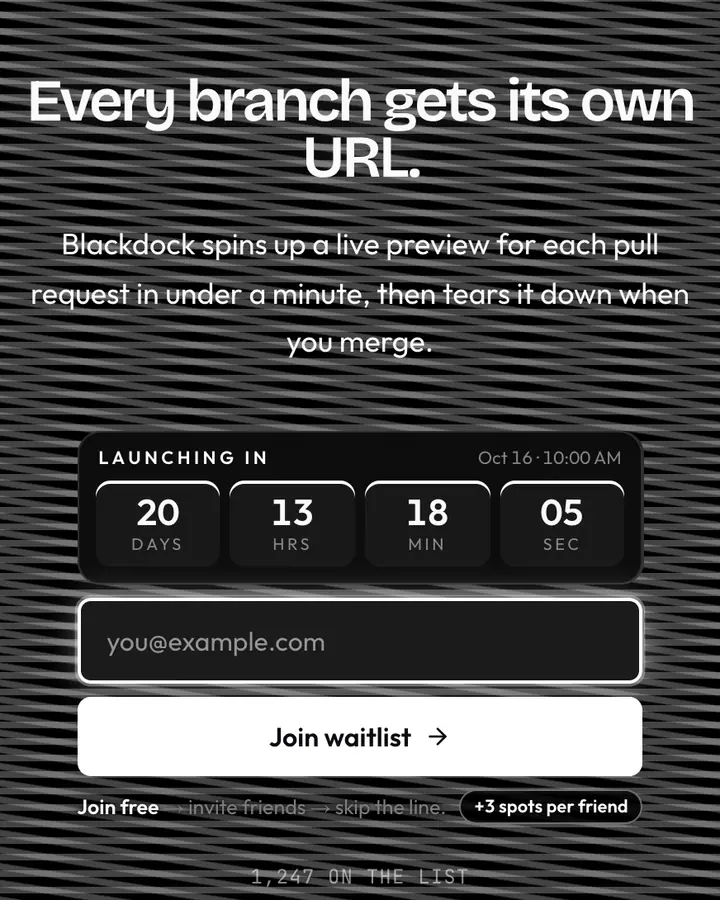
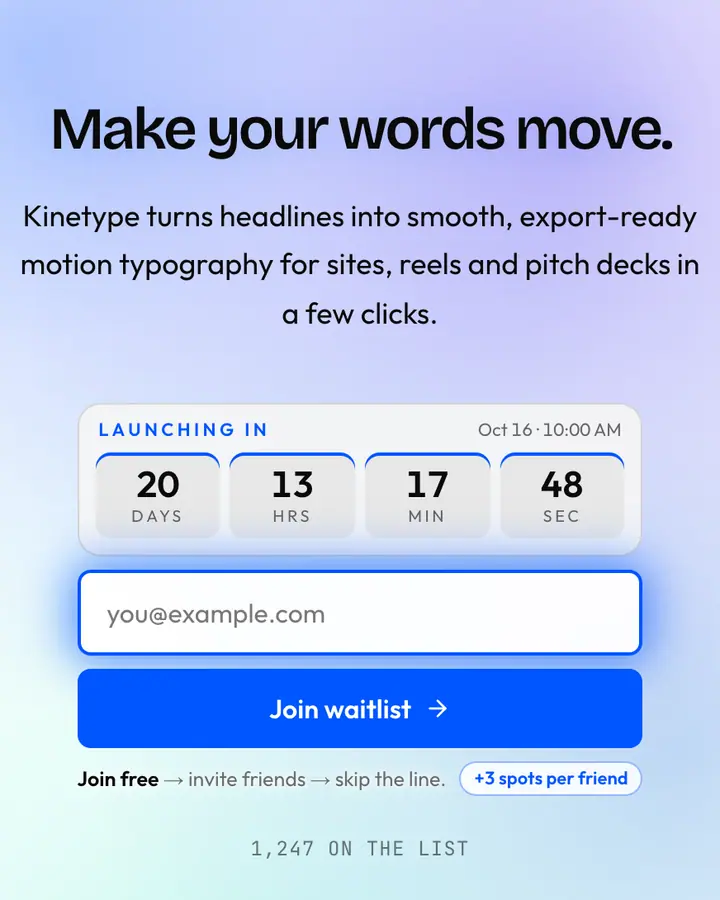
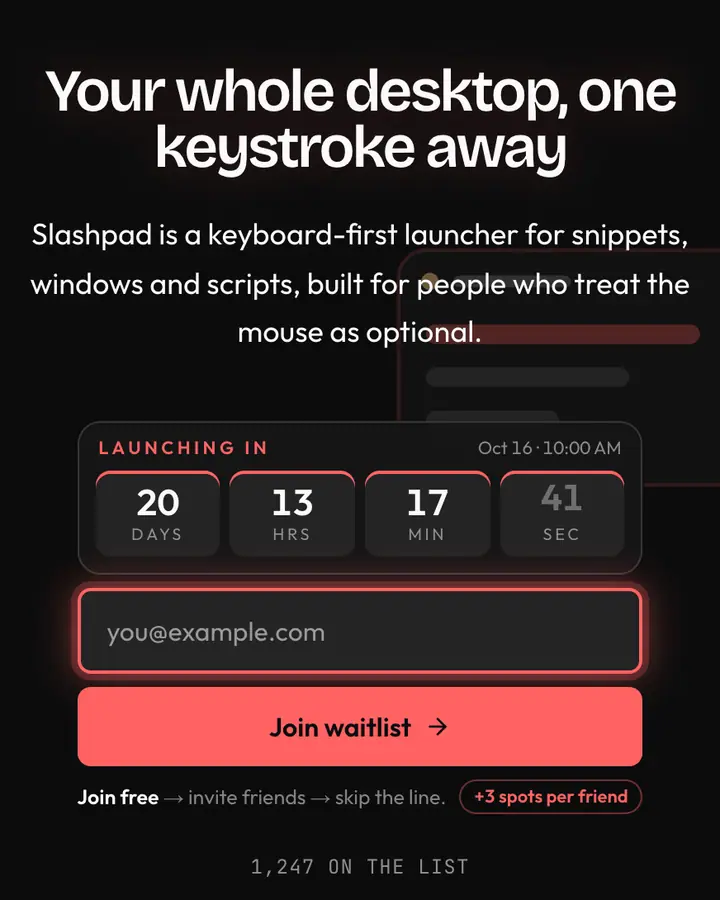
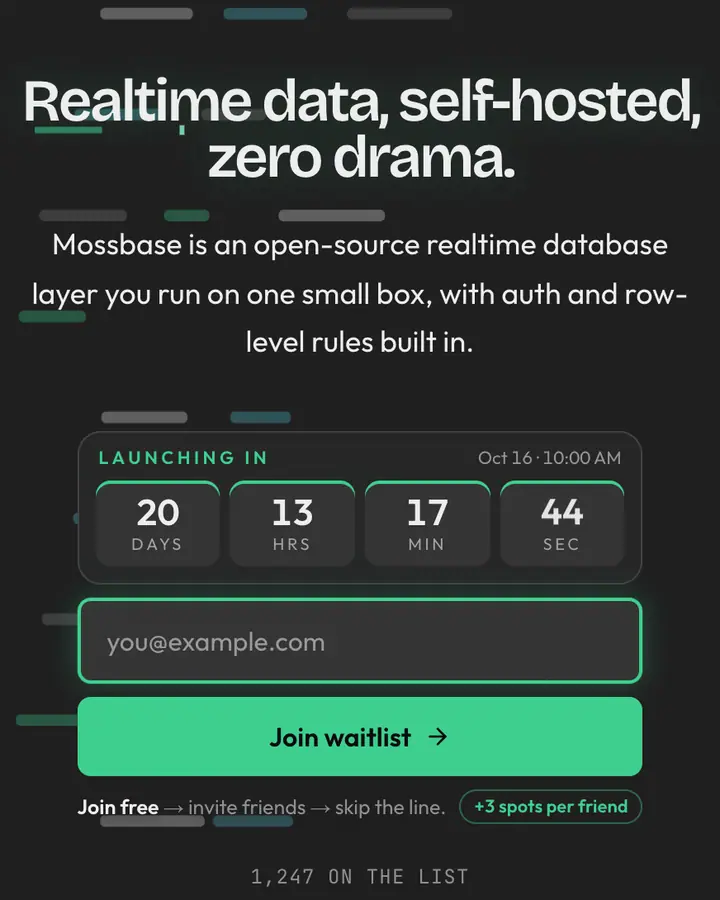
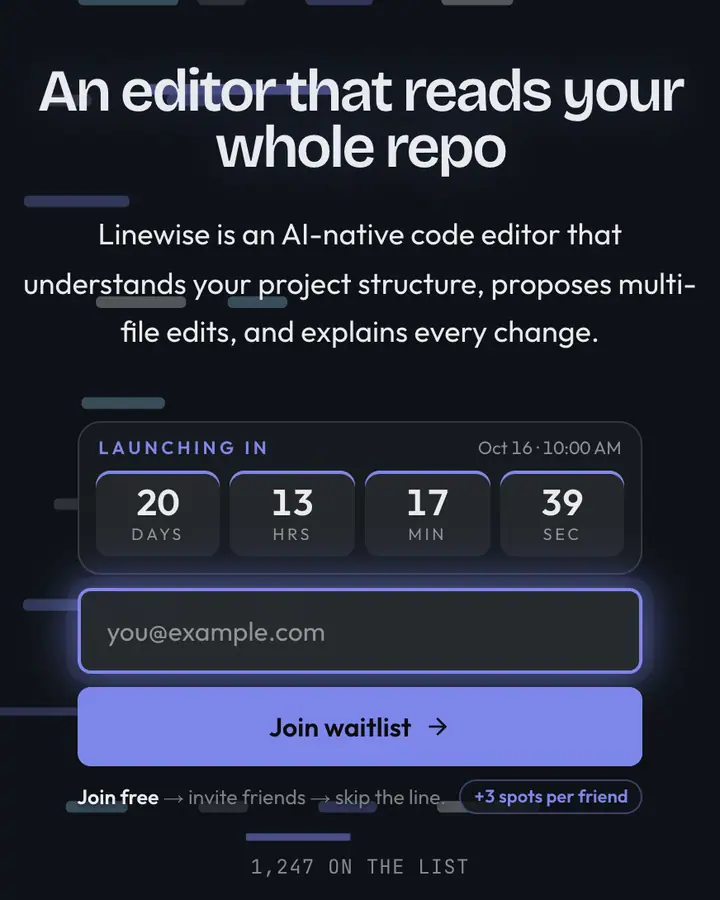
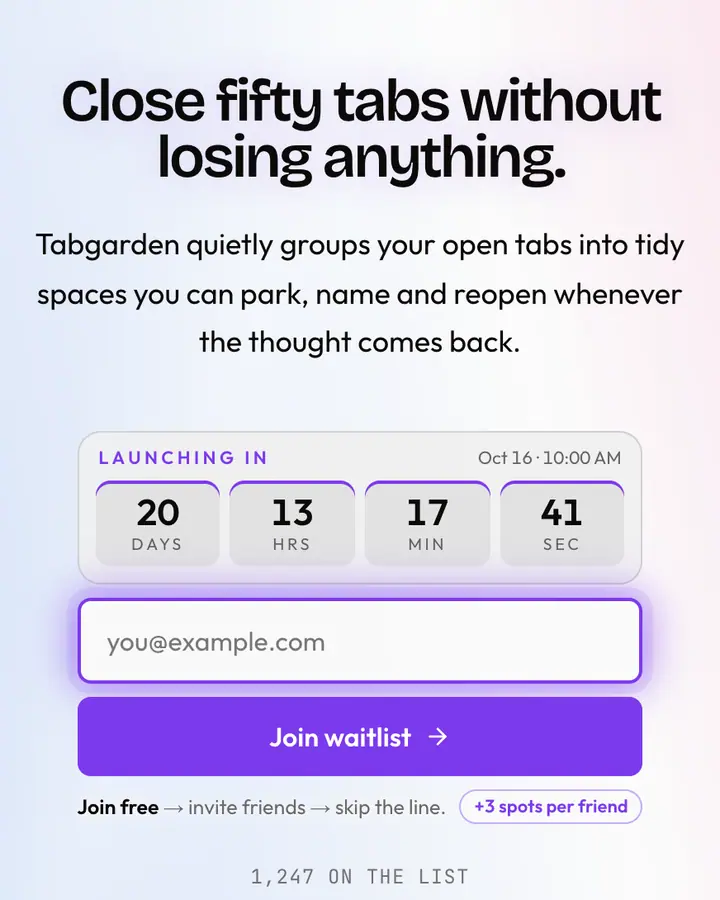
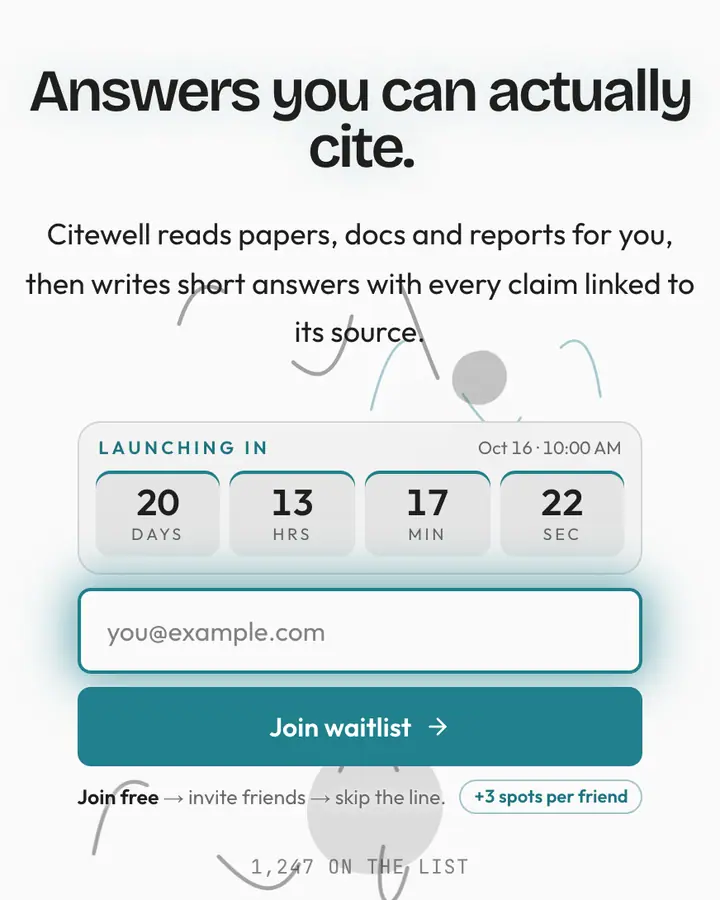
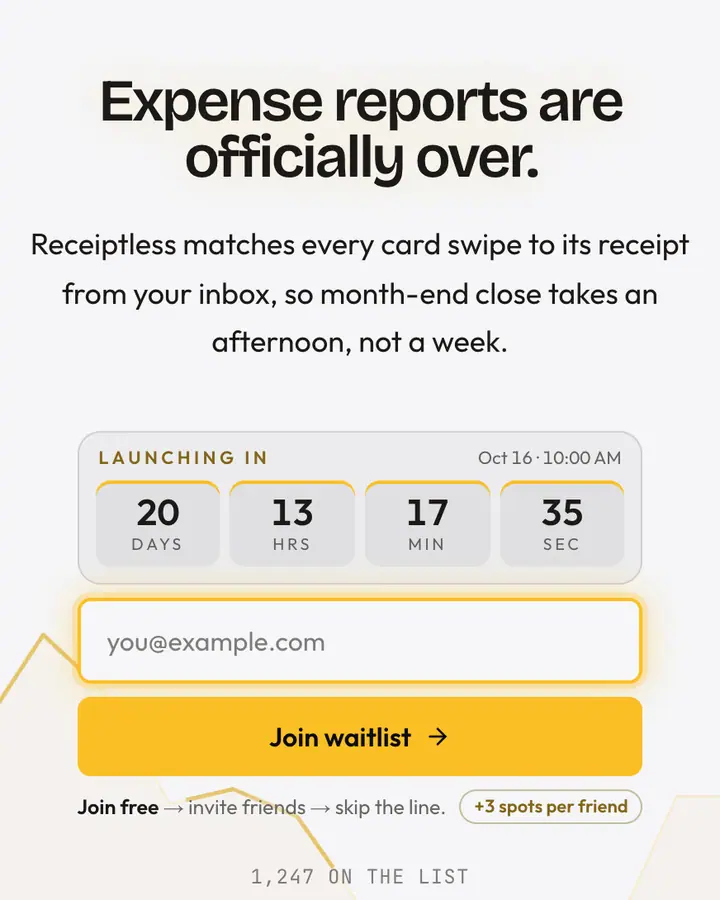
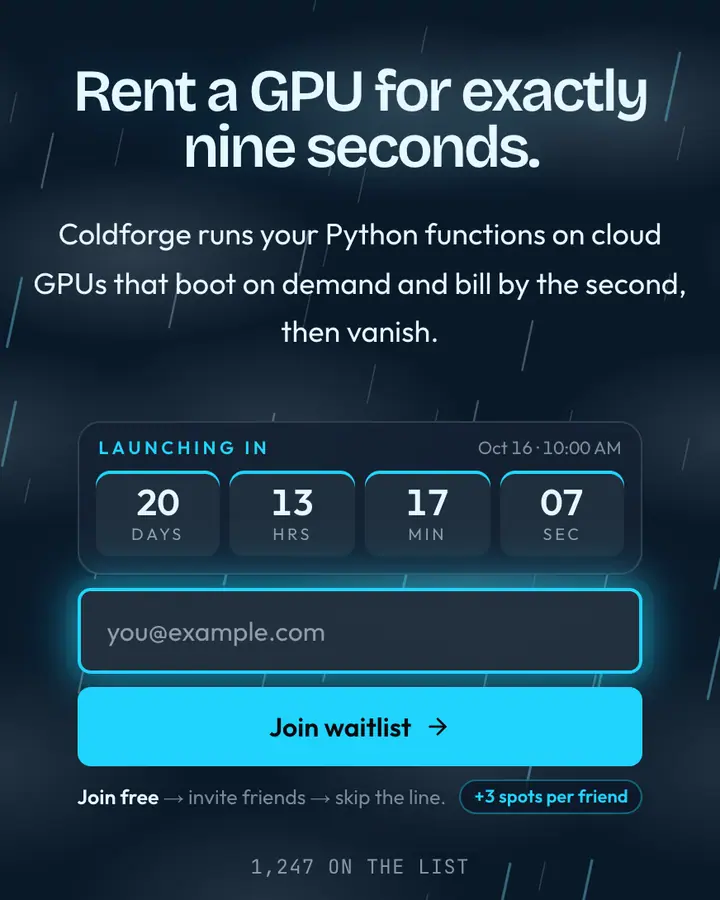
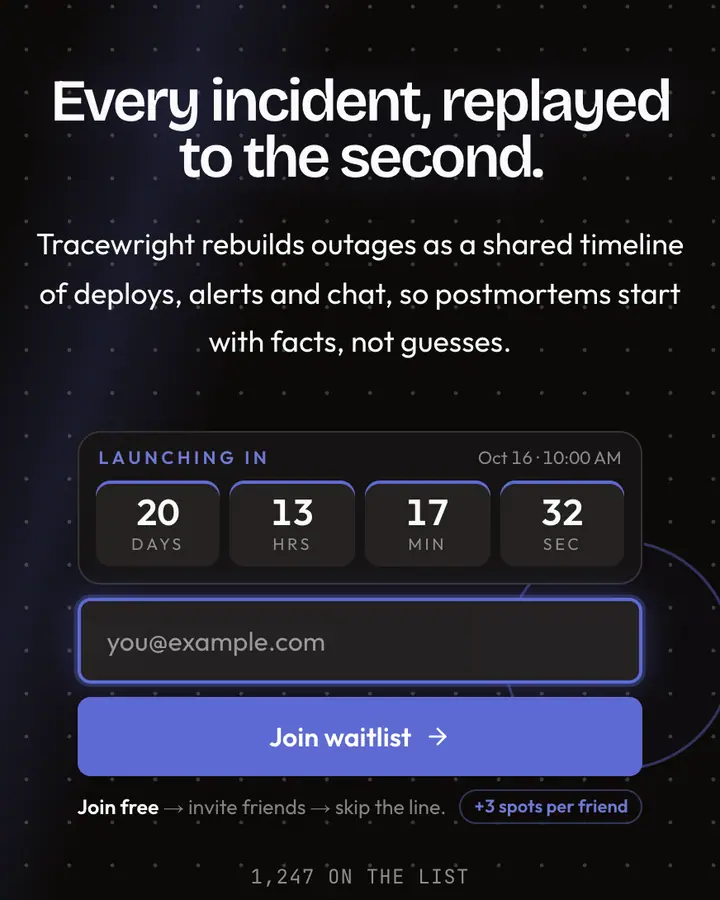
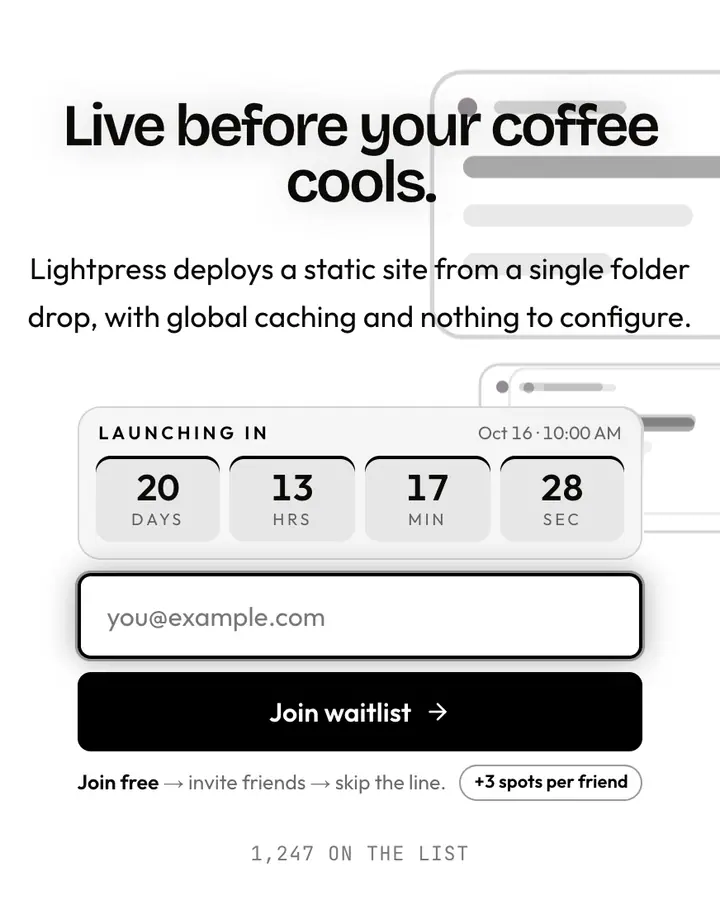
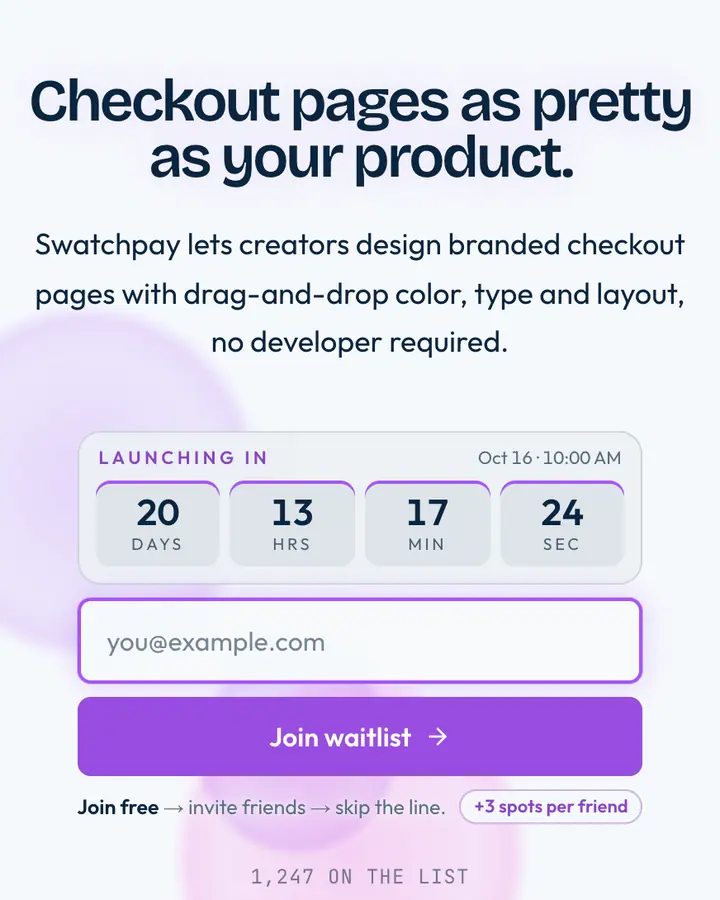
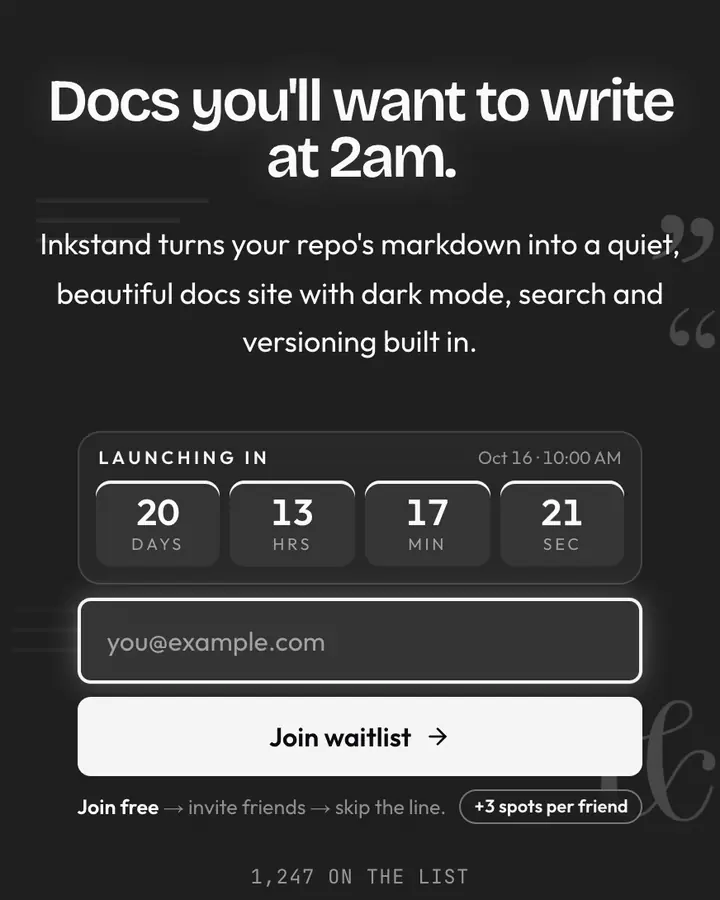
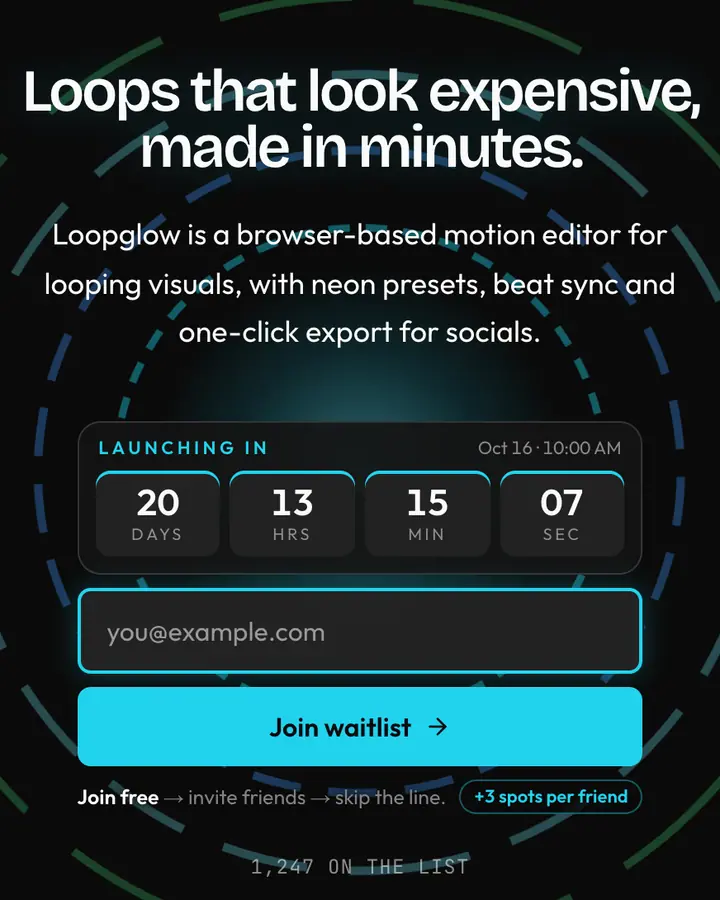
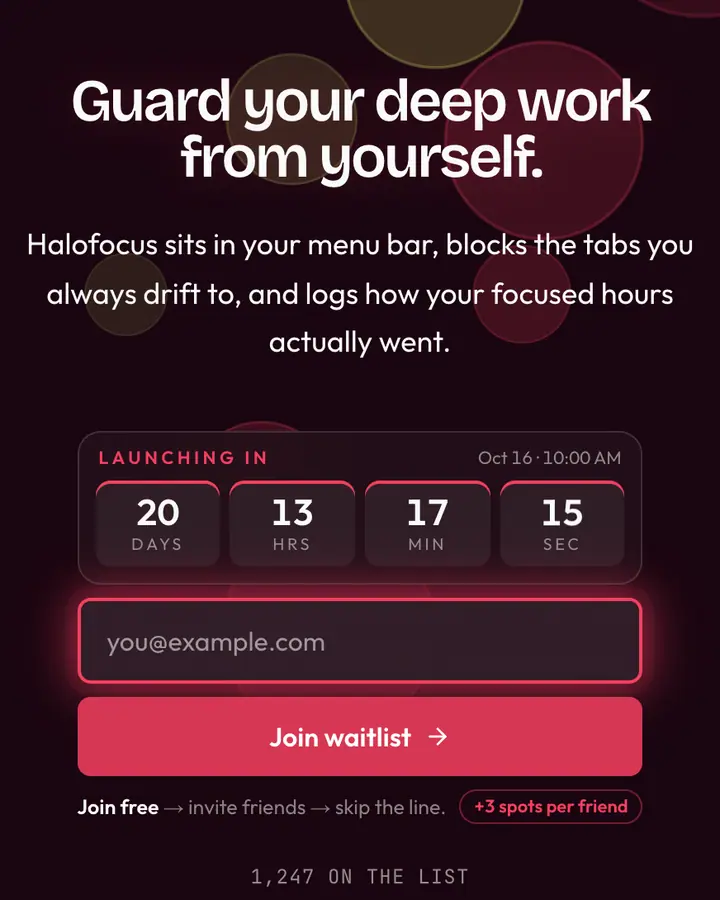
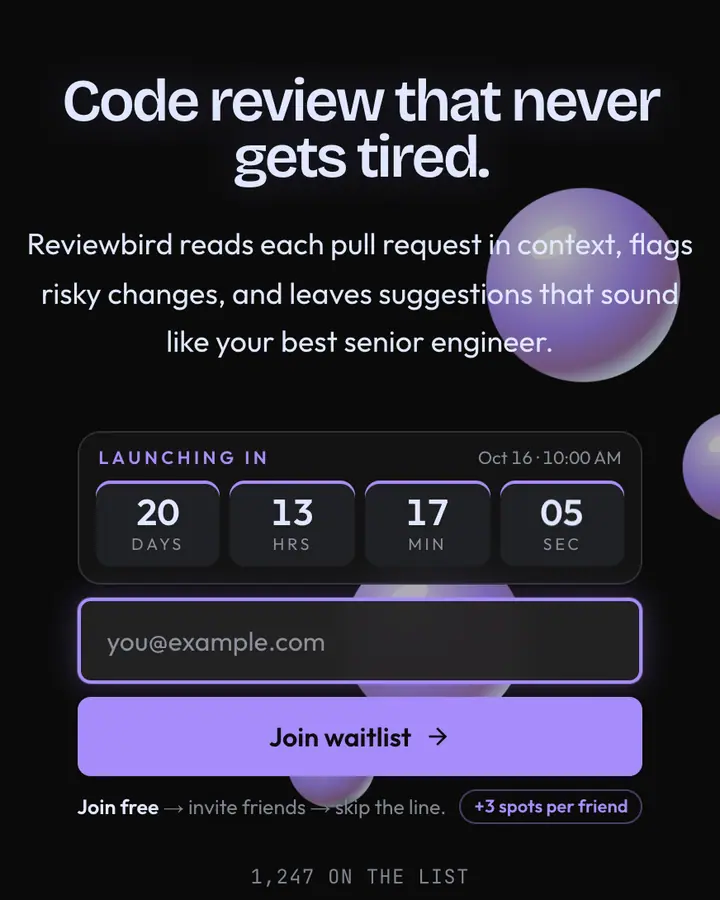
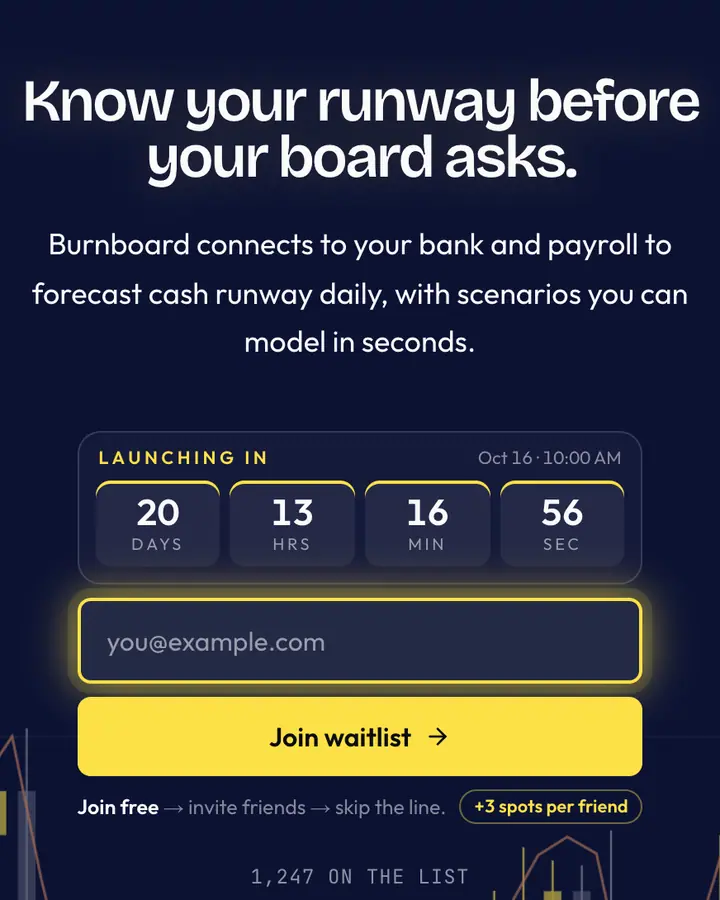
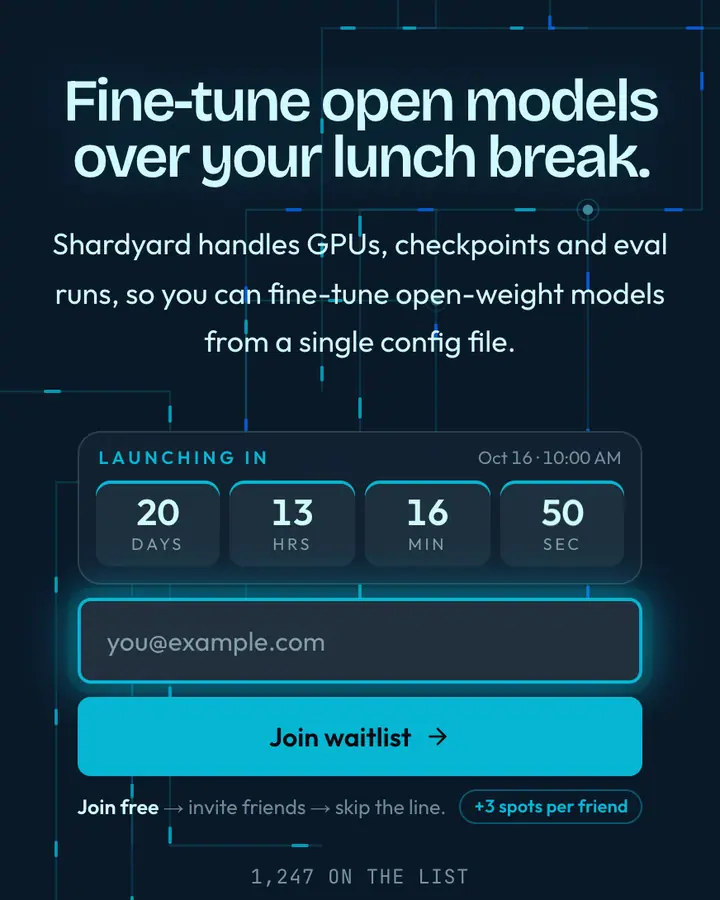
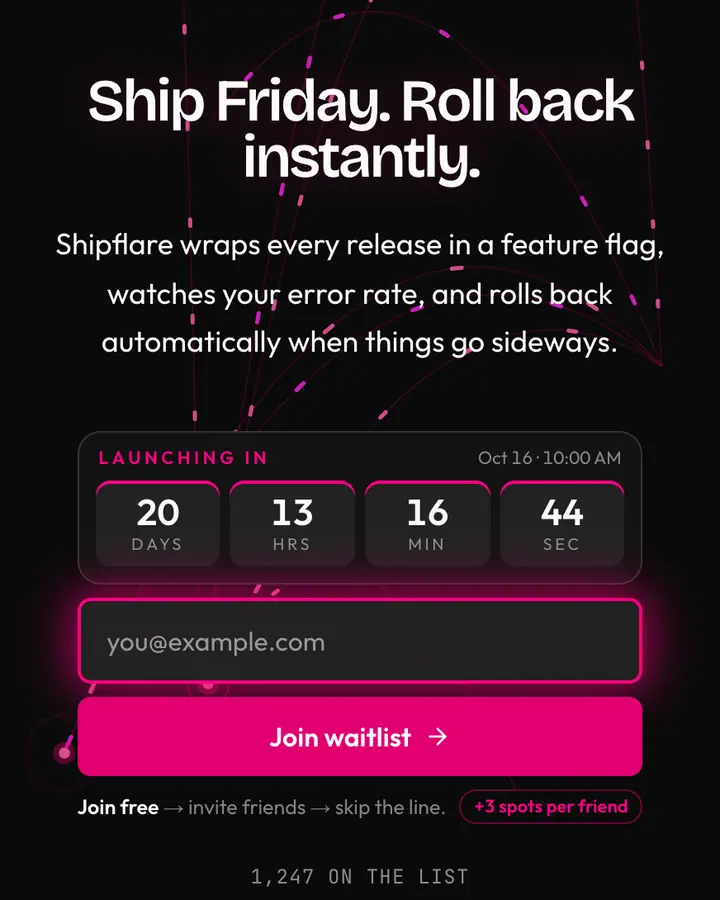
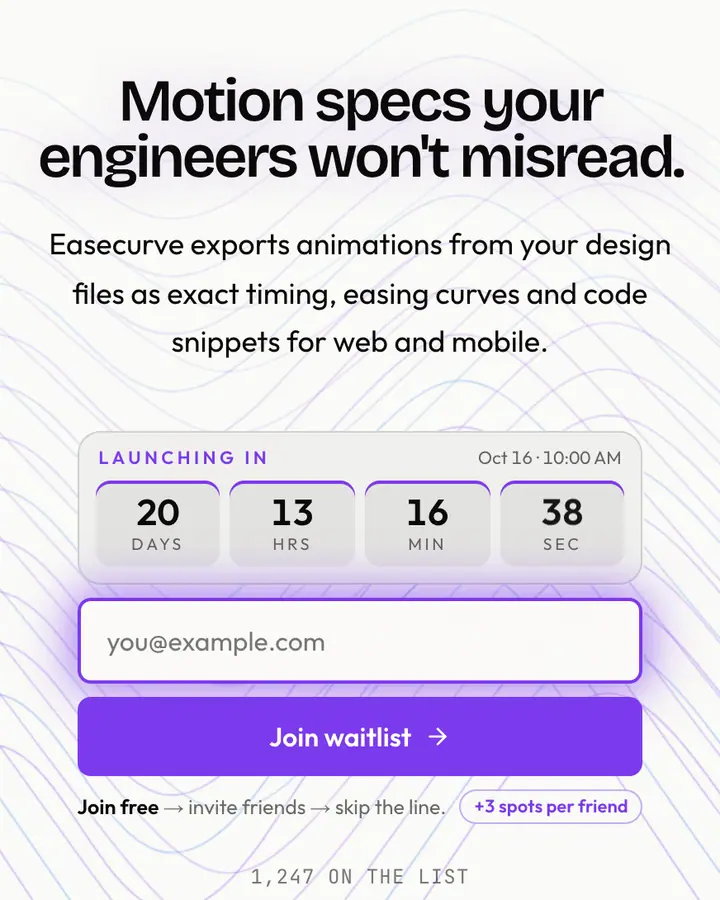
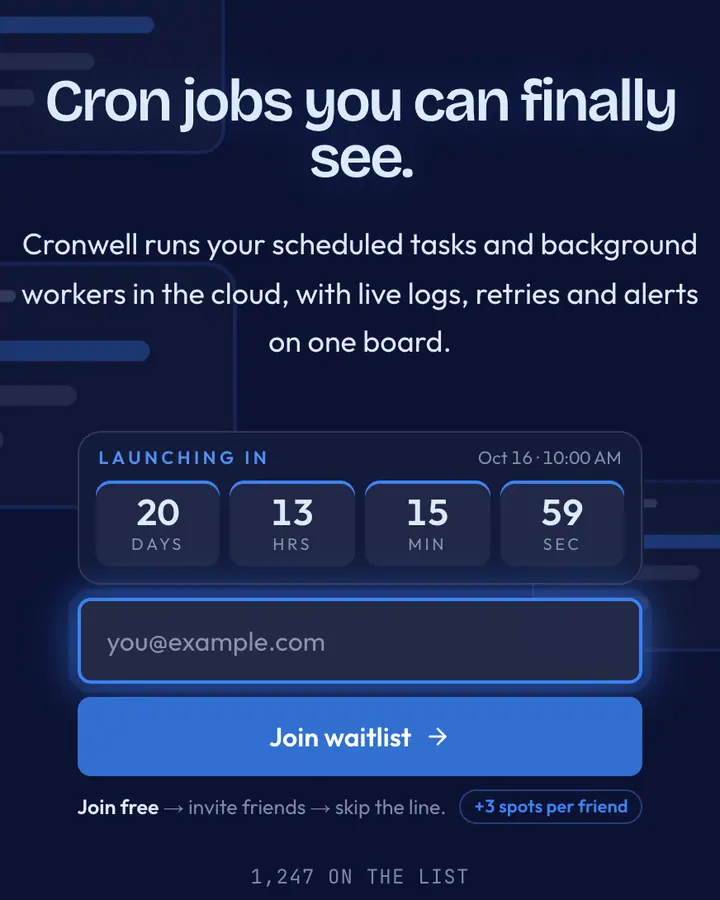
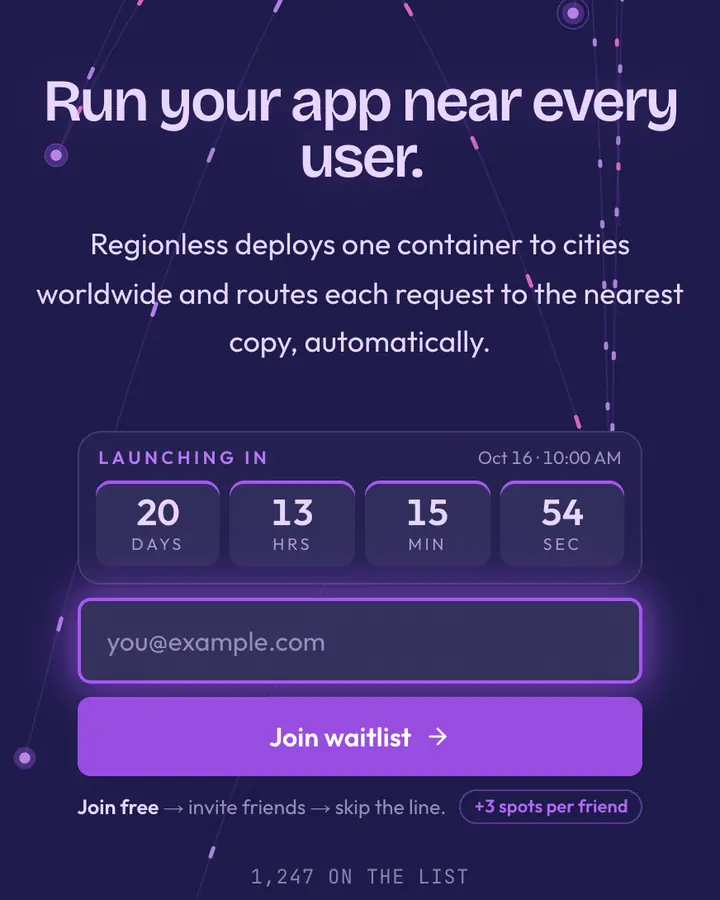
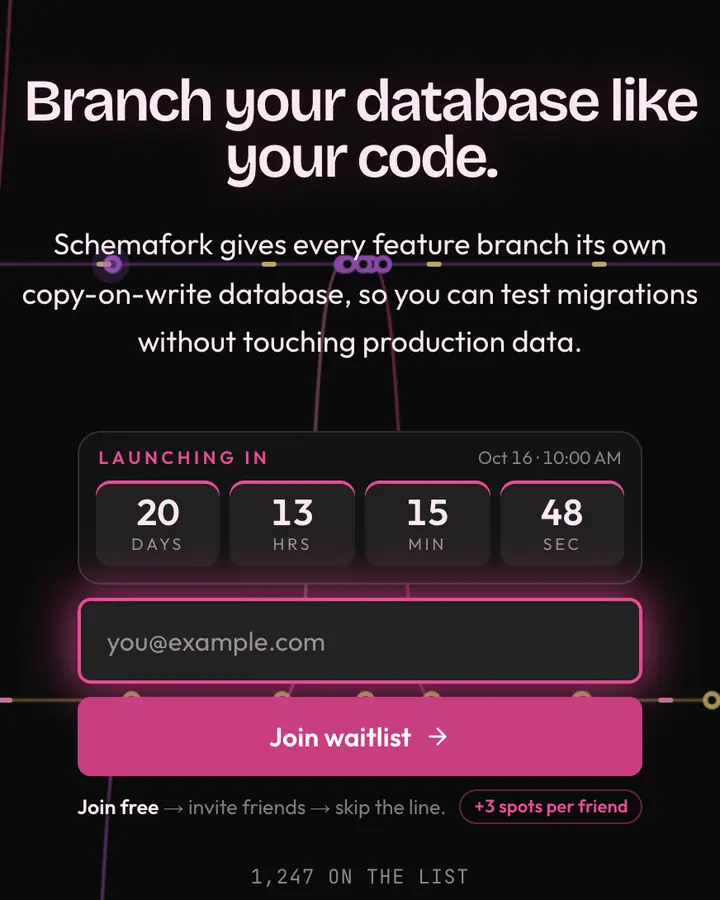
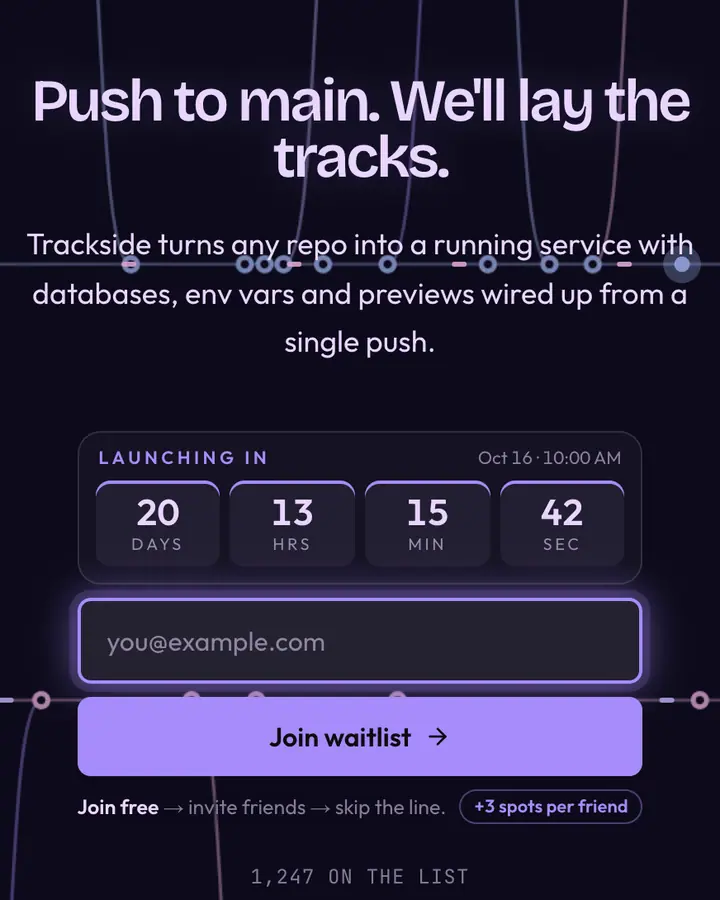
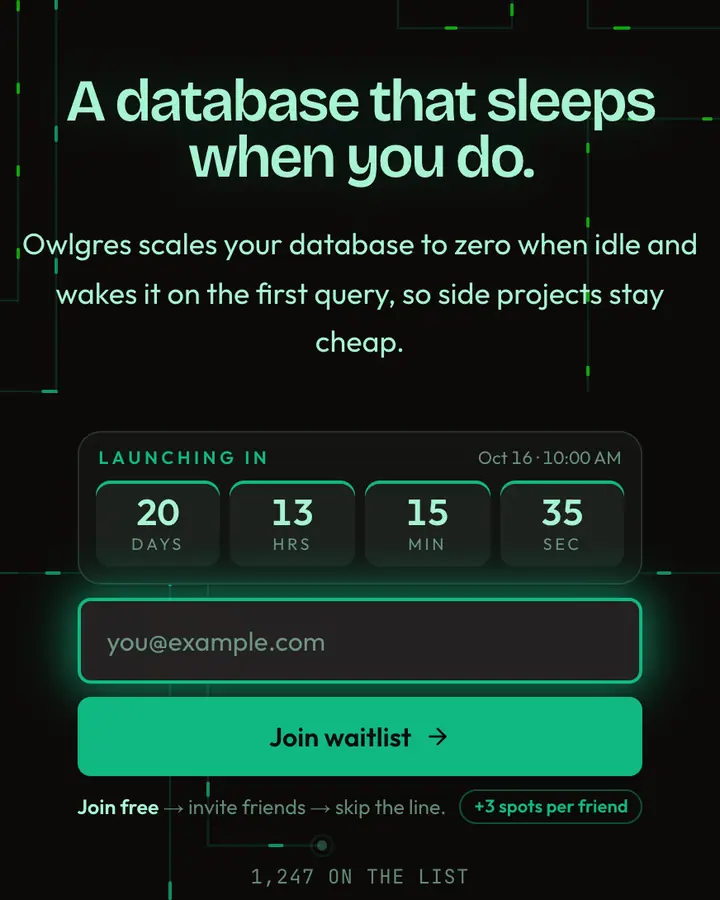
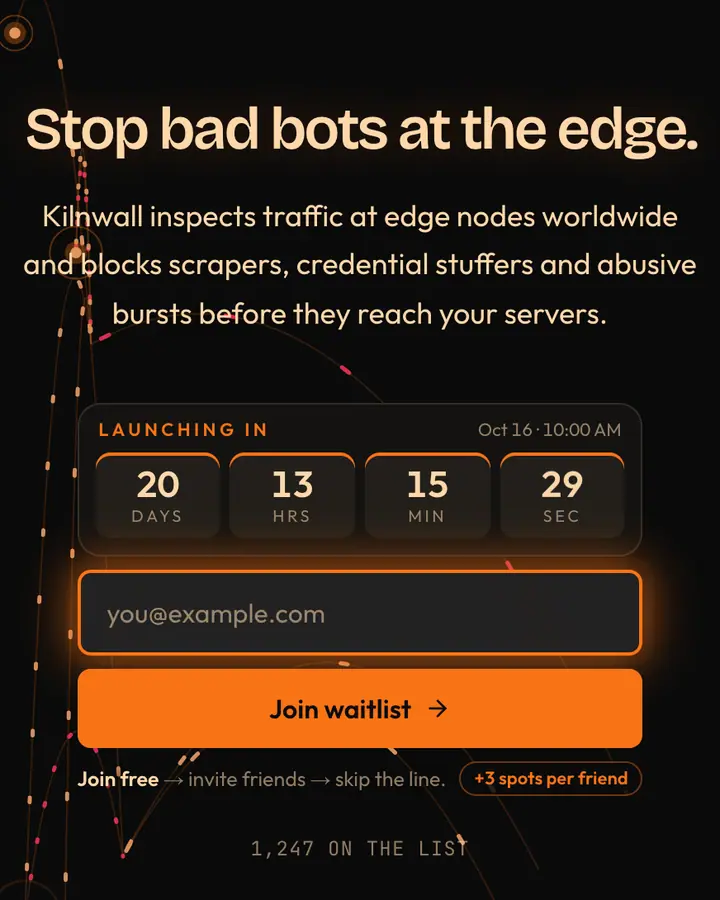
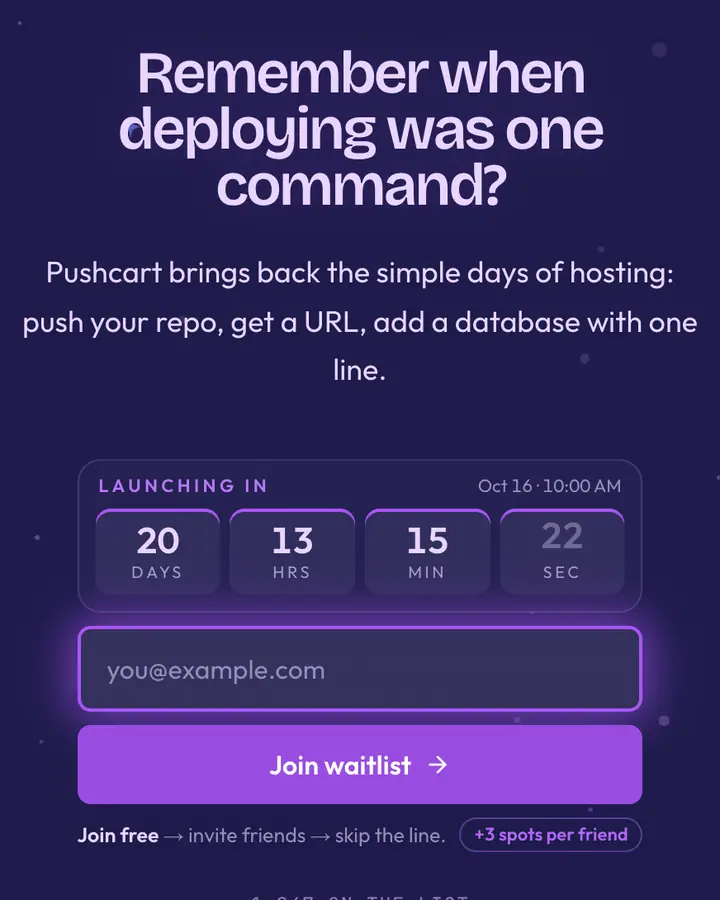
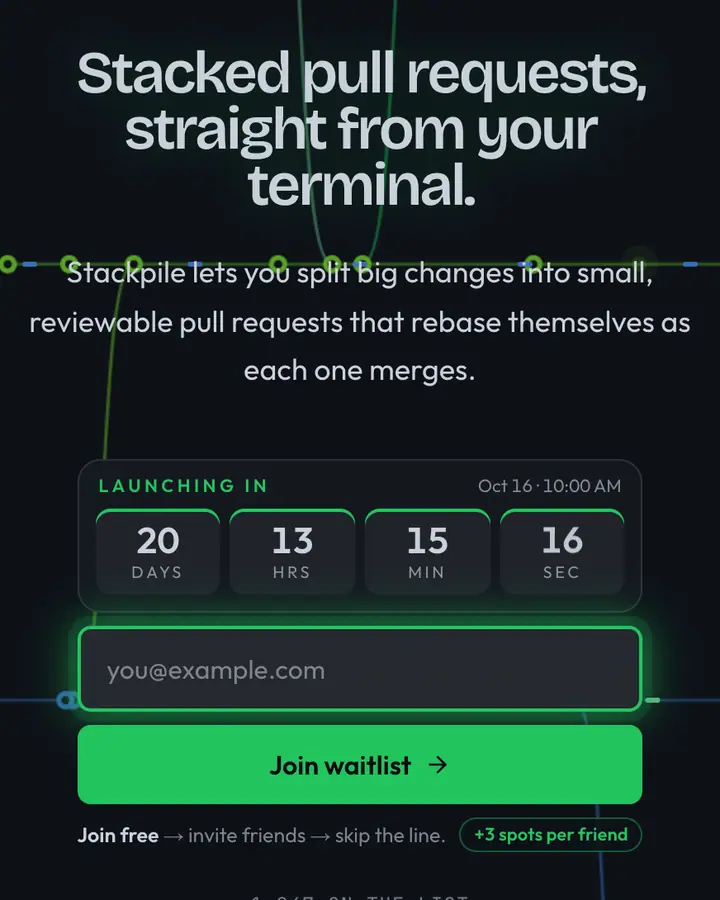
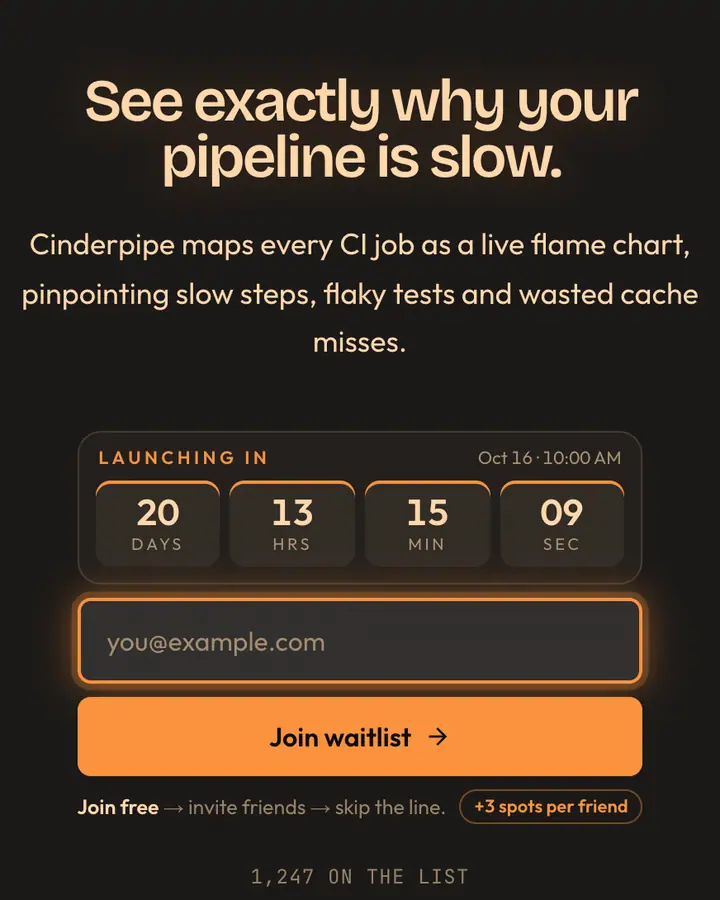
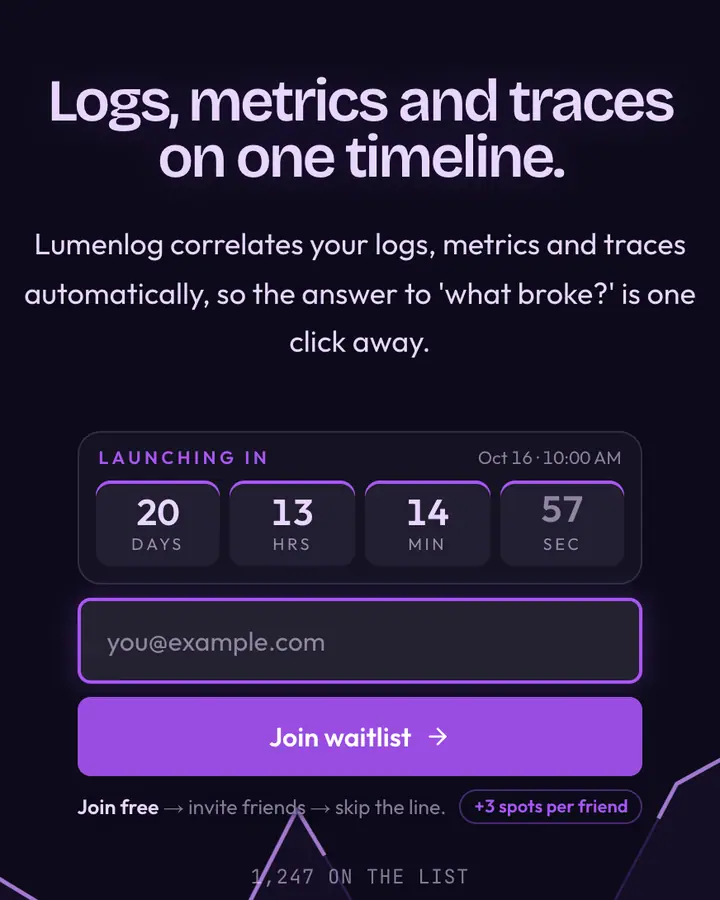
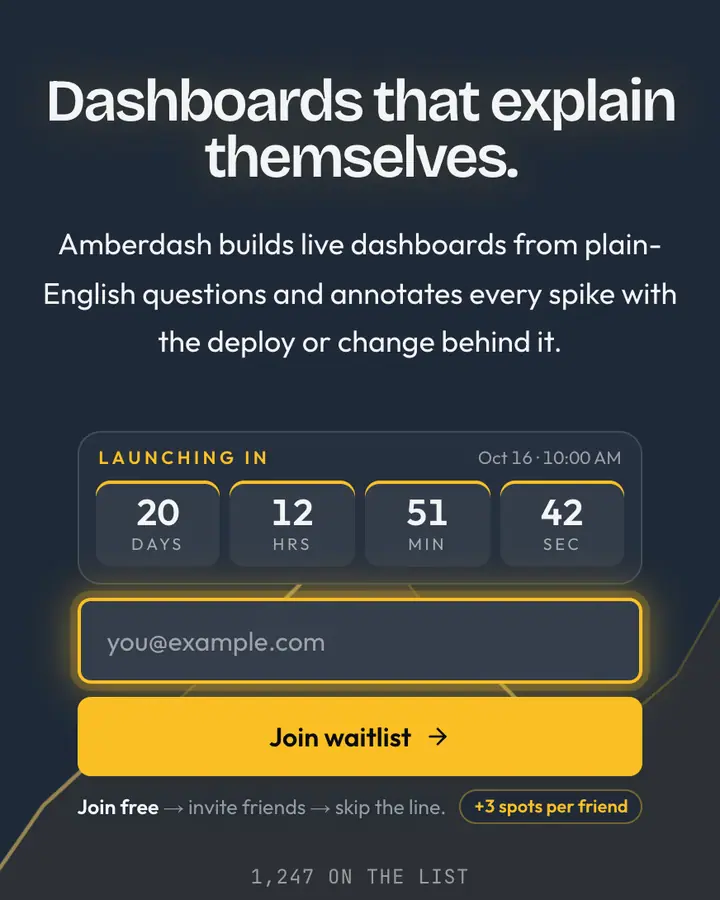
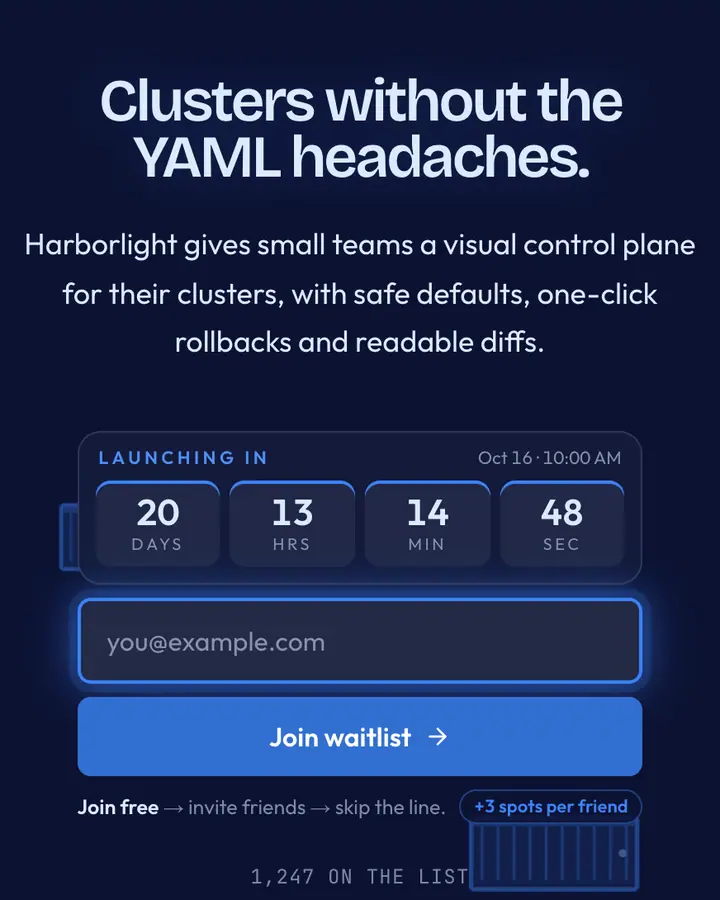
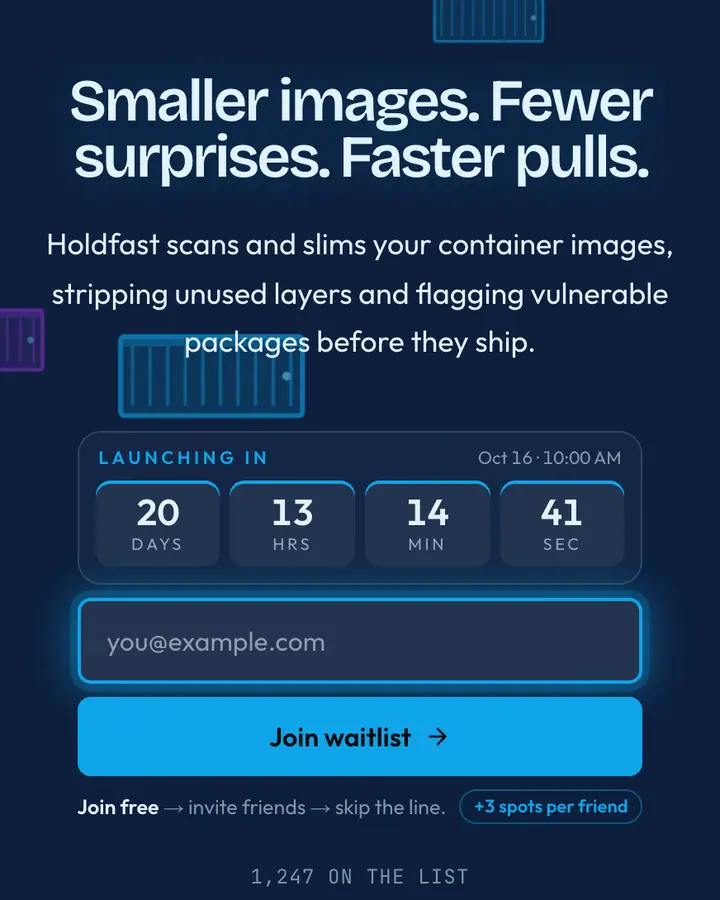
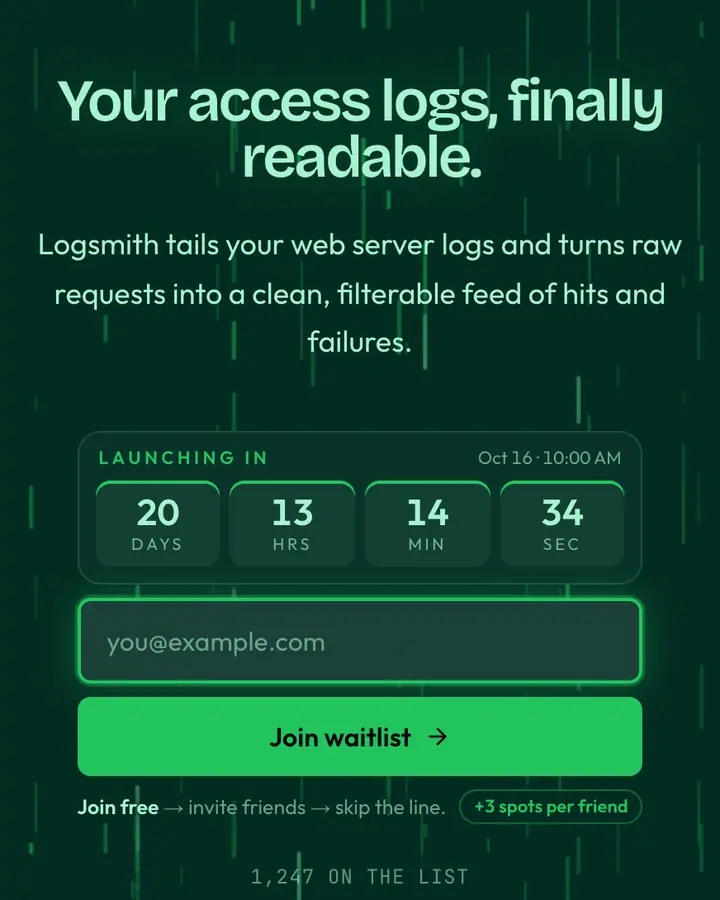
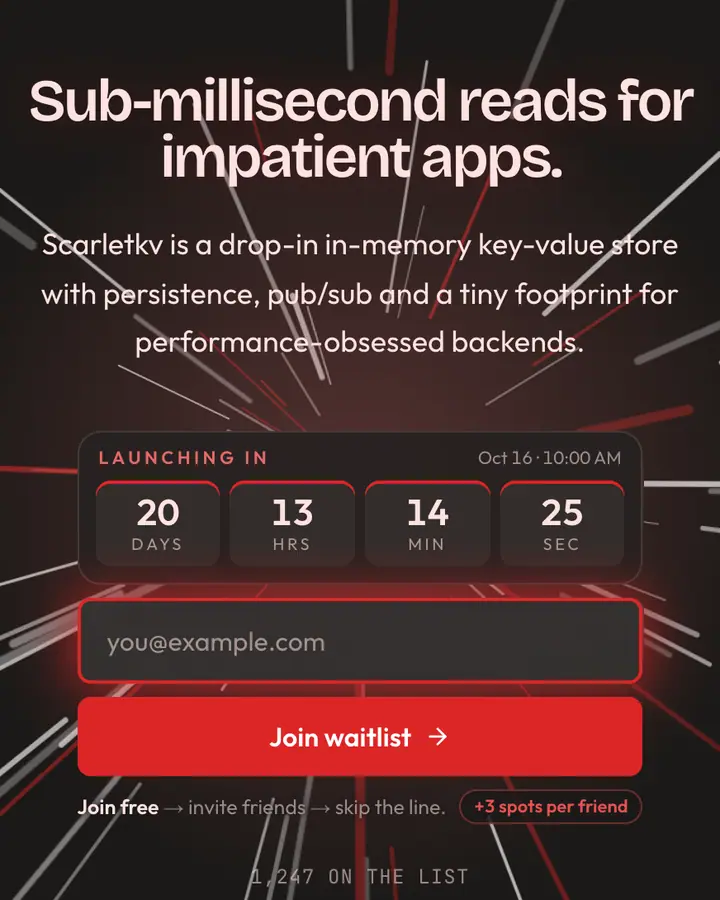
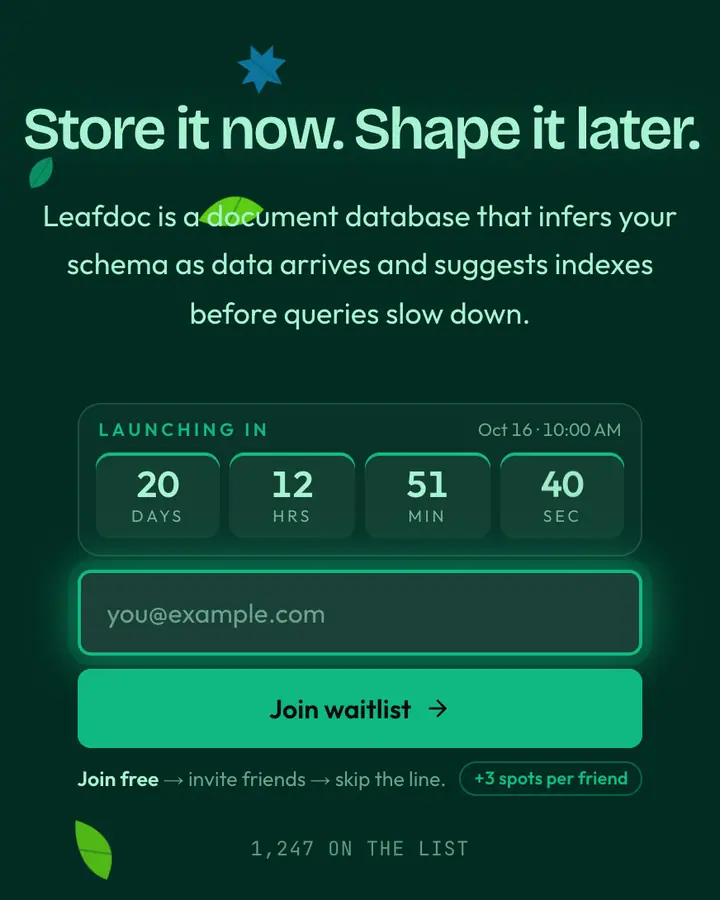
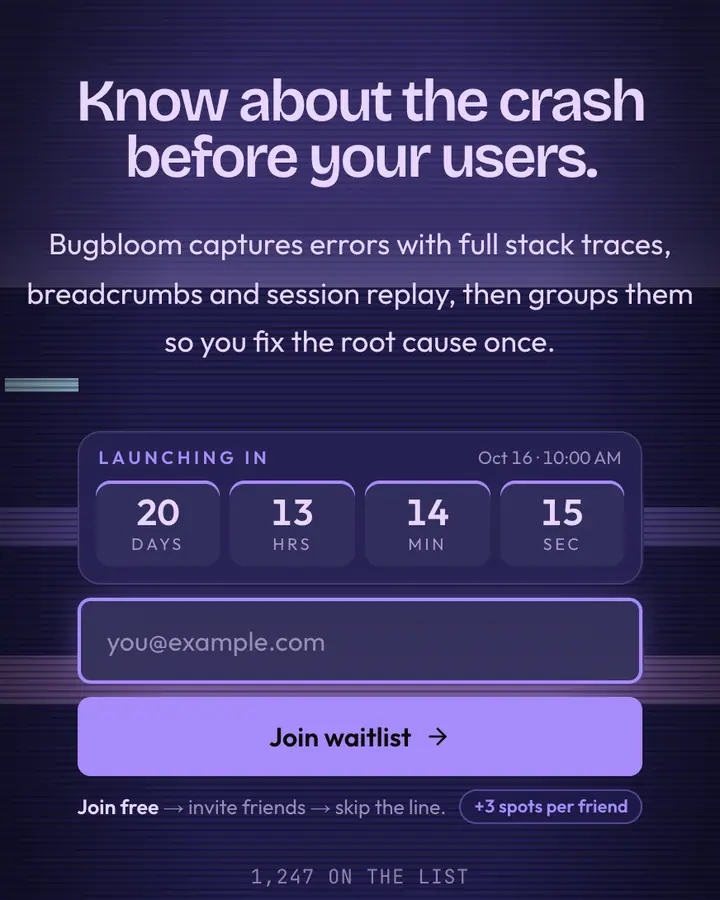
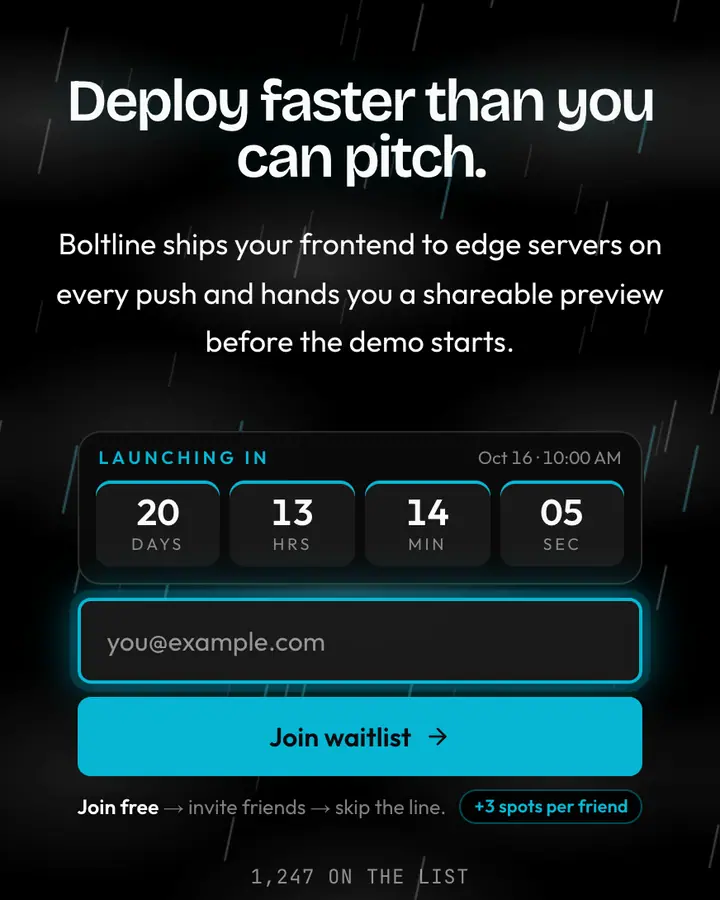
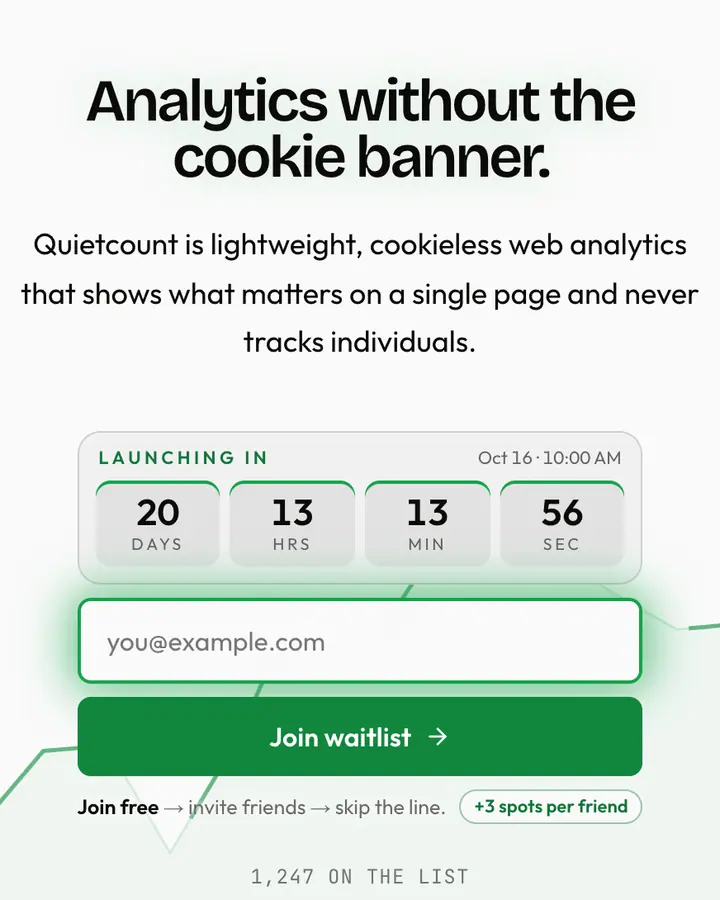
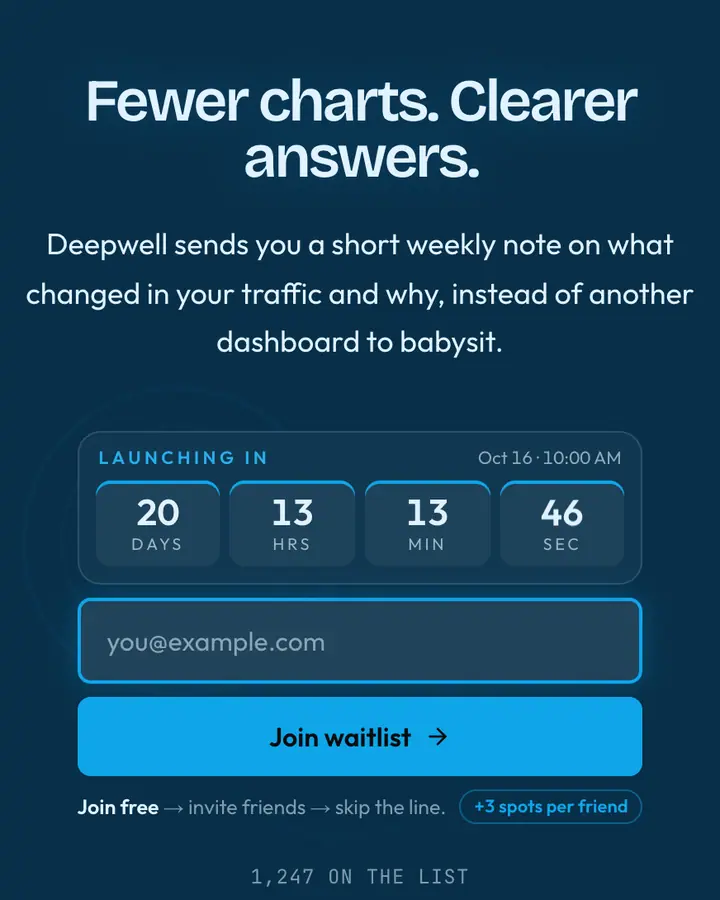
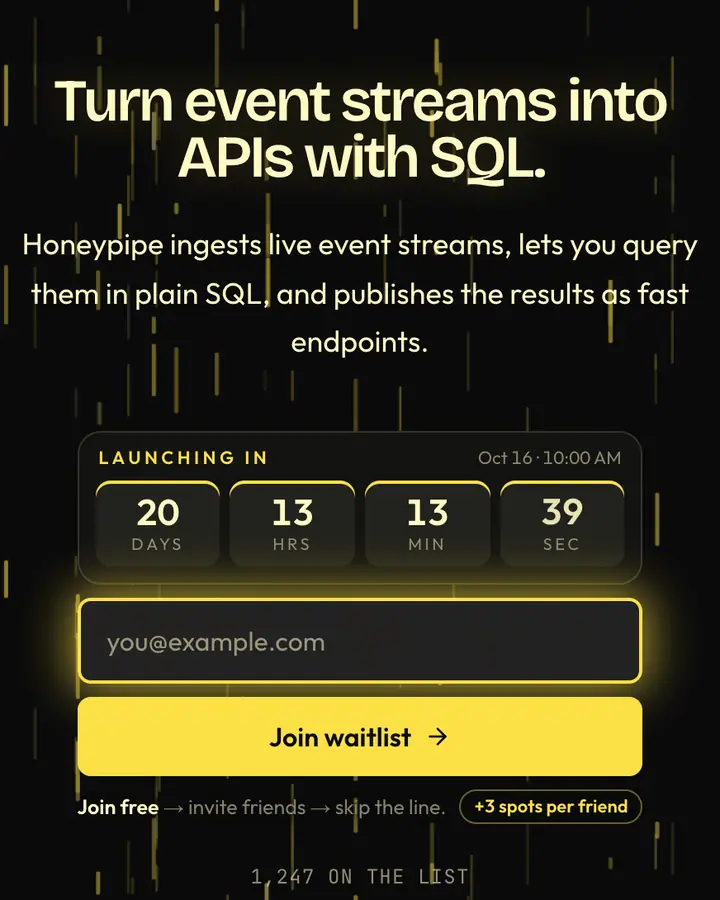
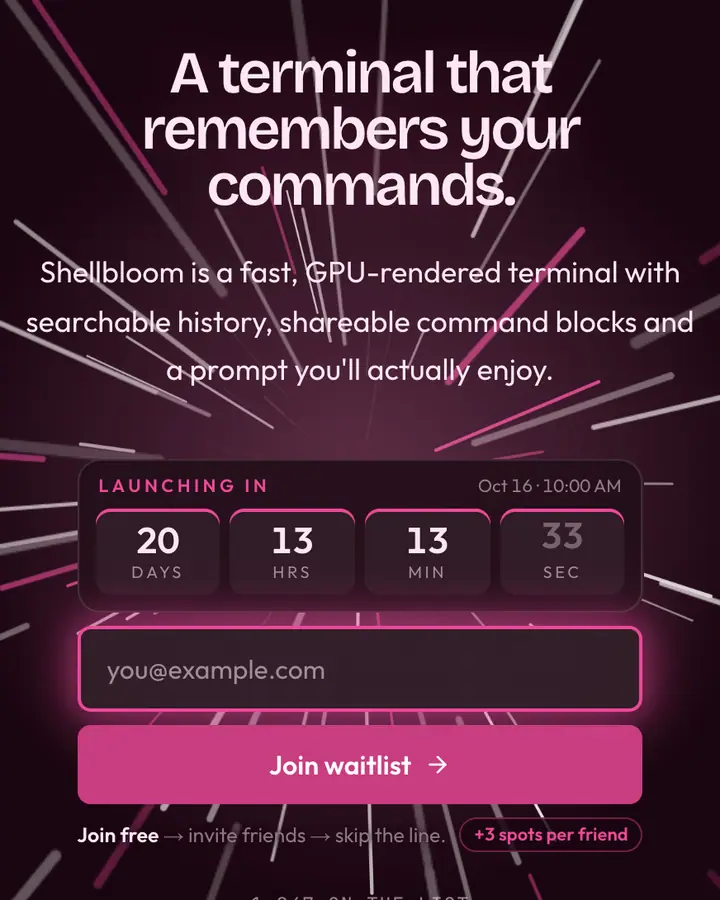
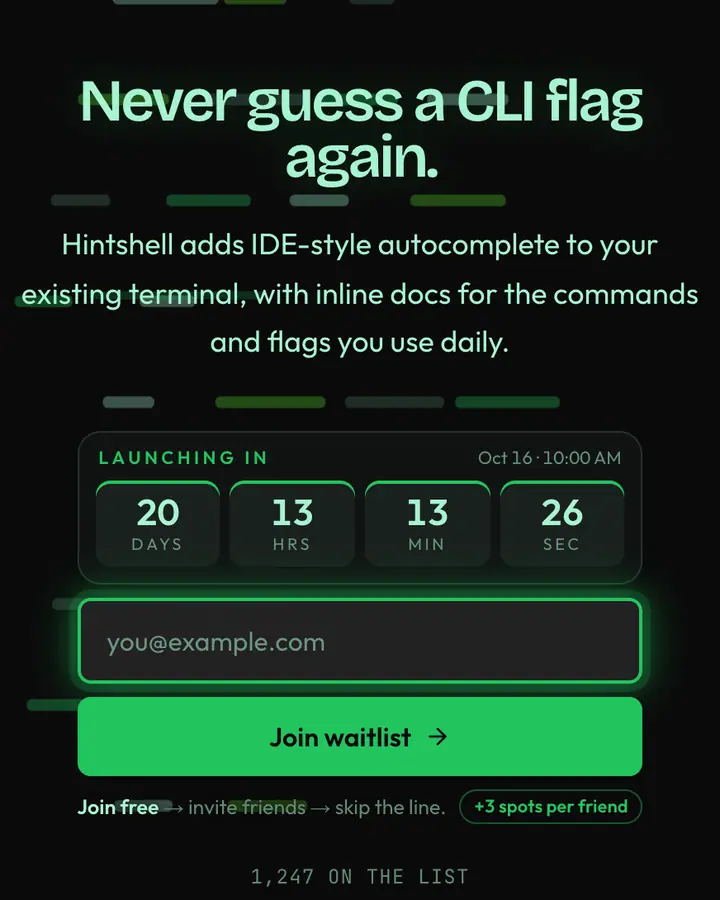
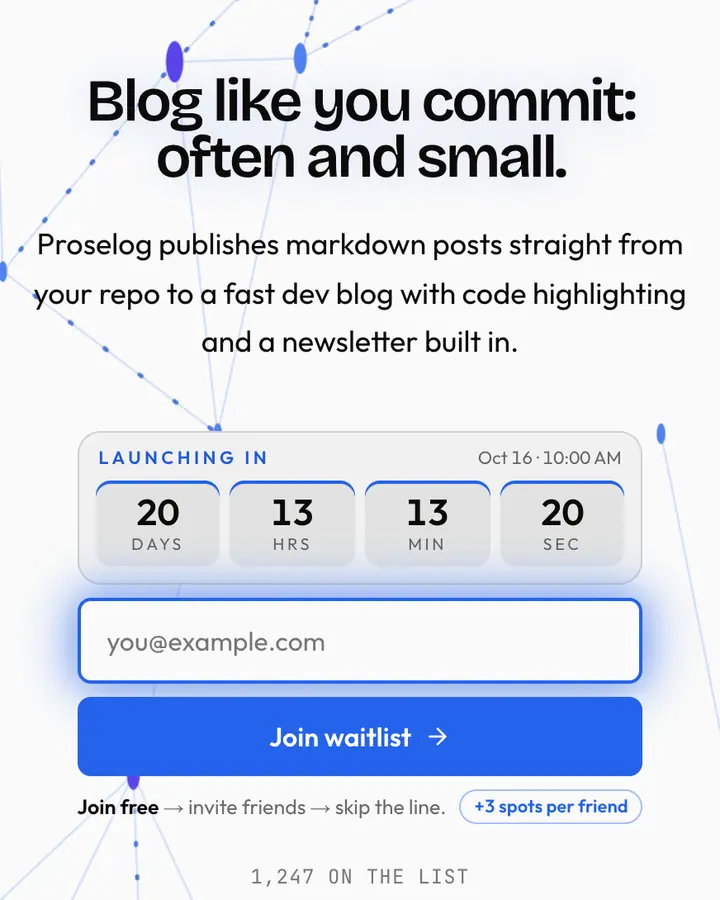
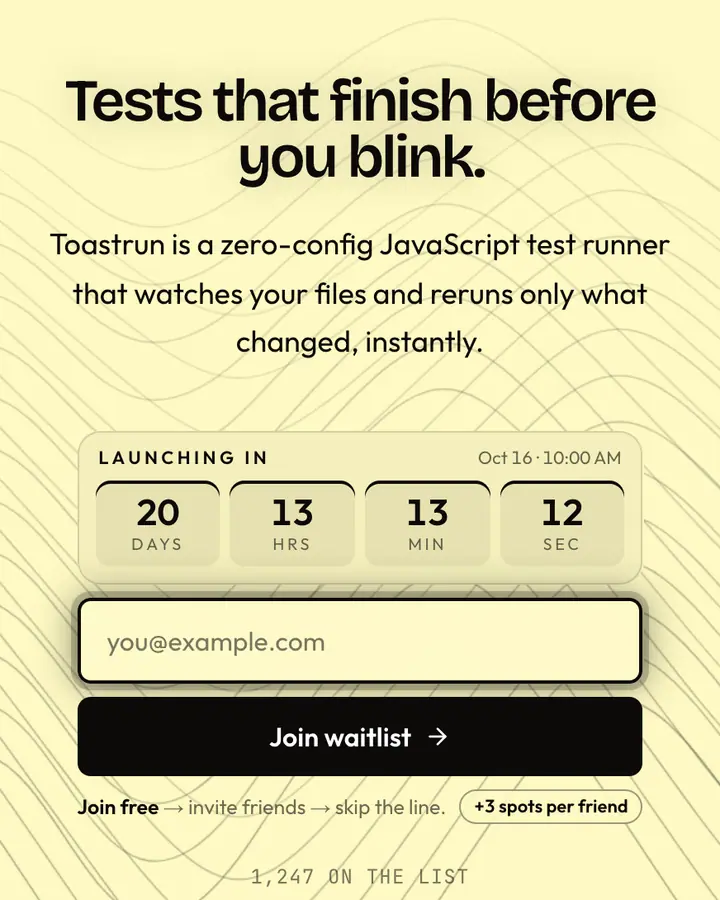
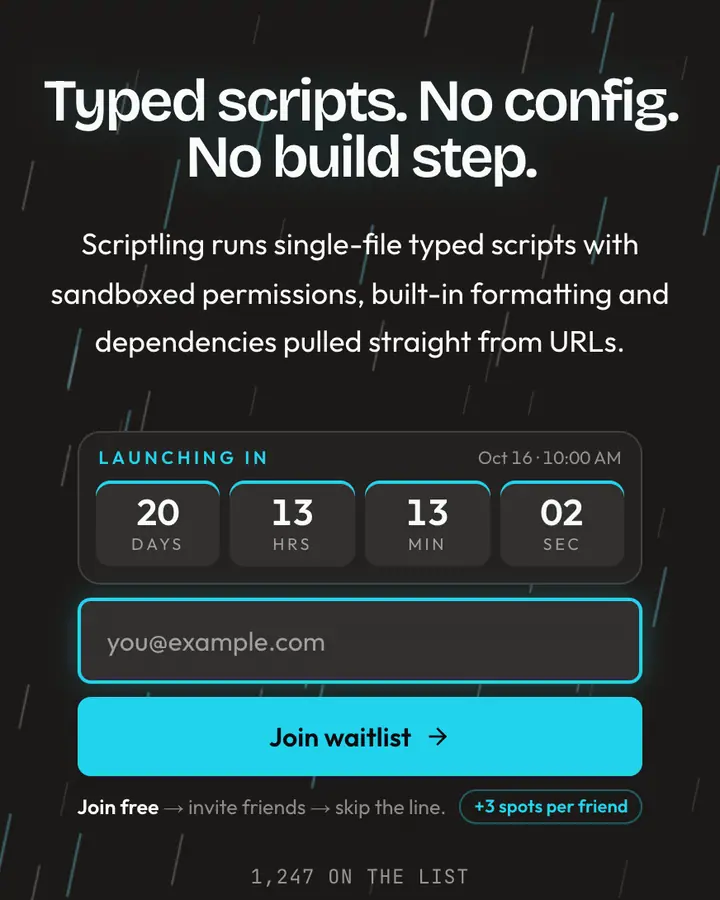
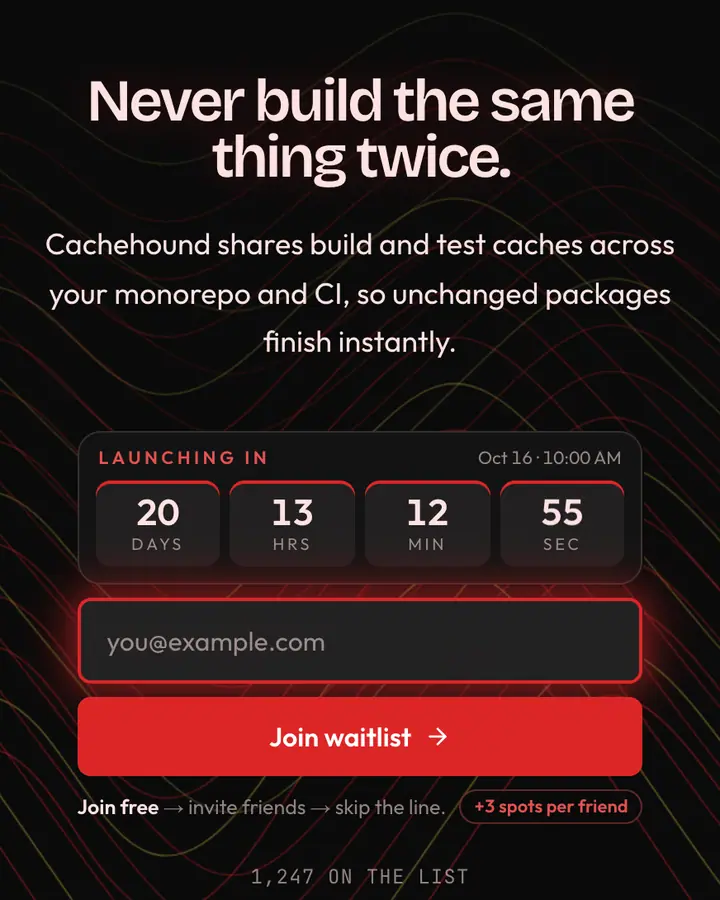
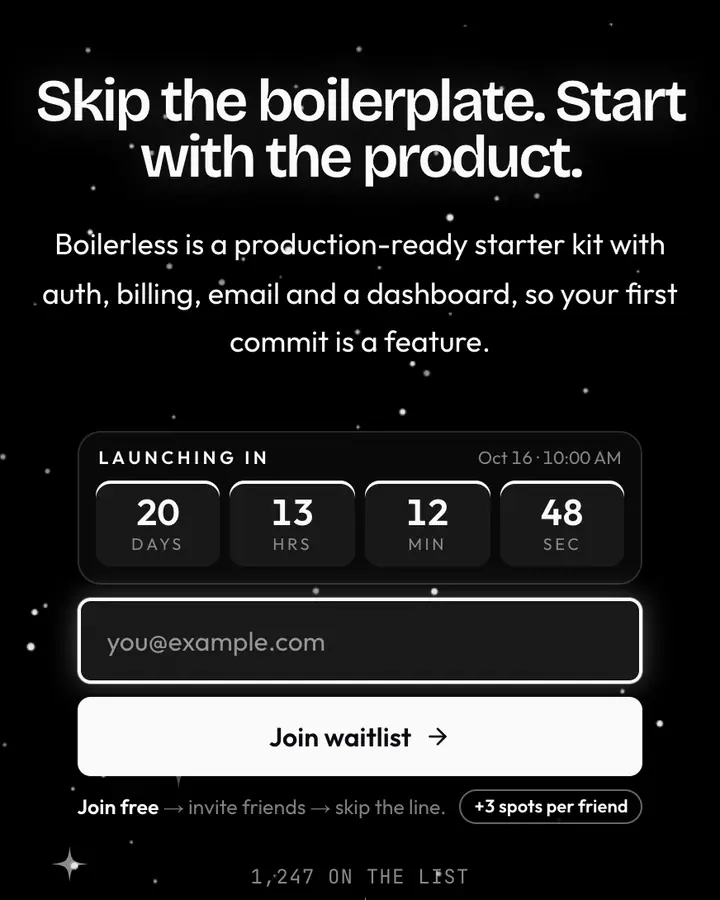
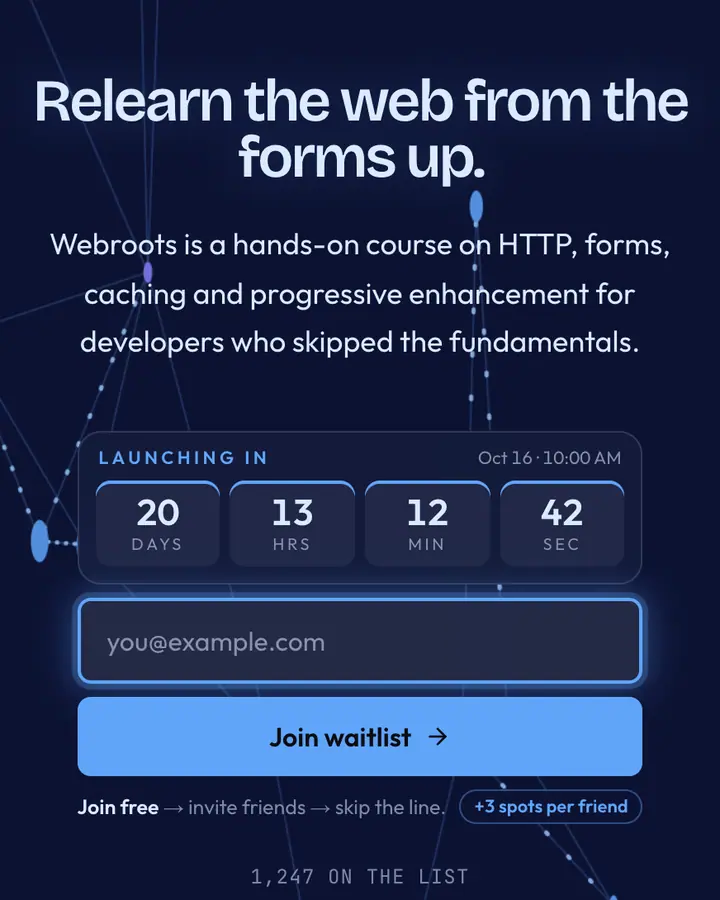
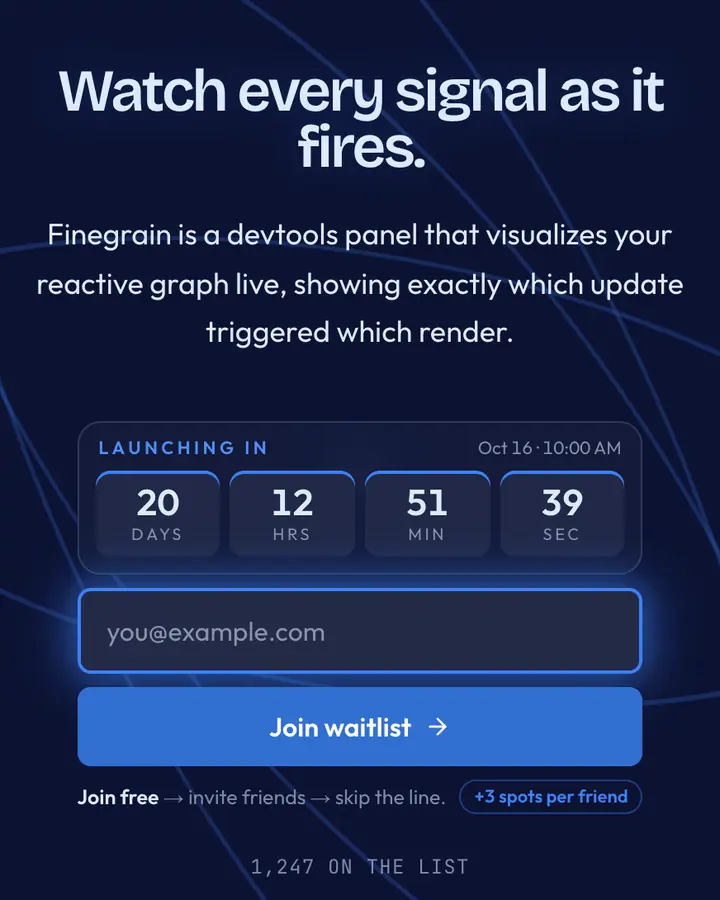
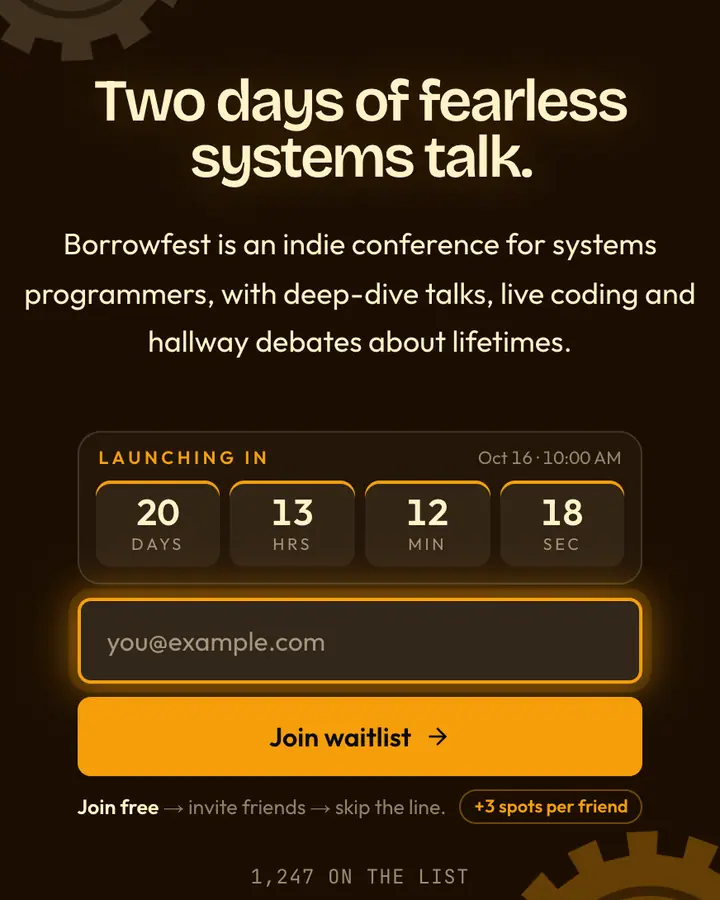
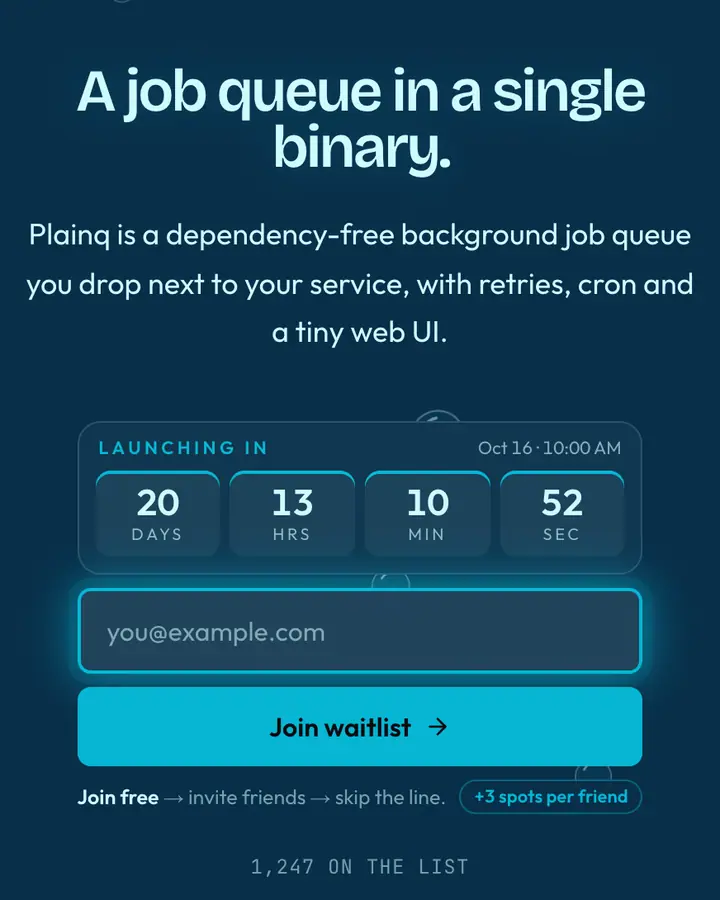
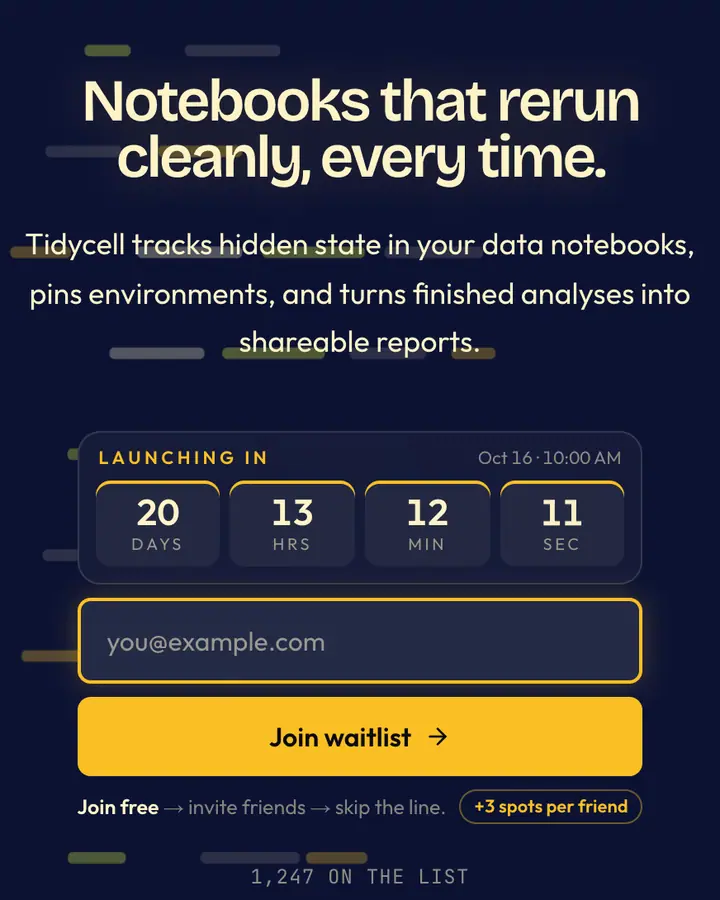
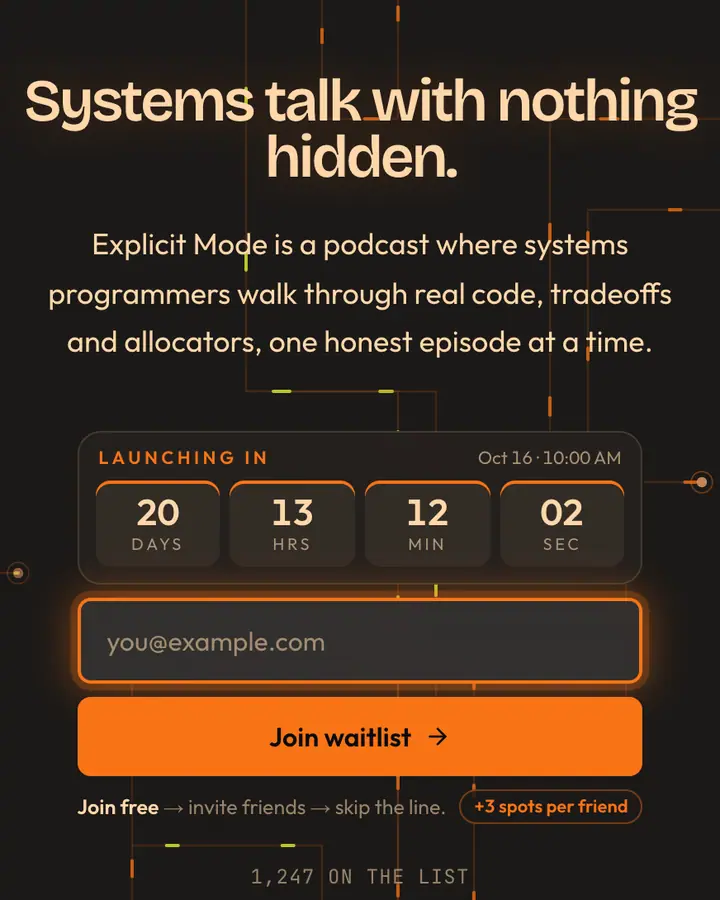
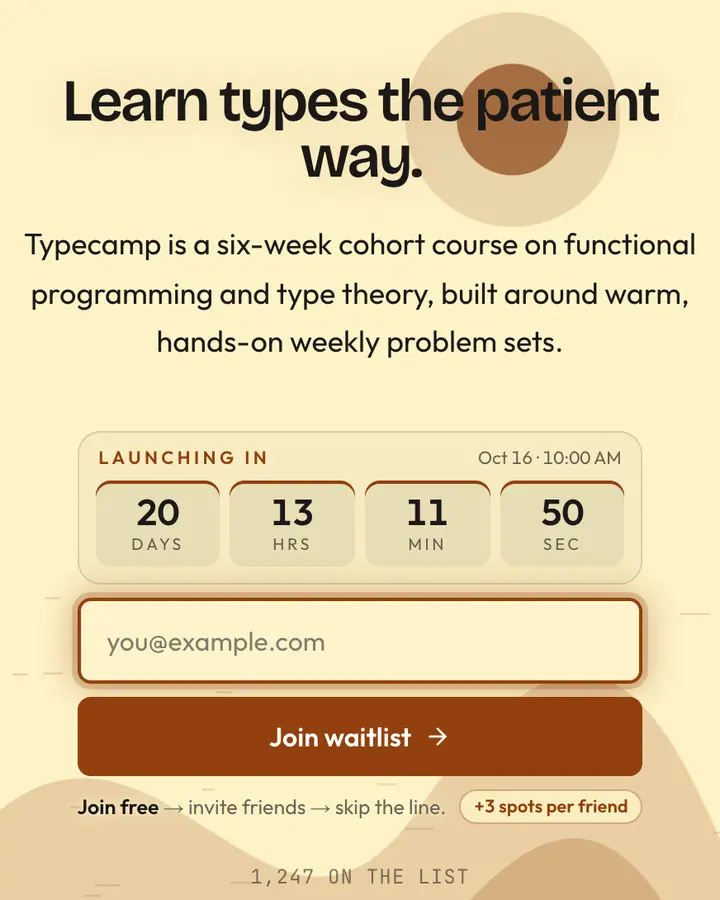
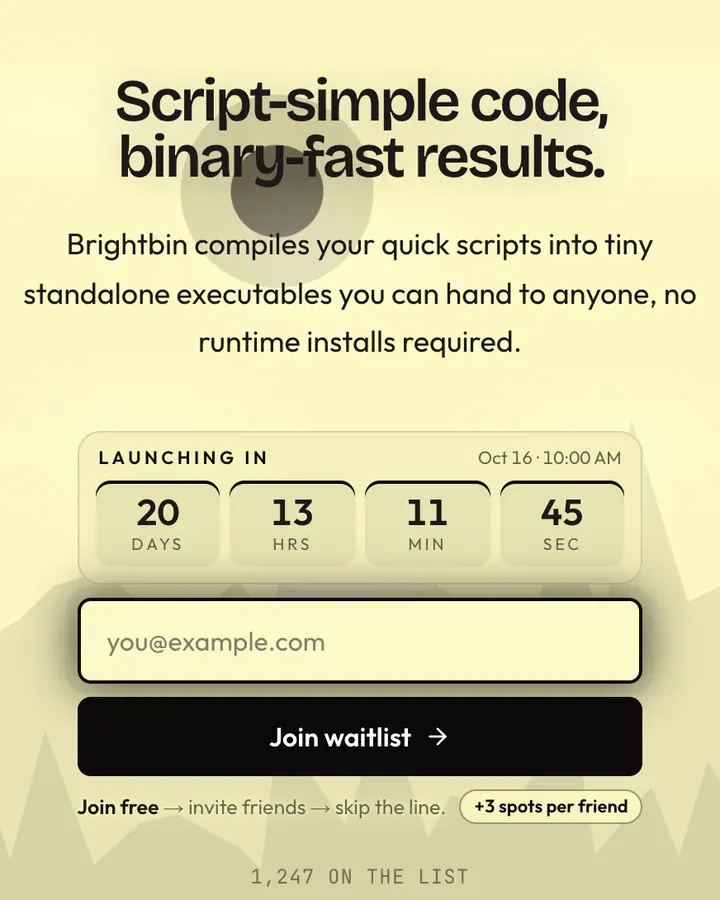
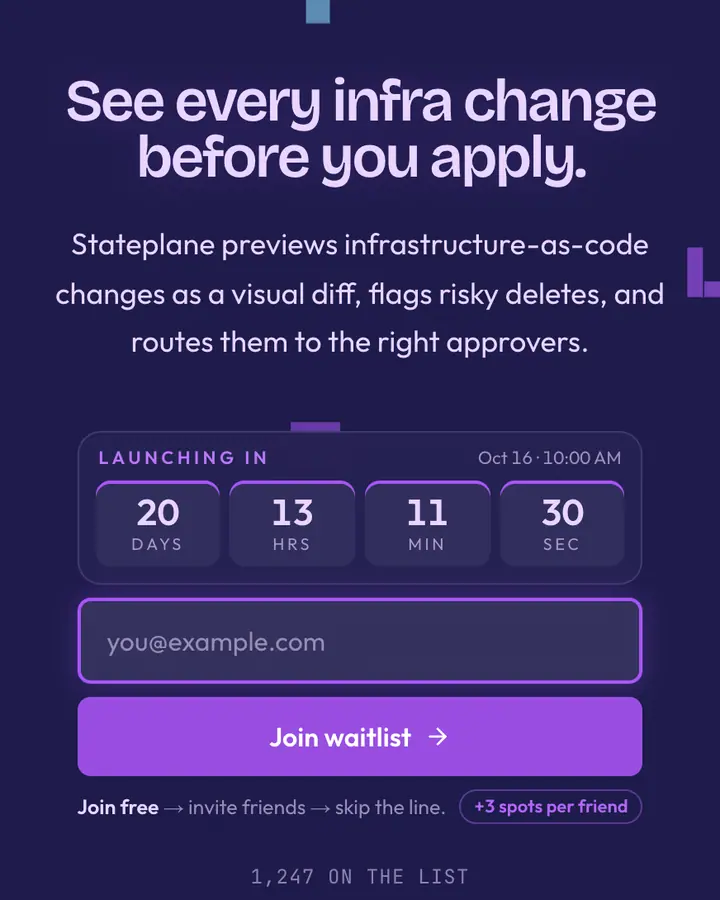
Technical buyers skim for proof, so a good tech launch page is specific. Lead with the outcome ("Deploy previews in 30 seconds"), not the category ("A new DevOps platform"). Dark themes read as native to developers; light themes with a strong indigo or cobalt accent read as enterprise-ready. Pick the one your buyer's own tools use.
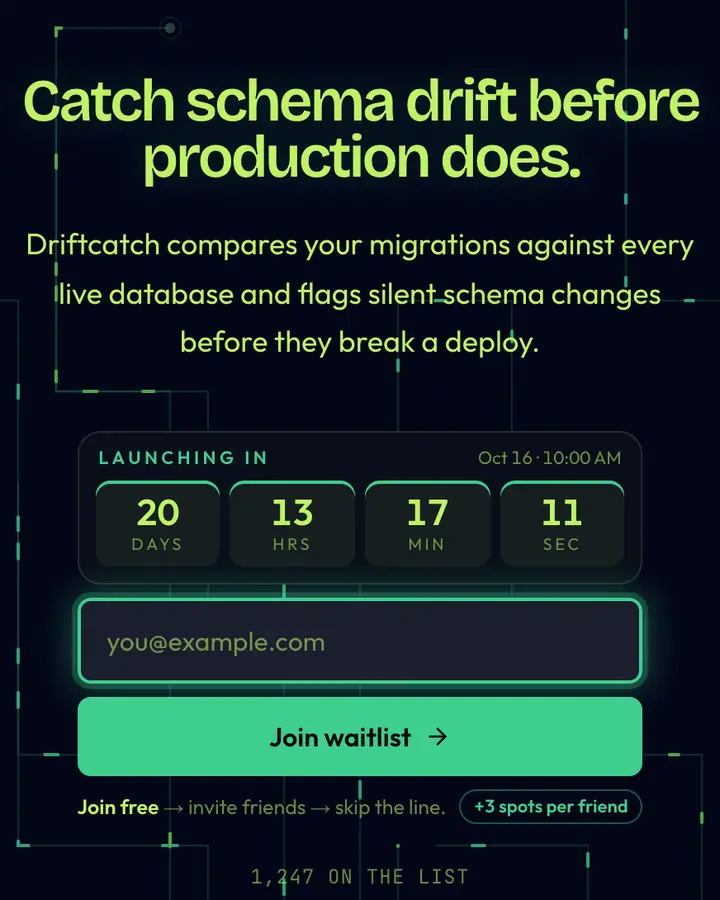
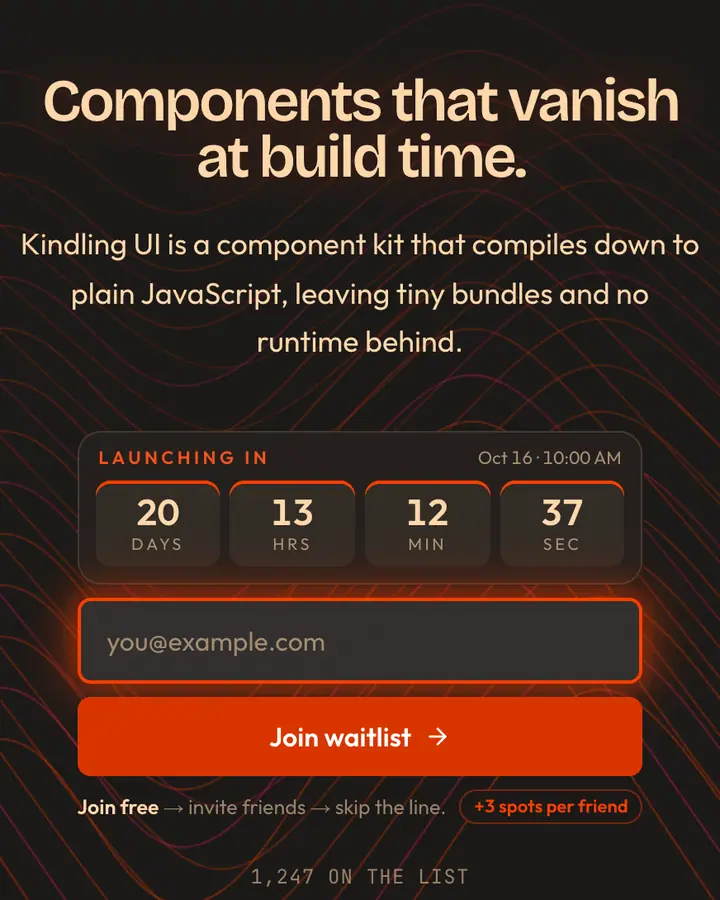
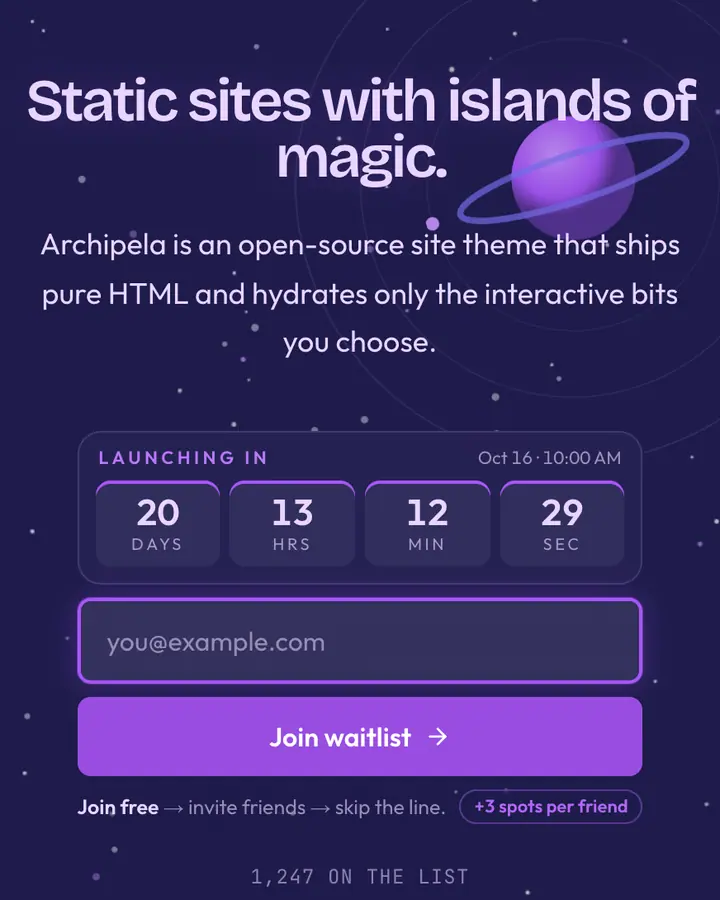
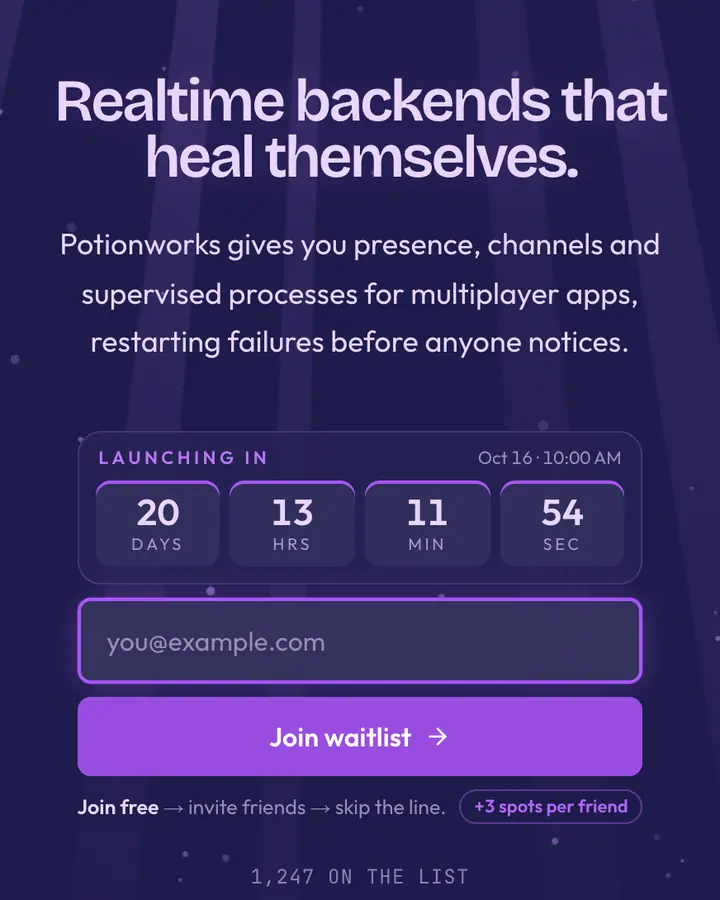
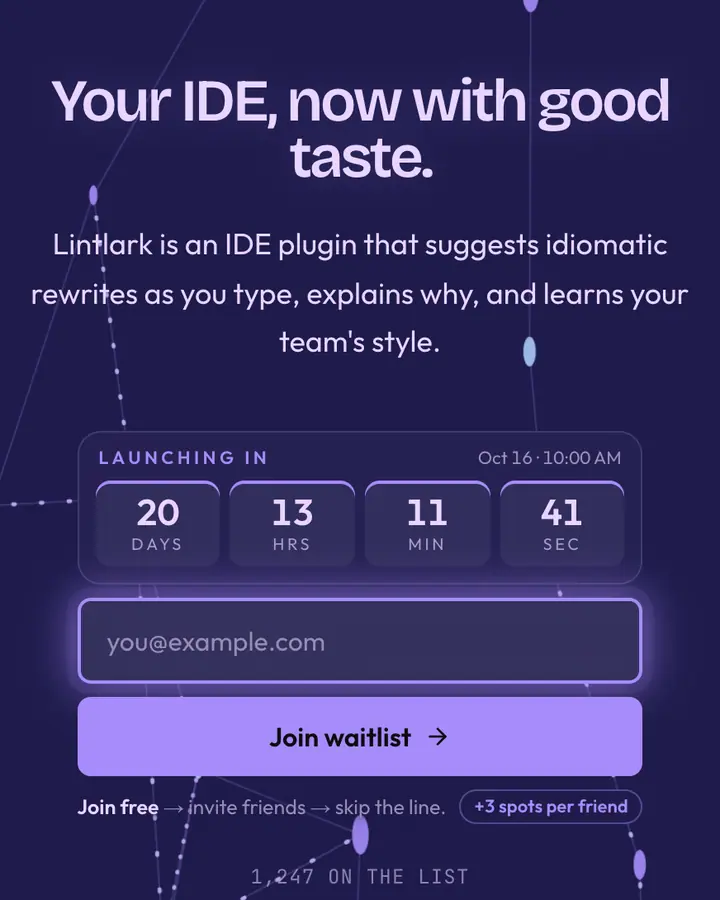
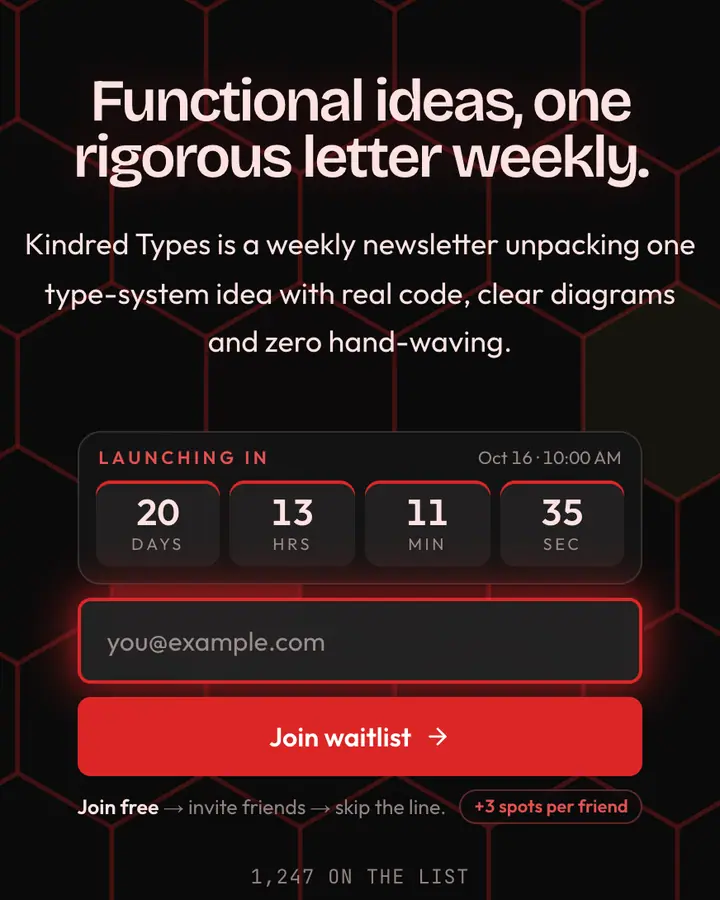
Keep motion functional. Grids, dot fields, data streams and UI panels suggest a working product without pretending to be screenshots. Use monospace sparingly (a version number, a command), and make sure the accent color passes contrast on the button. If you run a beta, say how people get in, whether that's waves, an invite code or first come first served, because engineers want to know how the queue works before they share it.
Best tech & SaaS templates for…
- For AI and product-led SaaS: Bento Grid 2.0, a hand-built bento layout with tiled cards and deep shadows.
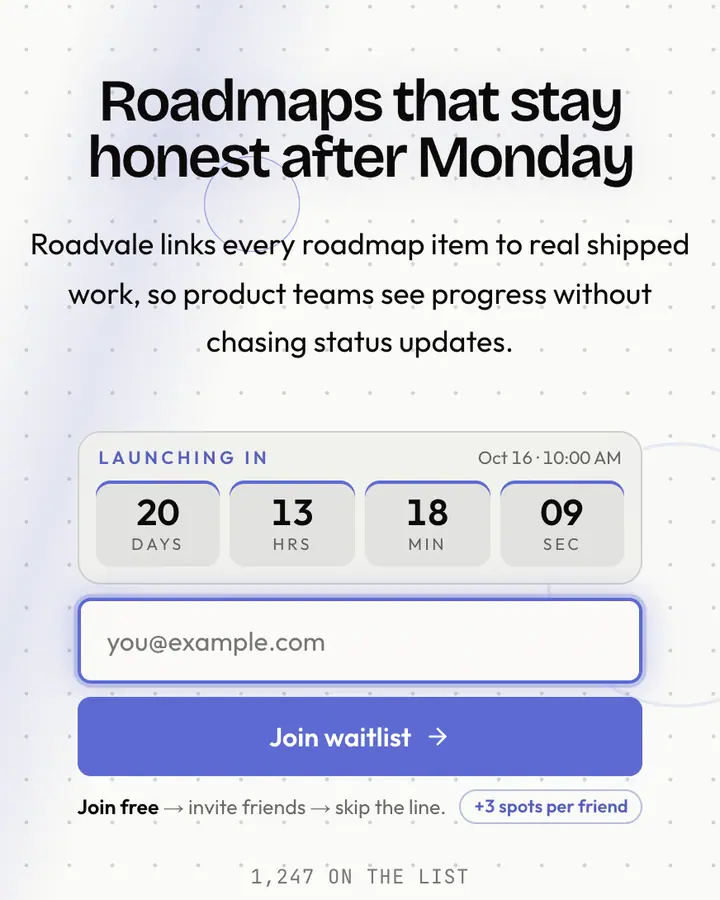
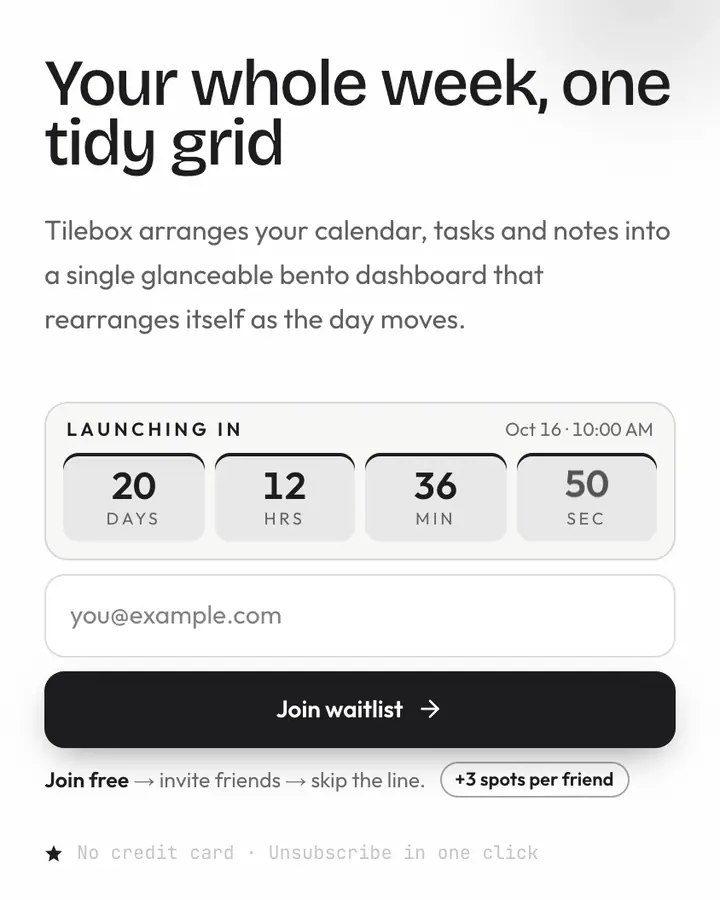
- For project and issue tools: Slate Grid, pristine grid, slate type and an indigo button on off-white.
- For backend and database products: Lime Midnight, lime on midnight, the palette of a terminal that's having a good day.
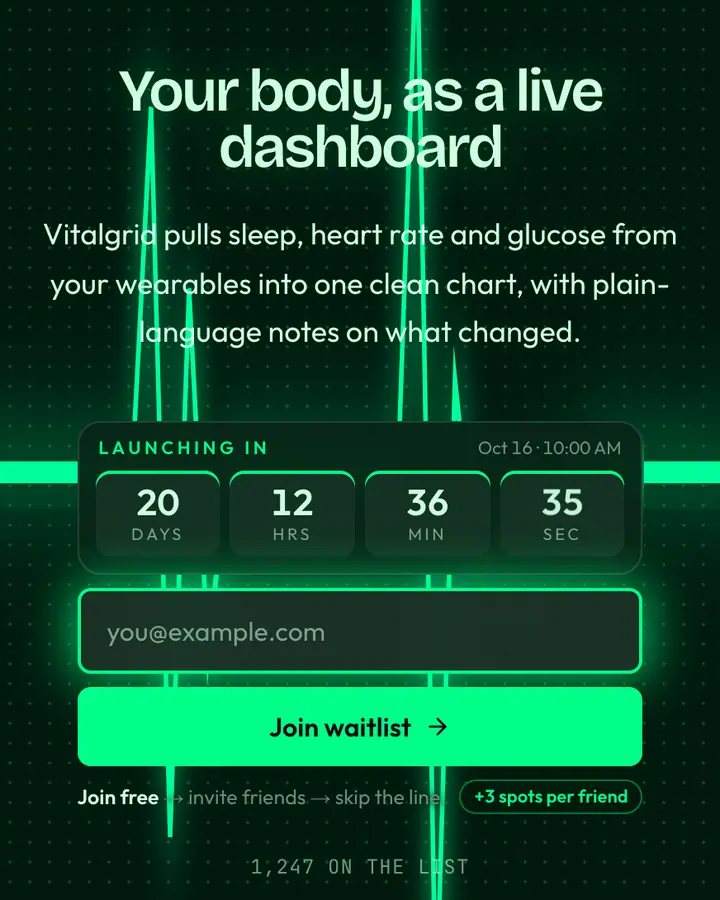
- For health and data dashboards: Bio-Hacker Dashboard, a heart-rate pulse on a clinical dot grid, built as its own layout.
Tech & SaaS templates FAQ
Which template suits a developer tool?
Dark tech templates with a lime, cyan or indigo accent read as native to developers. If your buyer is a manager rather than an engineer, a light template with a cobalt or indigo button tends to feel more buyable.
Can I embed a Qubed waitlist inside my own SaaS site?
Not today. Qubed hosts the page for you at qubed.xyz, and you link to it from your site, your README or your app. An API and embeds are on the roadmap, not available yet.
Do these templates look like real product brands?
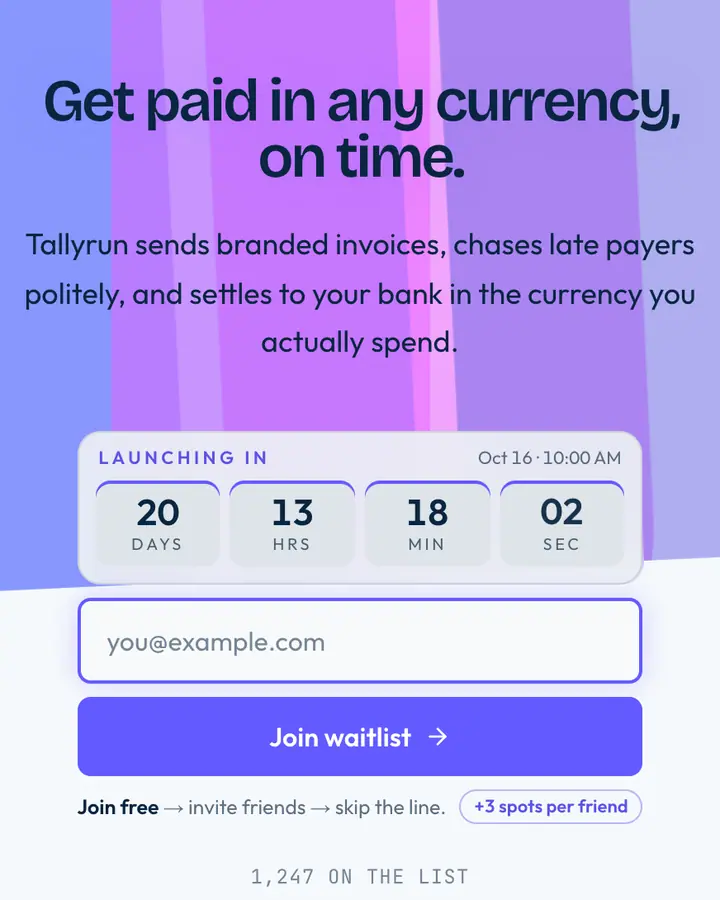
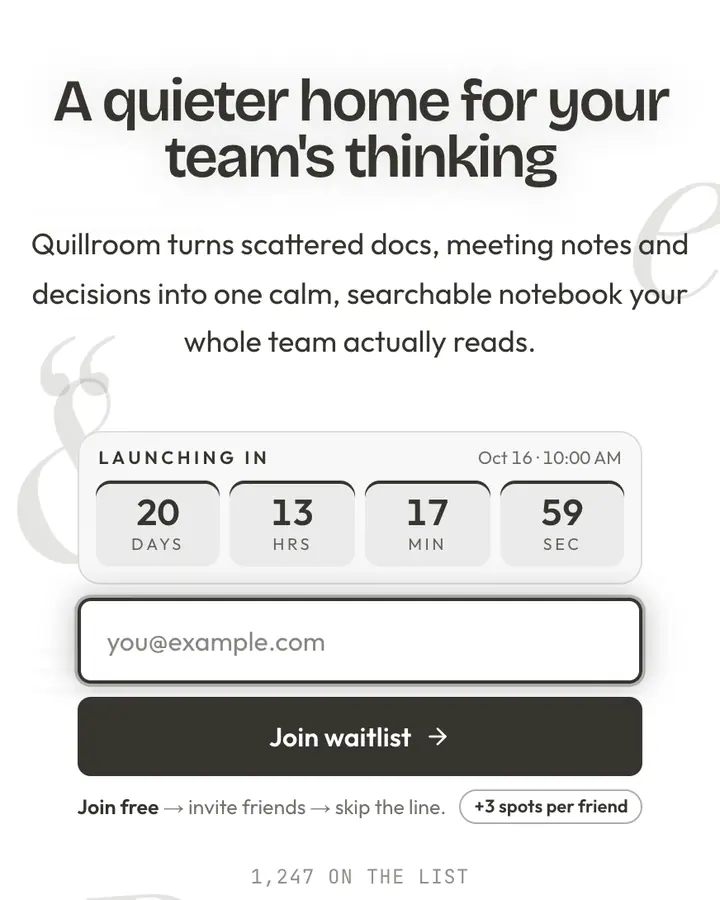
They borrow the general look of modern SaaS (grids, dark UI, one bright accent) but they are original designs with their own names. Nothing on the page implies a partnership with any company.
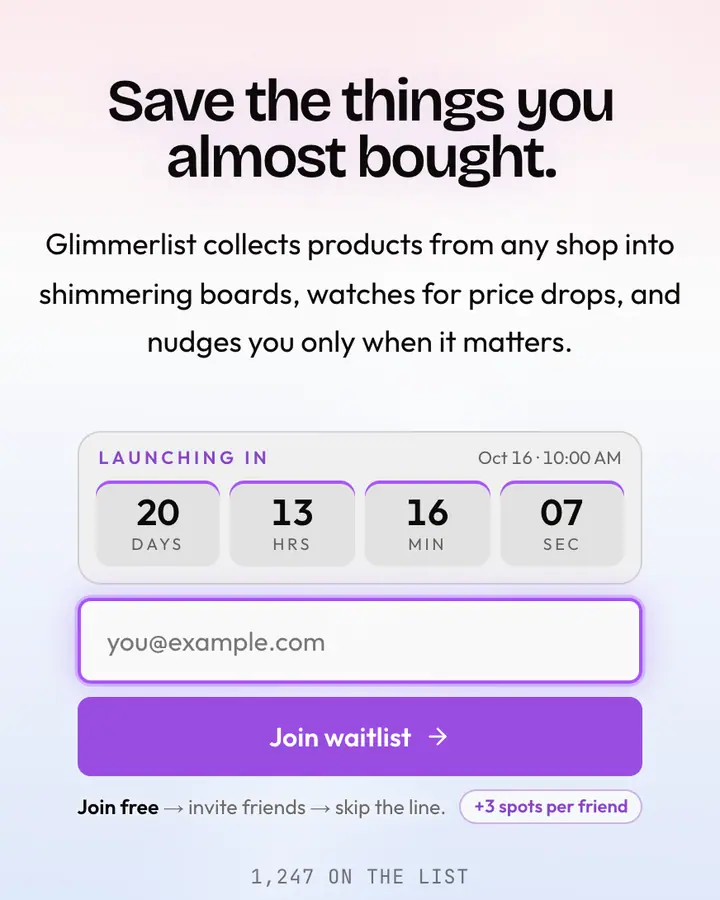
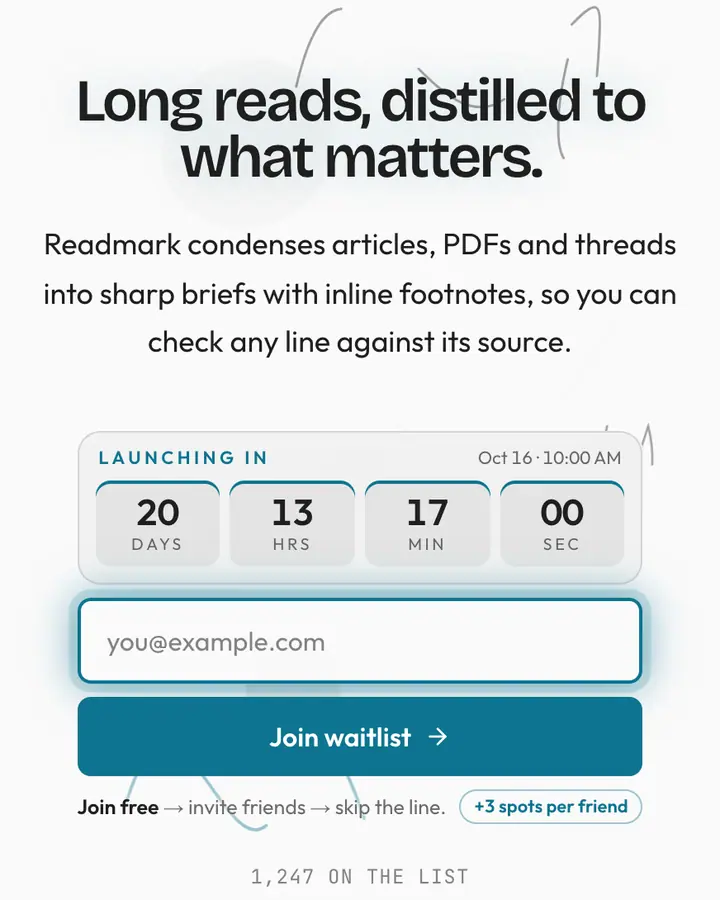
Can I show a launch date for my beta?
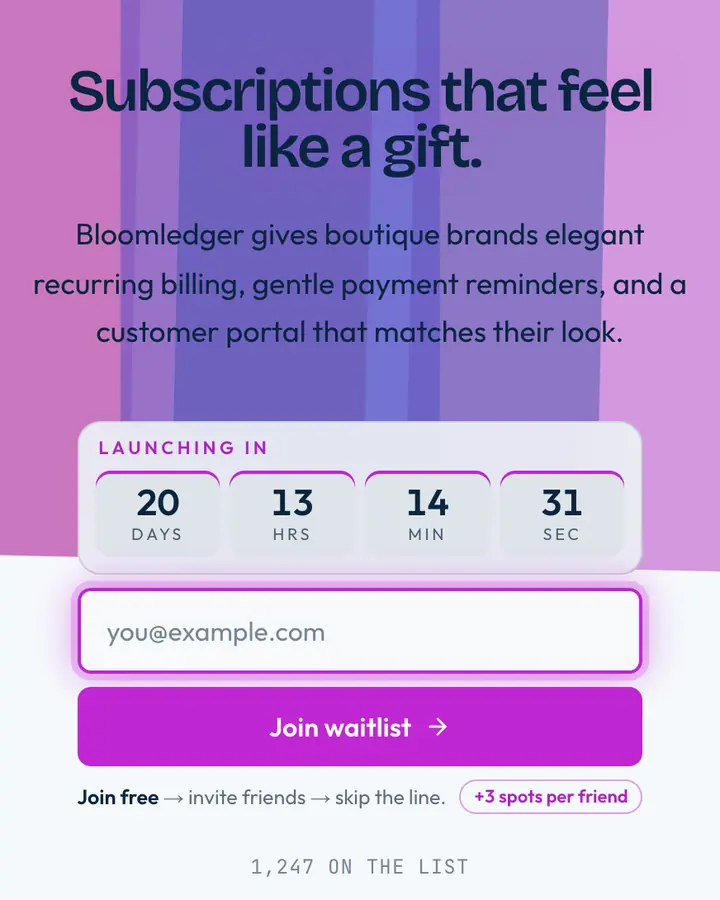
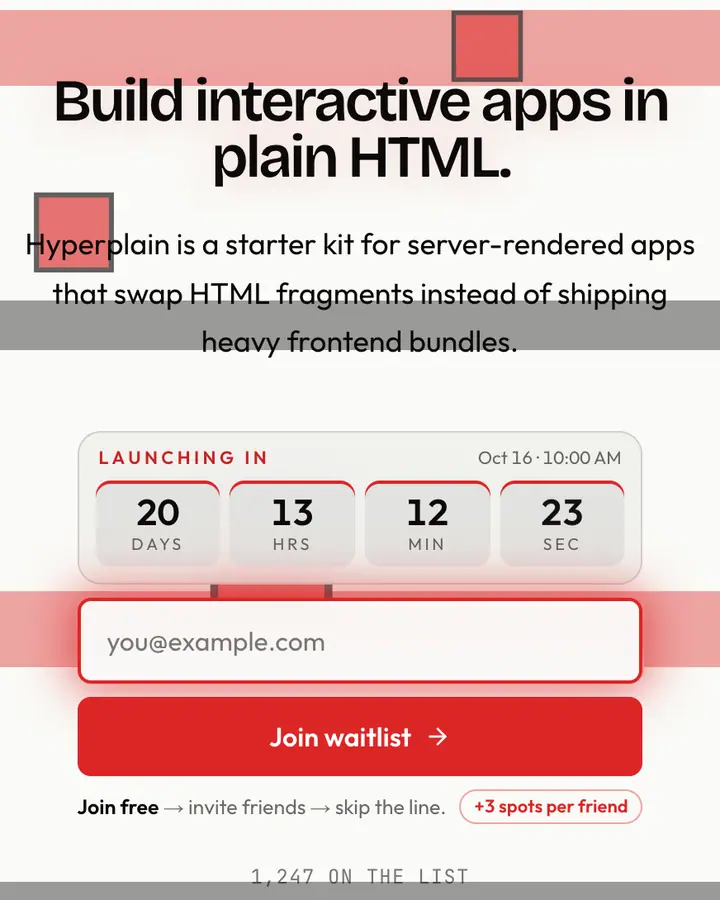
Yes. Set a launch date in the editor and the countdown appears above the form. Leave it empty and it stays hidden.