About the Stripe Orchid template
Stripe Orchid brings a sense of high-end financial polish to the pre-launch phase with a modern color palette. It utilizes vibrant orchid-magenta accents (#c026d3) against a deep navy base (#0a2540) to create a visual environment that feels both trustworthy and aesthetically advanced. The palette suggests that your brand is innovative, reliable, and deeply committed to providing a high-quality user experience from day one.
This aesthetic is perfect for fintech tools, design platforms, or high-end B2B services where design quality is a signal of brand maturity. You should avoid this for a local brick-and-mortar business or a playful children's app where a lighter touch is required. The balanced typography ensures that your value props are taken seriously, building immediate trust with your audience. It looks premium on all mobile devices and high-resolution monitors.
Every Qubed template, including Stripe Orchid, features an integrated referral leaderboard and detailed analytics to help you manage your launch. You can easily export your waitlist or use email broadcasts to keep your earliest supporters in the loop. Pro users also unlock custom domains and API access to integrate their waitlist with other internal tools. The layout is fully responsive and fast.
What the demo shows
The live demo on this page launches Bloomledger, a made-up product we wrote to show the template with realistic copy: the headline reads “Subscriptions that feel like a gift.” and the subhead says “Bloomledger gives boutique brands elegant recurring billing, gentle payment reminders, and a customer portal that matches their look.” Below it you see the signup form, a demo launch countdown and the share-to-climb referral panel exactly as a visitor would. Try the form: in the demo nothing is stored. When you use Stripe Orchid, you replace Bloomledger with your own product name, headline, subhead and logo; the palette and motion come with it and every colour stays editable.
Design details
Stripe Orchid is a light template: a sky blue-tinted white background (#f6f9fc), deep sky blue type (#0a2540) and a purple accent (#c026d3) on the join button, the countdown and the referral highlights. Body text sits at a 14.7:1 contrast ratio against the background, comfortably past the WCAG AAA threshold. Behind the copy the page animates with a slowly flowing gradient, clearly visible; visitors who ask their device for reduced motion get a still frame instead. Structurally it uses the Gradient layout, shared with 10 other templates, but the palette, the motion and the demo copy are Stripe Orchid's own.
- Background
- #f6f9fc
- Accent
- #c026d3
- Text
- #0a2540
How it compares
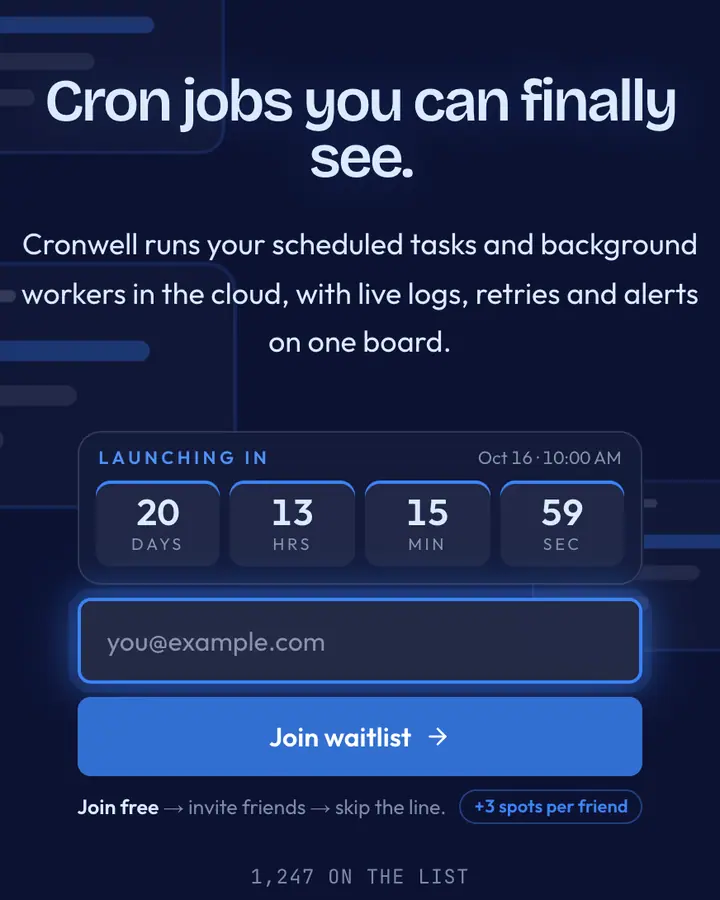
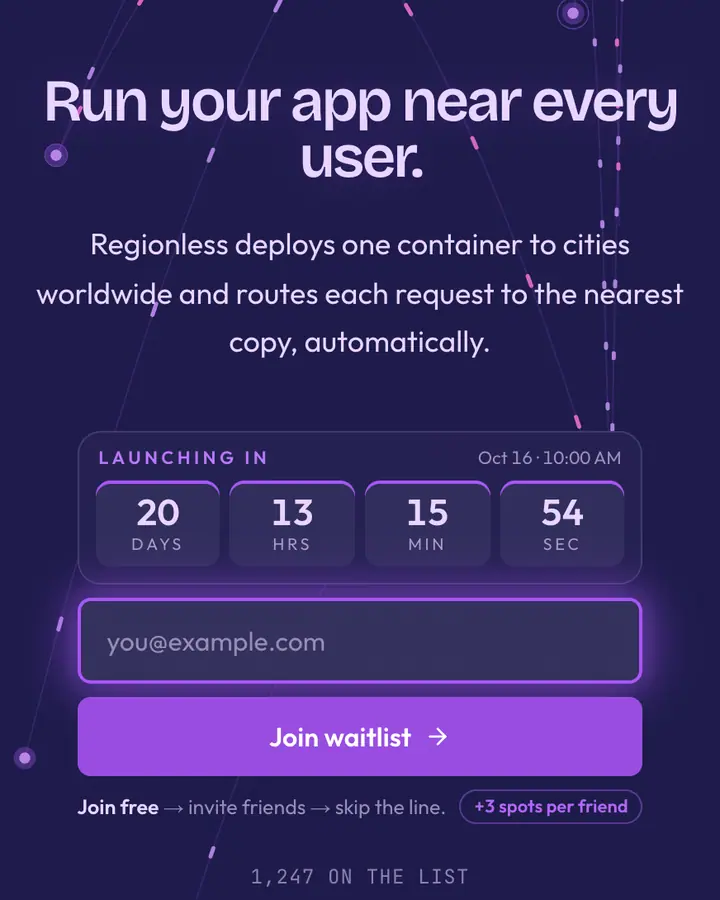
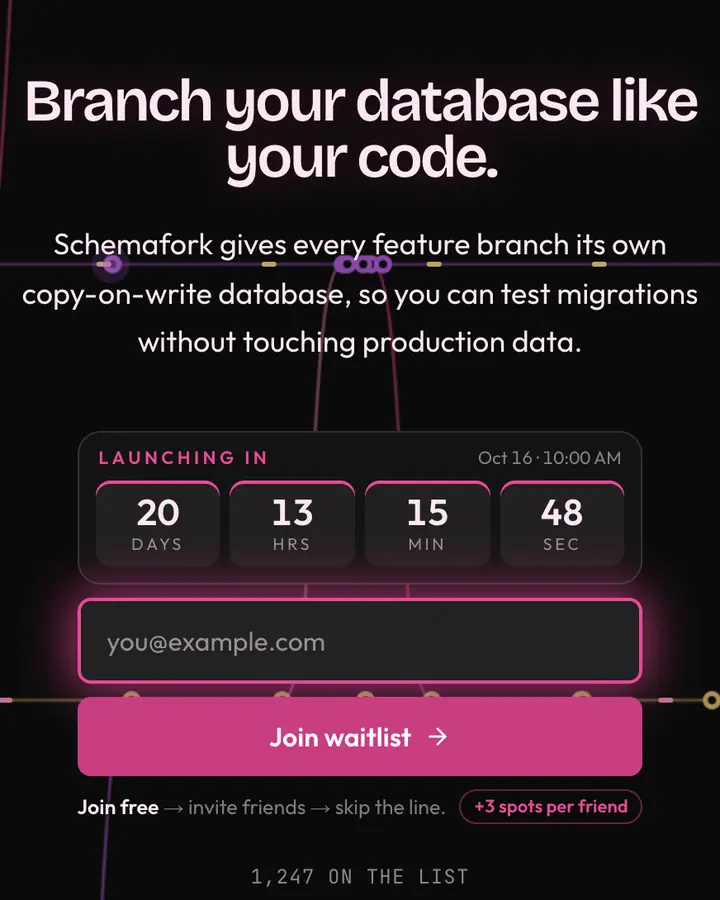
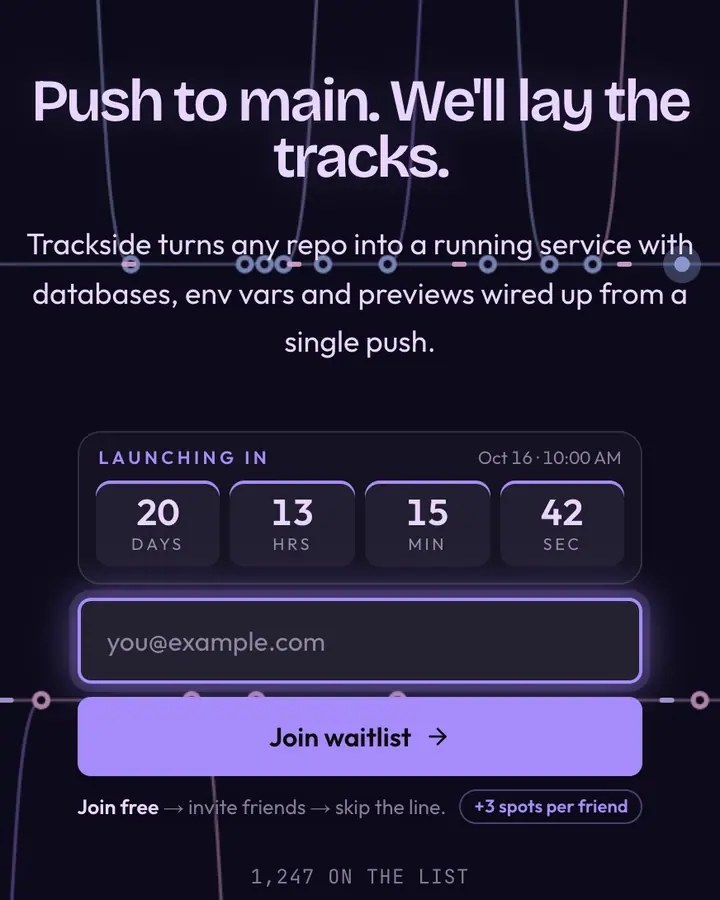
Within Tech, Stripe Orchid stands out for its purple accent on a sky blue-tinted white ground. If it is not quite right, Render Cobalt flips to a dark deep blue canvas with a vivid blue accent and floating UI panels (“Deploy panel cobalt”). Fly Edge flips to a dark dark indigo canvas with a violet accent and an animated edge layer (“Edge purple, region globe”). Planet Branch flips to a dark near-black canvas with a vivid pink accent and an animated commits layer (“Branch pink, schema dark”). All of them share the same signup, referral and analytics features, so switching later only changes the look.
Launch with Stripe Orchid in three steps
- Click “Use this template” and create a free account; Stripe Orchid is preselected in the page wizard.
- Replace the Bloomledger demo copy with your product's headline and one-line pitch, pick a URL, and optionally set a launch date to show a real countdown.
- Publish and share the link. Every subscriber gets a personal referral link, and you watch signups and top referrers arrive in the dashboard.