About the Raycast Glow template
Raycast Glow is inspired by the efficiency and aesthetics of modern technical utilities. It utilizes a deep midnight-burgundy background (#1a0510) and a soft red halo glow (#f43f5e) to create an interface that feels like a professional control center. This is a low-clutter, high-focus environment that suggests your product is built for speed, efficiency, and professional utility, appealing directly to users who value their time.
This aesthetic is a perfect match for browser extensions, keyboard-driven utilities, or productivity tools aimed at developers. It is likely too somber for a local consumer service or a children's educational platform. The layout is designed to be punchy and direct, ensuring that your value proposition is delivered with high clarity. It looks especially sharp on high-resolution mobile screens and retina displays, maintaining its professional edge everywhere.
Under the hood, Raycast Glow includes our viral referral leaderboard and full CSV export capabilities to help you manage your early adopters. Pro users can also enjoy custom domains and email broadcasts to nurture their list. You also get real-time analytics to monitor your conversion rates throughout your launch.
What the demo shows
The live demo on this page launches Halofocus, a made-up product we wrote to show the template with realistic copy: the headline reads “Guard your deep work from yourself.” and the subhead says “Halofocus sits in your menu bar, blocks the tabs you always drift to, and logs how your focused hours actually went.” Below it you see the signup form, a demo launch countdown and the share-to-climb referral panel exactly as a visitor would. Try the form: in the demo nothing is stored. When you use Raycast Glow, you replace Halofocus with your own product name, headline, subhead and logo; the palette and motion come with it and every colour stays editable.
Design details
Raycast Glow is a dark template: a near-black pink background (#1a0510), white type (#fafafa) and a vivid rose accent (#f43f5e) on the join button, the countdown and the referral highlights. Body text sits at a 18.7:1 contrast ratio against the background, comfortably past the WCAG AAA threshold. Behind the copy the page animates with soft out-of-focus bokeh lights, front and centre; visitors who ask their device for reduced motion get a still frame instead. Structurally it uses the Spotlight layout, shared with 111 other templates, but the palette, the motion and the demo copy are Raycast Glow's own.
- Background
- #1a0510
- Accent
- #f43f5e
- Text
- #fafafa
How it compares
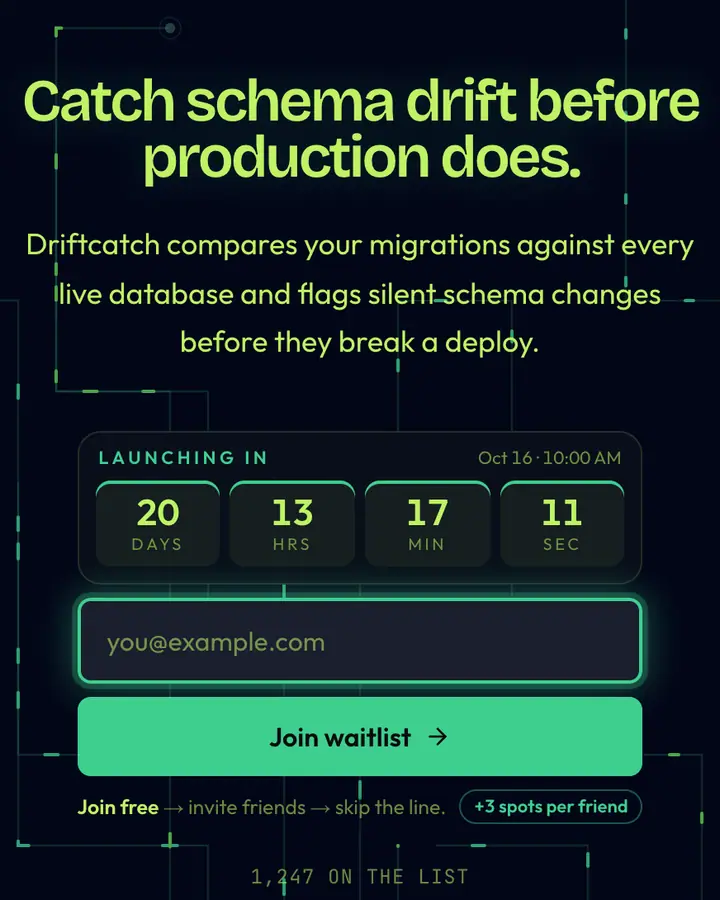
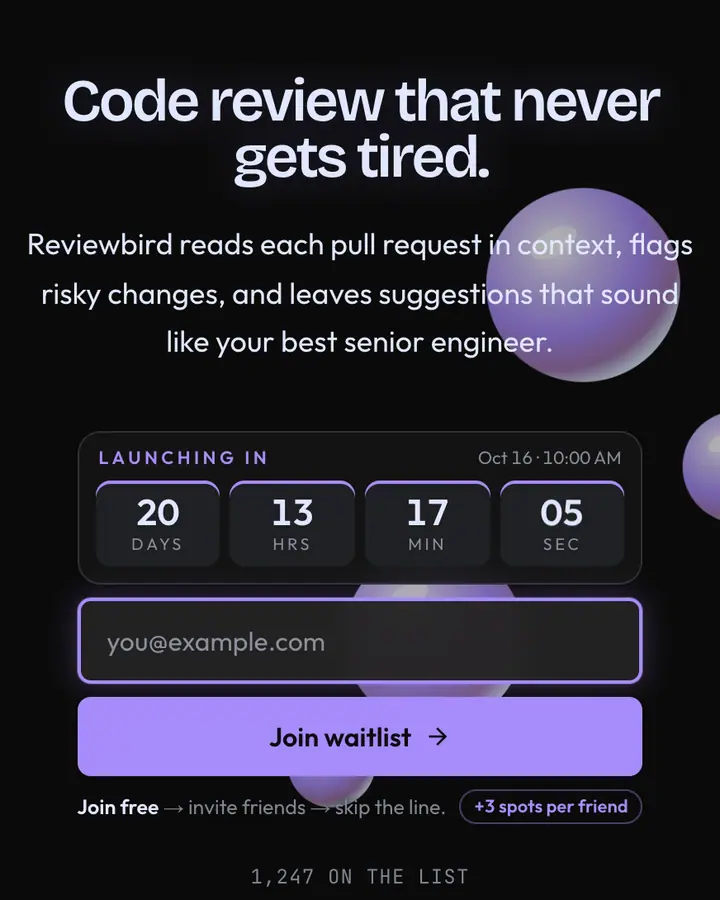
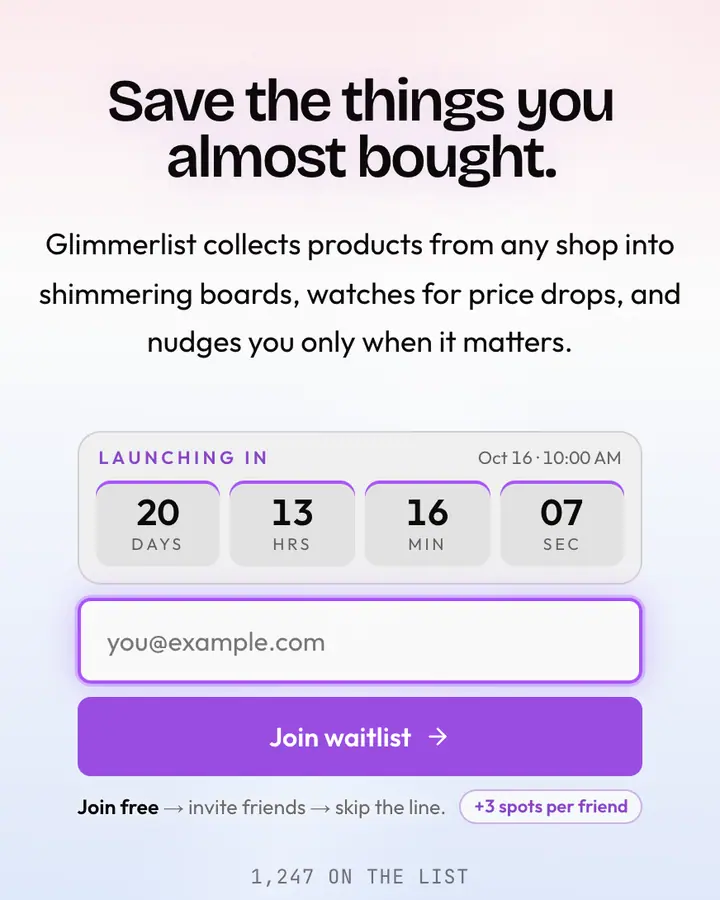
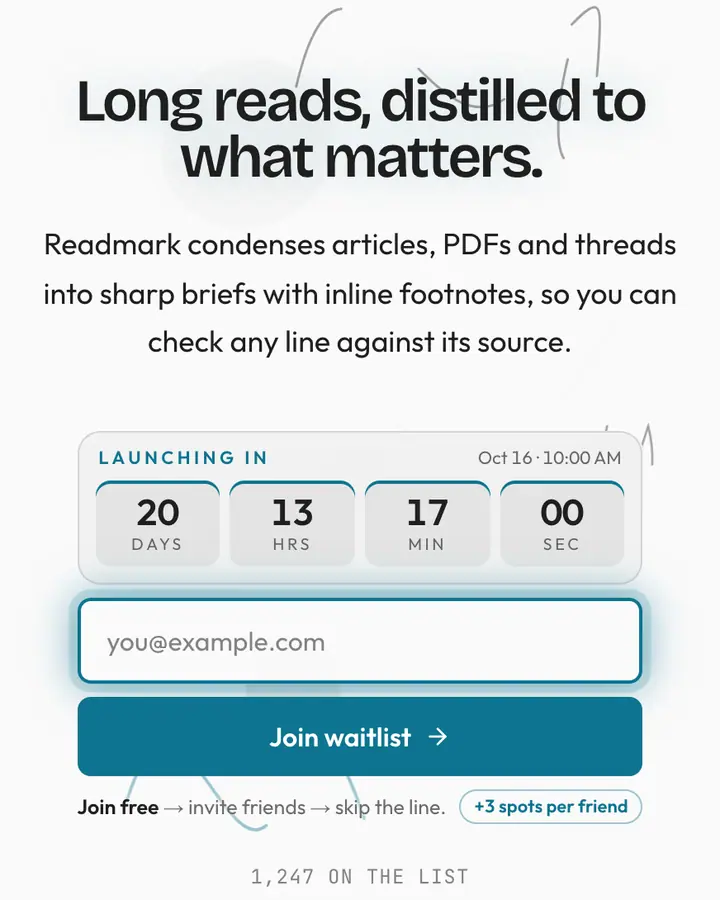
Within Tech, Raycast Glow stands out for its vivid rose accent on a near-black pink ground. If it is not quite right, Supabase Dark is also dark but leans on an emerald accent and circuit traces lighting up (“Lime on midnight, terminal cool”). Cursor Glow is also dark but leans on a light violet accent and floating chrome orbs (“Indigo cursor, soft chrome”). Arc Iridescent flips to a light white canvas with a violet accent and an iridescent sheen that shifts hue (“Browser tab rainbow shimmer”). All of them share the same signup, referral and analytics features, so switching later only changes the look.
Launch with Raycast Glow in three steps
- Click “Use this template” and create a free account; Raycast Glow is preselected in the page wizard.
- Replace the Halofocus demo copy with your product's headline and one-line pitch, pick a URL, and optionally set a launch date to show a real countdown.
- Publish and share the link. Every subscriber gets a personal referral link, and you watch signups and top referrers arrive in the dashboard.