About the GitHub Dark template
GitHub Dark brings the familiar developer environment onto your waitlist, using the pull-request green (#22c55e) that engineers instantly recognize against a code-editor graphite. The palette signals competence and iteration—perfect for technical products, DevTools, and software that serves builders. The light gray text maintains legibility while the hot green creates focal points without artifice. You'll attract beta testers who understand rapid deployment and don't need hand-holding. With real-time analytics, watch technical users engage at the moment they join.
What the demo shows
The live demo on this page launches Stackpile, a made-up product we wrote to show the template with realistic copy: the headline reads “Stacked pull requests, straight from your terminal.” and the subhead says “Stackpile lets you split big changes into small, reviewable pull requests that rebase themselves as each one merges.” Below it you see the signup form, a demo launch countdown and the share-to-climb referral panel exactly as a visitor would. Try the form: in the demo nothing is stored. When you use GitHub Dark, you replace Stackpile with your own product name, headline, subhead and logo; the palette and motion come with it and every colour stays editable.
Design details
GitHub Dark is a dark template: a deep blue background (#0d1117), light sky blue type (#c9d1d9) and an emerald accent (#22c55e) on the join button, the countdown and the referral highlights. Body text sits at a 12.3:1 contrast ratio against the background, comfortably past the WCAG AAA threshold. Behind the copy the page animates with an animated commits layer, front and centre; visitors who ask their device for reduced motion get a still frame instead. Structurally it uses the Minimal layout, shared with 137 other templates, but the palette, the motion and the demo copy are GitHub Dark's own.
- Background
- #0d1117
- Accent
- #22c55e
- Text
- #c9d1d9
How it compares
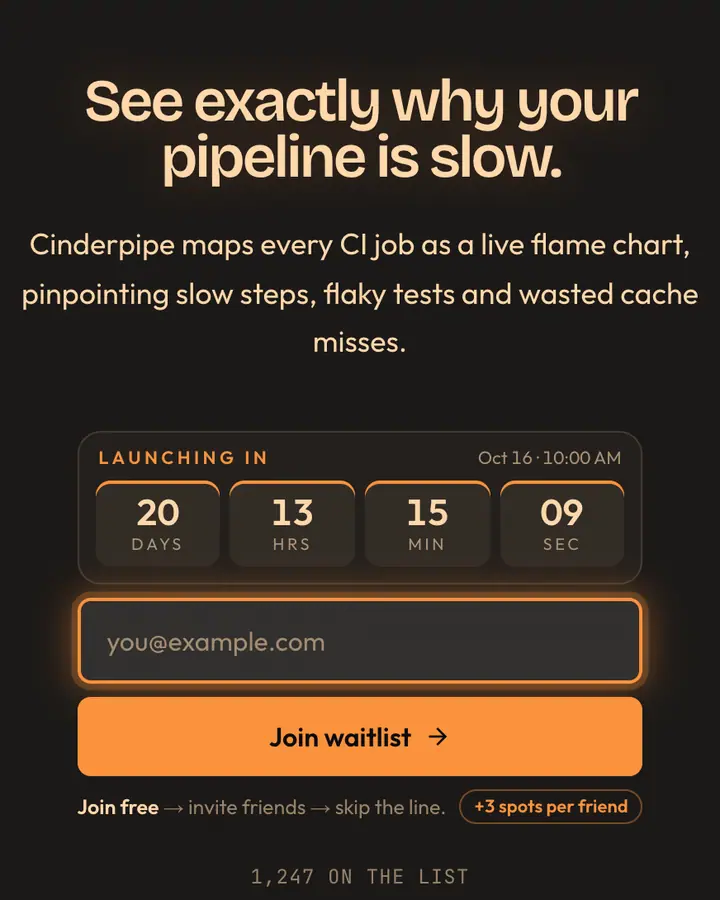
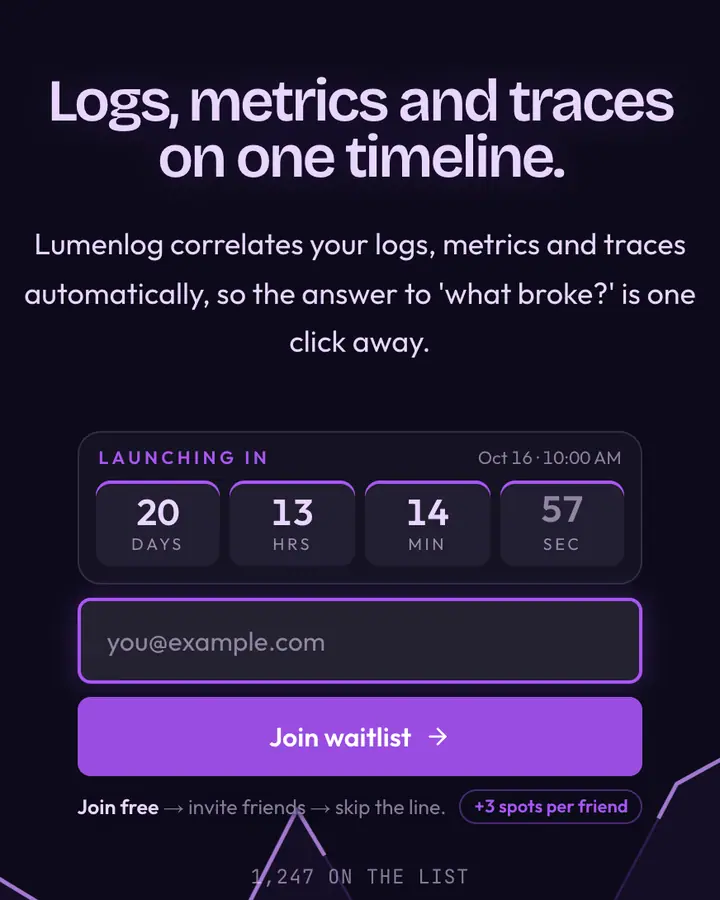
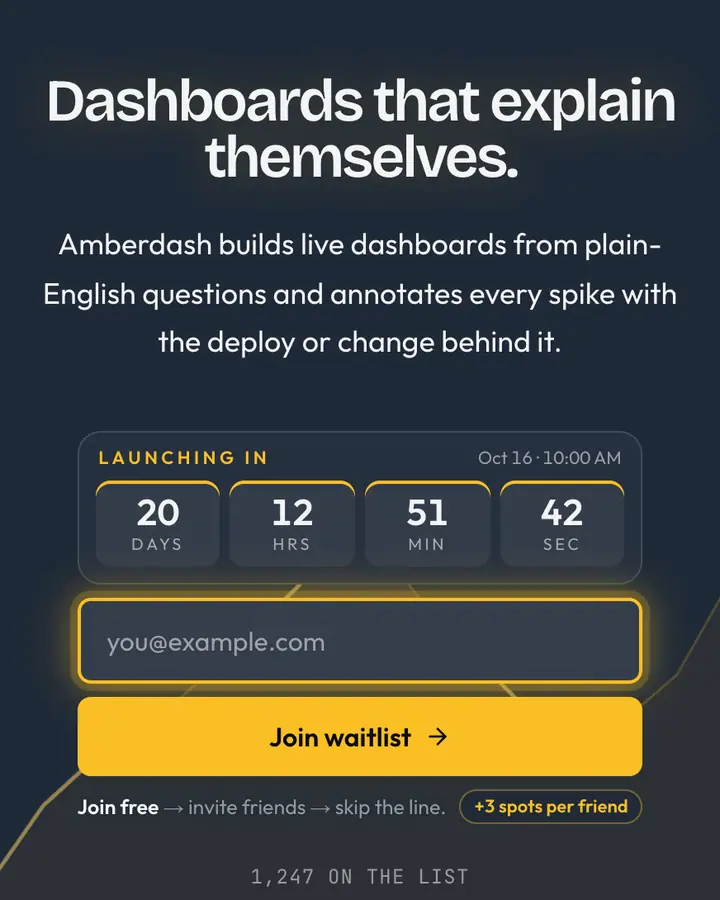
Within Tech, GitHub Dark stands out for its emerald accent on a deep blue ground. If it is not quite right, GitLab Orange is also dark but leans on a vivid vermilion accent and an animated conveyor layer (“CI orange, pipe blue”). Datadog Purple is also dark but leans on a violet accent and an animated charts layer (“Observability violet”). Grafana Orange is also dark but leans on a vivid amber accent and an animated charts layer (“Dashboard amber on slate”). All of them share the same signup, referral and analytics features, so switching later only changes the look.
Launch with GitHub Dark in three steps
- Click “Use this template” and create a free account; GitHub Dark is preselected in the page wizard.
- Replace the Stackpile demo copy with your product's headline and one-line pitch, pick a URL, and optionally set a launch date to show a real countdown.
- Publish and share the link. Every subscriber gets a personal referral link, and you watch signups and top referrers arrive in the dashboard.