About the Modal template
Modal brings studio-grade electric blue and cyan polish to your waitlist—the signature palette of professional design dashboards and engineering tools. Built for tech founders and SaaS companies chasing precision, this template pairs crisp typography with high-contrast button states that telegraph interactivity. Pro users unlock custom domains, anchoring Modal at your branded URL to establish authority before launch.
What the demo shows
The live demo on this page launches Coldforge, a made-up product we wrote to show the template with realistic copy: the headline reads “Rent a GPU for exactly nine seconds.” and the subhead says “Coldforge runs your Python functions on cloud GPUs that boot on demand and bill by the second, then vanish.” Below it you see the signup form, a demo launch countdown and the share-to-climb referral panel exactly as a visitor would. Try the form: in the demo nothing is stored. When you use Modal, you replace Coldforge with your own product name, headline, subhead and logo; the palette and motion come with it and every colour stays editable.
Design details
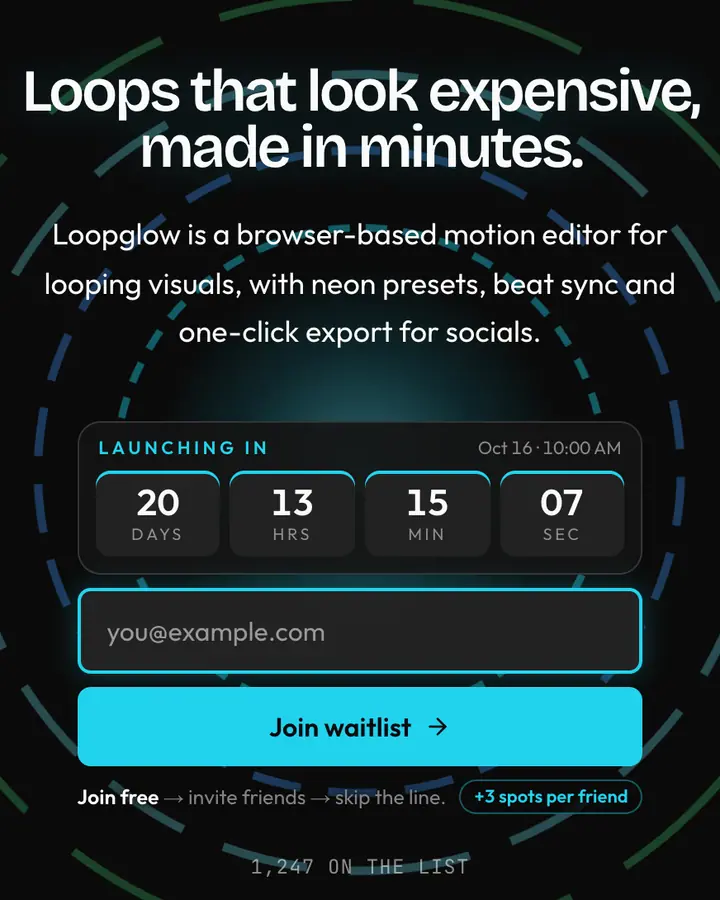
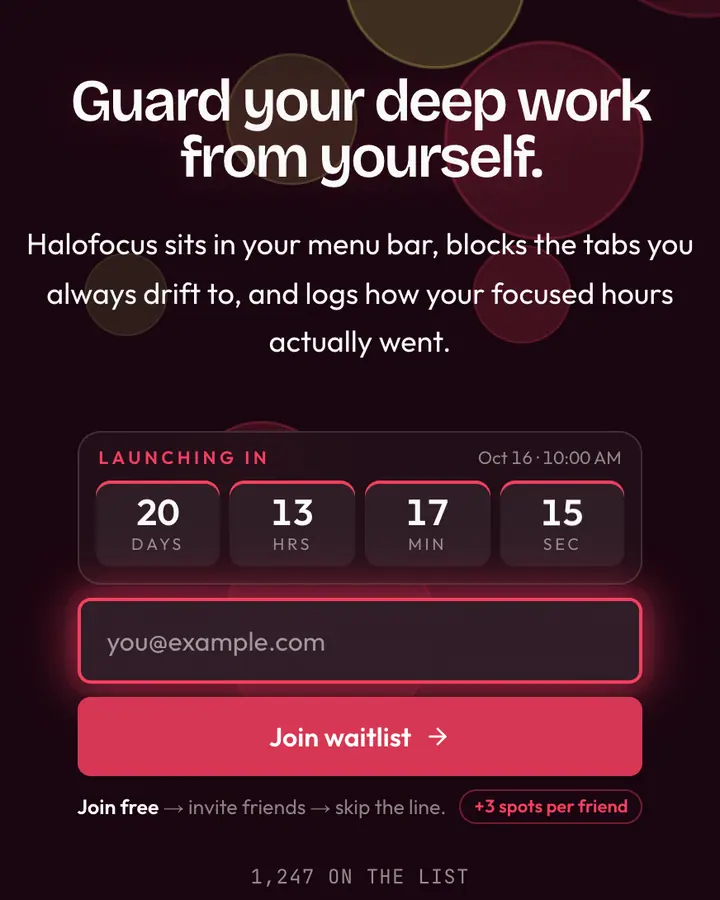
Modal is a dark template: a deep sky blue background (#0a1929), sky blue-tinted white type (#e6f7ff) and a vivid cyan accent (#21d4fd) on the join button, the countdown and the referral highlights. Body text sits at a 16.1:1 contrast ratio against the background, comfortably past the WCAG AAA threshold. Behind the copy the page animates with storm clouds and flashes of lightning, front and centre; visitors who ask their device for reduced motion get a still frame instead. Structurally it uses the Gradient layout, shared with 10 other templates, but the palette, the motion and the demo copy are Modal's own.
- Background
- #0a1929
- Accent
- #21d4fd
- Text
- #e6f7ff
How it compares
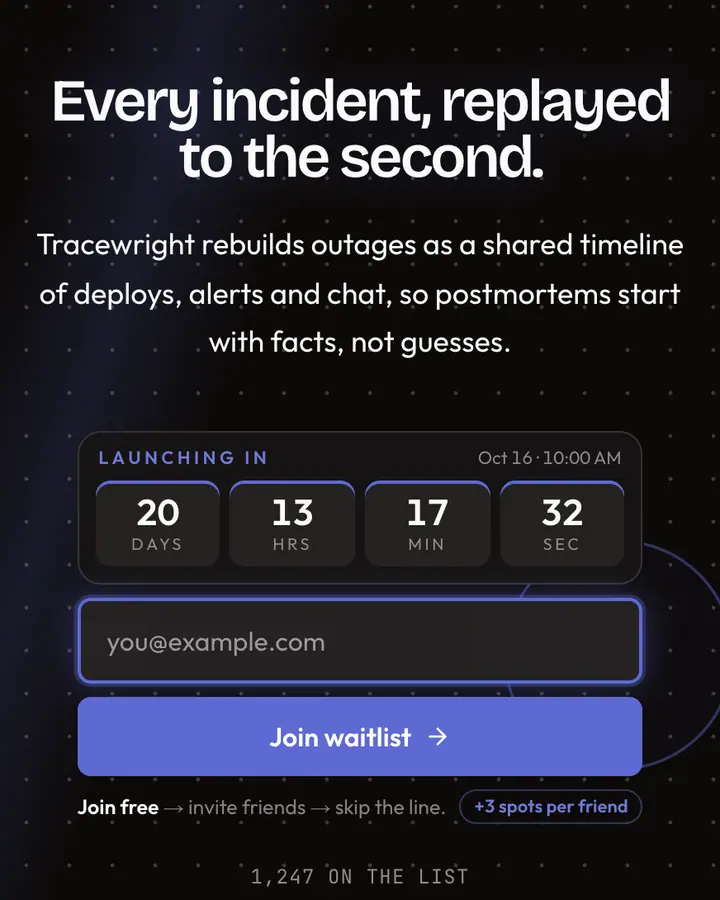
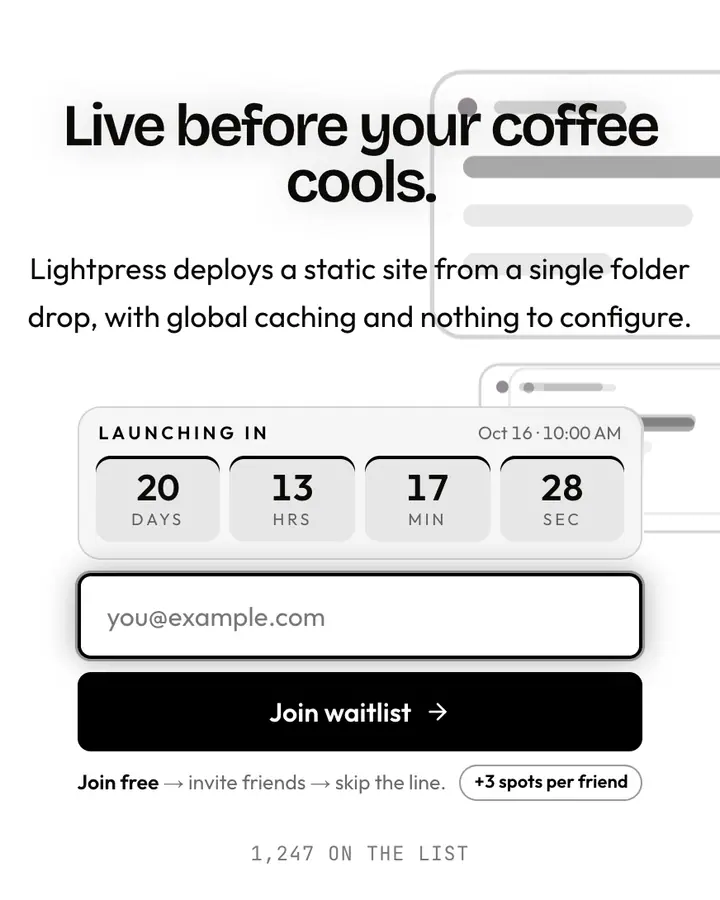
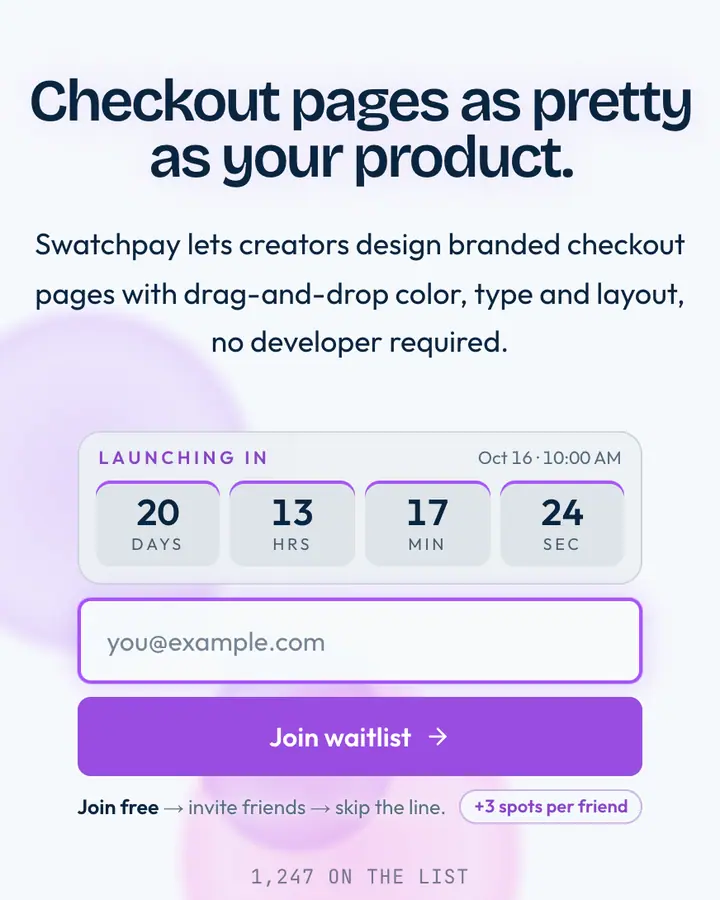
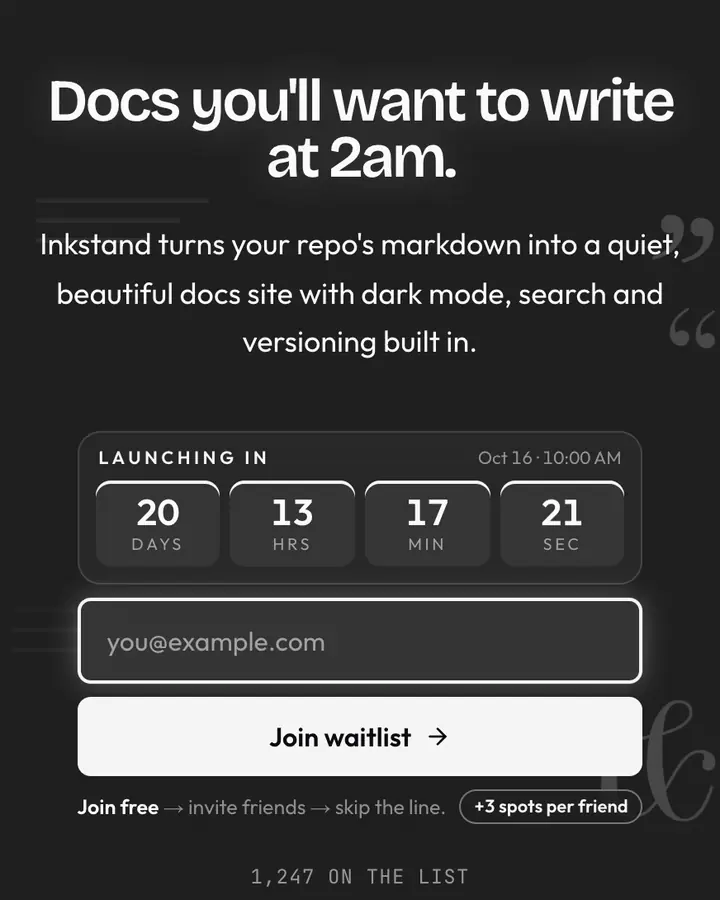
Within Tech, Modal stands out for its vivid cyan accent on a deep sky blue ground. If it is not quite right, Linear Grid is also dark but leans on a blue accent and a pulsing dot grid (“Dotted graph, indigo cursor”). Vercel Pure flips to a light white canvas with a near-black accent and floating UI panels (“Pure white deploy banner”). Stripe Paint flips to a light sky blue-tinted white canvas with a violet accent and watercolour washes bleeding together (“Painted gradient, magenta hue”). All of them share the same signup, referral and analytics features, so switching later only changes the look.
Launch with Modal in three steps
- Click “Use this template” and create a free account; Modal is preselected in the page wizard.
- Replace the Coldforge demo copy with your product's headline and one-line pitch, pick a URL, and optionally set a launch date to show a real countdown.
- Publish and share the link. Every subscriber gets a personal referral link, and you watch signups and top referrers arrive in the dashboard.