About the Neovim Lua template
Neovim Lua speaks the language of modal editing in glowing green ash-toned black. The vibrant green accent mirrors Neovim's plugin ecosystem highlighted in terminal windows. Text editors and developer tools feel completely at home in this environment. Track which CTA variant resonates most with your vim-using audience through real-time analytics.
What the demo shows
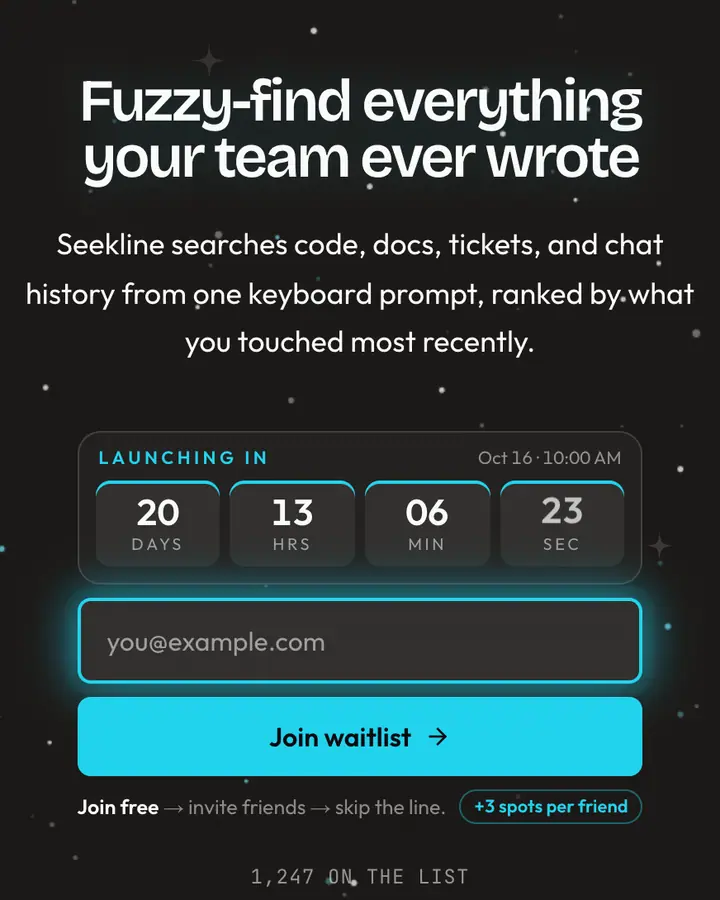
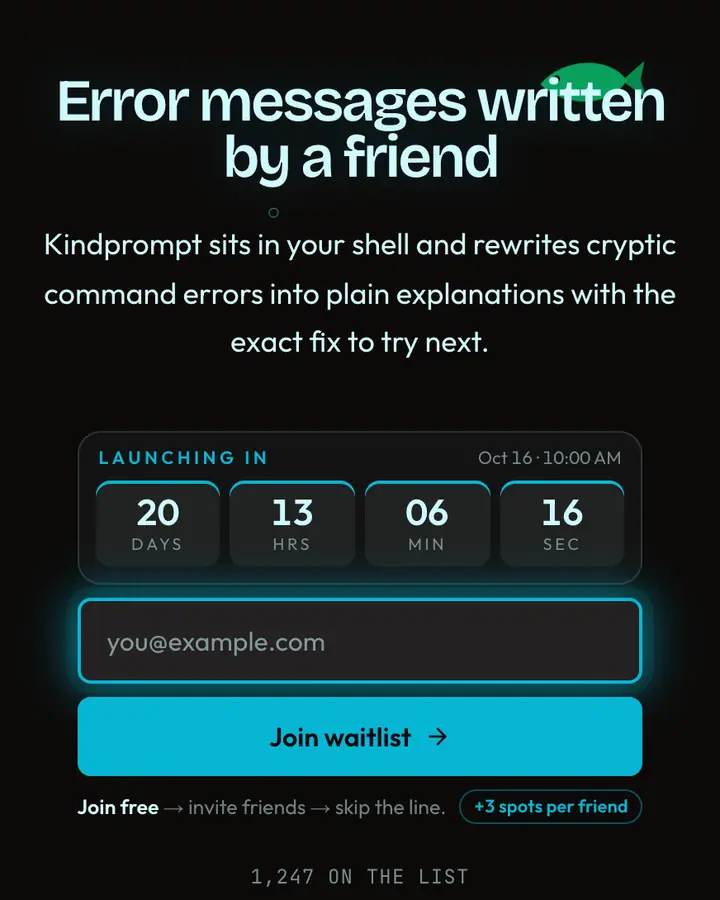
The live demo on this page launches Plugsmith, a made-up product we wrote to show the template with realistic copy: the headline reads “Write plugins, not boilerplate” and the subhead says “Plugsmith scaffolds, tests, and documents Lua editor plugins from one command, so you spend weekends on features instead of setup.” Below it you see the signup form, a demo launch countdown and the share-to-climb referral panel exactly as a visitor would. Try the form: in the demo nothing is stored. When you use Neovim Lua, you replace Plugsmith with your own product name, headline, subhead and logo; the palette and motion come with it and every colour stays editable.
Design details
Neovim Lua is a dark template: a near-black background (#0c0a09), light emerald type (#a7f3d0) and an emerald accent (#22c55e) on the join button, the countdown and the referral highlights. Body text sits at a 15.4:1 contrast ratio against the background, comfortably past the WCAG AAA threshold. Behind the copy the page animates with cascading glyph rain, clearly visible; visitors who ask their device for reduced motion get a still frame instead. Structurally it uses the Matrix layout, shared with 16 other templates, but the palette, the motion and the demo copy are Neovim Lua's own.
- Background
- #0c0a09
- Accent
- #22c55e
- Text
- #a7f3d0
How it compares
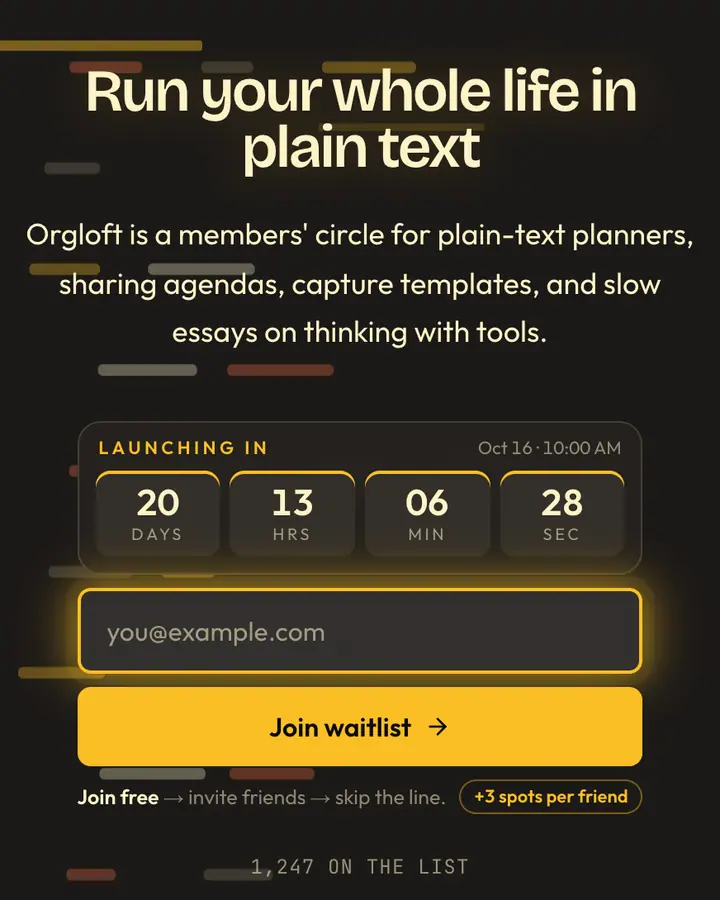
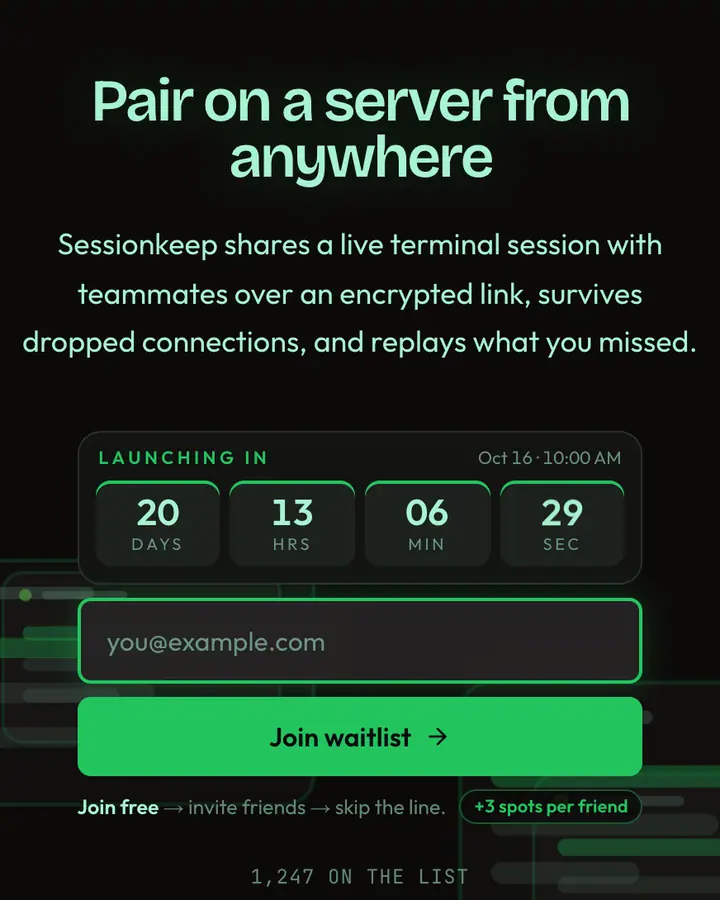
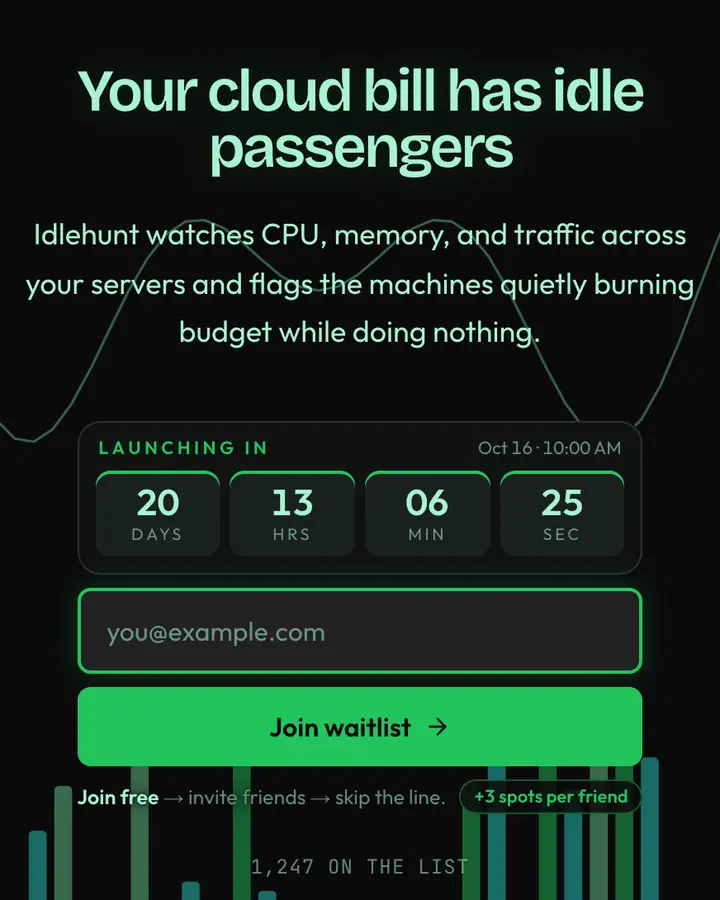
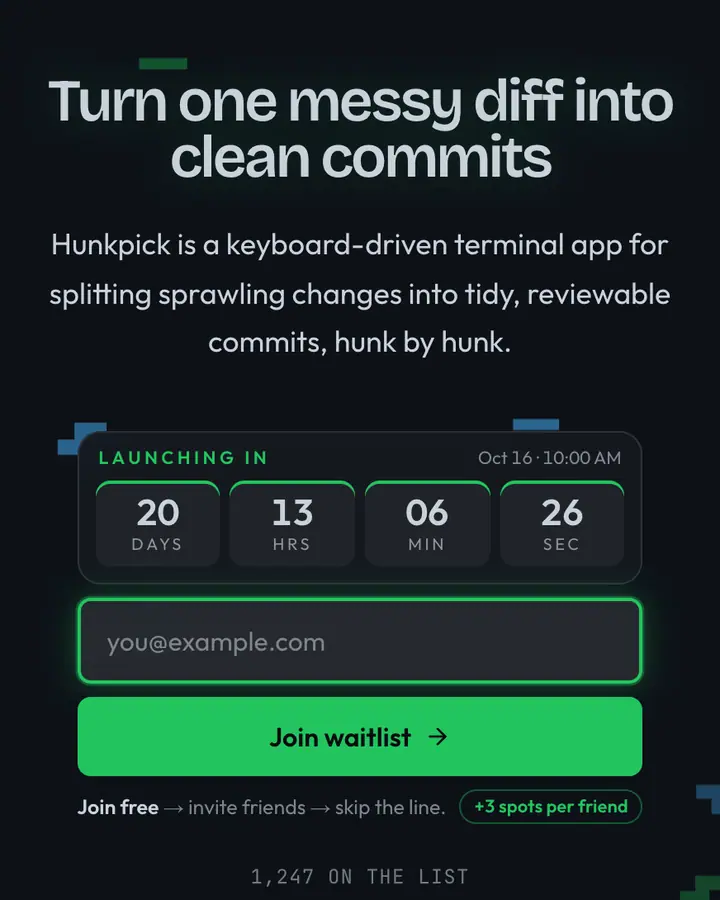
Within Terminal, Neovim Lua stands out for its emerald accent on a near-black ground. If it is not quite right, Emacs Buffer is also dark but leans on a vivid amber accent and scrolling terminal output (“Org-mode amber, M-x”). tmux Status is also dark but leans on an emerald accent and floating UI panels (“Pane bar, session green”). htop CPU is also dark but leans on an emerald accent and bouncing equalizer bars (“Bar-graph green, CPU spike”). All of them share the same signup, referral and analytics features, so switching later only changes the look.
Launch with Neovim Lua in three steps
- Click “Use this template” and create a free account; Neovim Lua is preselected in the page wizard.
- Replace the Plugsmith demo copy with your product's headline and one-line pitch, pick a URL, and optionally set a launch date to show a real countdown.
- Publish and share the link. Every subscriber gets a personal referral link, and you watch signups and top referrers arrive in the dashboard.