Inside the Mimeograph demo
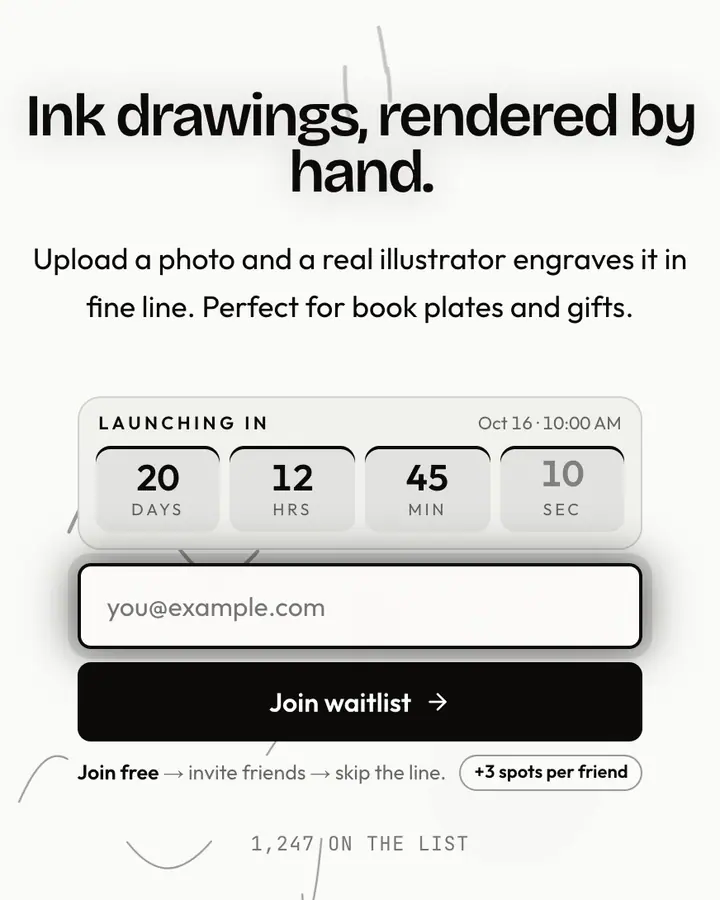
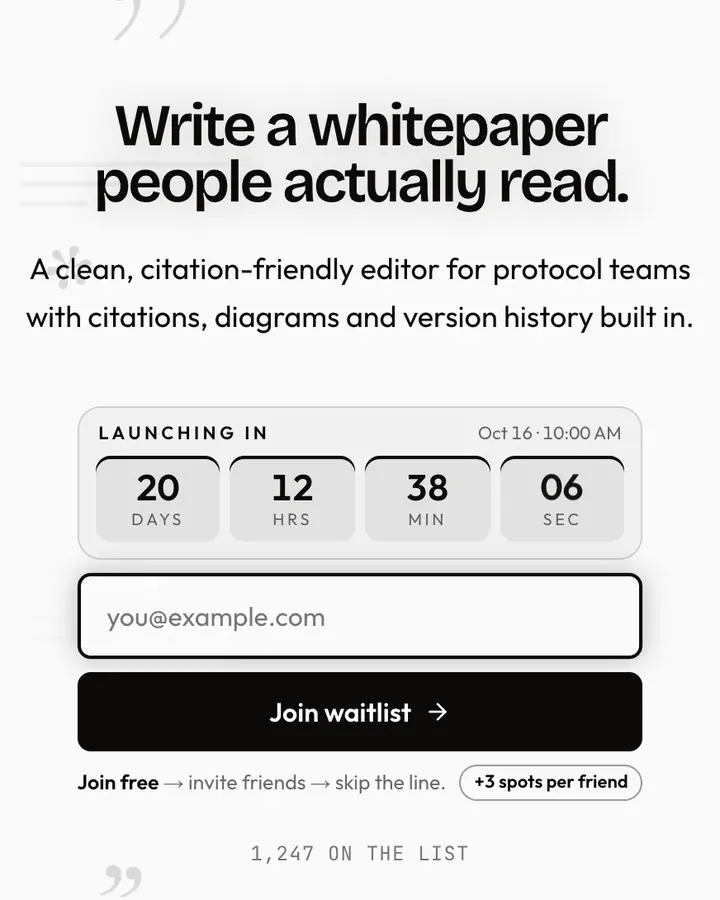
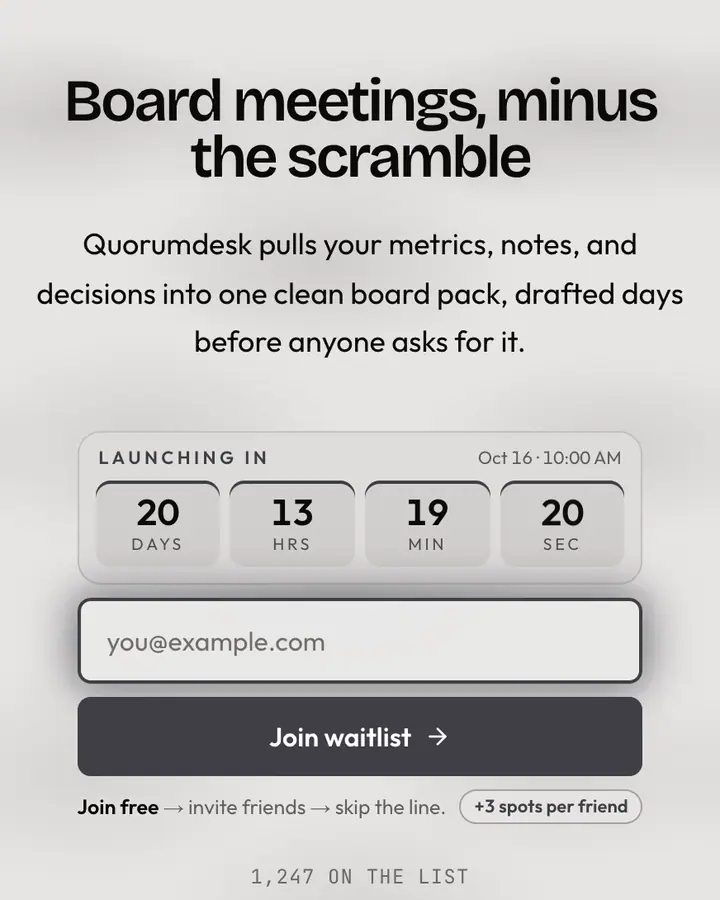
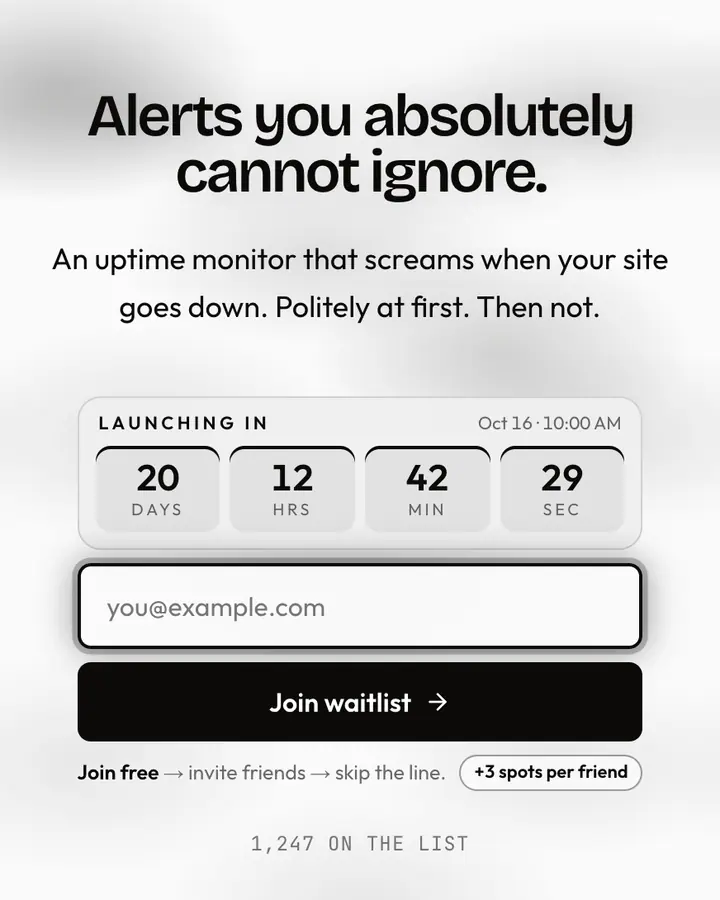
The live demo on this page launches Handout, a made-up product we wrote to show the template with realistic copy: the headline reads “Worksheets that make themselves.” and the subhead says “An AI tool for teachers that turns a lesson plan into printable worksheets in seconds.” Below it you see the signup form, a demo launch countdown and the share-to-climb referral panel exactly as a visitor would. Try the form: in the demo nothing is stored. When you use Mimeograph, you replace Handout with your own product name, headline, subhead and logo; the palette and motion come with it and every color stays editable.
Who Mimeograph is for
For independent publishers, zine-making collectives, and art school networks championing DIY aesthetics.
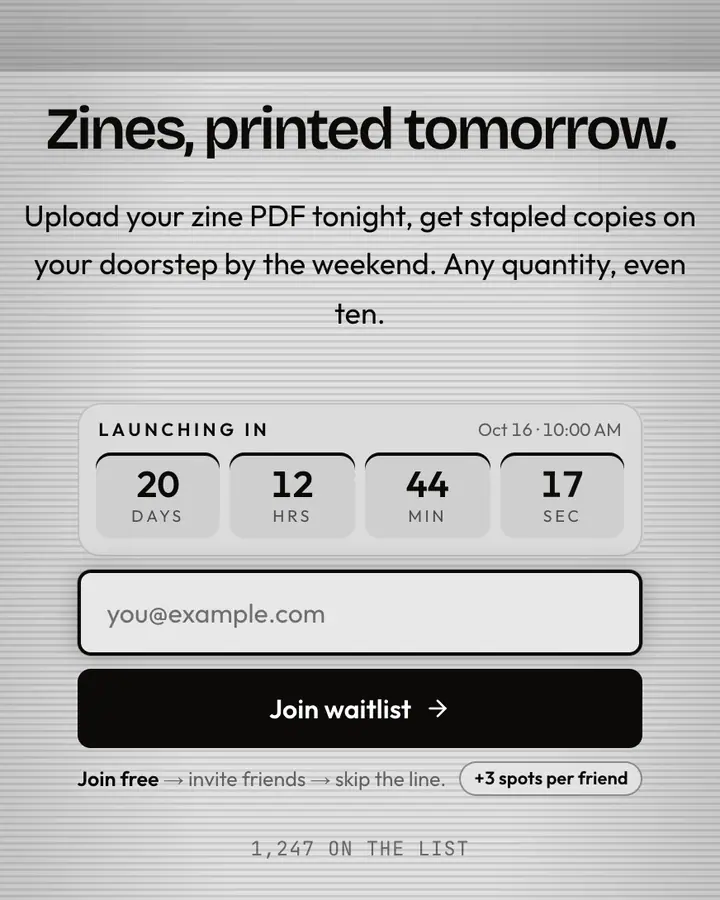
Mimeograph echoes the machine-reproduced aesthetic of school hallways and basement collectives—light gray and black, the purple stencil long since faded. Vintage retailers, zine platforms, punk collectives, and nostalgia-focused projects thrive here. See your grassroots movement grow with real-time analytics that tick upward like a mimeograph drum turning.
How Mimeograph is designed
Mimeograph is a light template: a white background (#fafafa), near-black type (#0c0a09) and a near-black accent (#0c0a09) on the join button, the countdown and the referral highlights. Body text sits at an 18.9:1 contrast ratio against the background, comfortably past the WCAG AAA threshold. Behind the copy the page animates with low rolling fog, clearly visible; visitors who ask their device for reduced motion get a still frame instead. Structurally it uses the Manifesto layout, shared with 93 other templates, but the palette, the motion and the demo copy are Mimeograph's own.
- Background
- #fafafa
- Accent
- #0c0a09
- Text
- #0c0a09
What to launch with Mimeograph
Mimeograph fits a documentary or zine, a photography or print project or a typography or design product. On a white page, keep the headline short and let the near-black button carry the action. A headline like “Nothing extra.” with the subhead “A writing app with one job. Join the list for the beta.” matches the black & white tone. Because the foggy motion is clearly visible, a two-line subhead is plenty; longer copy fights the background.
Mimeograph vs. similar black & white templates
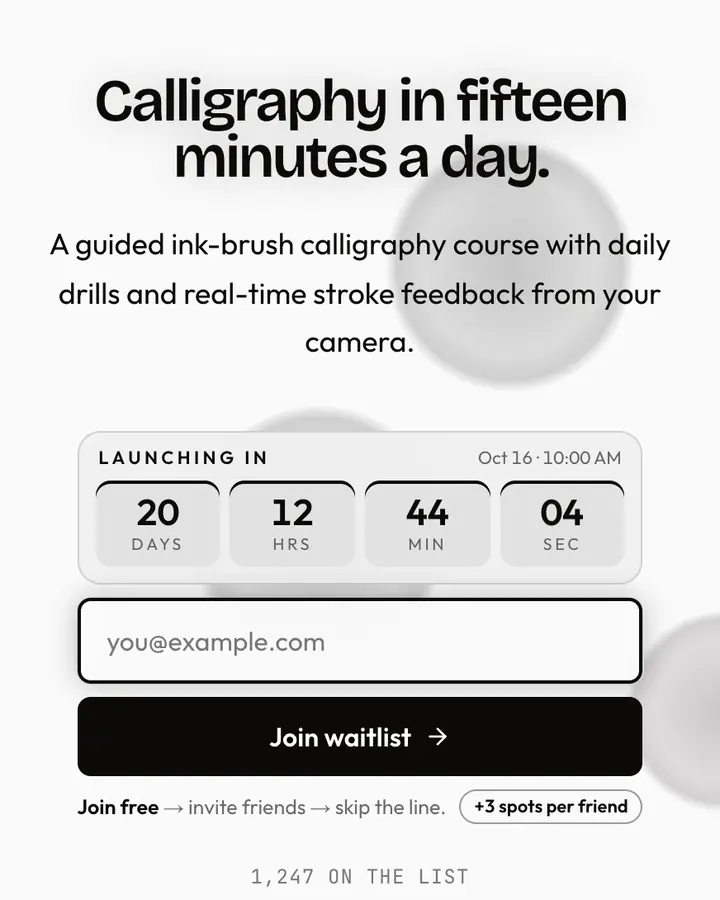
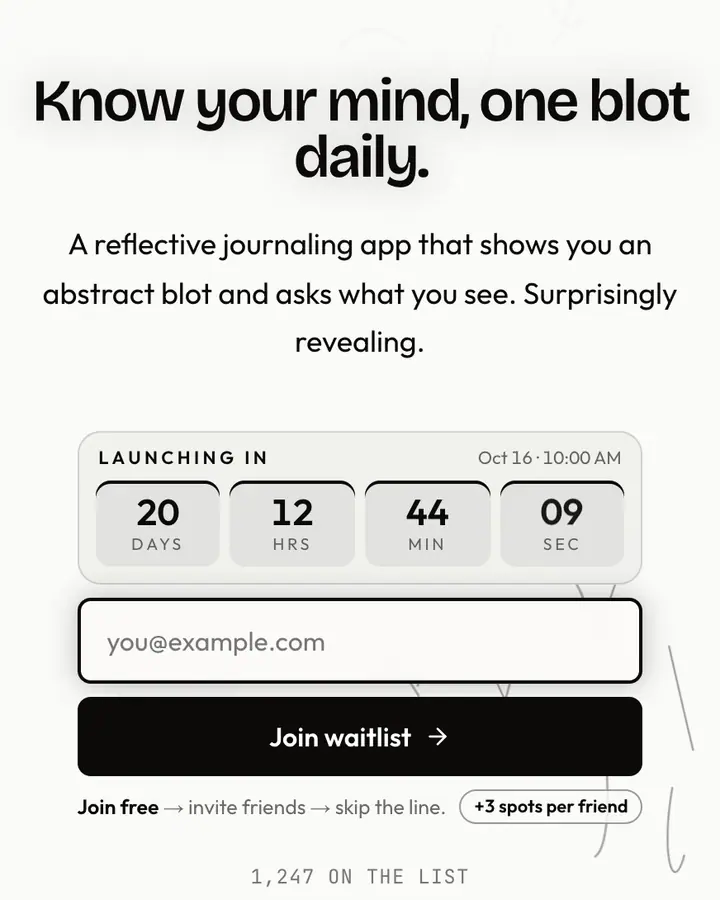
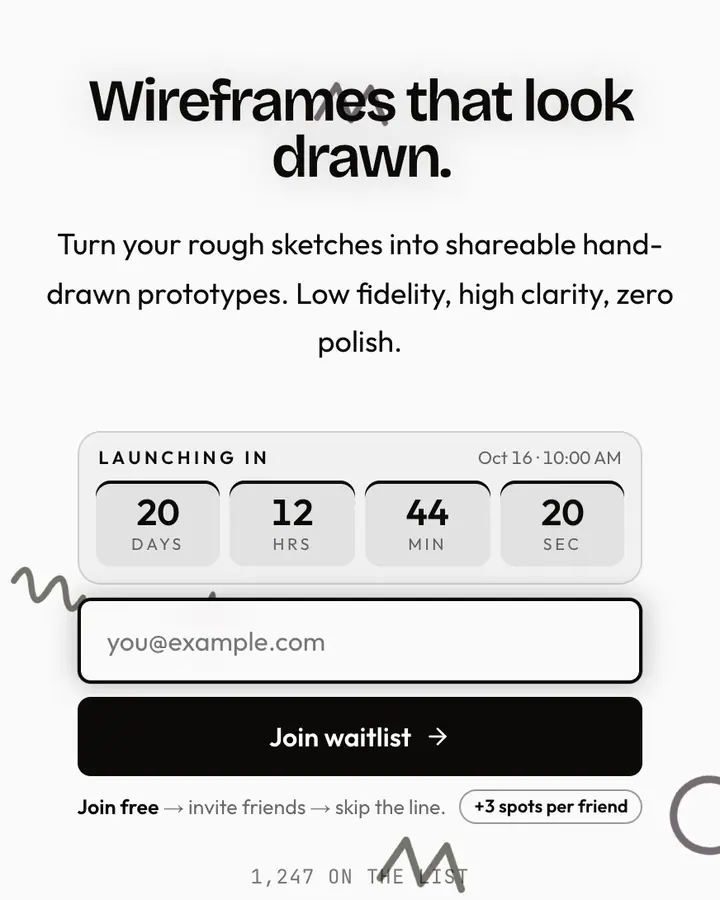
Among the Black & White templates, Mimeograph stands out for its near-black accent on a white ground. If it is not quite right, Ink Wash is also light but leans on a near-black accent and watercolor washes bleeding together (“Loose brush, calligraphy”). Ink Blot is also light but leans on a near-black accent and ink blooming through water (“Wet ink, soft bleed”). Marker Sketch is also light but leans on a near-black accent and hand-drawn doodles (“Hand-drawn lines, scrappy”). All of them share the same signup, referral and analytics features, so switching later only changes the look.
Three steps to a live waitlist
- Click “Use Mimeograph free” and create a free account; Mimeograph is preselected in the page wizard.
- Replace the Handout demo copy with your product's headline and one-line pitch, pick a URL, and optionally set a launch date to show a real countdown.
- Publish and share the link. Every subscriber gets a personal referral link, and you watch signups and top referrers arrive in the dashboard.
Mimeograph template FAQ
Is the Mimeograph template free?
Yes. Mimeograph is free on every plan, including the Free plan (1 page and 100 subscribers). All 1,000 Qubed templates are included on every plan; paying for Pro raises limits, it doesn't unlock designs.
Can I change Mimeograph's colors, copy and logo?
Colors and copy are editable on every plan: the white background, the near-black accent, the text color, the headline, subhead and button text. Uploading your own logo is part of Pro ($9.95/month).
Does Mimeograph include the referral leaderboard and countdown?
Yes. Every signup gets a personal referral link and moves up the line as friends join through it (3 spots per referral by default), and the page shows a countdown when you set a launch date. Leave the date empty and the countdown stays hidden.
Does Mimeograph work on mobile?
Yes. The layout is responsive, so the headline, signup form, countdown and share panel stack cleanly on a phone. Visitors who turn on reduced motion get a still background instead of the animation.
Can I remove the Qubed badge from a Mimeograph page?
Yes, on Pro. Free pages show a small "Built with Qubed" badge; Pro ($9.95/month) removes it and adds unlimited pages with up to 10,000 subscribers each.