About the Cherry Blush template
Cherry Blush soft-blurs a light pink background with cherry-red and burgundy tones evoking delicate cheek color and fruit sweetness. The palette suggests innocent beauty and romantic attention. Cosmetics, romance novels, and beauty services feel at home in this flush. Real-time analytics reveal peak engagement—perhaps when visitors feel most inclined toward beauty browsing.
What the demo shows
The live demo on this page launches Flushed, a made-up product we wrote to show the template with realistic copy: the headline reads “Blush that looks like you ran here.” and the subhead says “A buildable cream blush in cherry tones that melts into skin. Just-kissed cheeks in one swipe.” Below it you see the signup form, a demo launch countdown and the share-to-climb referral panel exactly as a visitor would. Try the form: in the demo nothing is stored. When you use Cherry Blush, you replace Flushed with your own product name, headline, subhead and logo; the palette and motion come with it and every colour stays editable.
Design details
Cherry Blush is a light template: a pale pink background (#fce7f3), dark pink type (#831843) and a red accent (#dc2626) on the join button, the countdown and the referral highlights. Body text sits at a 8.2:1 contrast ratio against the background, comfortably past the WCAG AAA threshold. Behind the copy the page animates with petals drifting down, front and centre; visitors who ask their device for reduced motion get a still frame instead. Structurally it uses the Pastel layout, shared with 58 other templates, but the palette, the motion and the demo copy are Cherry Blush's own.
- Background
- #fce7f3
- Accent
- #dc2626
- Text
- #831843
How it compares
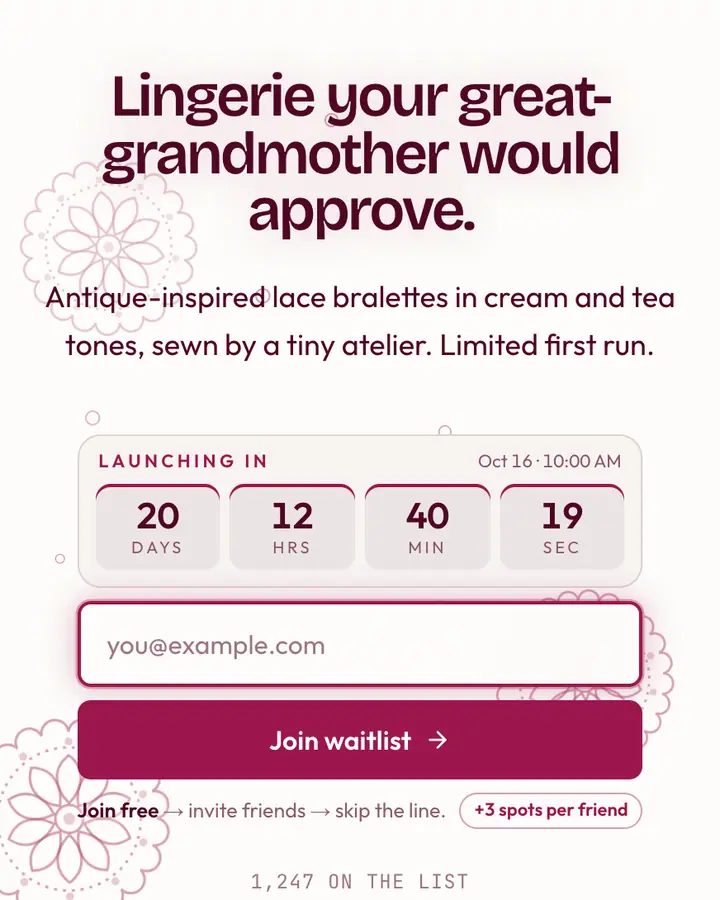
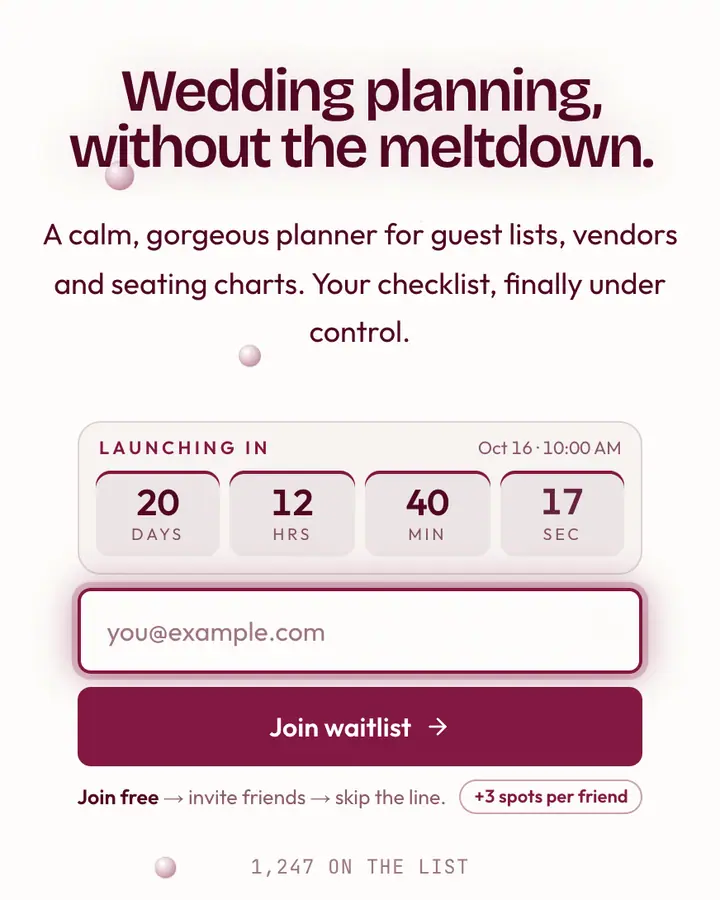
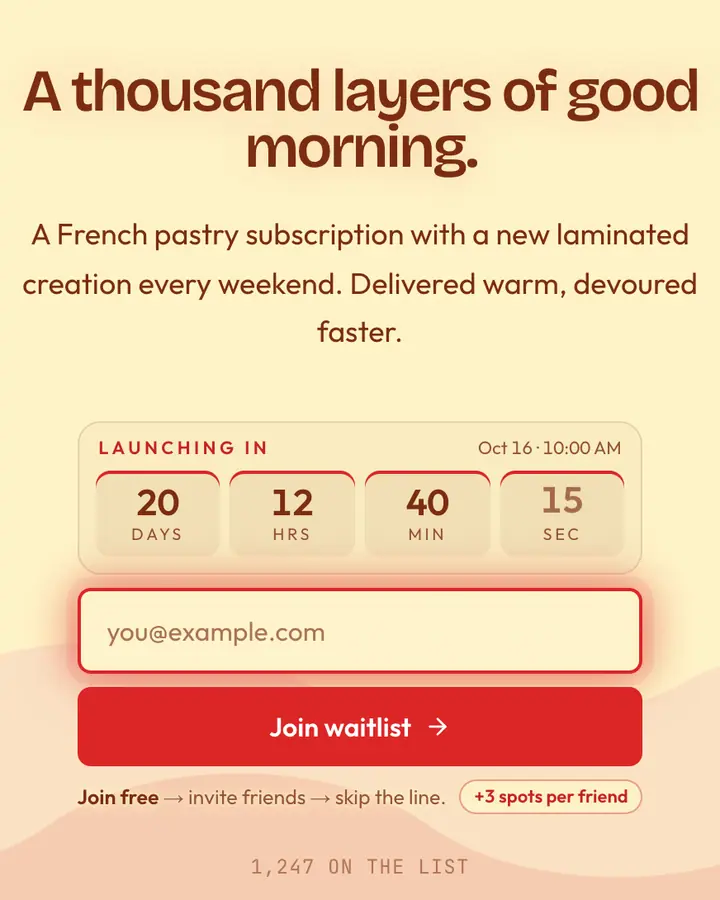
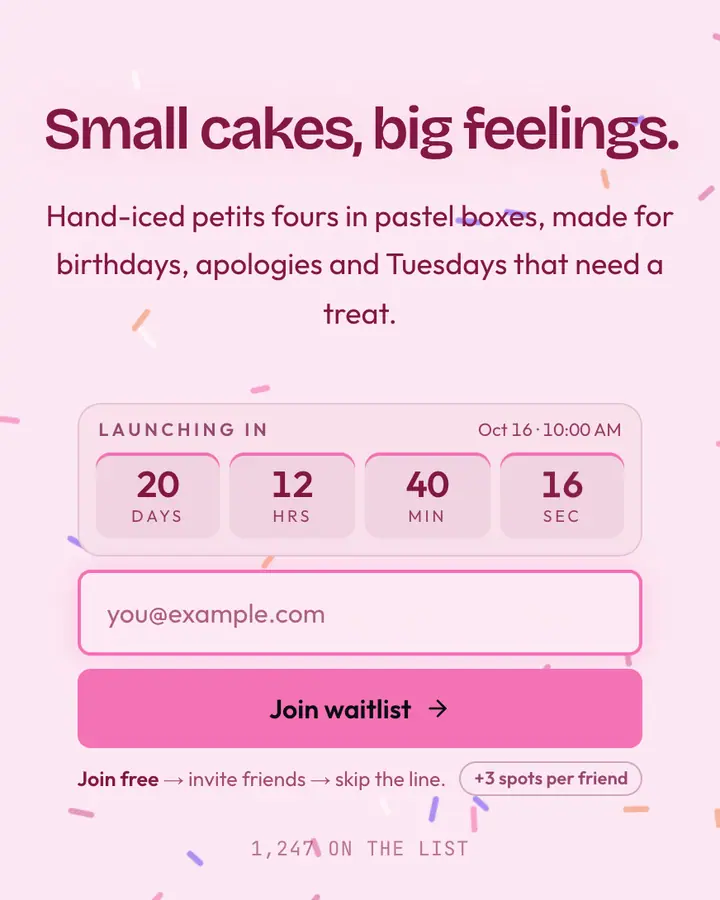
Within Coquette, Cherry Blush stands out for its red accent on a pale pink ground. If it is not quite right, Cream Lace is also light but leans on a pink accent and an animated lace layer (“Antique lace, tea”). Bridal White is also light but leans on a dark pink accent and an animated pearls layer (“Veiled white, satin shoe”). Millefeuille is also light but leans on a red accent and rolling waves (“Layered cream, glaze”). All of them share the same signup, referral and analytics features, so switching later only changes the look.
Launch with Cherry Blush in three steps
- Click “Use this template” and create a free account; Cherry Blush is preselected in the page wizard.
- Replace the Flushed demo copy with your product's headline and one-line pitch, pick a URL, and optionally set a launch date to show a real countdown.
- Publish and share the link. Every subscriber gets a personal referral link, and you watch signups and top referrers arrive in the dashboard.