Inside the Layer 2 Blue demo
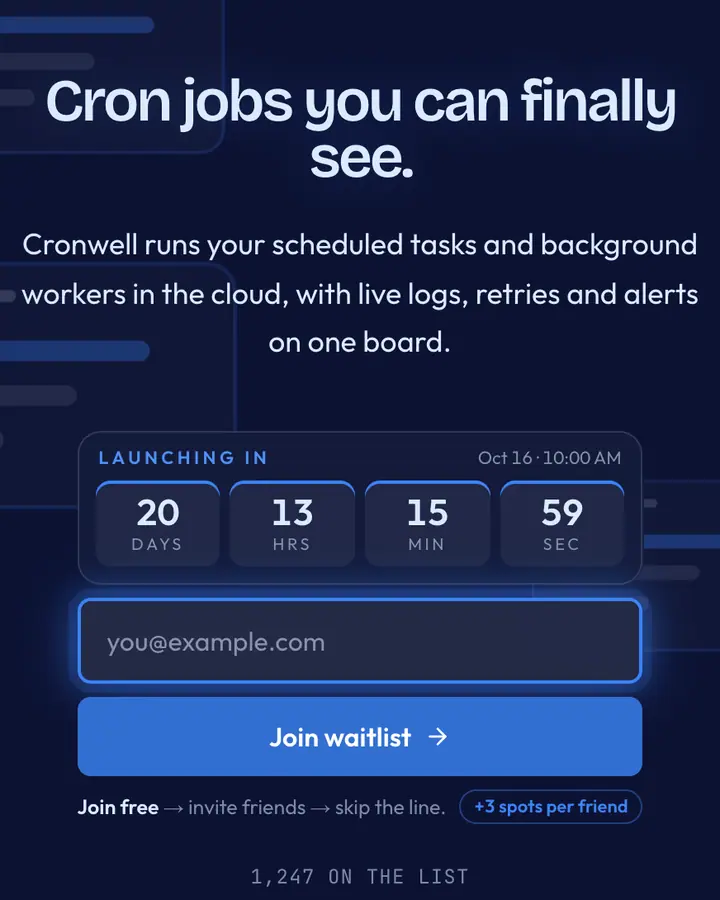
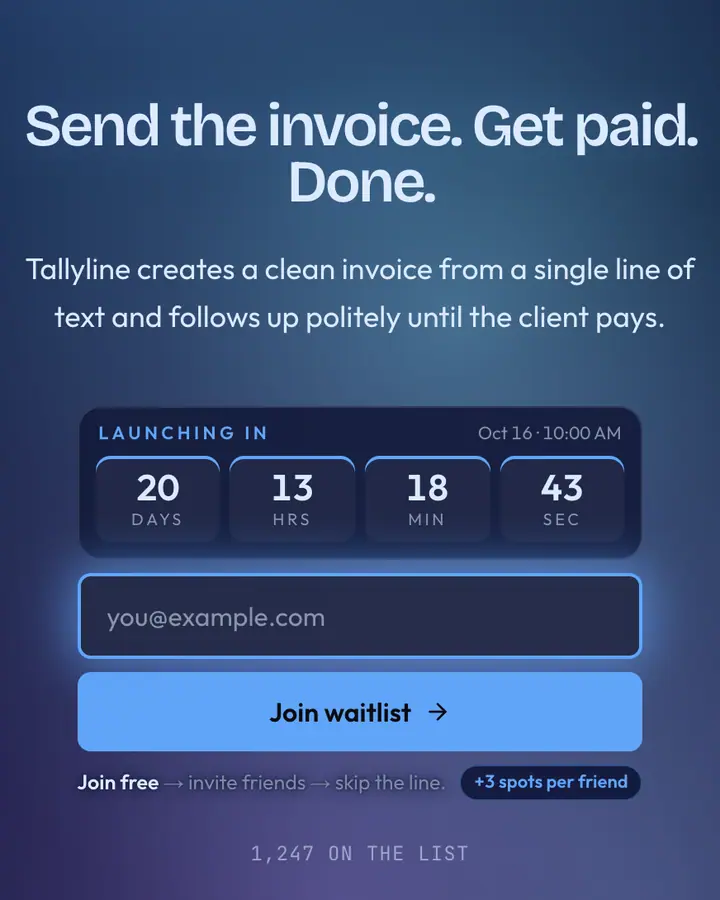
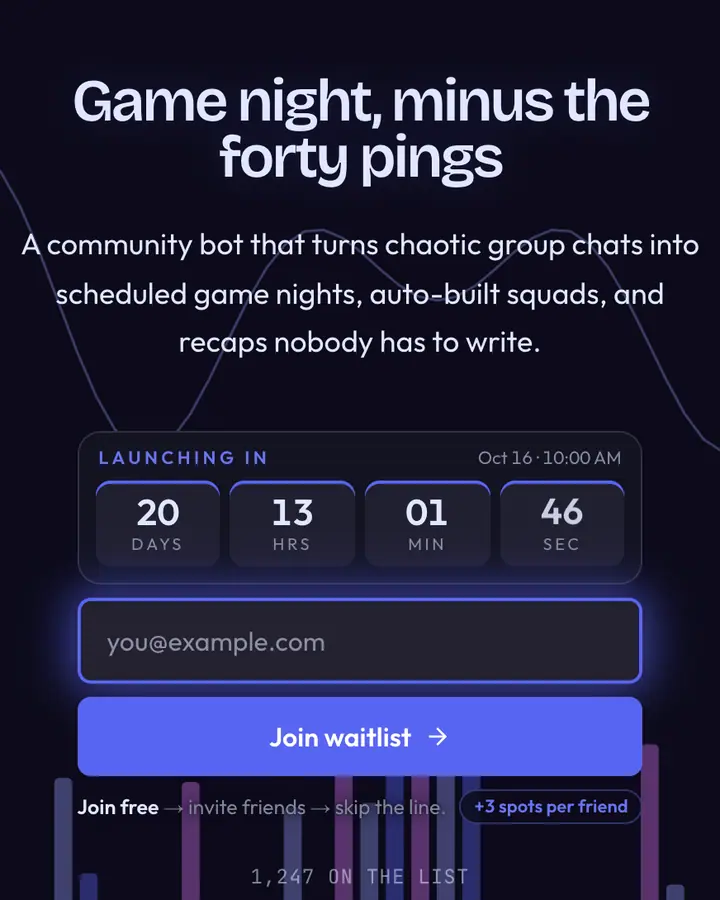
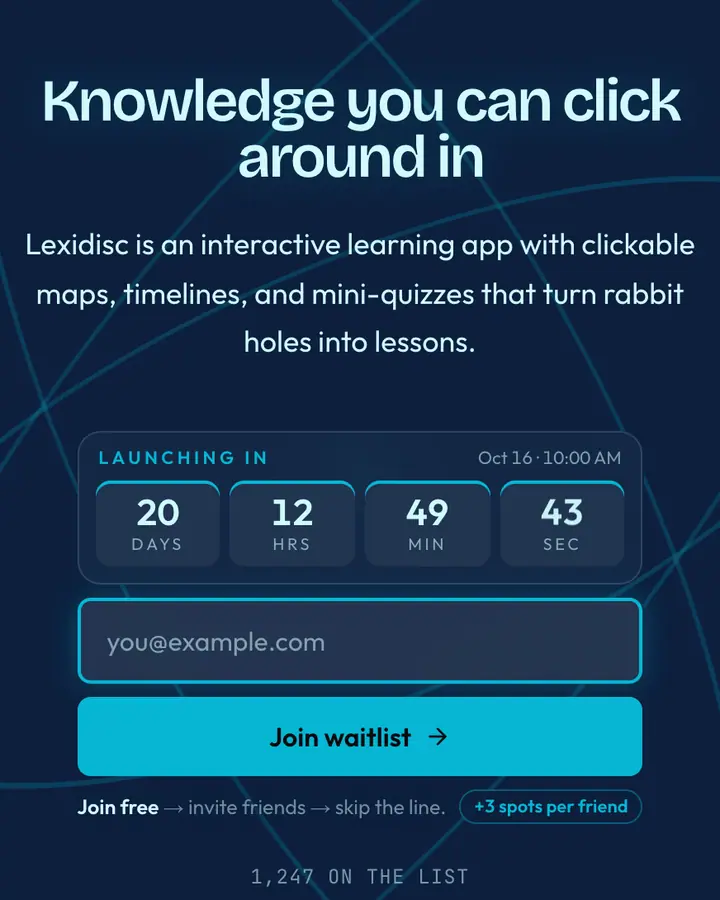
The live demo on this page launches Onramp, a made-up product we wrote to show the template with realistic copy: the headline reads “Your first onchain app, this weekend.” and the subhead says “A starter kit with wallet login, a sample contract and deploy scripts. Built for curious web devs.” Below it you see the signup form, a demo launch countdown and the share-to-climb referral panel exactly as a visitor would. Try the form: in the demo nothing is stored. When you use Layer 2 Blue, you replace Onramp with your own product name, headline, subhead and logo; the palette and motion come with it and every color stays editable.
Who Layer 2 Blue is for
For Layer 2 protocols, DeFi platforms, and blockchain architects laying Web3's base.
The deep-navy background with bright cyan accent reads as the intersection of cutting-edge cryptography and UI refinement. Web3 platforms, DeFi apps, and blockchain-native brands will recognize the palette immediately. It communicates financial seriousness fused with technological optimizm—we're building the future's money. Real-time analytics on this template show unusual precision in visitor tracking; the data-forward audience expects to understand exactly what's being measured.
Palette, typography and motion
Layer 2 Blue is a dark template: a deep blue background (#0c1233), pale sky blue type (#dbeafe) and a vivid blue accent (#0052ff) on the join button, the countdown and the referral highlights. Body text sits at a 15:1 contrast ratio against the background, comfortably past the WCAG AAA threshold. Behind the copy the page animates with an animated edge layer, front and center; visitors who ask their device for reduced motion get a still frame instead. Structurally it uses the Minimal layout, shared with 137 other templates, but the palette, the motion and the demo copy are Layer 2 Blue's own.
- Background
- #0c1233
- Accent
- #0052ff
- Text
- #dbeafe
What to launch with Layer 2 Blue
Layer 2 Blue fits a token or points program, a crypto research newsletter or a Web3 or DeFi protocol. Against the deep blue background, a short headline in pale sky blue type reads first and the vivid blue button reads second, which is the order you want. A headline like “Early is everything.” with the subhead “Research on protocols worth watching. Subscribe before launch.” matches the crypto & Web3 tone. Because the edge motion is front and center, a two-line subhead is plenty; longer copy fights the background.
How it compares
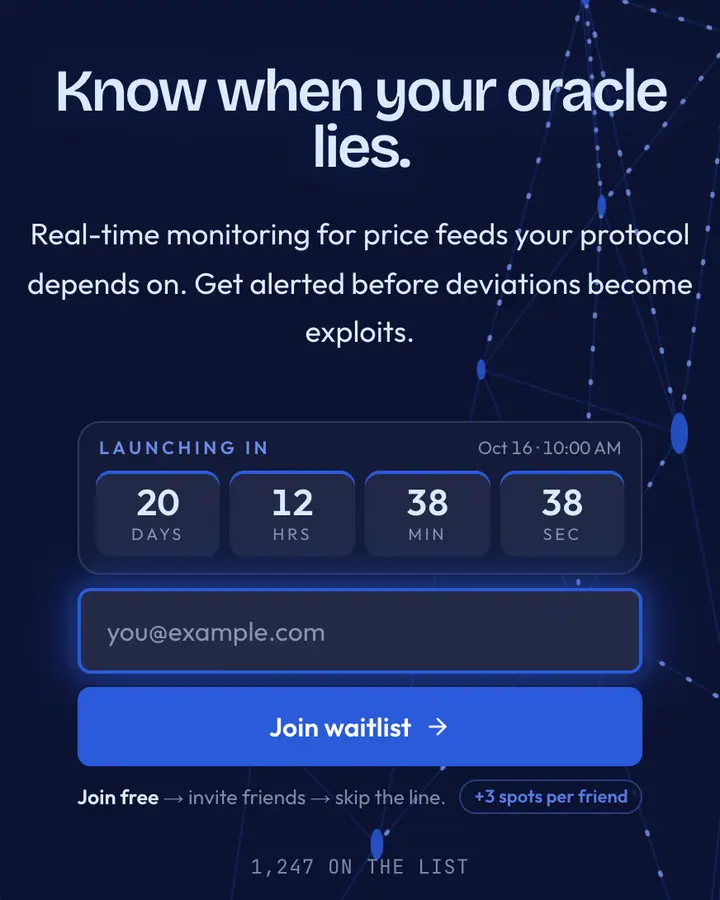
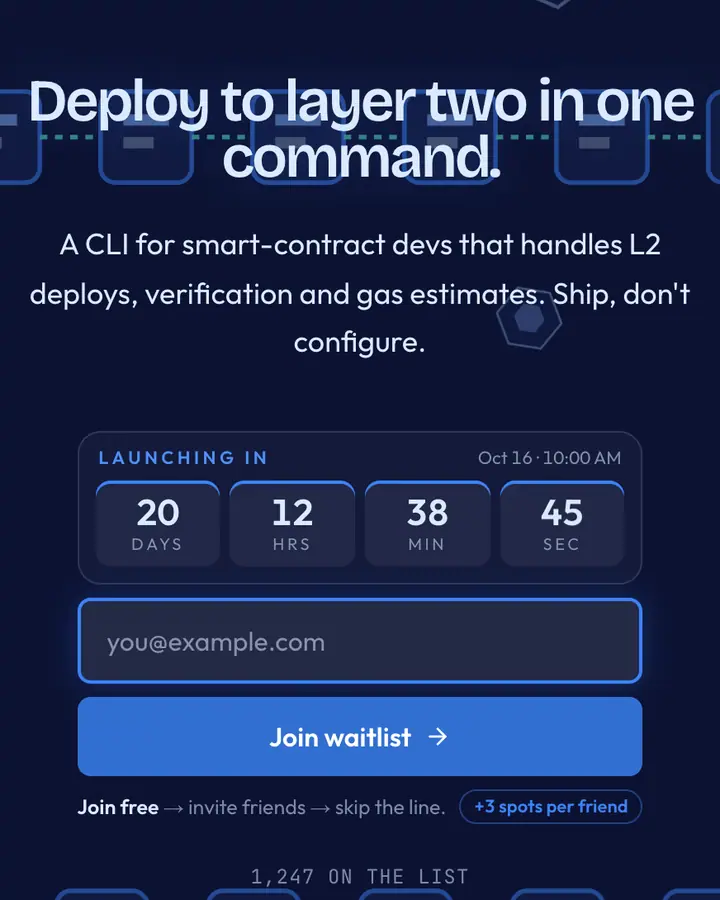
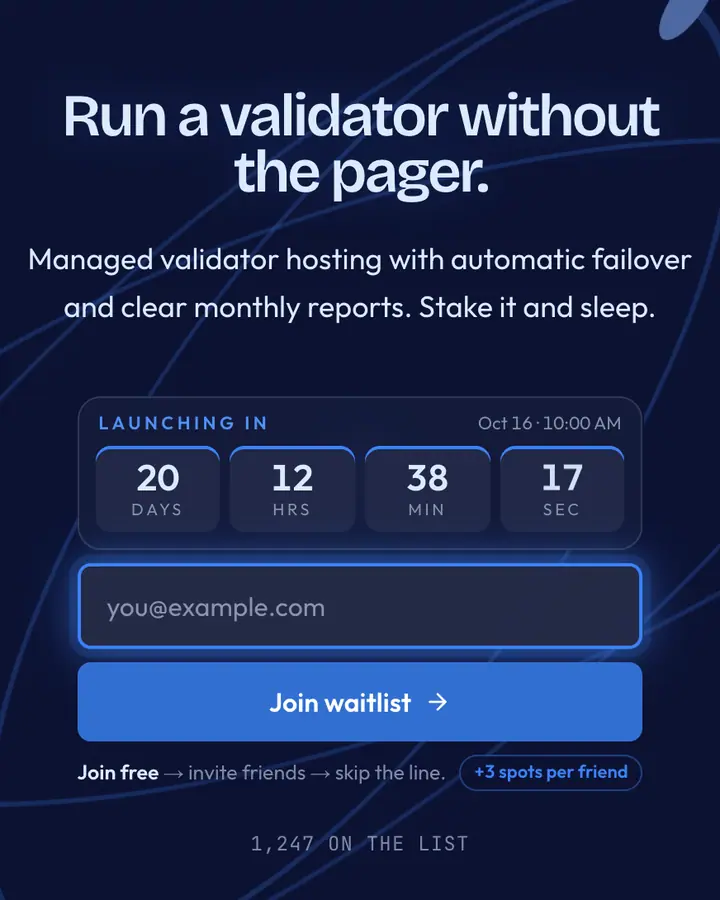
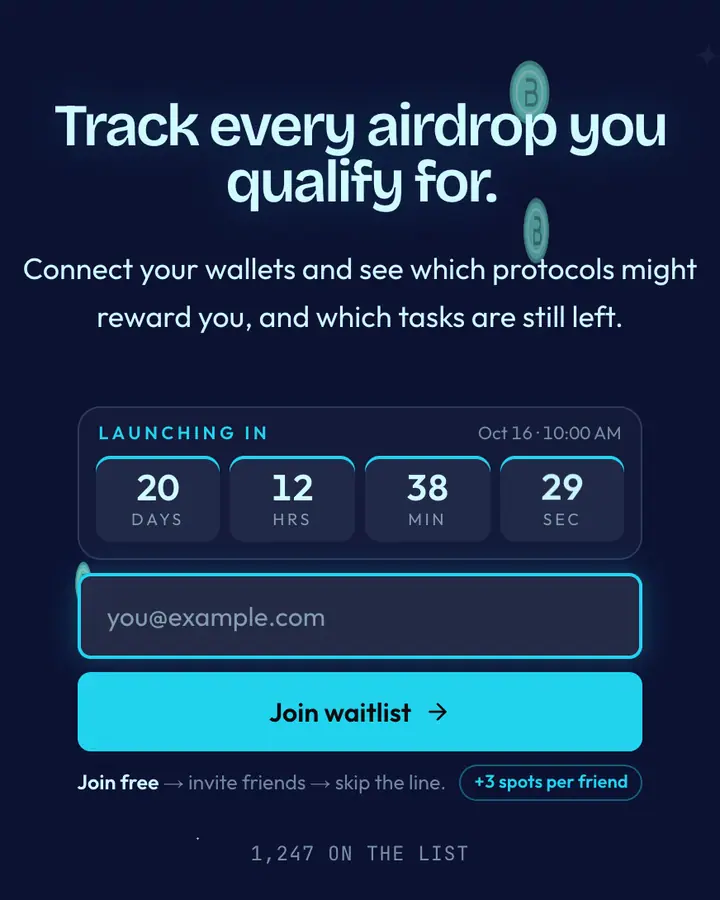
Among the Crypto & Web3 templates, Layer 2 Blue stands out for its vivid blue accent on a deep blue ground. If it is not quite right, Price Feed Blue is also dark but leans on a blue accent and a network of nodes linking up (“Oracle blue, hex”). Rollup Blue is also dark but leans on a vivid blue accent and chained blocks linking together (“Optimistic rollup”). Stake Blue is also dark but leans on a vivid blue accent and concentric orbits (“Validator stake”). All of them share the same signup, referral and analytics features, so switching later only changes the look.
Launch with Layer 2 Blue in three steps
- Click “Use Layer 2 Blue free” and create a free account; Layer 2 Blue is preselected in the page wizard.
- Replace the Onramp demo copy with your product's headline and one-line pitch, pick a URL, and optionally set a launch date to show a real countdown.
- Publish and share the link. Every subscriber gets a personal referral link, and you watch signups and top referrers arrive in the dashboard.
Common questions about Layer 2 Blue
Is the Layer 2 Blue template free?
Yes. Layer 2 Blue is free on every plan, including the Free plan (1 page and 100 subscribers). All 1,000 Qubed templates are included on every plan; paying for Pro raises limits, it doesn't unlock designs.
Can I change Layer 2 Blue's colors, copy and logo?
Colors and copy are editable on every plan: the deep blue background, the vivid blue accent, the text color, the headline, subhead and button text. Uploading your own logo is part of Pro ($9.95/month).
Does Layer 2 Blue include the referral leaderboard and countdown?
Yes. Every signup gets a personal referral link and moves up the line as friends join through it (3 spots per referral by default), and the page shows a countdown when you set a launch date. Leave the date empty and the countdown stays hidden.
Does Layer 2 Blue work on mobile?
Yes. The layout is responsive, so the headline, signup form, countdown and share panel stack cleanly on a phone. Visitors who turn on reduced motion get a still background instead of the animation.
Can I remove the Qubed badge from a Layer 2 Blue page?
Yes, on Pro. Free pages show a small "Built with Qubed" badge; Pro ($9.95/month) removes it and adds unlimited pages with up to 10,000 subscribers each.