About the WordArt Chrome template
Microsoft WordArt beveled chrome explodes in gradient perspective—WordArt Chrome captures the exact moment when design software made everyone a designer (even if they shouldn't be). The metallic 3D effect on silvery background screams early-2000s enthusiasm and impossible beauty. Nostalgic designers, meme culture enthusiasts, and Y2K maximalists gather here. Your signup form becomes a triumphant blast of misguided beauty.
What the demo shows
The live demo on this page launches Bevelry, a made-up product we wrote to show the template with realistic copy: the headline reads “Make every heading gloriously too much” and the subhead says “Bevelry generates bevelled chrome text with rainbow gradients, wavy warps, and drop shadows you can paste straight into slides.” Below it you see the signup form, a demo launch countdown and the share-to-climb referral panel exactly as a visitor would. Try the form: in the demo nothing is stored. When you use WordArt Chrome, you replace Bevelry with your own product name, headline, subhead and logo; the palette and motion come with it and every colour stays editable.
Design details
WordArt Chrome is a light template: a pale sky blue background (#cbd5e1), near-black type (#0c0a09) and a light violet accent (#a78bfa) on the join button, the countdown and the referral highlights. Body text sits at a 13.3:1 contrast ratio against the background, comfortably past the WCAG AAA threshold. Behind the copy the page animates with liquid chrome flowing across the page, clearly visible; visitors who ask their device for reduced motion get a still frame instead. Structurally it uses the Bold layout, shared with 59 other templates, but the palette, the motion and the demo copy are WordArt Chrome's own.
- Background
- #cbd5e1
- Accent
- #a78bfa
- Text
- #0c0a09
How it compares
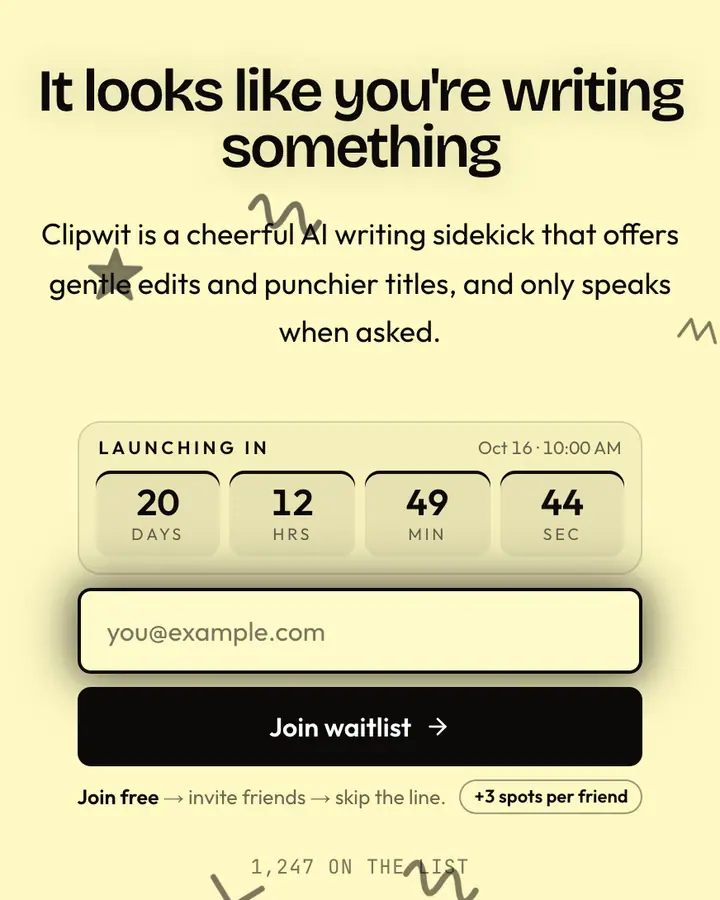
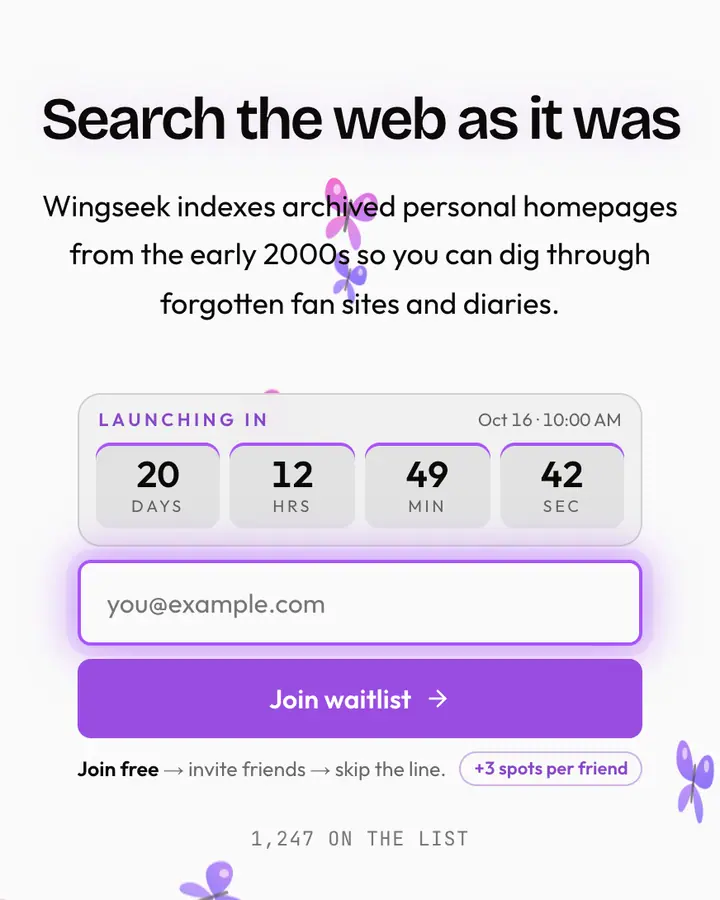
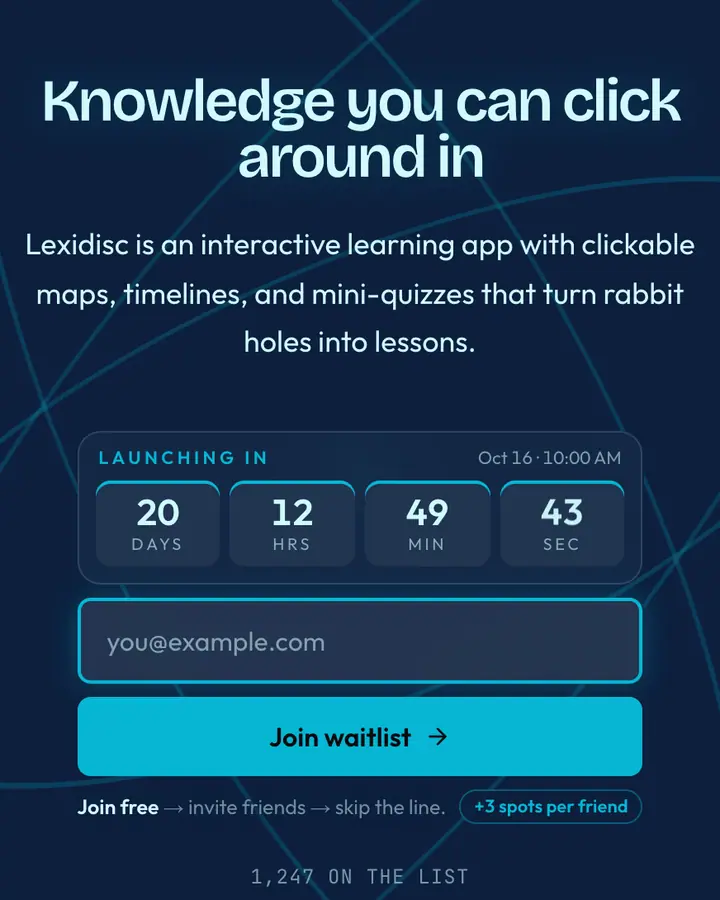
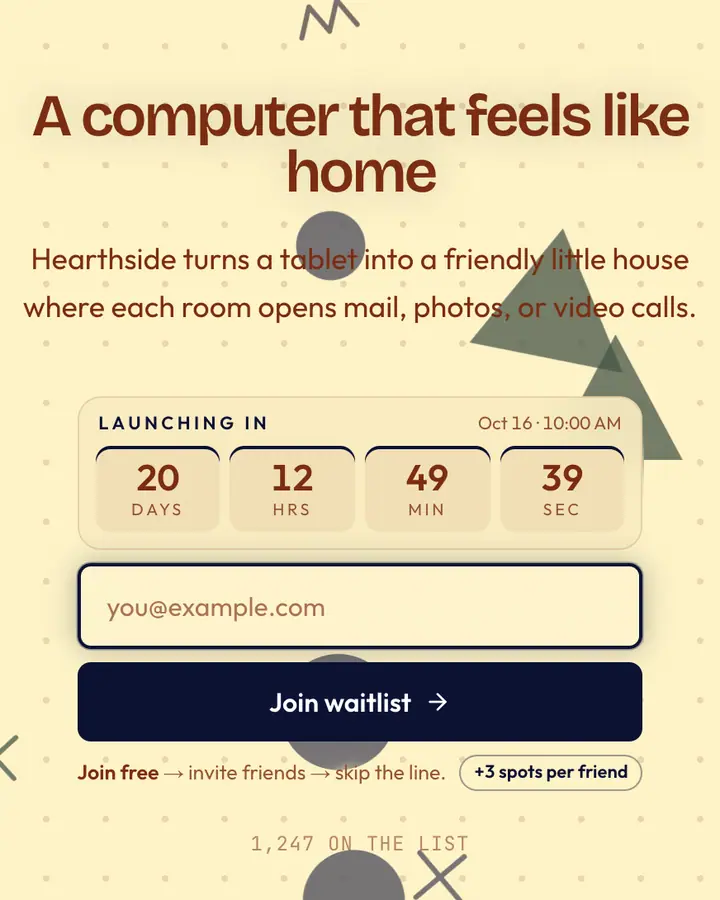
Within Y2K, WordArt Chrome stands out for its light violet accent on a pale sky blue ground. If it is not quite right, Clippy Yellow is also light but leans on a near-black accent and hand-drawn doodles (“Helpful paperclip”). MSN Butterfly is also light but leans on a violet accent and an animated butterflies layer (“Splash butterfly, search”). Encarta Blue flips to a dark deep blue canvas with a vivid cyan accent and concentric orbits (“CD encyclopedia, encyclopedia”). All of them share the same signup, referral and analytics features, so switching later only changes the look.
Launch with WordArt Chrome in three steps
- Click “Use this template” and create a free account; WordArt Chrome is preselected in the page wizard.
- Replace the Bevelry demo copy with your product's headline and one-line pitch, pick a URL, and optionally set a launch date to show a real countdown.
- Publish and share the link. Every subscriber gets a personal referral link, and you watch signups and top referrers arrive in the dashboard.