About the Clippy Yellow template
Clippy Yellow resurrects fever dream of Office Assistant—bright-yellow canvas with solid black accents and text feeling like desperate help dialogs from Windows past. Productivity-automation startups, office-software satire projects, early-web-nostalgia collectives, and parody-product makers use this to signal ironic sincerity about technology's absurdity. The brightness is almost aggressive; the black grounds it. Monitor your referral leaderboard across productivity forums, tech-nostalgia communities, and millennial humor sites. Your real-time analytics track which tech-parody publications drive most joyful signups.
What the demo shows
The live demo on this page launches Clipwit, a made-up product we wrote to show the template with realistic copy: the headline reads “It looks like you're writing something” and the subhead says “Clipwit is a cheerful AI writing sidekick that offers gentle edits and punchier titles, and only speaks when asked.” Below it you see the signup form, a demo launch countdown and the share-to-climb referral panel exactly as a visitor would. Try the form: in the demo nothing is stored. When you use Clippy Yellow, you replace Clipwit with your own product name, headline, subhead and logo; the palette and motion come with it and every colour stays editable.
Design details
Clippy Yellow is a light template: a cream background (#fef9c3), near-black type (#0c0a09) and a near-black accent (#0c0a09) on the join button, the countdown and the referral highlights. Body text sits at a 18.4:1 contrast ratio against the background, comfortably past the WCAG AAA threshold. Behind the copy the page animates with hand-drawn doodles, clearly visible; visitors who ask their device for reduced motion get a still frame instead. Structurally it uses the Minimal layout, shared with 137 other templates, but the palette, the motion and the demo copy are Clippy Yellow's own.
- Background
- #fef9c3
- Accent
- #0c0a09
- Text
- #0c0a09
How it compares
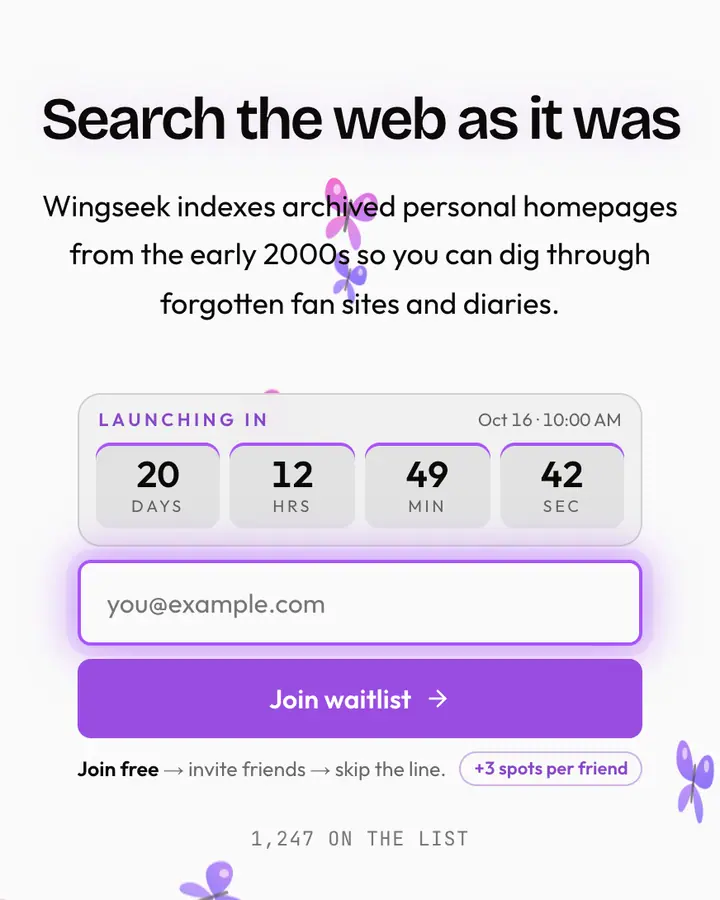
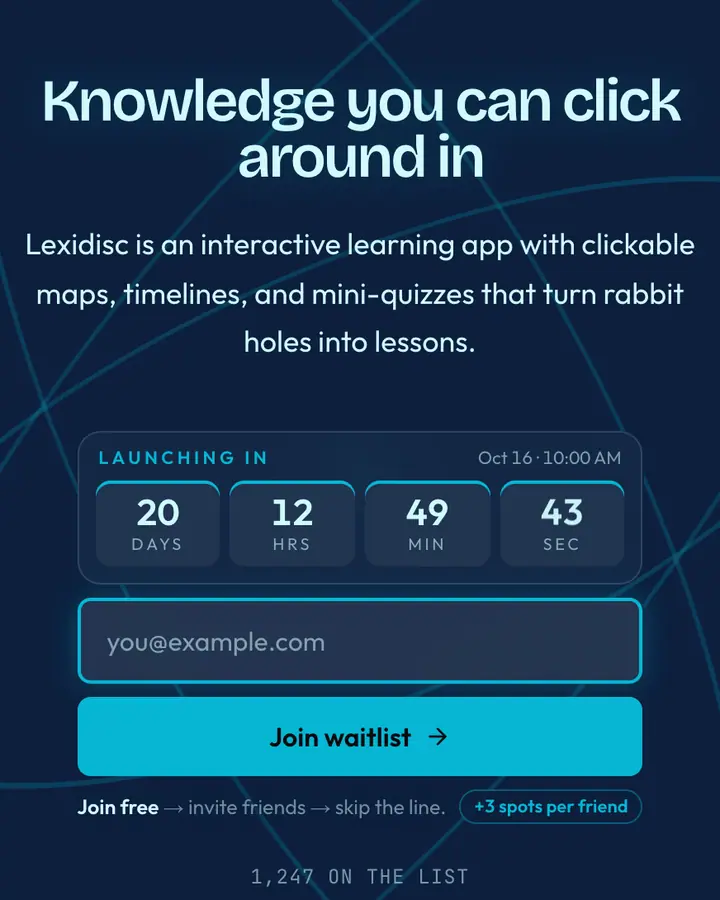
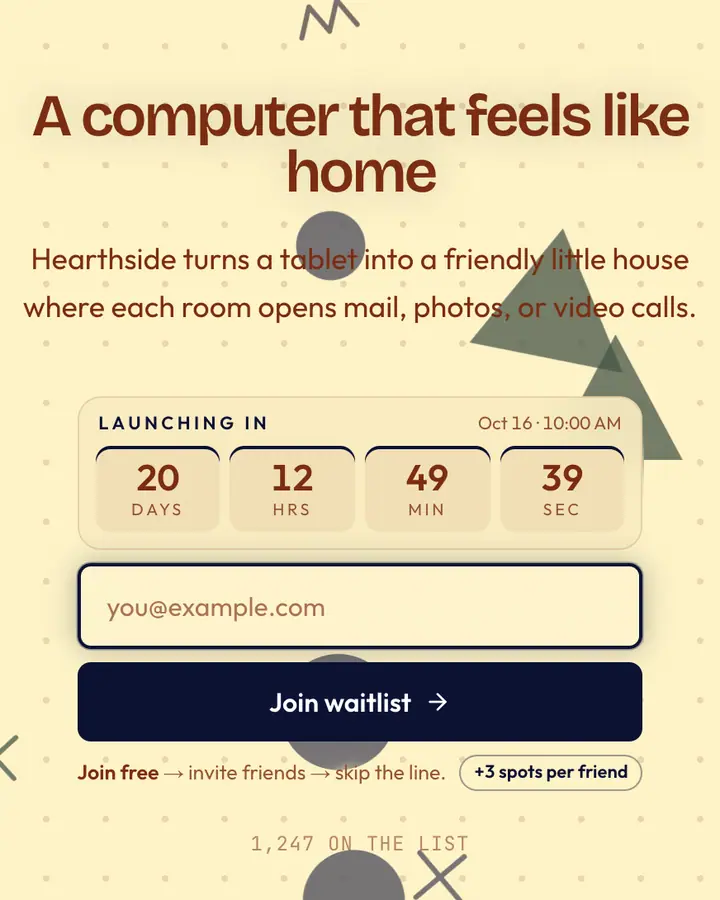
Within Y2K, Clippy Yellow stands out for its near-black accent on a cream ground. If it is not quite right, MSN Butterfly is also light but leans on a violet accent and an animated butterflies layer (“Splash butterfly, search”). Encarta Blue flips to a dark deep blue canvas with a vivid cyan accent and concentric orbits (“CD encyclopedia, encyclopedia”). Microsoft Bob is also light but leans on a deep blue accent and Memphis-style squiggles and shapes (“Bob house, friendly UI”). All of them share the same signup, referral and analytics features, so switching later only changes the look.
Launch with Clippy Yellow in three steps
- Click “Use this template” and create a free account; Clippy Yellow is preselected in the page wizard.
- Replace the Clipwit demo copy with your product's headline and one-line pitch, pick a URL, and optionally set a launch date to show a real countdown.
- Publish and share the link. Every subscriber gets a personal referral link, and you watch signups and top referrers arrive in the dashboard.