What you see in the demo
The live demo on this page launches Hangwall, a made-up product we wrote to show the template with realistic copy: the headline reads “A museum in your browser tab.” and the subhead says “Curate, spotlight and share virtual exhibitions of your own work with a gallery-grade viewing room.” Below it you see the signup form, a demo launch countdown and the share-to-climb referral panel exactly as a visitor would. Try the form: in the demo nothing is stored. When you use Gallery Vault, you replace Hangwall with your own product name, headline, subhead and logo; the palette and motion come with it and every color stays editable.
Who it's for
For artists, galleries, photographers, portfolio platforms, auction houses and online exhibition tools.
Gallery Vault stages the page as a museum room. A narrow cone of warm white light falls from above onto a near-black wall (#1a1a1a) with faint horizontal grain, and a floor vignette fades the edges into darkness while dust motes float through the beam. A top bar reads "The Vault, Room IX" and "Curator, qubed", an eyebrow announces a private collection, and your title hangs like the painting in a display serif with a slim halo. Beneath it, a plaque with a hairline border and four tiny corner screws lists medium and year, and the counter speaks of patrons admitted.
It is made for creative work that deserves presentation: artist portfolios, gallery openings, photography books, virtual exhibition software, auction previews and design archives. The restraint of the gray palette lets the words carry the weight. Every subscriber receives a referral link, and the built-in leaderboard advances them for each friend who signs up through it. Customize colors, copy and logo, add a countdown to opening night, and publish in minutes. Signups show in real-time analytics and export to CSV, free on every plan.
Palette, typography and motion
Gallery Vault is a dark template: a charcoal background (#1a1a1a), white type (#fafafa) and a light gray accent (#d4d4d4) on the join button, the countdown and the referral highlights. Body text sits at a 16.7:1 contrast ratio against the background, comfortably past the WCAG AAA threshold. Behind the copy the page animates with dust motes floating in the light, kept quiet behind the copy; visitors who ask their device for reduced motion get a still frame instead. The layout is hand-built for Gallery Vault and not shared with any other template in the catalog.
- Background
- #1a1a1a
- Accent
- #d4d4d4
- Text
- #fafafa
Copy that suits this editorial & abstract style
Gallery Vault fits a design studio, a portfolio or agency relaunch or a gallery or exhibition opening. Against the charcoal background, a short headline in white type reads first and the light gray button reads second, which is the order you want. A headline like “Limited prints. Numbered.” with the subhead “The first edition goes to the list before it goes online.” matches the editorial & abstract tone. Because the dust-lit motion is kept quiet behind the copy, a two-line subhead is plenty; longer copy fights the background.
Close alternatives
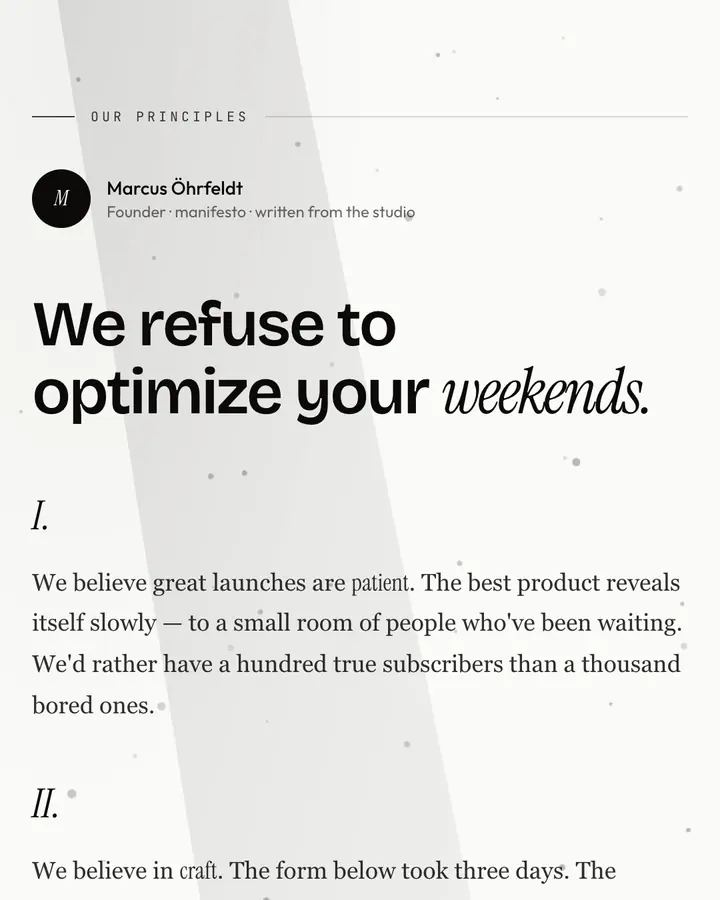
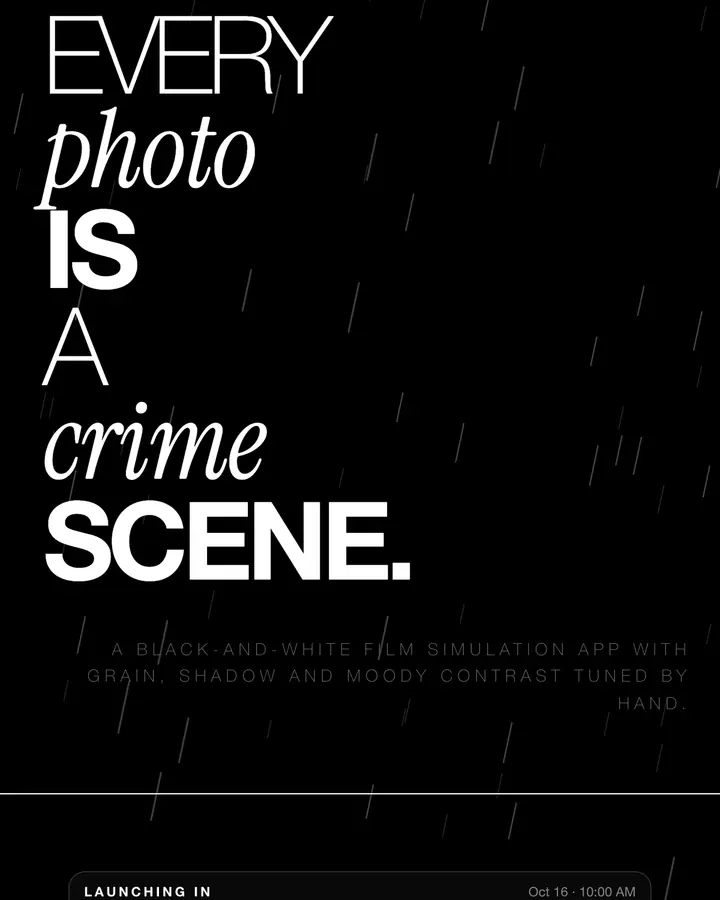
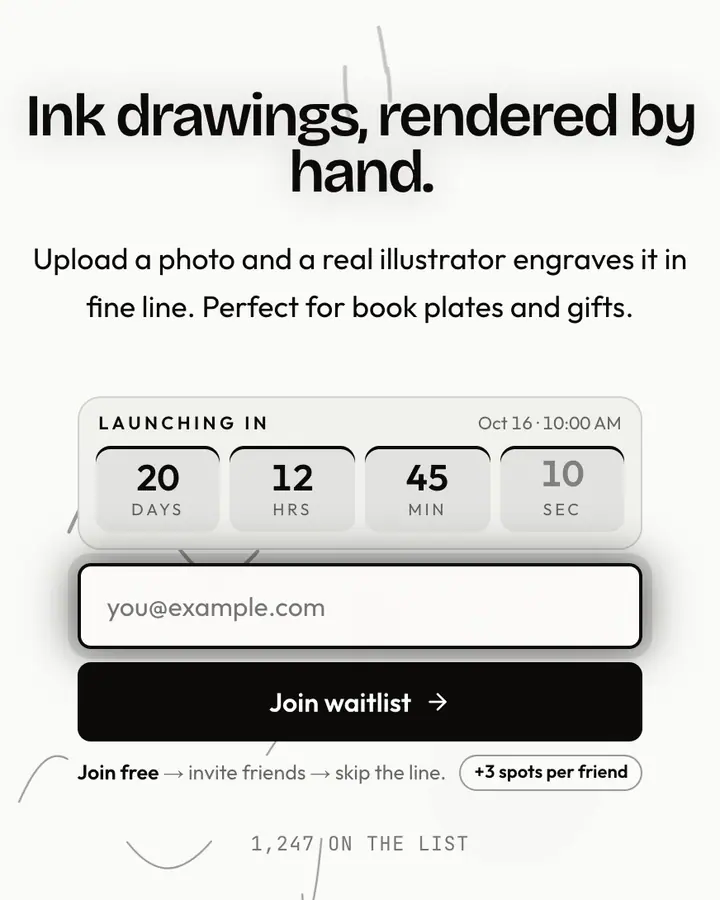
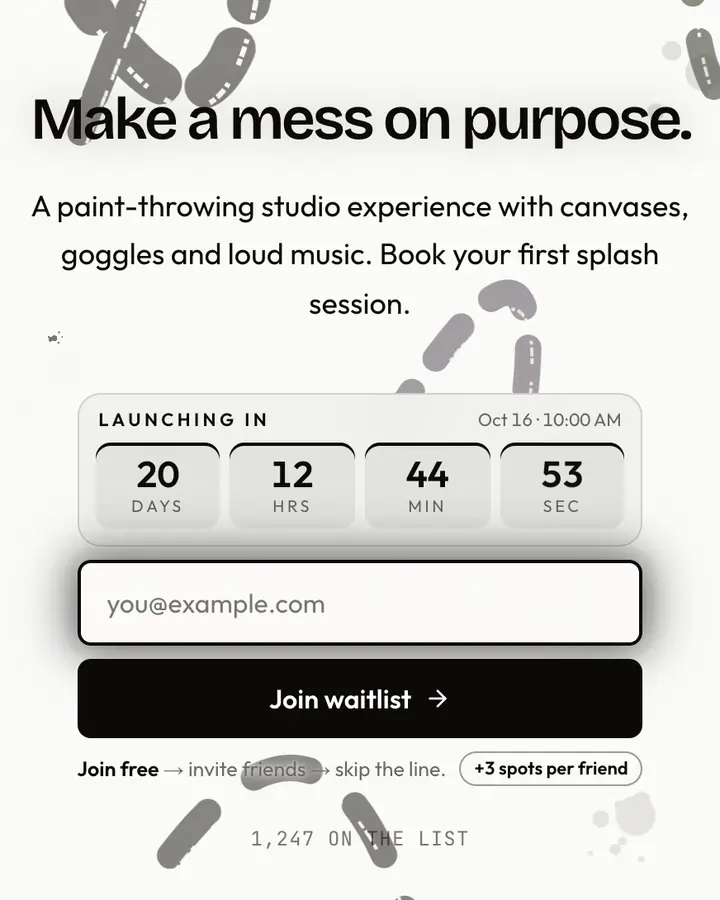
Among the Editorial & Abstract templates, Gallery Vault stands out for its light gray accent on a charcoal ground. If it is not quite right, Manifesto flips to a white canvas with a near-black accent and dust motes floating in the light (“Long-form prose. Founder voice”). Noir is also dark but leans on a white accent and falling rain streaks (“Black, white, dramatic typography”). Durer Engraving flips to a white canvas with a near-black accent and ink blooming through water (“Cross-hatch ink lines”). All of them share the same signup, referral and analytics features, so switching later only changes the look.
Go live with Gallery Vault in three steps
- Click “Use Gallery Vault free” and create a free account; Gallery Vault is preselected in the page wizard.
- Replace the Hangwall demo copy with your product's headline and one-line pitch, pick a URL, and optionally set a launch date to show a real countdown.
- Publish and share the link. Every subscriber gets a personal referral link, and you watch signups and top referrers arrive in the dashboard.
Gallery Vault template FAQ
Is the Gallery Vault template free?
Yes. Gallery Vault is free on every plan, including the Free plan (1 page and 100 subscribers). All 1,000 Qubed templates are included on every plan; paying for Pro raises limits, it doesn't unlock designs.
Can I change Gallery Vault's colors, copy and logo?
Colors and copy are editable on every plan: the charcoal background, the light gray accent, the text color, the headline, subhead and button text. Uploading your own logo is part of Pro ($9.95/month).
Does Gallery Vault include the referral leaderboard and countdown?
Yes. Every signup gets a personal referral link and moves up the line as friends join through it (3 spots per referral by default), and the page shows a countdown when you set a launch date. Leave the date empty and the countdown stays hidden.
Does Gallery Vault work on mobile?
Yes. The layout is responsive, so the headline, signup form, countdown and share panel stack cleanly on a phone. Visitors who turn on reduced motion get a still background instead of the animation.
Can I remove the Qubed badge from a Gallery Vault page?
Yes, on Pro. Free pages show a small "Built with Qubed" badge; Pro ($9.95/month) removes it and adds unlimited pages with up to 10,000 subscribers each.