What the Cambridge River demo shows
The live demo on this page launches Punt & Page, a made-up product we wrote to show the template with realistic copy: the headline reads “A book club that floats.” and the subhead says “Summer reading circles held on river boats. Bring a book, a blanket and an opinion.” Below it you see the signup form, a demo launch countdown and the share-to-climb referral panel exactly as a visitor would. Try the form: in the demo nothing is stored. When you use Cambridge River, you replace Punt & Page with your own product name, headline, subhead and logo; the palette and motion come with it and every color stays editable.
Who it's for
For Oxbridge alumni, literary clubs, and tea-time traditionalists.
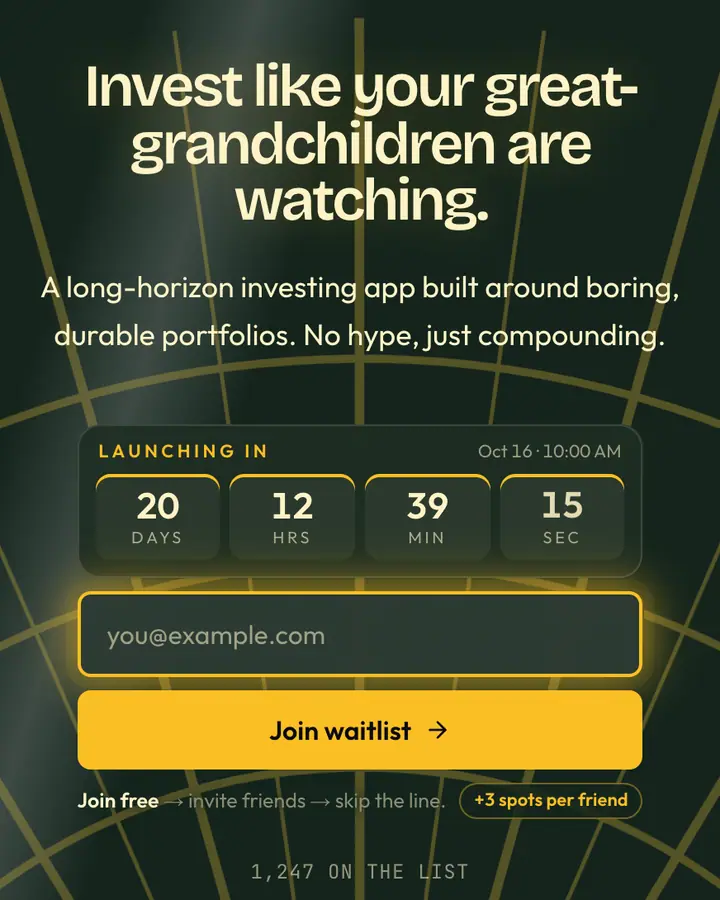
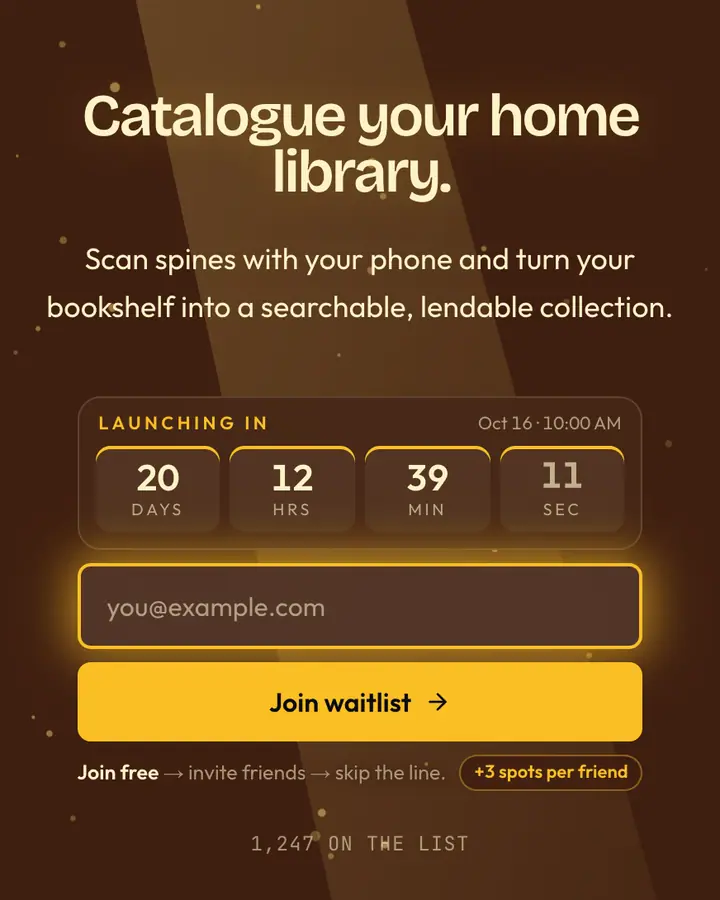
Punt boats drift through pundit-blue waters at tea-time—a dark-academia visual language that appeals to educational tech, classical music platforms, and literary communities. The warm gold accent (like candlelight in an old library) softens the intellectual gravitas without sacrificing it. Monitor which university communities, literary circles, and classical-music enthusiasts join your waitlist with built-in real-time analytics.
Design notes: palette, type and motion
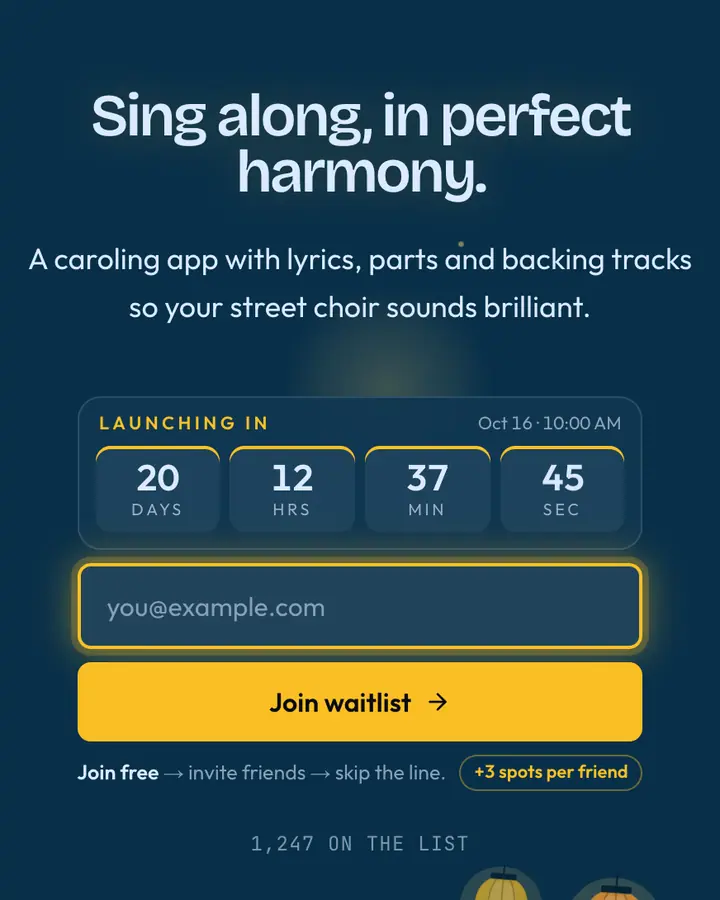
Cambridge River is a dark template: a deep sky blue background (#082f49), pale sky blue type (#dbeafe) and a vivid amber accent (#fbbf24) on the join button, the countdown and the referral highlights. Body text sits at an 11.4:1 contrast ratio against the background, comfortably past the WCAG AAA threshold. Behind the copy the page animates with rolling waves, clearly visible; visitors who ask their device for reduced motion get a still frame instead. Structurally it uses the Letter layout, shared with 77 other templates, but the palette, the motion and the demo copy are Cambridge River's own.
- Background
- #082f49
- Accent
- #fbbf24
- Text
- #dbeafe
Best-fit products and example copy
Cambridge River fits a literary podcast, a writing workshop or a book or course launch. Against the deep sky blue background, a short headline in pale sky blue type reads first and the vivid amber button reads second, which is the order you want. A headline like “Study like it's 1890.” with the subhead “A note-taking app with the patience of a librarian. Join the beta.” matches the dark academia tone. Because the wave motion is clearly visible, a two-line subhead is plenty; longer copy fights the background.
Close alternatives
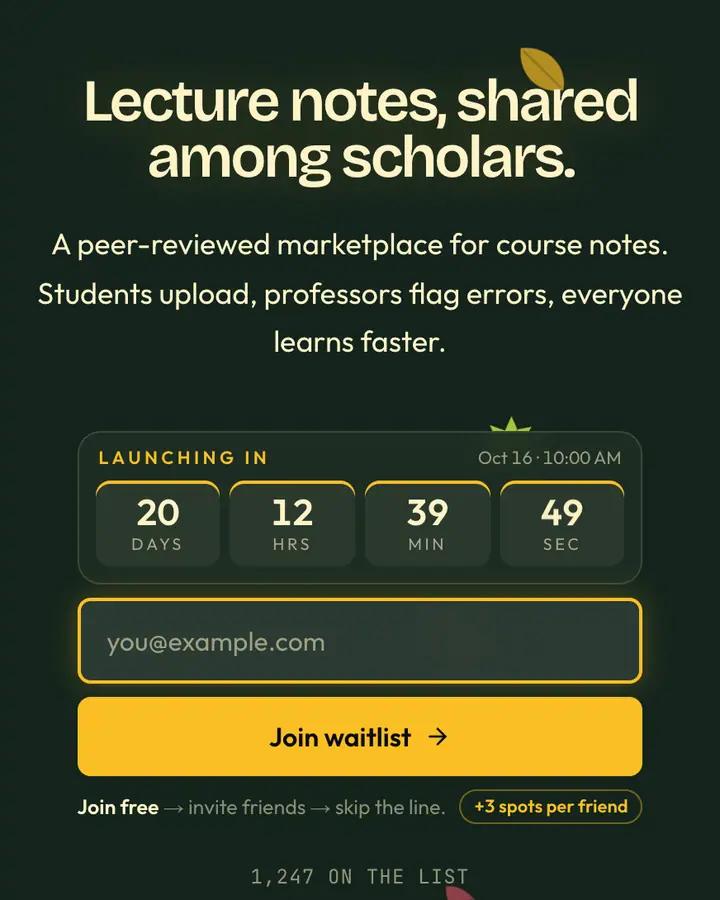
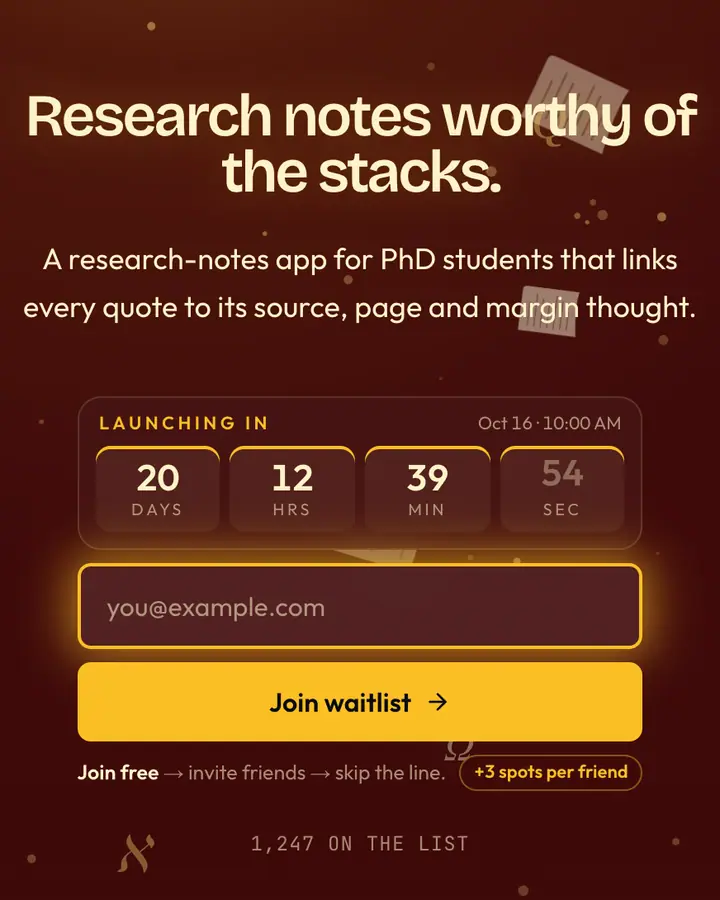
Among the Dark Academia templates, Cambridge River stands out for its vivid amber accent on a deep sky blue ground. If it is not quite right, Old Money is also dark but leans on a vivid amber accent and Art Deco fans and sunbursts (“Hunter green, brass clasp”). Ivy Green is also dark but leans on a vivid amber accent and leaves tumbling through the frame (“University green, brass plaque”). Library Burgundy is also dark but leans on a vivid amber accent and an animated pages layer (“Leather chairs, oxblood spines”). All of them share the same signup, referral and analytics features, so switching later only changes the look.
Go live with Cambridge River in three steps
- Click “Use Cambridge River free” and create a free account; Cambridge River is preselected in the page wizard.
- Replace the Punt & Page demo copy with your product's headline and one-line pitch, pick a URL, and optionally set a launch date to show a real countdown.
- Publish and share the link. Every subscriber gets a personal referral link, and you watch signups and top referrers arrive in the dashboard.
Cambridge River template FAQ
Is the Cambridge River template free?
Yes. Cambridge River is free on every plan, including the Free plan (1 page and 100 subscribers). All 1,000 Qubed templates are included on every plan; paying for Pro raises limits, it doesn't unlock designs.
Can I change Cambridge River's colors, copy and logo?
Colors and copy are editable on every plan: the deep sky blue background, the vivid amber accent, the text color, the headline, subhead and button text. Uploading your own logo is part of Pro ($9.95/month).
Does Cambridge River include the referral leaderboard and countdown?
Yes. Every signup gets a personal referral link and moves up the line as friends join through it (3 spots per referral by default), and the page shows a countdown when you set a launch date. Leave the date empty and the countdown stays hidden.
Does Cambridge River work on mobile?
Yes. The layout is responsive, so the headline, signup form, countdown and share panel stack cleanly on a phone. Visitors who turn on reduced motion get a still background instead of the animation.
Can I remove the Qubed badge from a Cambridge River page?
Yes, on Pro. Free pages show a small "Built with Qubed" badge; Pro ($9.95/month) removes it and adds unlimited pages with up to 10,000 subscribers each.