About the Sapphire Pane template
Sapphire Pane harnesses glassmorph design principles with a deep navy background and bright blue accents that appear to float behind frosted glass layers. The pale blue text (#dbeafe) creates depth without sacrificing legibility, ideal for modern SaaS platforms, fintech apps, and premium digital products. Use Qubed's real-time analytics to see which calls-to-action drive the most conversions, then adjust your copy placement for maximum impact.
What the demo shows
The live demo on this page launches Gemstack, a made-up product we wrote to show the template with realistic copy: the headline reads “Ship features behind a velvet rope” and the subhead says “Gemstack rolls out new features to hand-picked users first, then opens the doors to everyone with a single toggle.” Below it you see the signup form, a demo launch countdown and the share-to-climb referral panel exactly as a visitor would. Try the form: in the demo nothing is stored. When you use Sapphire Pane, you replace Gemstack with your own product name, headline, subhead and logo; the palette and motion come with it and every colour stays editable.
Design details
Sapphire Pane is a dark template: a deep blue background (#0c1233), pale sky blue type (#dbeafe) and a vivid blue accent (#3b82f6) on the join button, the countdown and the referral highlights. Body text sits at a 15:1 contrast ratio against the background, comfortably past the WCAG AAA threshold. Behind the copy the page animates with gem-like facets catching the light, front and centre; visitors who ask their device for reduced motion get a still frame instead. Structurally it uses the Glass layout, shared with 82 other templates, but the palette, the motion and the demo copy are Sapphire Pane's own.
- Background
- #0c1233
- Accent
- #3b82f6
- Text
- #dbeafe
How it compares
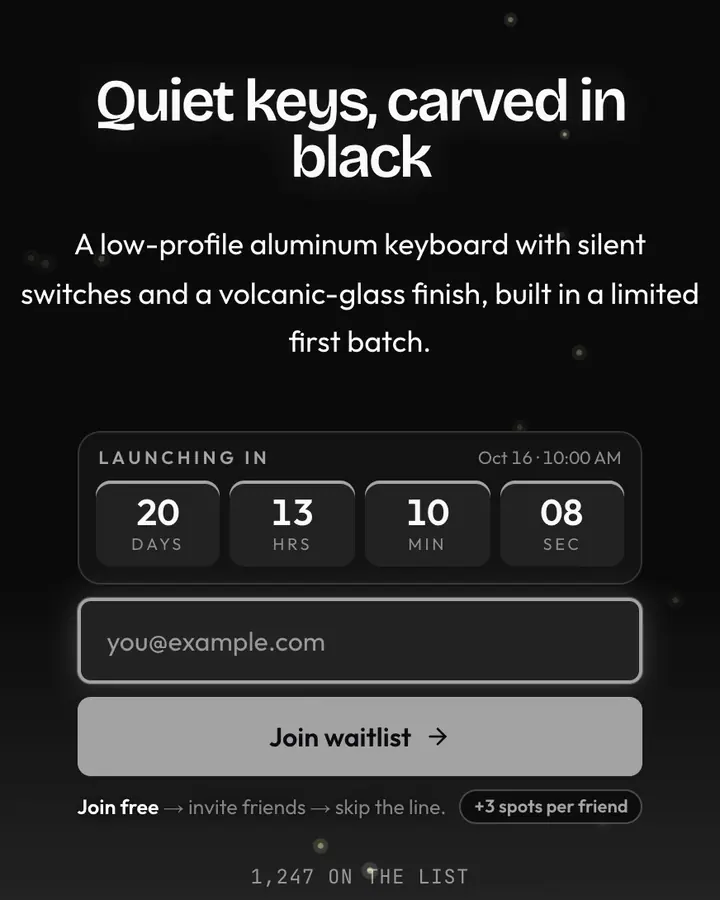
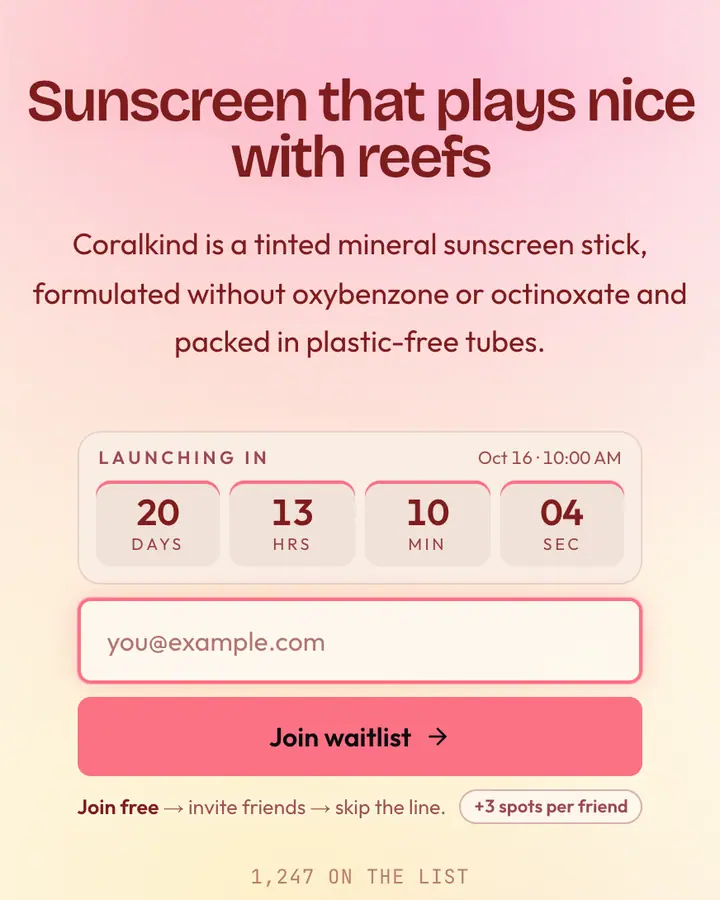
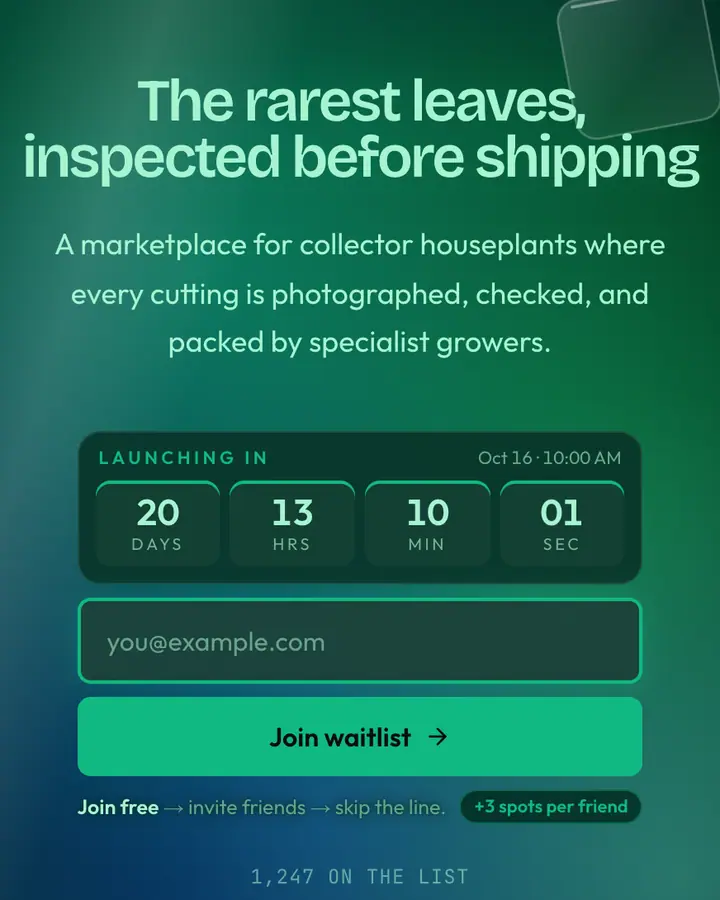
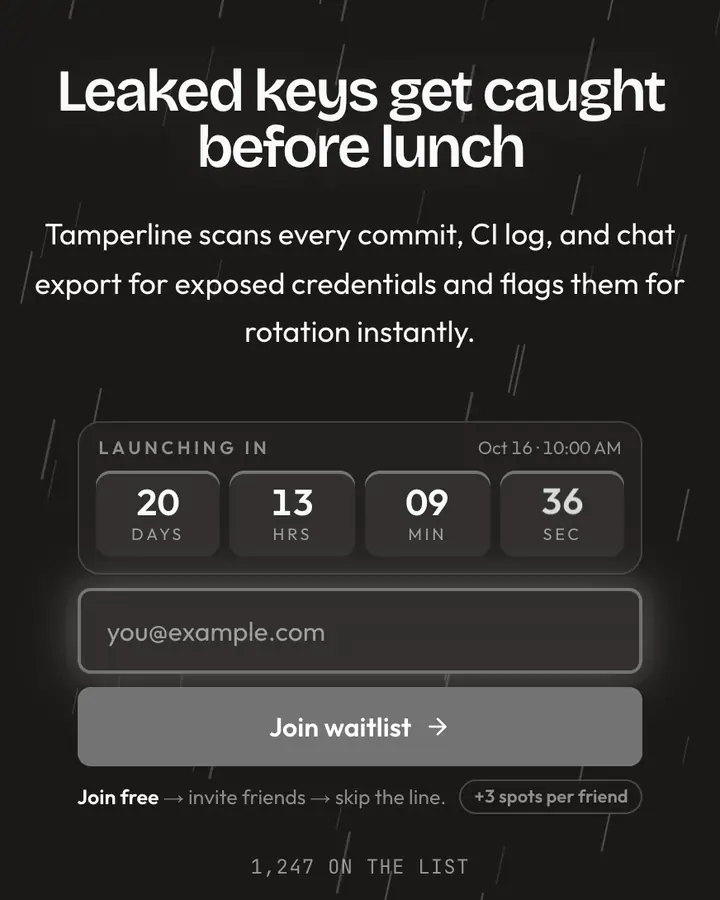
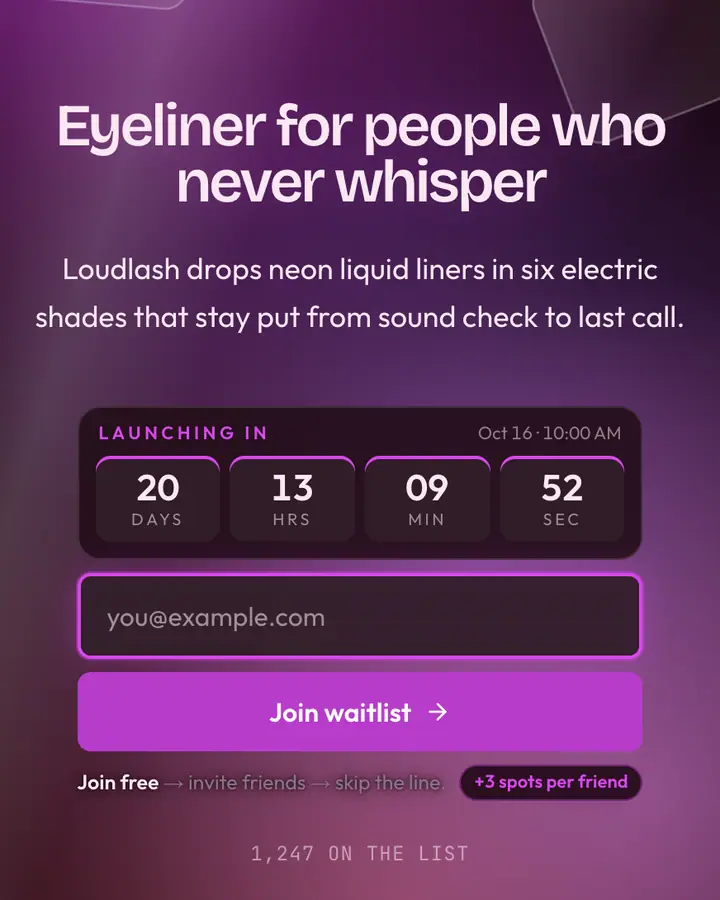
Within Glassmorph, Sapphire Pane stands out for its vivid blue accent on a deep blue ground. If it is not quite right, Onyx Glass is also dark but leans on a mid grey accent and glowing embers rising (“Black volcanic blur”). Coral Pane flips to a light orange-tinted white canvas with a light rose accent and slow-morphing gradient blobs (“Warm coral through ice”). Emerald Glass is also dark but leans on an emerald accent and an animated glass bloom layer (“Jewel-green frost card”). All of them share the same signup, referral and analytics features, so switching later only changes the look.
Launch with Sapphire Pane in three steps
- Click “Use this template” and create a free account; Sapphire Pane is preselected in the page wizard.
- Replace the Gemstack demo copy with your product's headline and one-line pitch, pick a URL, and optionally set a launch date to show a real countdown.
- Publish and share the link. Every subscriber gets a personal referral link, and you watch signups and top referrers arrive in the dashboard.