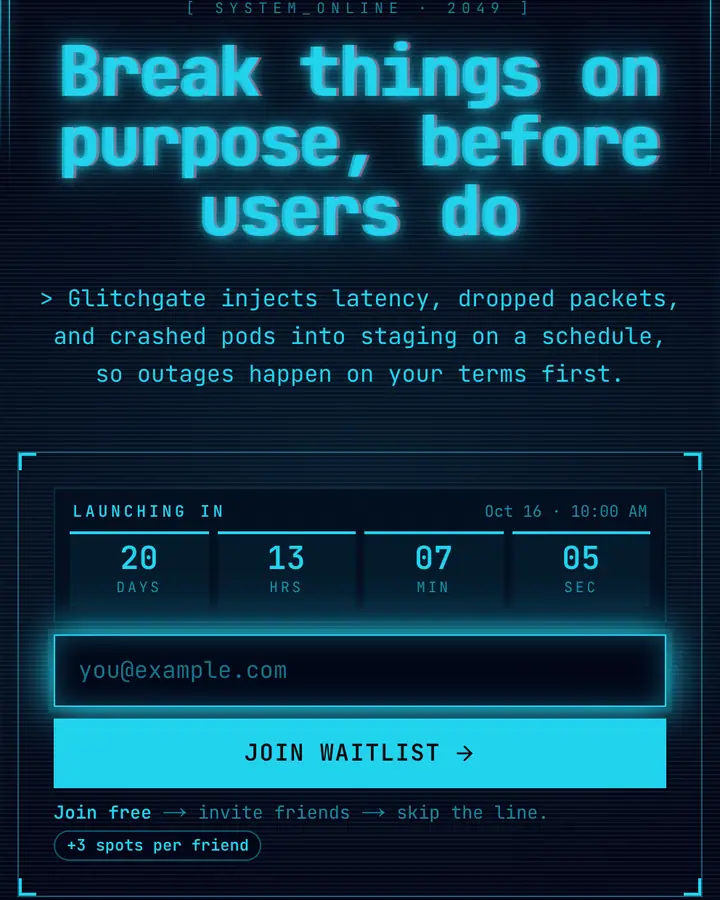
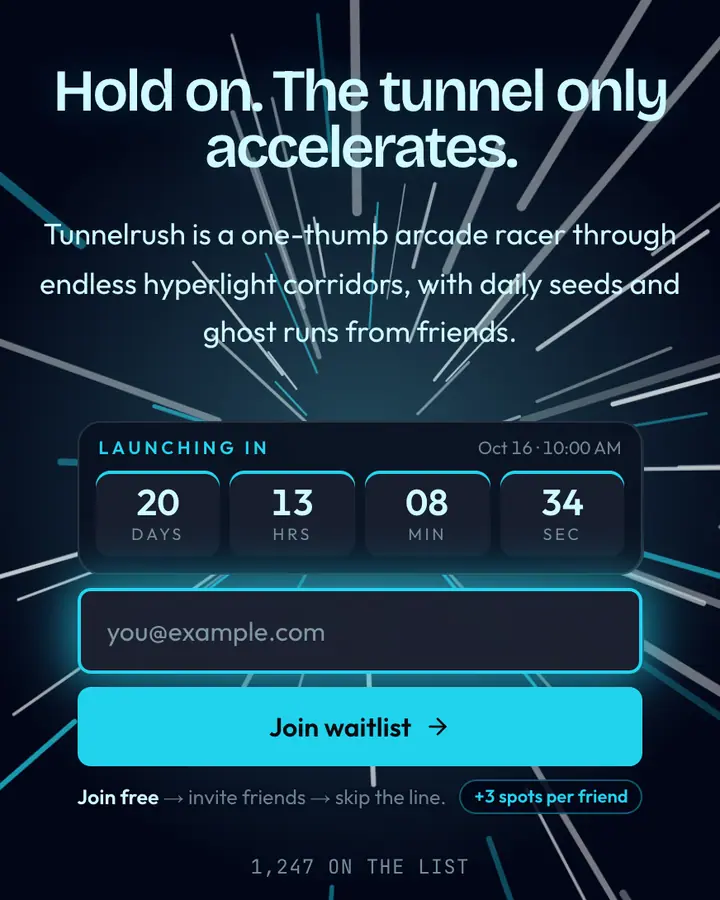
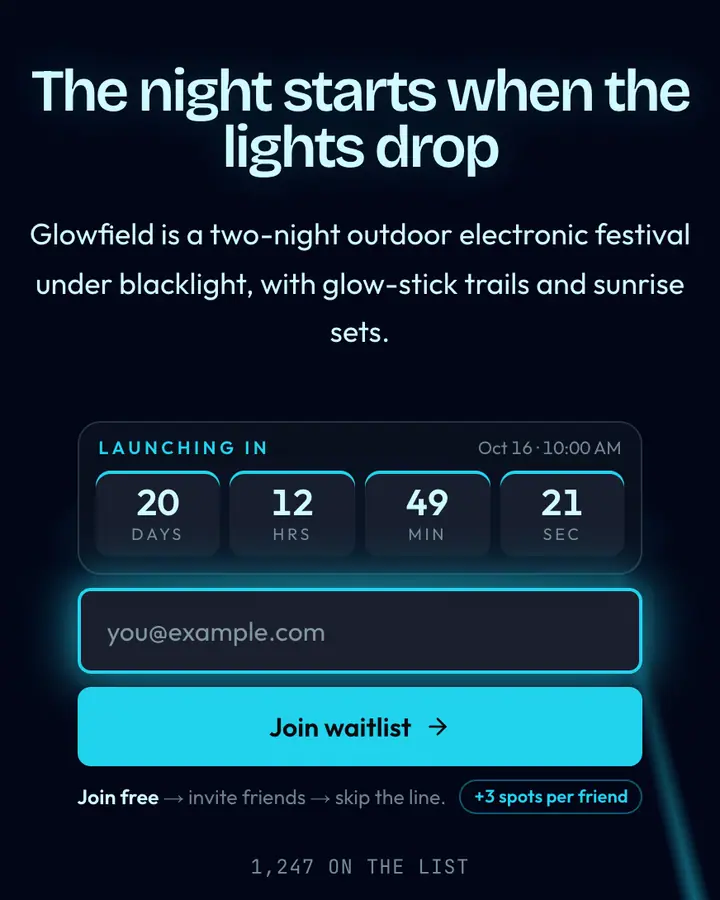
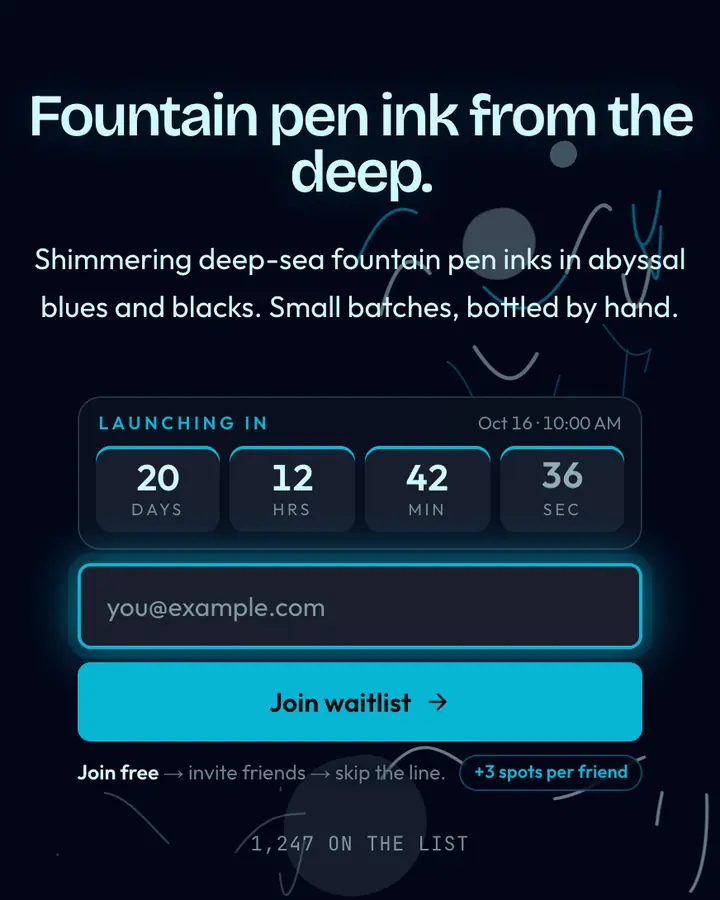
What you see in the demo
The live demo on this page launches Halo Rink, a made-up product we wrote to show the template with realistic copy: the headline reads “Taste, shown in circles” and the subhead says “An invite-only design social where you pin work in concentric rings, closest to your heart in the middle.” Below it you see the signup form, a demo launch countdown and the share-to-climb referral panel exactly as a visitor would. Try the form: in the demo nothing is stored. When you use Peacock Rings, you replace Halo Rink with your own product name, headline, subhead and logo; the palette and motion come with it and every color stays editable.
Who Peacock Rings is for
For design communities, creative social apps, portfolio tools and invite-only networks that grow in circles of friends.
Peacock Rings replaces sparks with geometry. Four staggered centers fire sets of concentric rings on a six-second cycle, each ring in one color from a cool-to-warm peacock sequence of cyan, violet, pink and amber, so one or two circles are always expanding across the navy-black background (#020617). The headline italic is filled with a gradient rather than a flat color, and a glowing mono pill reads "Rings expanding, peacock sky". When the first subscribers arrive, a small line beneath the form counts the circles widening outward.
The ripple motif is a natural fit for anything that spreads through invitations: design social networks, creative communities, portfolio platforms, club-style apps. That matches how the built-in referral system works, since each subscriber gets a personal link and rises on the leaderboard when friends join through it. The palette is fully editable, as are the copy and logo, and the page goes live in roughly a minute. Signups appear in real-time analytics and can be downloaded as CSV, and the template is included free on every Qubed plan.
Palette, typography and motion
Peacock Rings is a dark template: a near-black blue background (#020617), violet type (#a855f7) and a vivid cyan accent (#22d3ee) on the join button, the countdown and the referral highlights. Body text sits at a 5.1:1 contrast ratio against the background, which clears WCAG AA for body copy. The background is deliberately still, so all of the attention goes to the headline and the form. The layout is hand-built for Peacock Rings and not shared with any other template in the catalog.
- Background
- #020617
- Accent
- #22d3ee
- Text
- #a855f7
Copy that suits this luxury style
Peacock Rings fits a high-end fashion pre-order, a members' club or a premium subscription box. Against the near-black blue background, a short headline in violet type reads first and the vivid cyan button reads second, which is the order you want. A headline like “By invitation only.” with the subhead “A small first edition, released to the list before anyone else.” matches the luxury tone. With no background motion to compete with, Peacock Rings can carry a slightly longer subhead if your product needs one extra sentence.
Peacock Rings vs. similar luxury templates
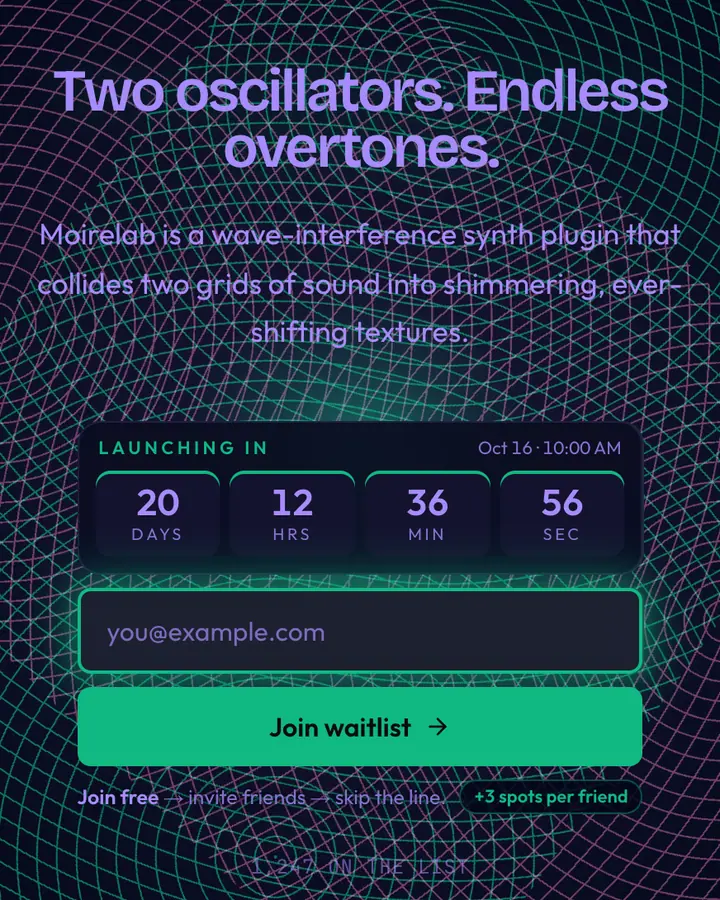
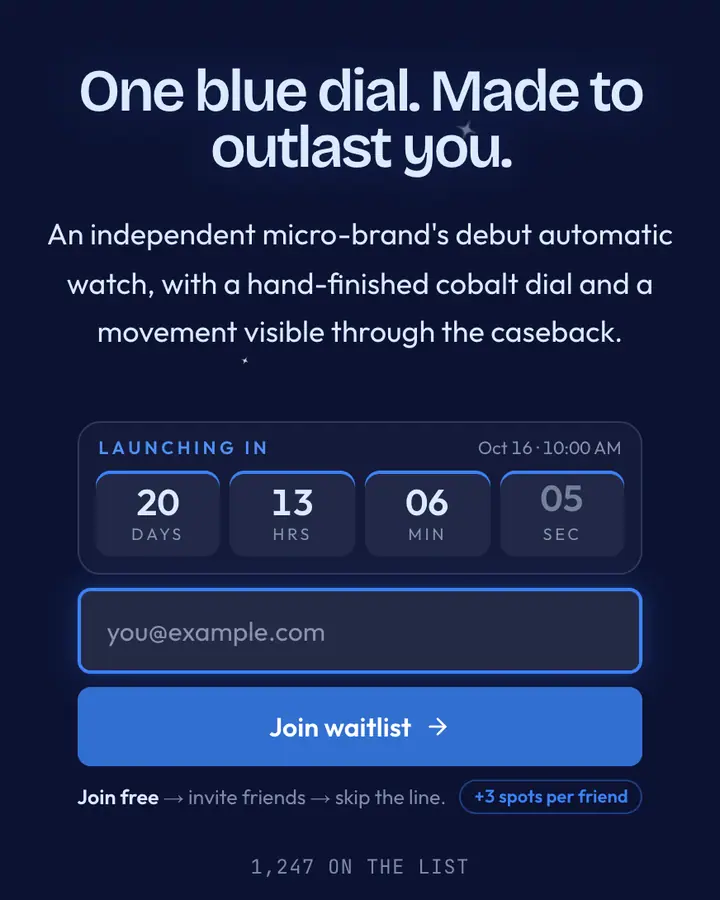
Among the Luxury templates, Peacock Rings stands out for its vivid cyan accent on a near-black blue ground. If it is not quite right, Diamond Dust is also dark but leans on a pale cyan accent and scattered sparkles (“Faint shimmer on midnight”). Wave Interference is also dark but leans on an emerald accent (“Two grids collide. Moiré, hue-shifting”). Sapphire Ring is also dark but leans on a vivid blue accent and gem-like facets catching the light (“Cobalt jewel, white gold”). All of them share the same signup, referral and analytics features, so switching later only changes the look.
Launch with Peacock Rings in three steps
- Click “Use Peacock Rings free” and create a free account; Peacock Rings is preselected in the page wizard.
- Replace the Halo Rink demo copy with your product's headline and one-line pitch, pick a URL, and optionally set a launch date to show a real countdown.
- Publish and share the link. Every subscriber gets a personal referral link, and you watch signups and top referrers arrive in the dashboard.
Common questions about Peacock Rings
Is the Peacock Rings template free?
Yes. Peacock Rings is free on every plan, including the Free plan (1 page and 100 subscribers). All 1,000 Qubed templates are included on every plan; paying for Pro raises limits, it doesn't unlock designs.
Can I change Peacock Rings's colors, copy and logo?
Colors and copy are editable on every plan: the near-black blue background, the vivid cyan accent, the text color, the headline, subhead and button text. Uploading your own logo is part of Pro ($9.95/month).
Does Peacock Rings include the referral leaderboard and countdown?
Yes. Every signup gets a personal referral link and moves up the line as friends join through it (3 spots per referral by default), and the page shows a countdown when you set a launch date. Leave the date empty and the countdown stays hidden.
Does Peacock Rings work on mobile?
Yes. The layout is responsive, so the headline, signup form, countdown and share panel stack cleanly on a phone.
Can I remove the Qubed badge from a Peacock Rings page?
Yes, on Pro. Free pages show a small "Built with Qubed" badge; Pro ($9.95/month) removes it and adds unlimited pages with up to 10,000 subscribers each.