About the Wave Interference template
Wave Interference layers two radial wave grids on top of each other and turns them in opposite directions at different speeds. Where the lines cross, a moiré pattern emerges and keeps shifting, while a slow hue rotation on one layer and a gentle breathing pulse keep the colours moving. The canvas is a deep navy (#020617) with an emerald accent (#10b981) and lavender text, and a lens-flare halo marks the point where the two patterns collide. The page follows Qubed's full-screen effect layout, with your headline and form centred above a soft vignette.
It is a natural fit for sound and signal products: synth plugins, audio-analysis software, physics simulators, research instruments and generative-art tools. The optical effect rewards a second look, which helps a teaser page feel alive between announcements. Each subscriber gets a personal share link, and the built-in referral leaderboard lifts them in line when others join through it. Change the palette, copy and logo, enable a countdown if a date is set, and track signups through real-time analytics with CSV export. Free on every plan.
What the demo shows
The live demo on this page launches Moirelab, a made-up product we wrote to show the template with realistic copy: the headline reads “Two oscillators. Endless overtones.” and the subhead says “Moirelab is a wave-interference synth plugin that collides two grids of sound into shimmering, ever-shifting textures.” Below it you see the signup form, a demo launch countdown and the share-to-climb referral panel exactly as a visitor would. Try the form: in the demo nothing is stored. When you use Wave Interference, you replace Moirelab with your own product name, headline, subhead and logo; the palette and motion come with it and every colour stays editable.
Design details
Wave Interference is a dark template: a near-black blue background (#020617), light violet type (#a78bfa) and an emerald accent (#10b981) on the join button, the countdown and the referral highlights. Body text sits at a 7.4:1 contrast ratio against the background, comfortably past the WCAG AAA threshold. The background is deliberately still, so all of the attention goes to the headline and the form. The layout is hand-built for Wave Interference and not shared with any other template in the catalogue.
- Background
- #020617
- Accent
- #10b981
- Text
- #a78bfa
How it compares
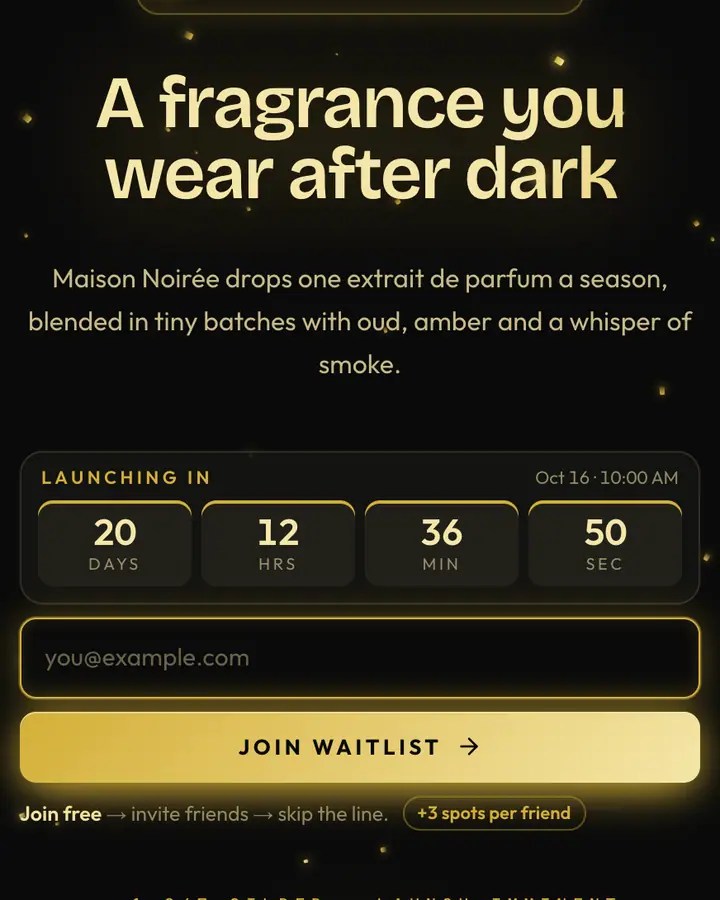
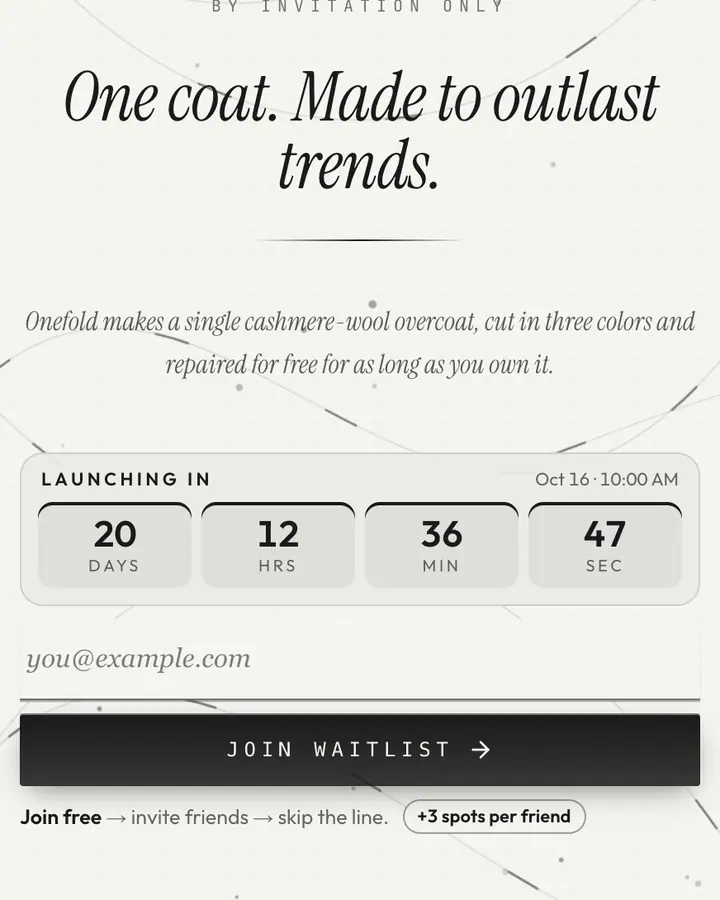
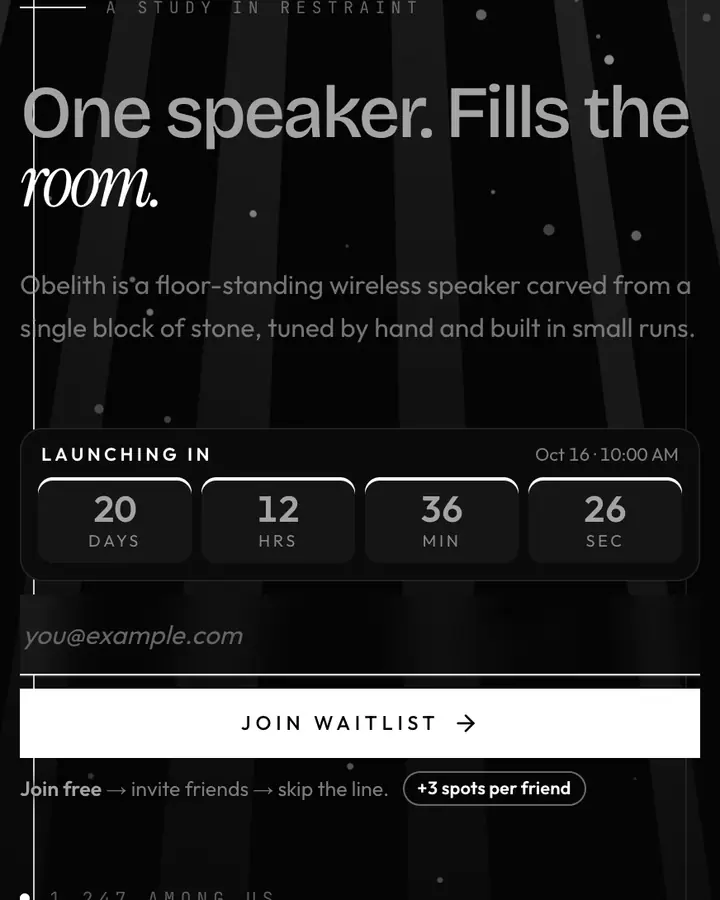
Within Luxury, Wave Interference stands out for its emerald accent on a near-black blue ground. If it is not quite right, Midnight Gold is also dark but leans on an amber accent (“Black + gold luxury. Serif type. Filaments of light”). Quiet Luxury flips to a light white canvas with a charcoal accent and threads of gold weaving through (“Vast whitespace. One horizon. One dot. Nothing extra”). Monolith is also dark but leans on a white accent and shafts of light falling through the frame (“A single shimmering obelisk. Centered. Imposing”). All of them share the same signup, referral and analytics features, so switching later only changes the look.
Launch with Wave Interference in three steps
- Click “Use this template” and create a free account; Wave Interference is preselected in the page wizard.
- Replace the Moirelab demo copy with your product's headline and one-line pitch, pick a URL, and optionally set a launch date to show a real countdown.
- Publish and share the link. Every subscriber gets a personal referral link, and you watch signups and top referrers arrive in the dashboard.