Inside the Magritte Apple demo
The live demo on this page launches Notapipe, a made-up product we wrote to show the template with realistic copy: the headline reads “This is not a boring meeting.” and the subhead says “A video call background app that swaps your room for surreal scenes. Make standups strange again.” Below it you see the signup form, a demo launch countdown and the share-to-climb referral panel exactly as a visitor would. Try the form: in the demo nothing is stored. When you use Magritte Apple, you replace Notapipe with your own product name, headline, subhead and logo; the palette and motion come with it and every color stays editable.
Who Magritte Apple is for
For surrealist collectives, philosophy departments, and conceptual pranksters.
Magritte Apple channels surrealism's deadpan wonder—a soft baby-blue background suggests cloudless sky and simplicity, while a bold grass-green accent pops like the apple in the famous bowler-hat painting. Deep navy text reads with dry, understated precision. Conceptual artists, experimental designers, art collectives, and anyone attracted to the absurd as a gateway to truth thrive here. Invite collaborators to join early with Qubed's referral leaderboard and watch your surrealist community compound.
How Magritte Apple is designed
Magritte Apple is a light template: a pale sky blue background (#dbeafe), deep blue type (#0c1233) and an emerald accent (#16a34a) on the join button, the countdown and the referral highlights. Body text sits at a 15:1 contrast ratio against the background, comfortably past the WCAG AAA threshold. Behind the copy the page animates with clouds drifting past, clearly visible; visitors who ask their device for reduced motion get a still frame instead. Structurally it uses the Editorial layout, shared with 55 other templates, but the palette, the motion and the demo copy are Magritte Apple's own.
- Background
- #dbeafe
- Accent
- #16a34a
- Text
- #0c1233
Best-fit products and example copy
Magritte Apple fits a creative course, a newsletter or magazine or an art print or book launch. On a pale sky blue page, keep the headline short and let the emerald button carry the action. A headline like “A studio, relaunched.” with the subhead “New work, new services, same obsession with craft. Join the list.” matches the editorial & abstract tone. Because the cloudy motion is clearly visible, a two-line subhead is plenty; longer copy fights the background.
Close alternatives
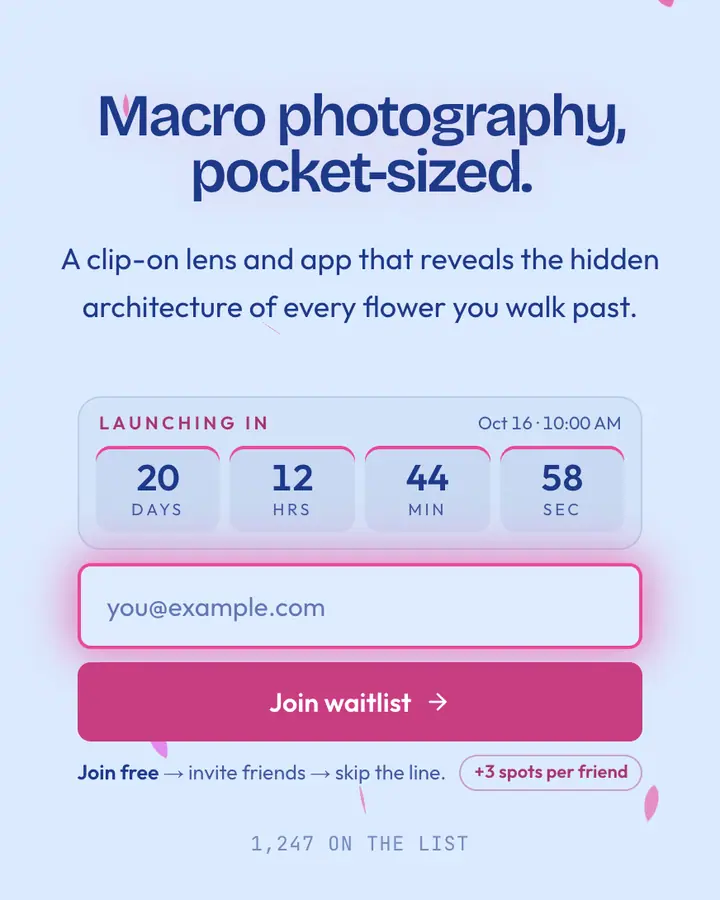
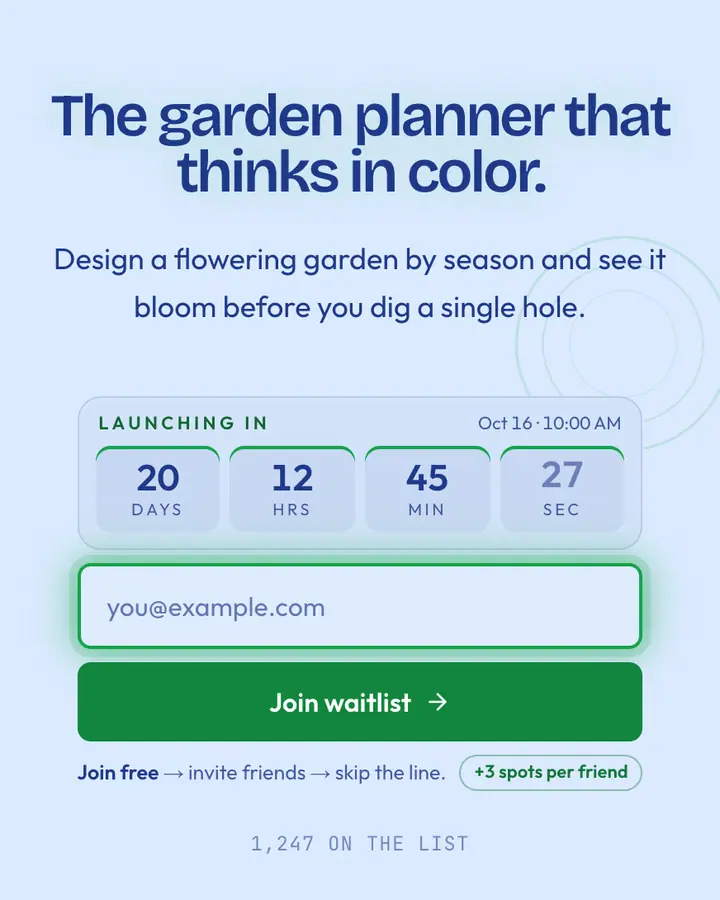
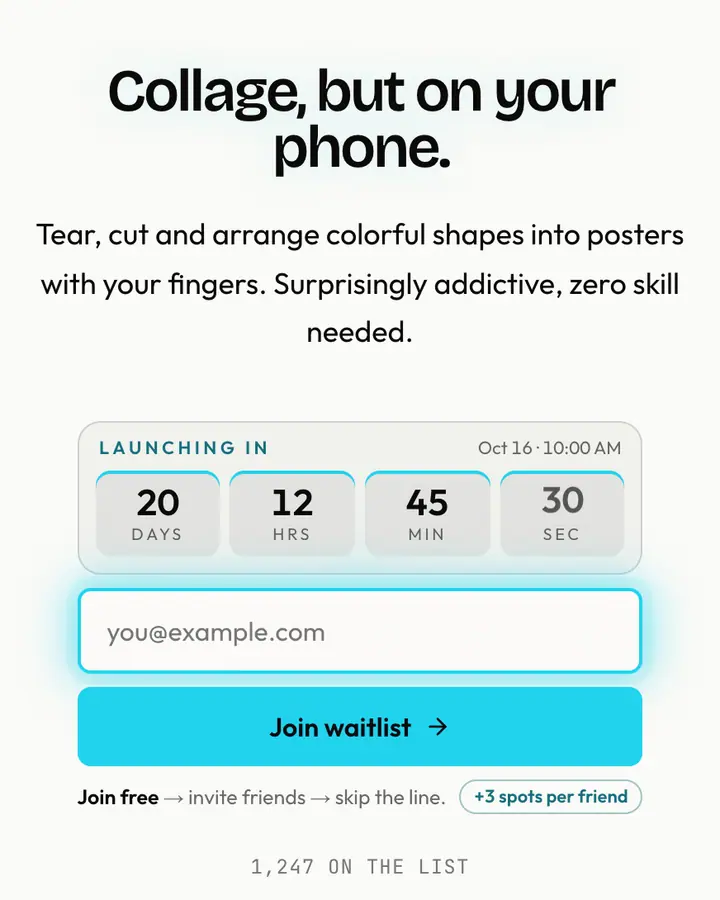
Among the Editorial & Abstract templates, Magritte Apple stands out for its emerald accent on a pale sky blue ground. If it is not quite right, O Keeffe Flower is also light but leans on a vivid pink accent and petals drifting down (“Petal close-up, sky blue”). Monet Pond is also light but leans on an emerald accent and ripples spreading across still water (“Water lilies, soft brush”). Matisse Cut-Out is also light but leans on a vivid cyan accent and leaves tumbling through the frame (“Bold paper shapes”). All of them share the same signup, referral and analytics features, so switching later only changes the look.
Go live with Magritte Apple in three steps
- Click “Use Magritte Apple free” and create a free account; Magritte Apple is preselected in the page wizard.
- Replace the Notapipe demo copy with your product's headline and one-line pitch, pick a URL, and optionally set a launch date to show a real countdown.
- Publish and share the link. Every subscriber gets a personal referral link, and you watch signups and top referrers arrive in the dashboard.
Common questions about Magritte Apple
Is the Magritte Apple template free?
Yes. Magritte Apple is free on every plan, including the Free plan (1 page and 100 subscribers). All 1,000 Qubed templates are included on every plan; paying for Pro raises limits, it doesn't unlock designs.
Can I change Magritte Apple's colors, copy and logo?
Colors and copy are editable on every plan: the pale sky blue background, the emerald accent, the text color, the headline, subhead and button text. Uploading your own logo is part of Pro ($9.95/month).
Does Magritte Apple include the referral leaderboard and countdown?
Yes. Every signup gets a personal referral link and moves up the line as friends join through it (3 spots per referral by default), and the page shows a countdown when you set a launch date. Leave the date empty and the countdown stays hidden.
Does Magritte Apple work on mobile?
Yes. The layout is responsive, so the headline, signup form, countdown and share panel stack cleanly on a phone. Visitors who turn on reduced motion get a still background instead of the animation.
Can I remove the Qubed badge from a Magritte Apple page?
Yes, on Pro. Free pages show a small "Built with Qubed" badge; Pro ($9.95/month) removes it and adds unlimited pages with up to 10,000 subscribers each.